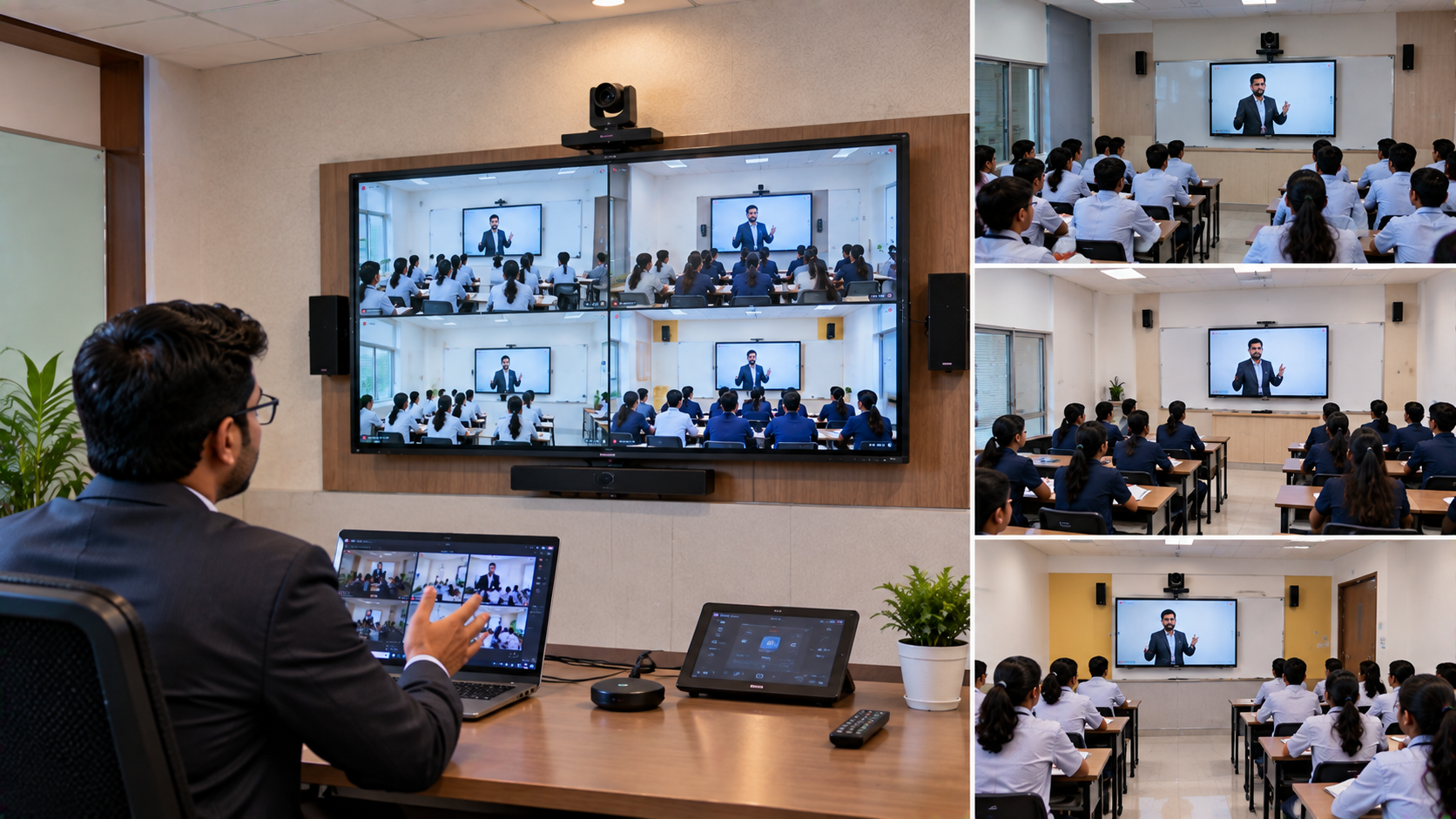
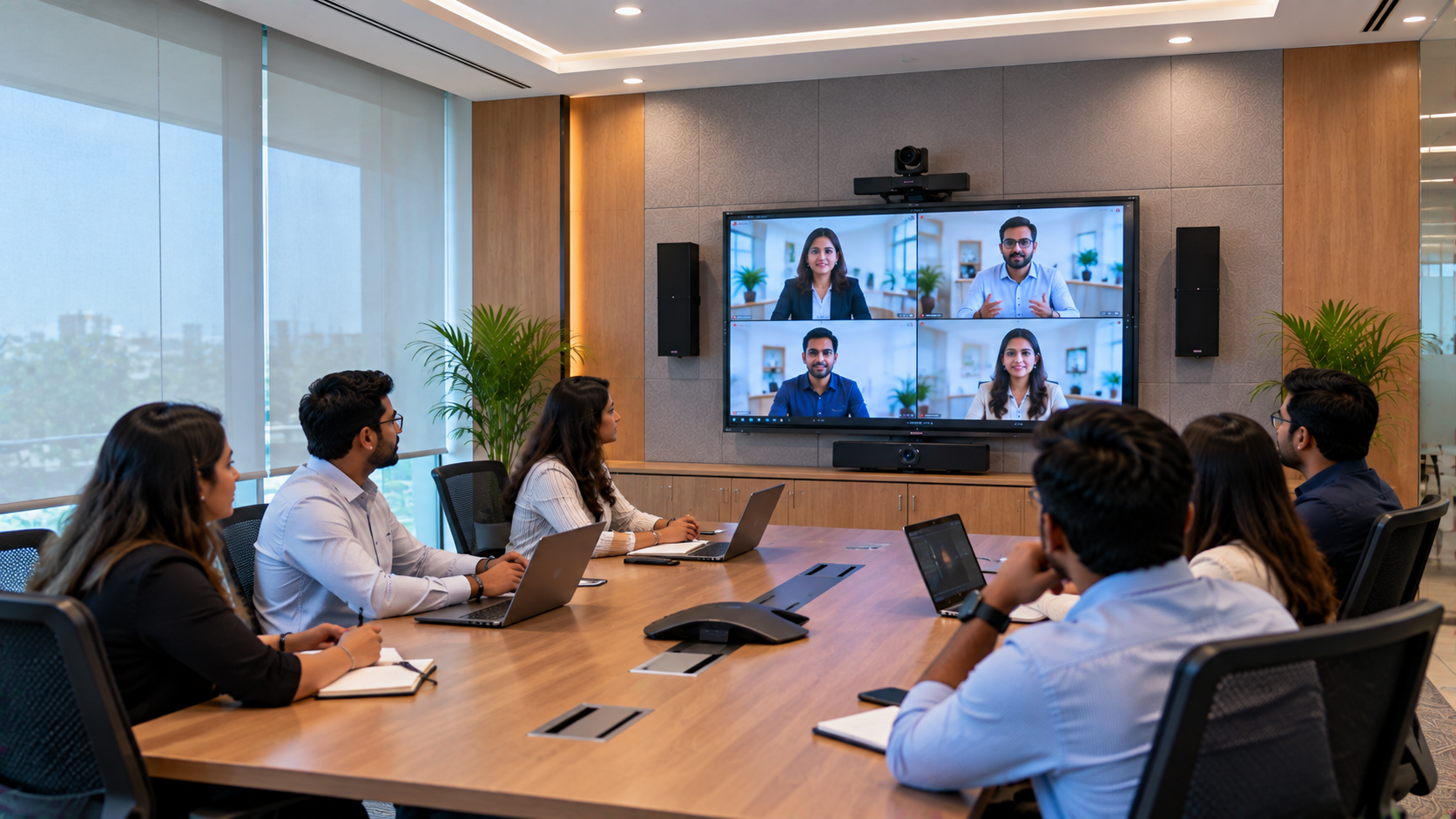
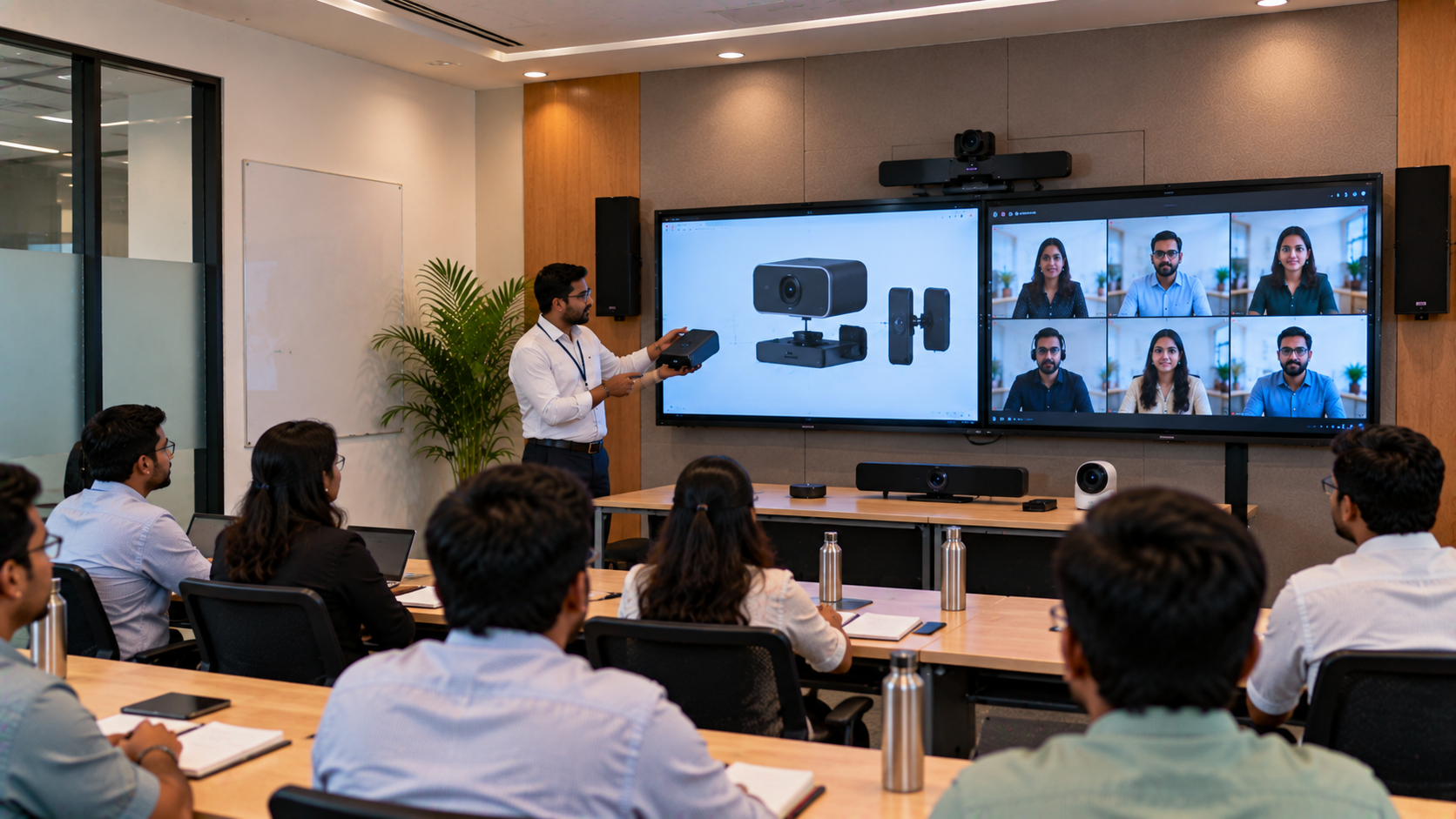
When teachers, students and academic teams are spread across multiple classrooms, campuses or locations, communication can become complicated. One classroom may have a lecture in progress while another needs to join remotely. Guest faculty may be teaching from another city, and management may want to conduct training sessions across several departments without requiring everyone to travel. A well-planned multi-classroom video conferencing solution in Lucknow can help institutions connect these learning spaces, support hybrid classes and make teaching more collaborative. GoLive eTechnologies India Private Limited helps institutions explore integrated audio-video and smart classroom technologies, including interactive panels, professional PTZ cameras and classroom AV equipment. Its published education solutions cover brands such as EVOTA, MAXHUB, Newline and LG. The right combination depends on room size, teaching requirements, network infrastructure and budget. Explore GoLive's hybrid classroom solutions.
Why institutions in Lucknow need connected classrooms
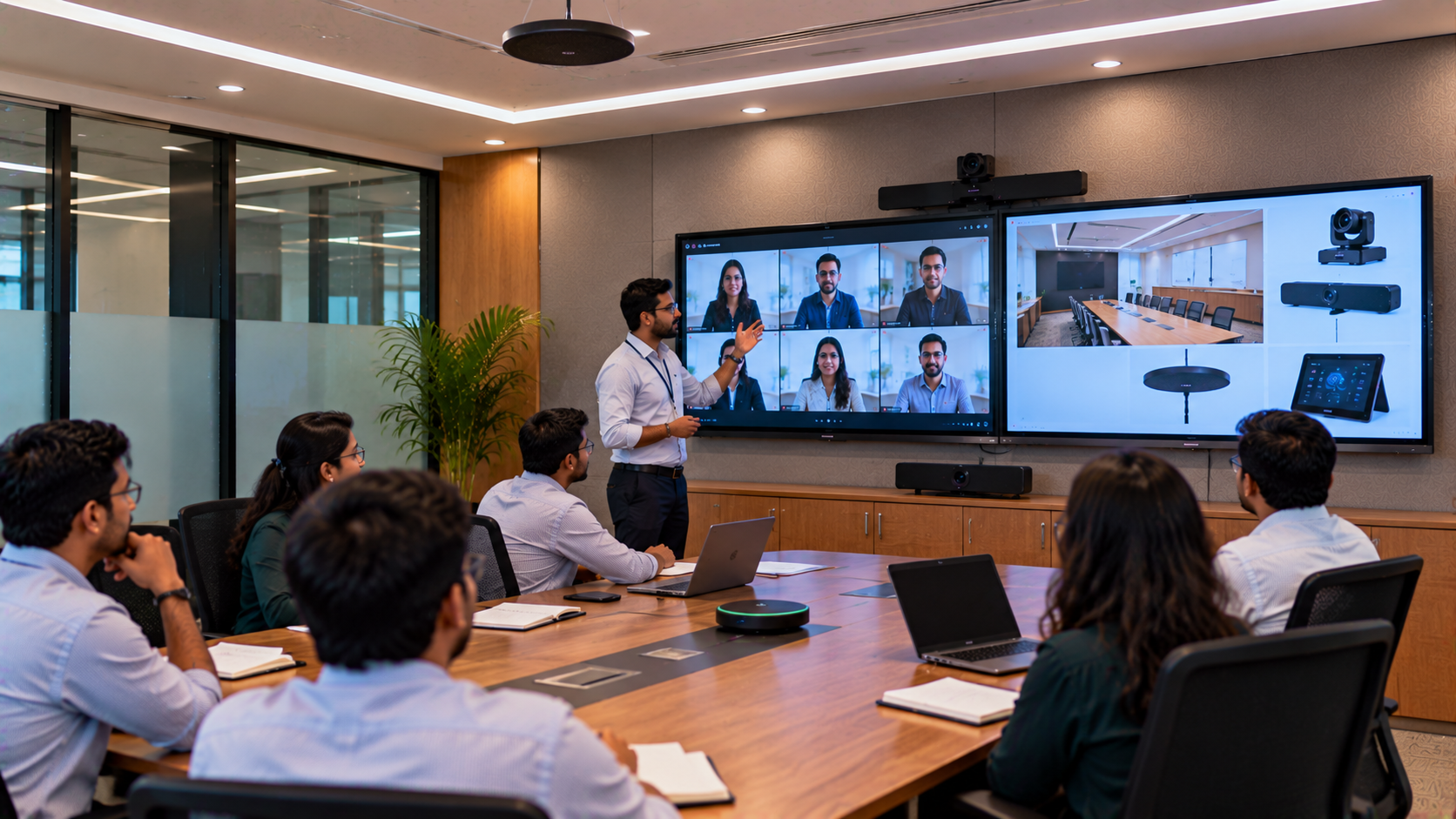
Traditional classroom technology often works independently in each room. Connecting several classrooms requires more than adding a webcam: the cameras, microphones, displays, computers, conferencing platform and network must work together.
Common challenges include:
Disconnected classrooms: Teachers in different rooms cannot easily participate in the same live session.
Poor remote visibility: Students joining online may struggle to see the teacher, board or demonstration.
Unclear audio: Microphones may pick up room noise instead of the teacher's voice.
Inconsistent equipment: Different classrooms may have different devices and operating procedures.
Difficult deployment: Purchasing separate products without checking compatibility can create installation and support issues.
A planned video conferencing setup for schools and colleges helps standardise the experience while allowing each room to meet its specific teaching needs.
How GoLive eTechnologies can connect multiple classrooms
A successful system starts with a site and requirement assessment. For a Lucknow institution, GoLive eTechnologies can help evaluate classroom dimensions, the number of connected rooms, teaching style, internet connectivity, audio coverage, display requirements and future expansion.
1. Choose an interactive panel for teaching and collaboration
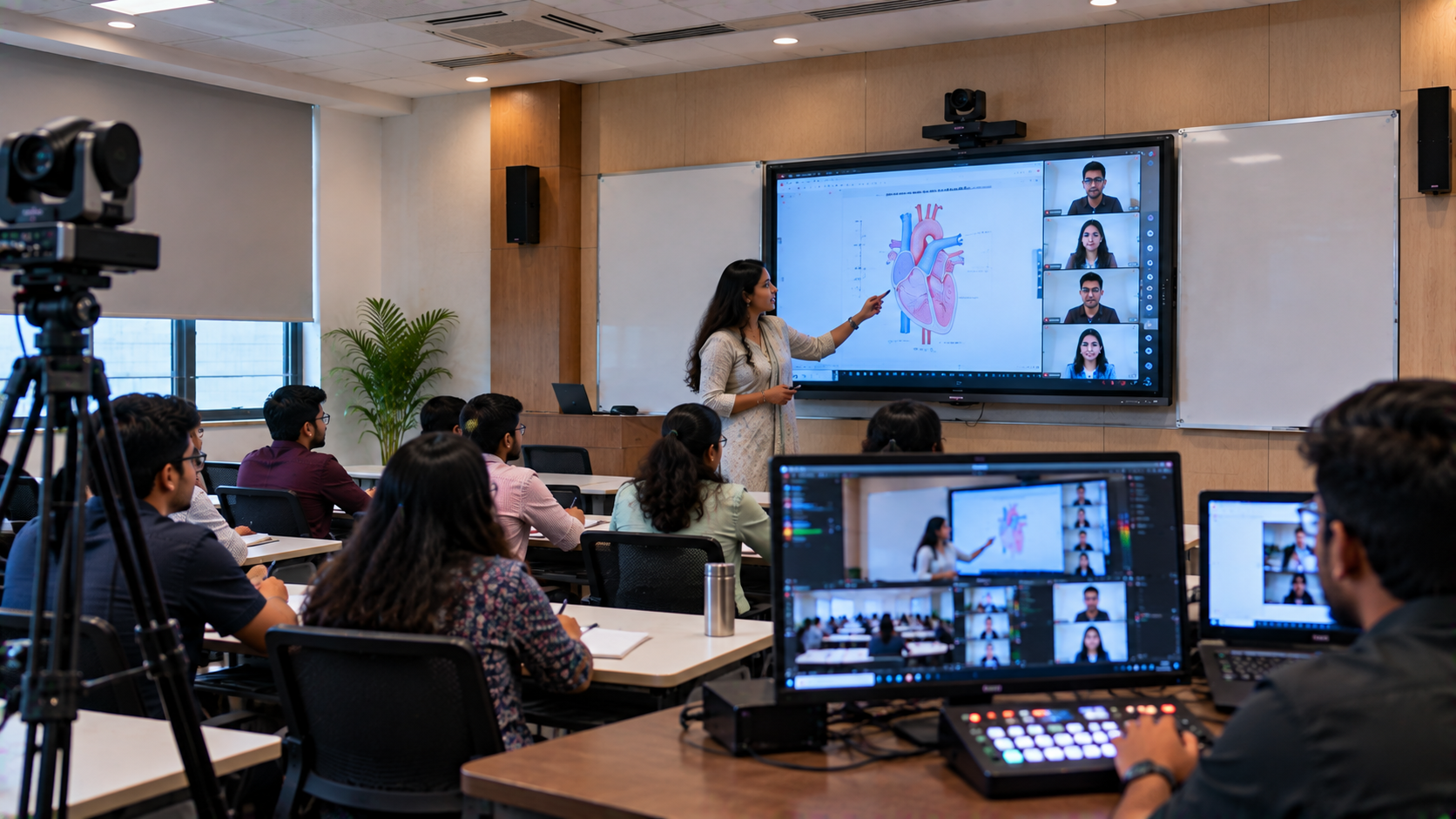
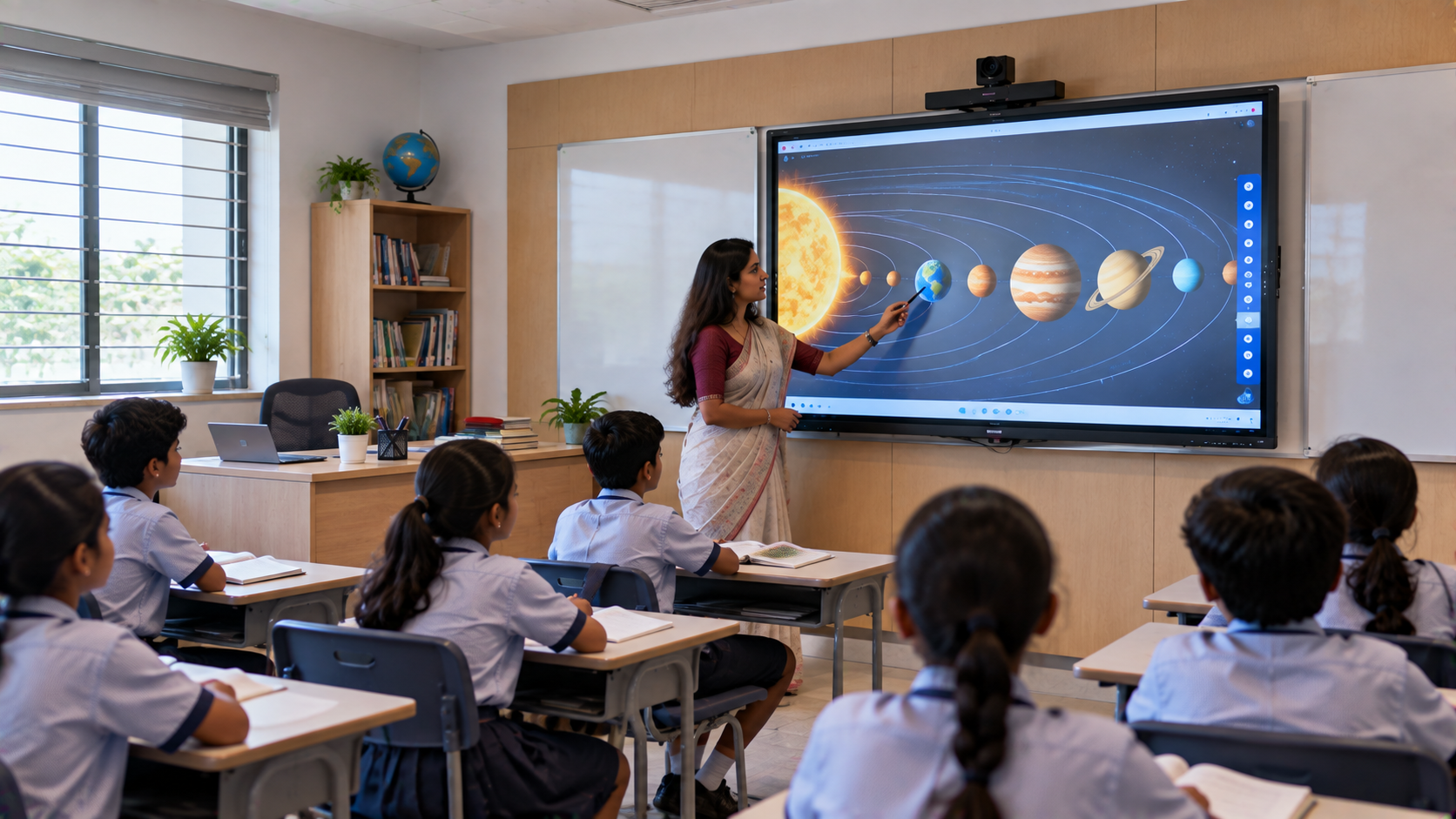
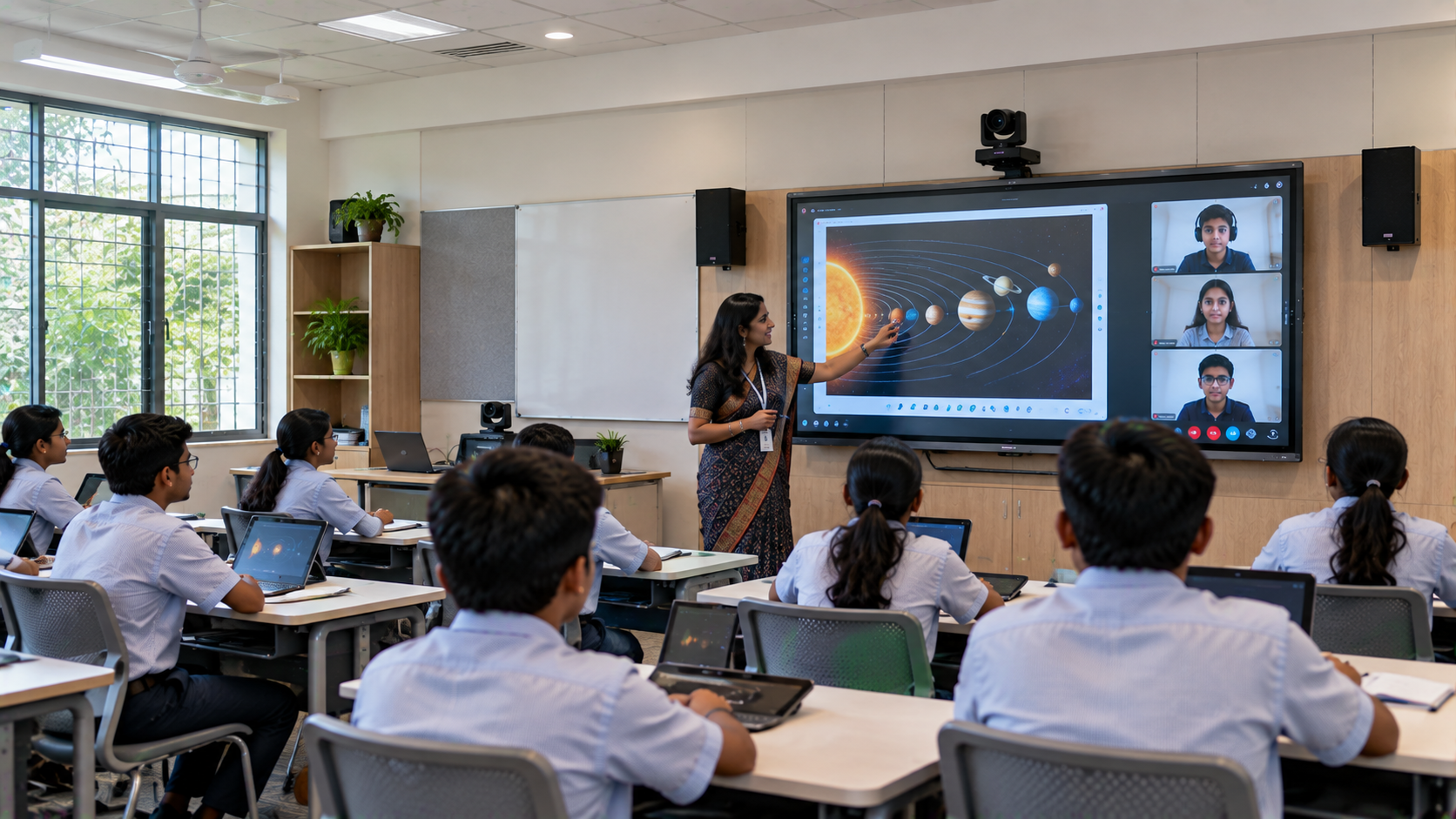
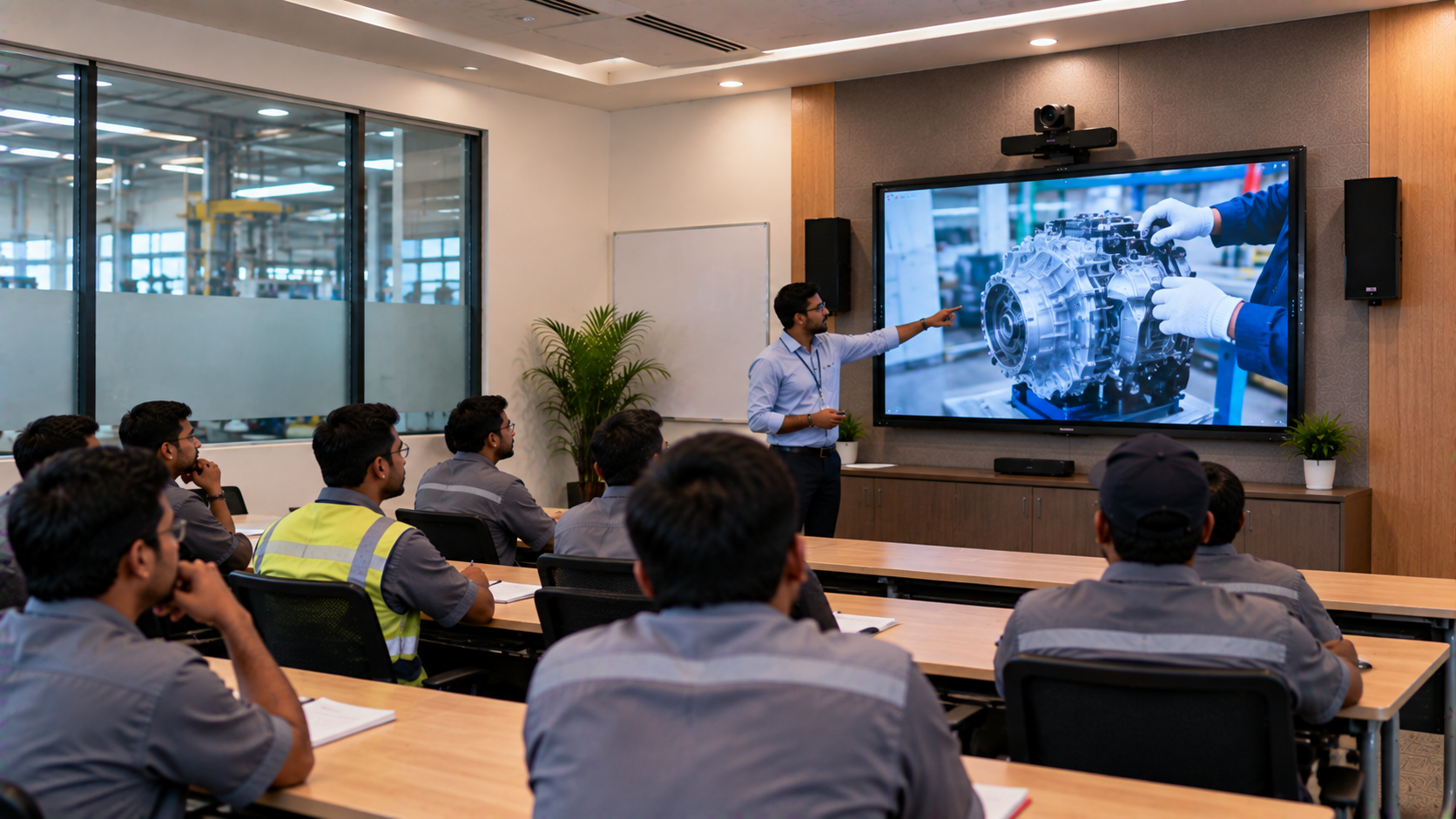
An interactive flat panel can display presentations, digital textbooks, diagrams, video lessons and shared content. Teachers can annotate material directly on the screen, making explanations easier to follow for students in the room and, when supported by the conferencing setup, those joining remotely.
Institutions can compare options such as:
EVOTA Smart Board and EVOTA Interactive Panel for interactive classroom use.
MAXHUB Smart Board and MAXHUB Digital Board for collaborative teaching environments.
Newline Interactive Panel for presentation and classroom interaction.
LG Interactive Digital Board for institutions evaluating interactive display options.
The best display depends on classroom size, viewing distance, connectivity, touch features, software requirements and budget—not just screen size.
When comparing EVOTA digital board price, MAXHUB smart board price in India, Newline smart board price or LG interactive digital board price in India, request a current quotation for the exact model and configuration. Prices can vary by screen size, specifications, accessories, installation and applicable offers.
2. Add PTZ cameras for clear classroom video
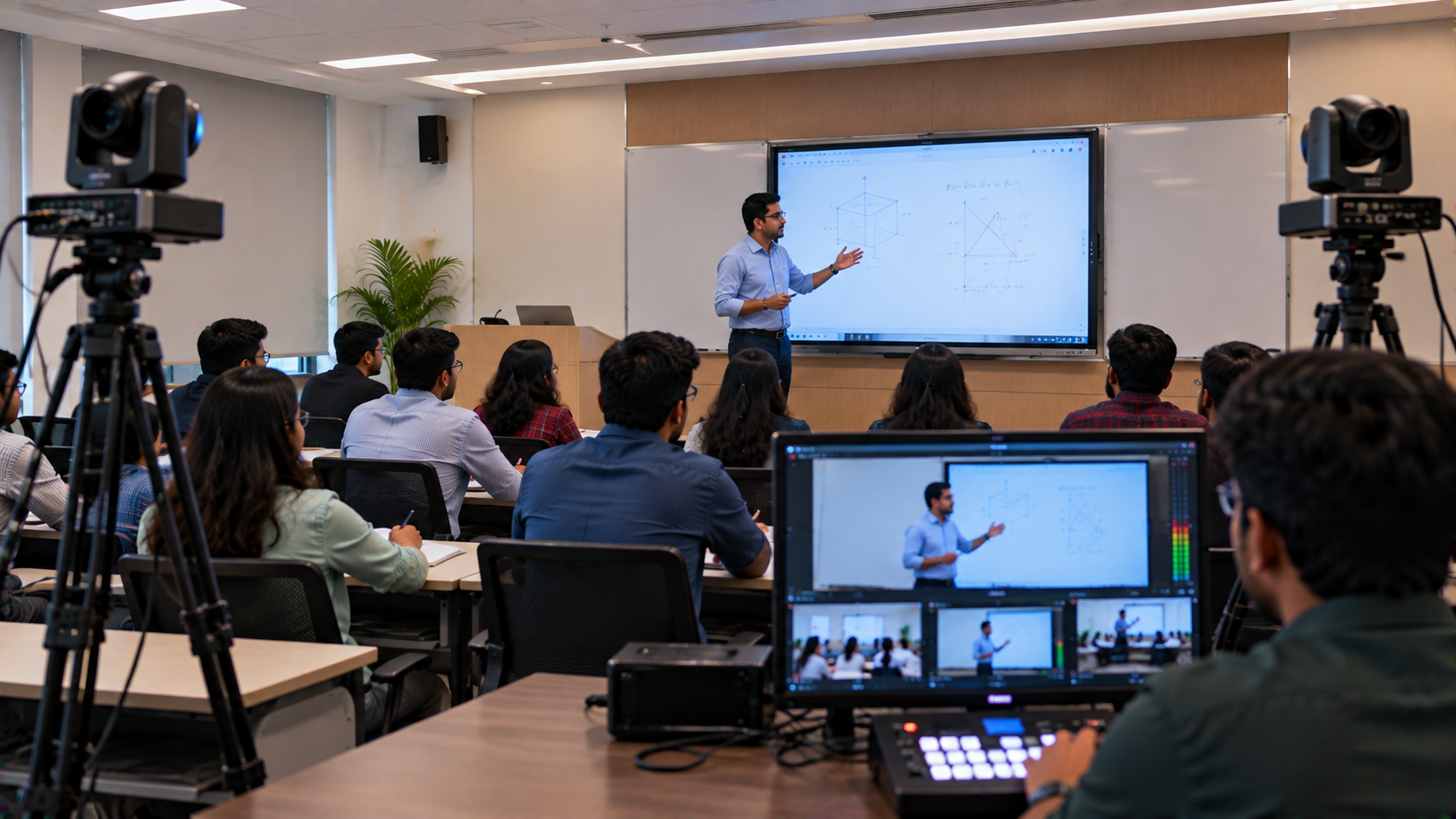
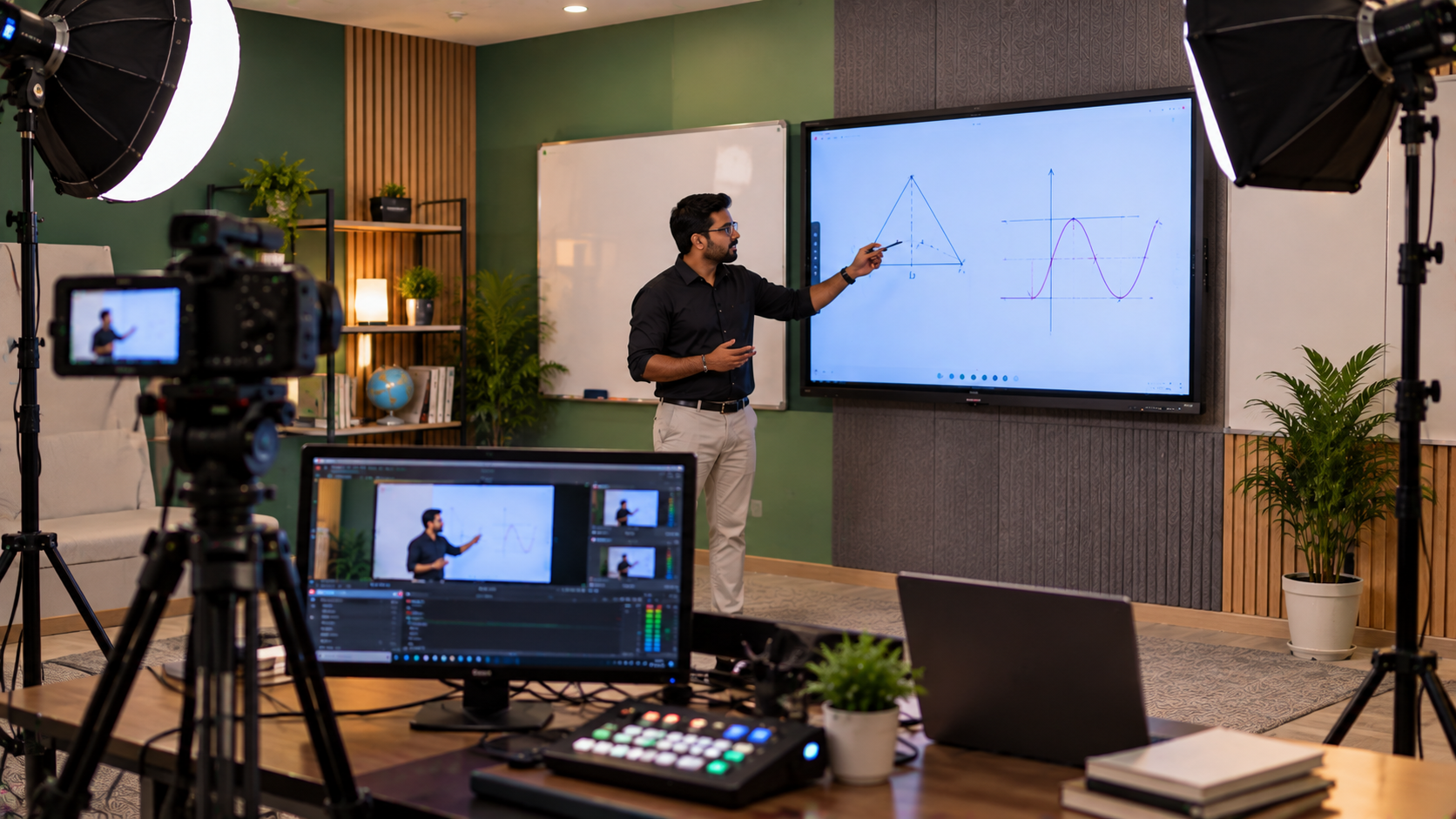
A PTZ camera can pan, tilt and zoom to frame the teacher, whiteboard area or classroom demonstration. This flexibility can be useful when students in other rooms or locations need a clear view of the lesson.
GoLive's published camera range includes the EVOTA 4K PTZ Camera, EVOTA 10X HD PTZ Camera and Logitech PTZ Pro 2. Select the camera according to the room's dimensions, required image quality, optical zoom, mounting position, connectivity and conferencing-platform compatibility.
A smaller classroom may need a simpler camera arrangement. A large lecture room or teaching studio may benefit from more flexible camera positioning and a broader AV design.
3. Plan microphones and speakers for intelligible audio
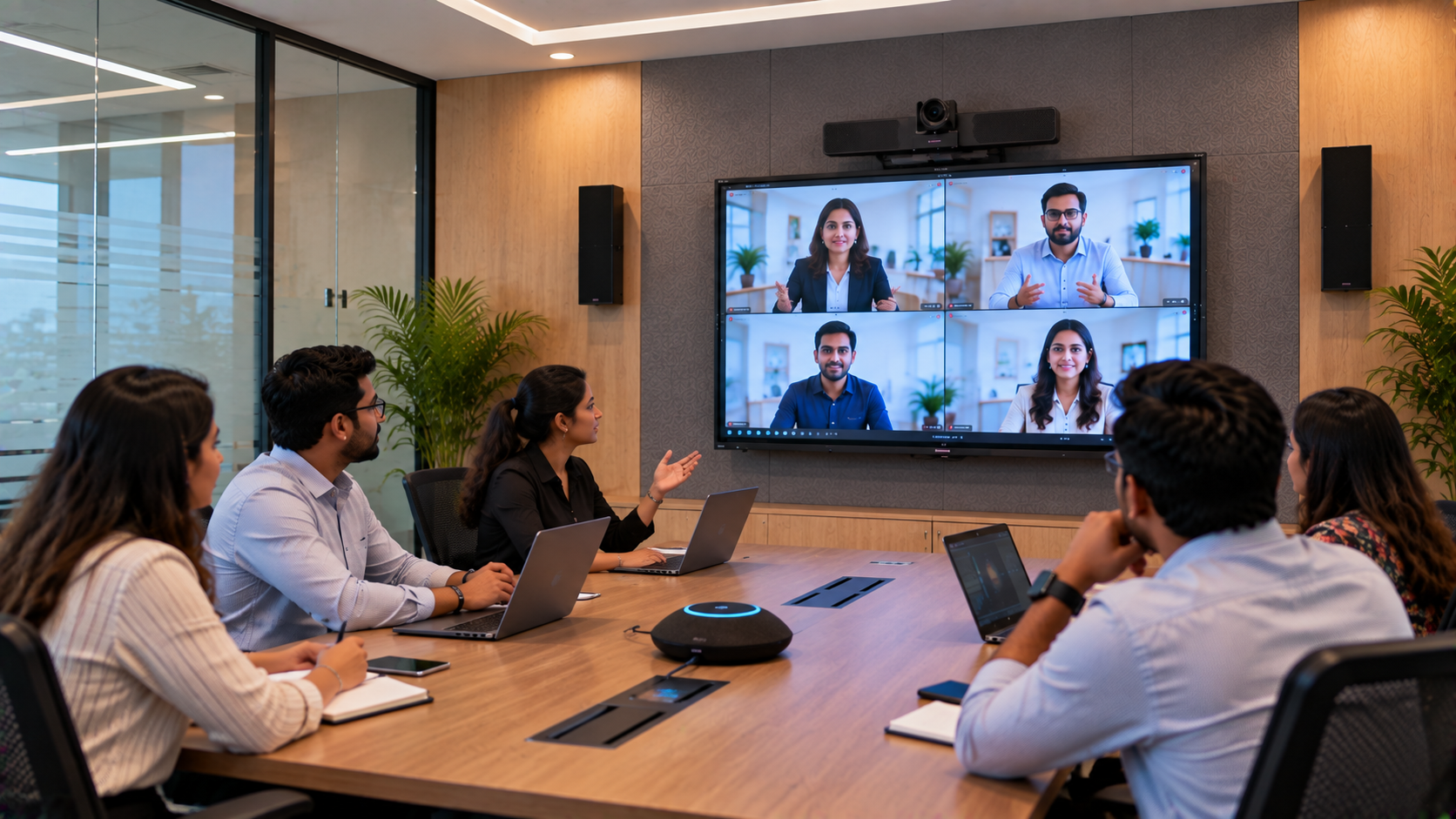
Video conferencing becomes difficult when participants cannot hear instructions clearly. Audio planning should consider teacher movement, seating arrangement, room acoustics and whether students need to speak from different locations.
Depending on the room, the design may include a suitable teacher microphone, conference microphone, speakers, an audio interface or compatible audio processing equipment.
The goal is not simply louder sound; it is intelligible speech with manageable echo and feedback. Test the system with the room occupied, where possible, and check both local playback and the audio received by remote participants.
4. Integrate conferencing, capture and connectivity
Each classroom needs a compatible way to join the institution's chosen video conferencing platform. Depending on the design, this may involve a computer, camera, microphone, interactive panel and the appropriate conferencing software.
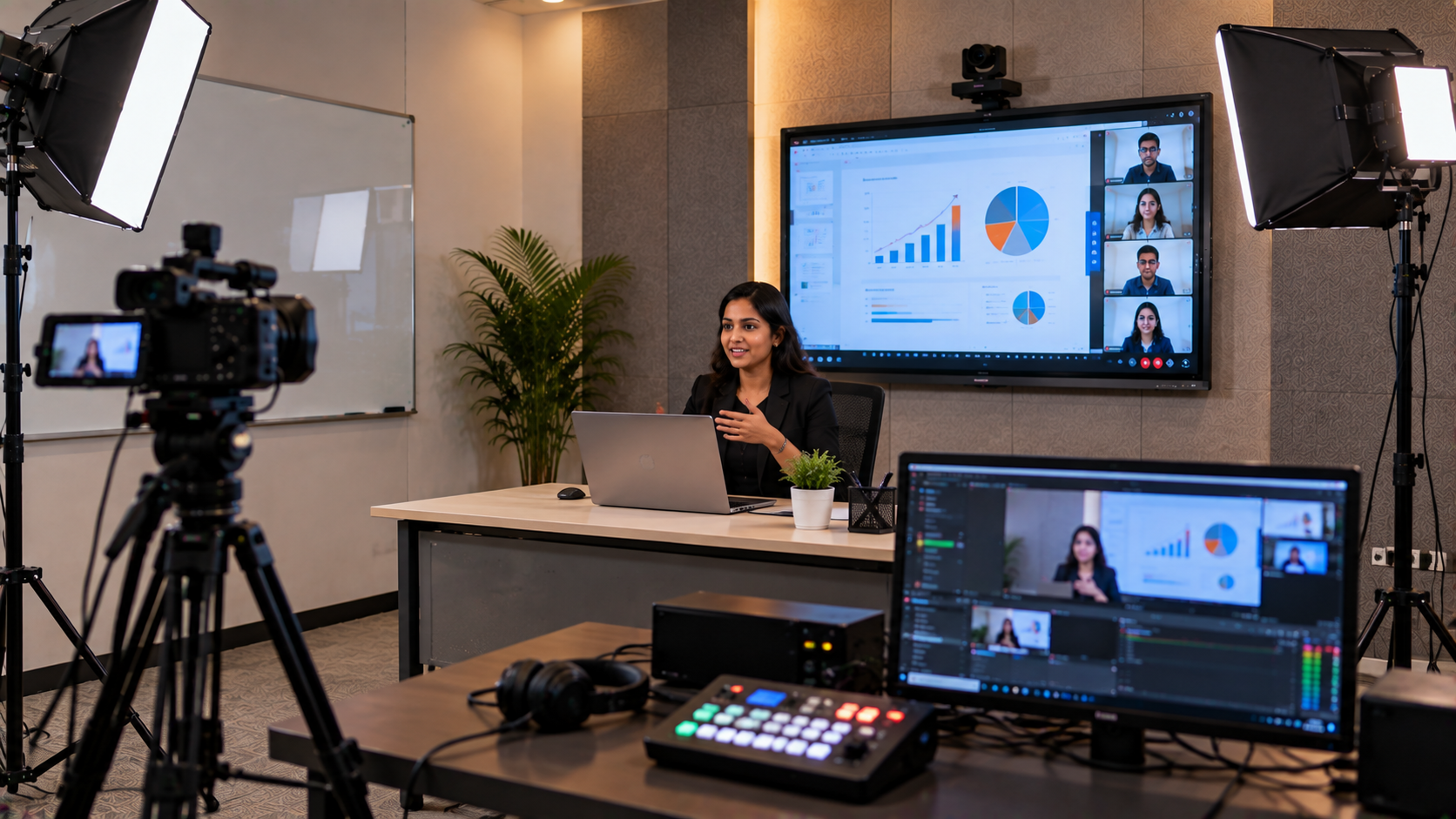
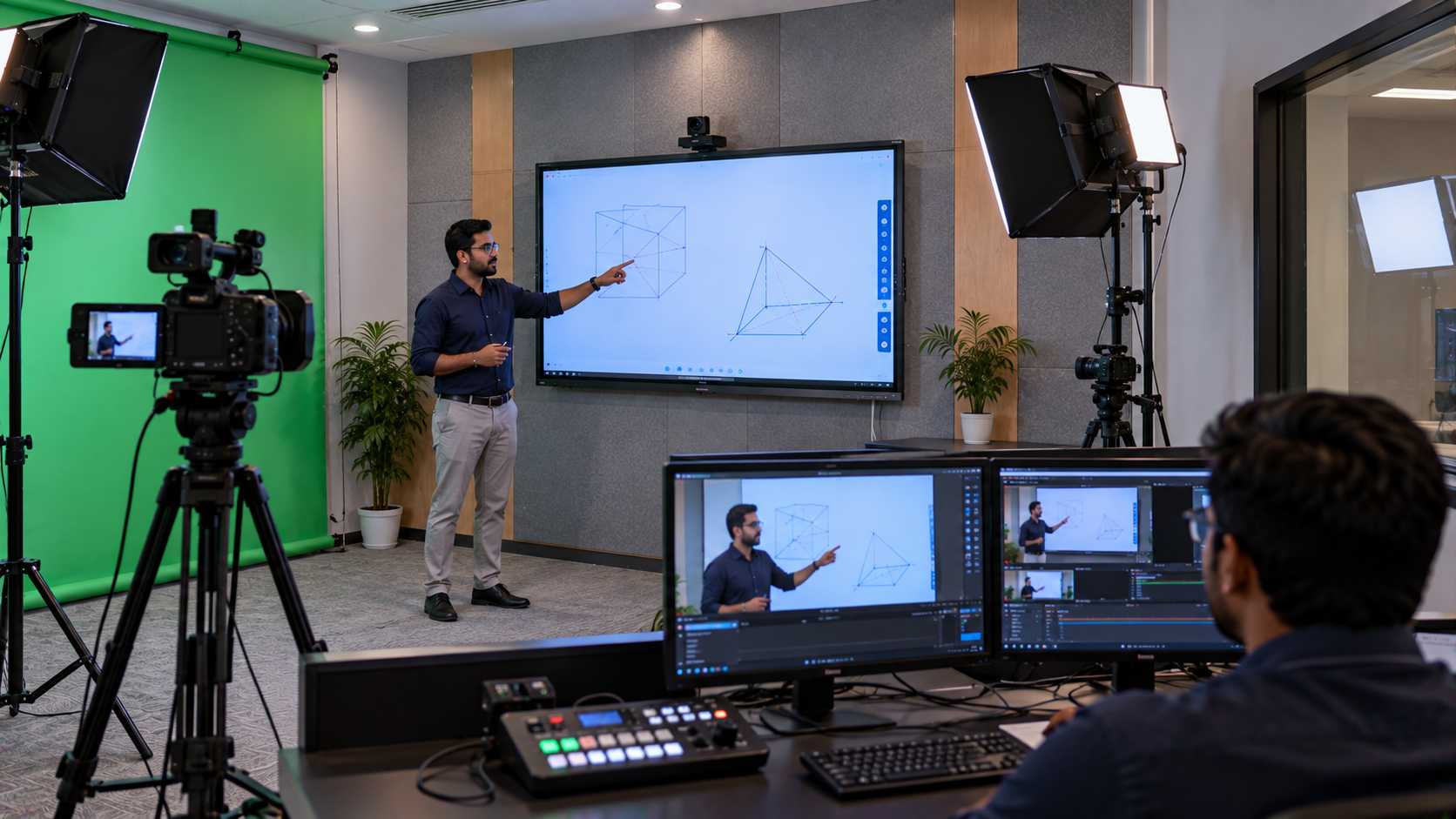
For institutions that also record lessons, a compatible HDMI video capture device and recording software workflow—such as OBS Studio where appropriate—may be considered. Recording should be tested separately from live conferencing, including audio synchronisation, storage requirements and permissions.
Before installation, verify network capacity, Wi-Fi or wired connectivity, device ports, cabling, power points and any institutional IT or security requirements. A video conferencing system cannot compensate for an unreliable network.
A practical implementation process for a Lucknow institution
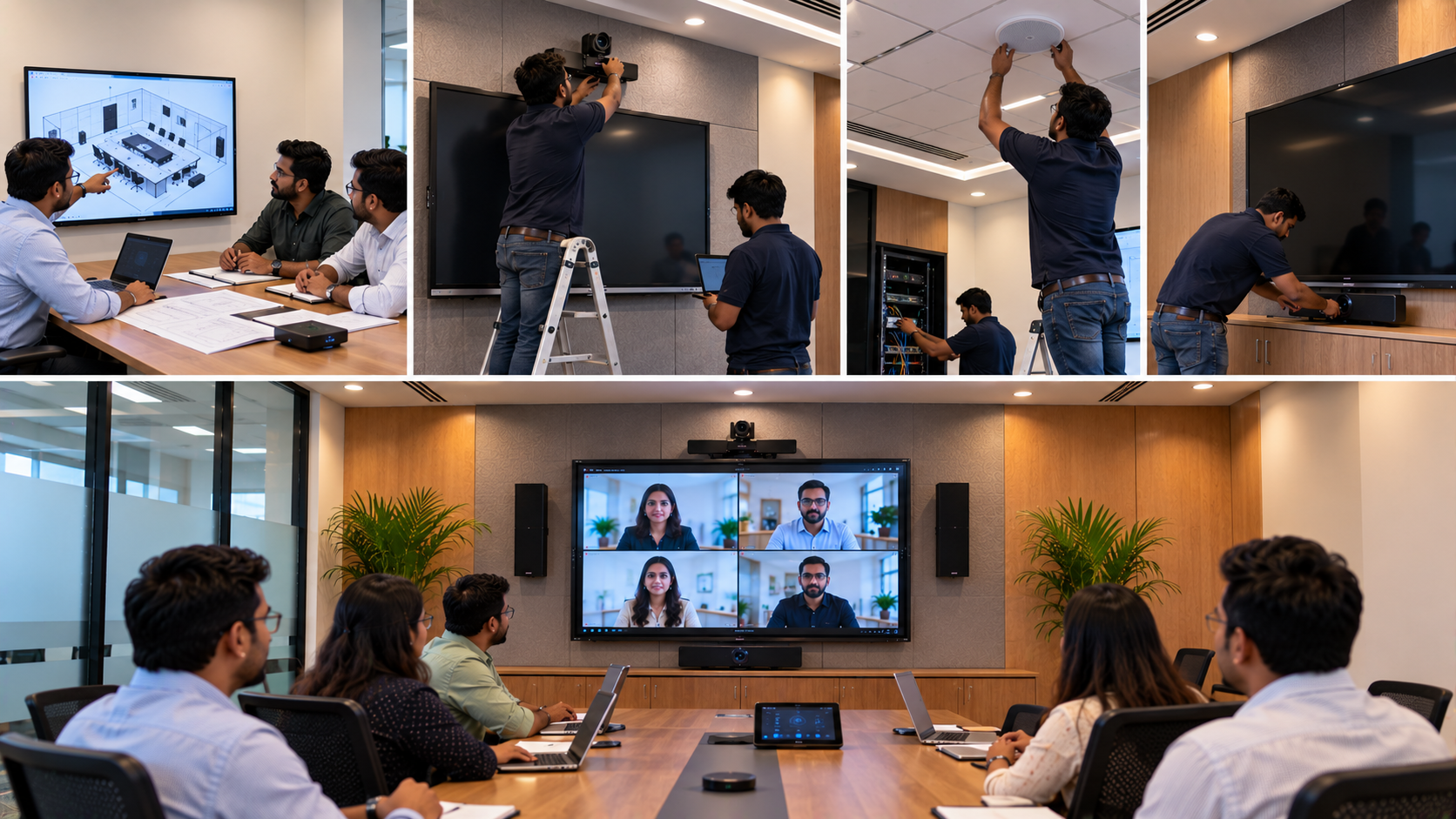
GoLive eTechnologies' published approach describes a process that includes understanding requirements, selecting equipment, planning room layouts and connectivity, delivery, installation, training and support. Read about GoLive's approach.
A multi-classroom project can follow these steps:
Assess requirements: List the classrooms, number of participants, teaching activities and conferencing needs.
Design the setup: Choose displays, PTZ cameras, microphones, speakers, computers and accessories for each room.
Check compatibility: Confirm that devices, software, network connections and the institution's conferencing platform work together.
Plan deployment: Coordinate equipment supply, mounting, cabling, configuration and installation according to the agreed scope.
Test each classroom: Check camera framing, speech clarity, content sharing, remote participation and room-to-room workflows.
Train teachers and IT staff: Demonstrate how to start meetings, share content, manage microphones and troubleshoot common issues.
Plan ongoing support: Keep equipment details, configuration notes and support contacts accessible to the institution's team.
The exact timeline and installation arrangements should be confirmed after assessing the site, equipment availability and project scope.
What affects the cost of a multi-classroom video conferencing setup?
There is no single price that fits every institution. The total cost depends on:
Number of classrooms and participants.
Interactive panel size, brand and specifications.
Camera type, zoom capability and quantity.
Microphones, speakers and room acoustics.
Computers, capture devices, cabling and mounting accessories.
Conferencing software, licences and network upgrades, where required.
Installation, configuration, training and support scope.
Instead of comparing only the digital board price in India or EVOTA 4K PTZ camera price, institutions should compare the complete working setup. A lower-cost individual product may not deliver value if important accessories, compatibility checks or installation are missing.
Contact GoLive eTechnologies for a quotation based on the number of rooms, preferred products and installation requirements. Confirm the current price, taxes, delivery terms, warranty and service conditions before ordering.
Why choose GoLive eTechnologies?
The technology is only one part of a successful classroom upgrade. Institutions also need help choosing compatible equipment, planning deployment and learning to operate it.
GoLive eTechnologies positions its service around the promise: “Technology that works, backed by people who help.”
That means focusing on:
The right solution: Recommendations based on room requirements and intended use.
Practical deployment: Support with equipment selection, layout, connectivity and installation where available.
Confident users: Training and guidance to help teachers and IT teams use the system.
Support beyond purchase: Assistance with product and service queries, subject to the agreed service terms.
GoLive's website lists sales support at +91 93117 15414 and service support at +91 93117 15412. Installation, demonstrations and training depend on the product category and location; confirm availability with the team before placing an order. Contact GoLive eTechnologies.
Connect your classrooms with confidence
Whether you manage a school, college, coaching institute or training centre in Lucknow, a carefully planned video conferencing solution can help teachers collaborate, share lessons and connect learners across rooms and locations.
Explore EVOTA, MAXHUB, Newline and LG interactive panels, professional PTZ cameras and supporting AV equipment through GoLive eTechnologies. Start with your requirements, compare compatible options and plan the implementation with the right level of technical support.
Ready to connect multiple classrooms? Visit golivetechnologies.in or contact the GoLive team to discuss your institution's classroom count, preferred equipment, budget and installation needs.
Your email address will not be published. Required fields are marked *

By Inhype • September 12, 2026
A smart classroom is only as effective as the technology supporting it. Interactive panels, smart boards, PTZ cameras, microphones, speakers, PCs and
Read More
By Inhype • September 12, 2026
Higher education is rapidly moving beyond traditional chalkboards and projectors. Today, colleges and universities need technology that supports inter
Read More
By Inhype • September 12, 2026
A smart classroom for CBSE schools is no longer simply a classroom with a digital board. Modern schools are building connected learning environments t
Read More
By Inhype • September 12, 2026
Planning a smart classroom project for 10, 20 or even 50 classrooms requires more than simply purchasing digital boards. Schools, colleges, universiti
Read More
By Inhype • September 12, 2026
A smart classroom can transform the way teachers explain concepts, students interact with lessons, and institutions deliver digital education. From in
Read More




Golive eTechnologies India Private Limited (CIN - U31909UP2021PTC148242) is one of India's leading providers of smart classrooms, interactive boards, video conferencing solutions, and display technologies for the education, healthcare, corporate, and government sectors.







No comments yet. Be the first to comment!