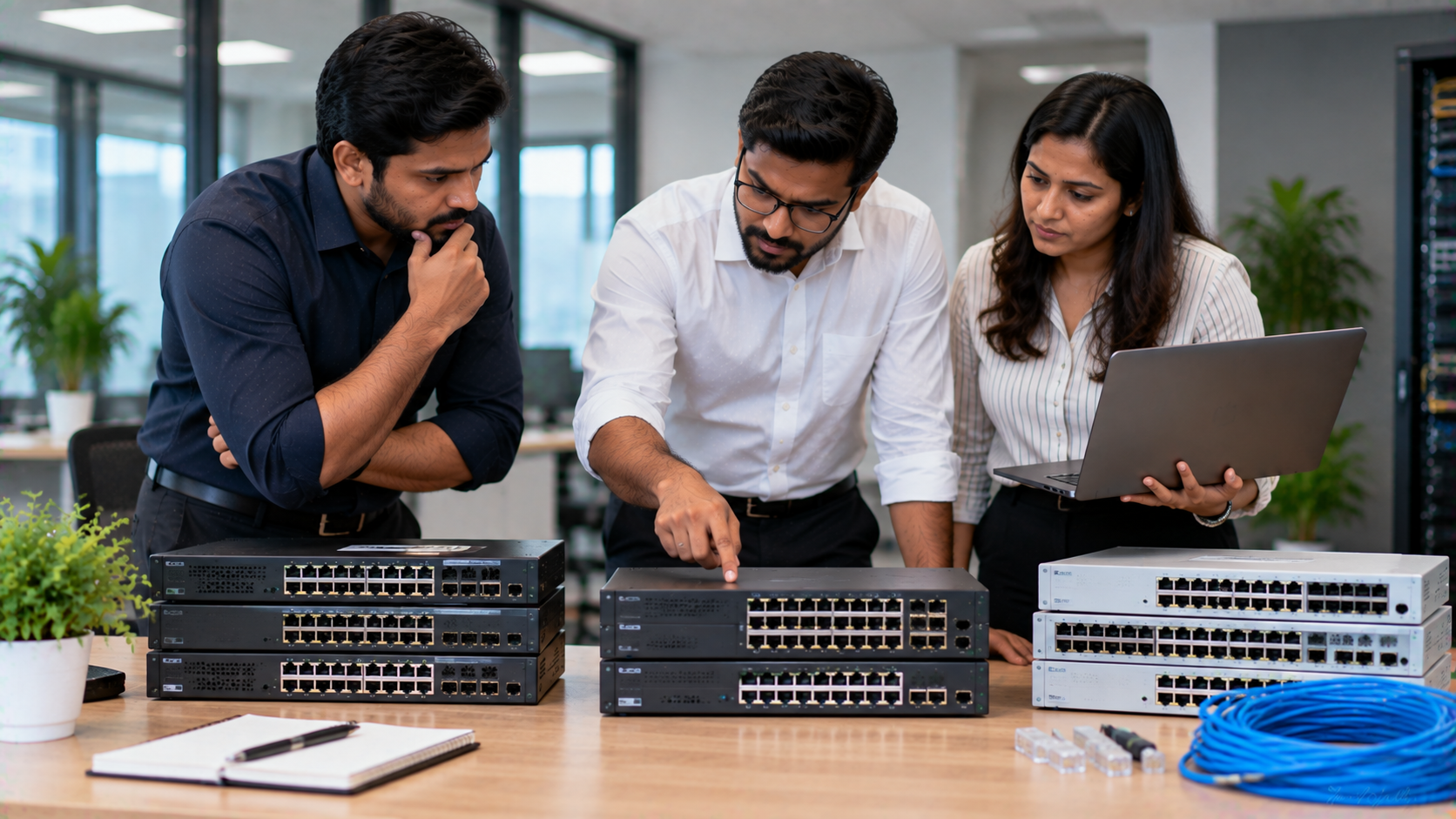
A reliable network is the backbone of a modern business. From computers and printers to IP cameras, access points, VoIP devices, servers and other connected equipment, every device depends on a stable network infrastructure. Choosing the right network switch for your business can therefore make a significant difference to connectivity, performance, scalability and day-to-day operations. For small and medium businesses, the challenge is not simply finding the cheapest Ethernet switch. The right choice depends on the number of devices, network speed, PoE requirements, future expansion, security, management features and installation environment. Whether you are setting up a new office in Delhi NCR, expanding a business in Noida or Gurgaon, or upgrading an existing network anywhere in India, this switch selection guide for small and medium businesses can help you make an informed decision. At GoLive eTechnologies, the focus goes beyond supplying technology. Our approach is simple: Technology that works, backed by people who help.
What Is a Network Switch?
A network switch is a networking device that connects multiple devices within a local area network (LAN). It allows computers, printers, servers, access points, cameras and other Ethernet-enabled devices to communicate with each other.
For an SME, a switch can become an important part of the overall office networking setup.
A typical business network may include:
Desktop computers and laptops
Network printers
Wi-Fi access points
IP surveillance cameras
VoIP phones
NAS or storage devices
Servers
Smart displays and other connected devices
The right switch helps organise these connections while providing the speed and capacity required by your business.
How to Choose the Right Switch for an SME
Before purchasing a network switch, consider these key factors.
1. Number of Ports
The first step is determining how many wired devices you need to connect.
Common configurations include:
|
Switch Size |
Suitable For |
|---|---|
|
5–8 ports |
Small offices, home offices and limited devices |
|
16 ports |
Small teams and growing offices |
|
24 ports |
Medium-sized offices and departments |
|
48 ports |
Larger offices and high-device environments |
Do not select a switch based only on today's requirements. If your business is growing, leaving some additional ports available can reduce the need for an immediate replacement.
2. Network Speed
Network switches are available with different Ethernet speeds.
For many standard office applications, Gigabit Ethernet can provide a practical balance between performance and cost. Businesses transferring large files, operating servers or handling demanding applications may need higher-speed uplinks or multi-gigabit connectivity.
Consider:
10/100 Mbps for basic legacy requirements
Gigabit Ethernet for modern office connectivity
Higher-speed uplinks for demanding networks
Fibre connectivity where longer-distance or backbone connections are required
3. Managed vs Unmanaged Switch
This is one of the most important decisions for a growing business.
Unmanaged switches are generally plug-and-play. They are suitable when the network is relatively simple and does not require advanced configuration.
Managed switches provide greater control over the network. Depending on the model, features can include VLANs, traffic monitoring, Quality of Service (QoS), port management and other network-management capabilities.
For businesses expecting their network to grow or requiring greater control, a managed solution can offer additional flexibility.
4. Do You Need a PoE Switch?
A Power over Ethernet (PoE) switch can transmit both data and electrical power through compatible Ethernet cables.
This can be useful for:
IP cameras
Wi-Fi access points
VoIP phones
Certain IoT devices
Other PoE-compatible equipment
PoE can simplify installation because compatible devices may not require a separate power connection at the endpoint.
For example, an SME installing IP cameras across an office may benefit from a PoE-based network design.
5. Check Your Uplink Requirements
The ports connecting different switches or connecting the switch to a router, server or network backbone are particularly important.
If your business handles significant internal traffic, look for appropriate uplink capacity rather than evaluating only the access-port speed.
This becomes increasingly relevant when multiple users simultaneously access:
Cloud applications
Network storage
Video conferencing
Large files
Surveillance footage
Business servers
6. Think About Future Expansion
A small business can quickly become a medium-sized business.
When selecting a switch, consider:
Expected employee growth
Additional computers
Future IP cameras
New access points
Additional network printers
VoIP deployment
Expansion to another floor or office
Network segmentation requirements
Spending slightly more on an appropriately scalable network solution can help avoid unnecessary replacement costs later.
Which Switch Is Right for Your Business?
For a Small Office
A compact Ethernet switch may be sufficient when you have a limited number of wired devices.
Look for:
Appropriate port count
Gigabit connectivity
Easy installation
Compact design
Reliable operation
For a Growing SME
A growing business may benefit from a higher-port-count switch with additional management and uplink capabilities.
Look for:
16/24/48-port options
Gigabit connectivity
VLAN support where required
Higher-speed uplinks
Network monitoring
Expansion capacity
For Offices Using IP Cameras
If your office uses multiple IP cameras, consider a suitable PoE switch.
The important specifications include:
Number of PoE ports
Total PoE power budget
Per-port power capability
Network speed
Uplink capacity
For Multi-Department Offices
Businesses with finance, HR, sales, operations and guest networks may require network segmentation.
A managed switch with VLAN capabilities can help administrators separate network traffic according to business requirements.
Switch Selection: Quick Comparison
|
Requirement |
Basic Unmanaged Switch |
Managed Switch |
PoE Switch |
|---|---|---|---|
|
Plug-and-play setup |
✓ |
Depends on configuration |
✓/Depends |
|
Advanced management |
Limited |
✓ |
Depends on model |
|
VLAN support |
Usually limited |
✓ |
Model dependent |
|
IP cameras |
With separate power |
With suitable setup |
✓ |
|
Access points |
With separate power |
With suitable setup |
✓ |
|
Growing office |
Suitable for simple networks |
✓ |
✓ |
|
Network monitoring |
Limited |
✓ |
Model dependent |
The exact capabilities vary by model, so specifications should always be checked before purchase.
Why Switch Selection Should Go Beyond Price
A common mistake is choosing a network switch based only on the lowest listed price.
The actual value of a networking solution also depends on:
Compatibility
Installation requirements
Performance
Port capacity
PoE requirements
Scalability
Warranty
Technical assistance
Deployment support
A low-cost switch may not be the right fit if the business later needs additional ports, PoE or network-management features.
For SMEs, total deployment value is often more useful than simply comparing product prices.
Build a Complete Office Networking Setup with GoLive eTechnologies
GoLive eTechnologies helps businesses evaluate technology according to their actual application, infrastructure and budget.
The company provides technology categories including PC Build & OPS Mini PC, commercial displays, cameras and imaging solutions, interactive flat panels, microphones, accessories and other business technology solutions.
For an SME planning a complete technology setup, this can help bring different requirements together instead of managing every technology purchase independently.
The GoLive approach covers:
Selection → Solution Planning → Supply → Installation → Deployment → Training → Support
This supports the company's core promise: Technology that works, backed by people who help.
Customer feedback highlighted by GoLive repeatedly focuses on areas such as service, support, fast delivery, installation, training and assistance—important considerations when deploying technology in a working business environment.
Why Businesses Choose GoLive
With GoLive eTechnologies, the objective is to provide:
The right solution based on your requirements
Fast deployment to minimise setup delays
Professional installation
Training and assistance
Ongoing support
Greater confidence after purchase
That means less technology headache and more peace of mind.
Network Switch Buying Checklist for SMEs
Before placing your order, check:
How many wired devices need connectivity?
How many additional ports may be required later?
Do you need Gigabit Ethernet?
Do you need a managed or unmanaged switch?
Are VLANs required?
Do your cameras or access points require PoE?
What is the required PoE power budget?
Do you need high-speed uplinks?
Where will the switch be installed?
Is professional installation required?
What warranty and support are available?
A good networking decision should address both today's requirements and tomorrow's expansion.
Switch Selection Guide for Businesses Across India
Whether you operate a startup in Delhi NCR, an office in Noida, a growing business in Gurgaon, a school in Ghaziabad or an organisation elsewhere in India, network infrastructure should be planned around your actual requirements.
GoLive eTechnologies India Private Limited supports technology requirements across business and institutional environments, with its registered office in Ghaziabad, Uttar Pradesh and sales/service support available through its website.
Technology should not become another headache for your business.
Choose the right networking solution, get it deployed correctly and have support available when you need it.
Build Your Business Network with GoLive eTechnologies
Looking for the right network switch for your small or medium business, complete office networking setup or technology deployment support?
Talk to GoLive eTechnologies for the right solution + fast deployment + installation + support.
Technology that works, backed by people who help.
Your email address will not be published. Required fields are marked *

By Inhype • September 12, 2026
A smart classroom is only as effective as the technology supporting it. Interactive panels, smart boards, PTZ cameras, microphones, speakers, PCs and
Read More
By Inhype • September 12, 2026
Higher education is rapidly moving beyond traditional chalkboards and projectors. Today, colleges and universities need technology that supports inter
Read More
By Inhype • September 12, 2026
A smart classroom for CBSE schools is no longer simply a classroom with a digital board. Modern schools are building connected learning environments t
Read More
By Inhype • September 12, 2026
Planning a smart classroom project for 10, 20 or even 50 classrooms requires more than simply purchasing digital boards. Schools, colleges, universiti
Read More
By Inhype • September 12, 2026
A smart classroom can transform the way teachers explain concepts, students interact with lessons, and institutions deliver digital education. From in
Read More




Golive eTechnologies India Private Limited (CIN - U31909UP2021PTC148242) is one of India's leading providers of smart classrooms, interactive boards, video conferencing solutions, and display technologies for the education, healthcare, corporate, and government sectors.





















No comments yet. Be the first to comment!