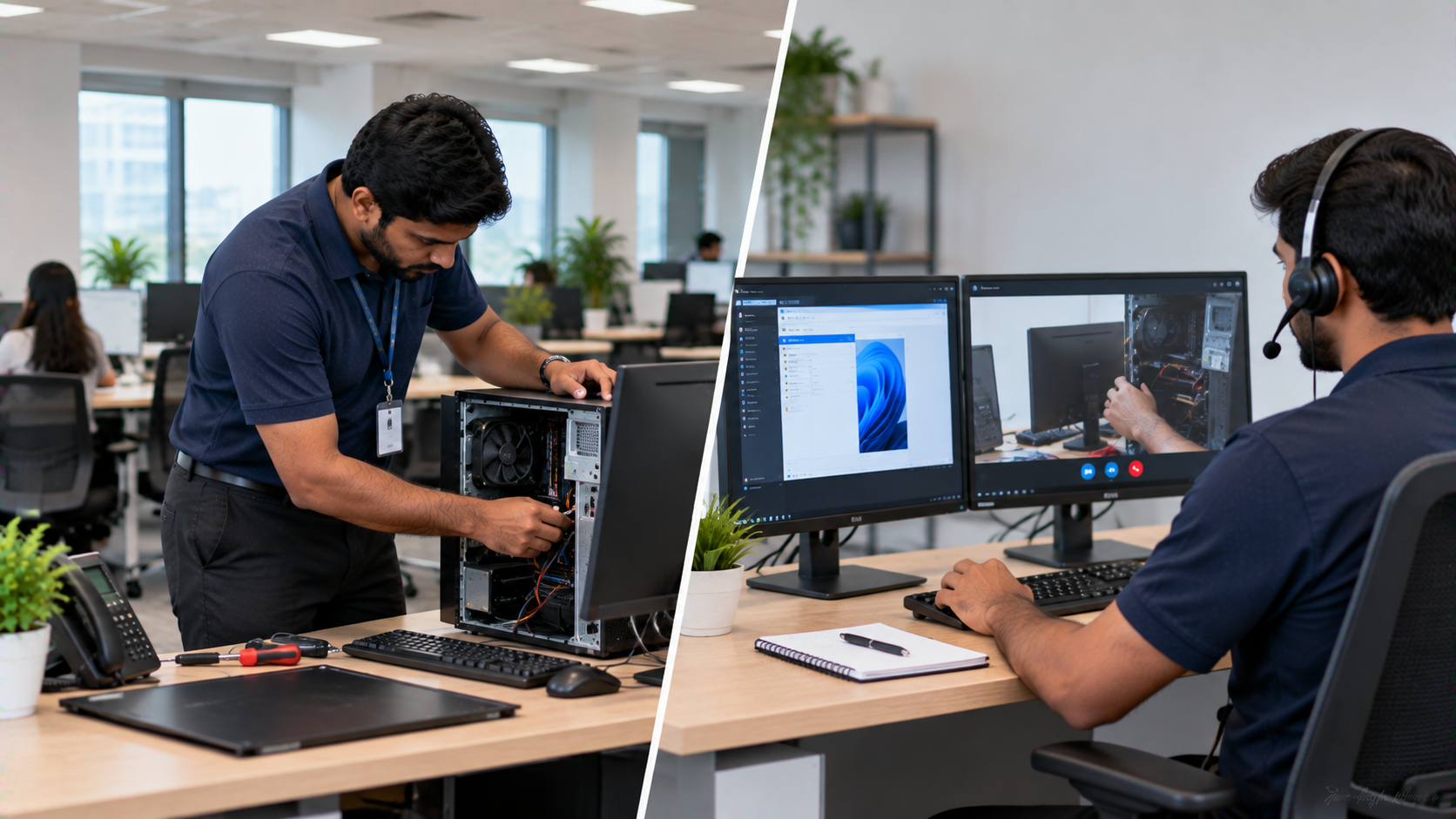
For modern businesses, technology problems can quickly become productivity problems. A failed conference-room camera, interactive display that is not responding, unstable connectivity or a software issue can interrupt meetings, training sessions, classrooms and daily operations. This is where businesses often compare on-site IT support vs remote support. Remote IT support can resolve many software and connectivity issues without a technician visiting the workplace. On-site support, meanwhile, is valuable when a problem involves physical hardware, installation, cabling, configuration or equipment that requires hands-on attention. So, which is better for businesses? The answer depends on the type of technology, urgency, location and level of technical assistance required. For businesses investing in interactive panels, digital boards, PTZ cameras, conference-room equipment or smart classroom solutions, a combination of remote assistance and on-site technical support can provide a more complete support experience. At GoLive eTechnologies India Private Limited, the focus extends beyond selling individual technology products. Its approach covers selection, supply, installation, deployment, training and support.
What Is Remote IT Support?
Remote IT support allows technical teams to diagnose and resolve certain problems through phone, email, remote-access tools or online communication.
It can be particularly useful for:
Software configuration
Application troubleshooting
Basic connectivity checks
User assistance
Account and system configuration
Routine troubleshooting
Guidance on operating technology
For example, if a user needs assistance with an interactive panel's software settings or a connected application, remote support may be sufficient.
Benefits of Remote IT Support
Faster initial assistance: Problems can often be assessed without waiting for a site visit.
Convenient troubleshooting: Teams can receive guidance while continuing to work.
Useful for software-related issues: Many configuration and application problems do not require physical intervention.
Suitable for distributed teams: Businesses operating across multiple Indian cities can use remote assistance as part of their support model.
However, remote support has limitations. If the issue involves a damaged cable, mounting problem, physical hardware failure, incorrect installation or equipment that needs hands-on configuration, an on-site visit may be more appropriate.
What Is On-Site IT Support?
On-site IT support involves a technician or technical team physically visiting the customer's location to inspect, install, configure, maintain or troubleshoot equipment.
This is particularly important for businesses using physical technology infrastructure such as:
Interactive flat panel displays
Smart boards
PTZ cameras
Conference-room AV systems
Digital signage
Audio systems
Capture devices
Networking and connectivity equipment
Smart classroom equipment
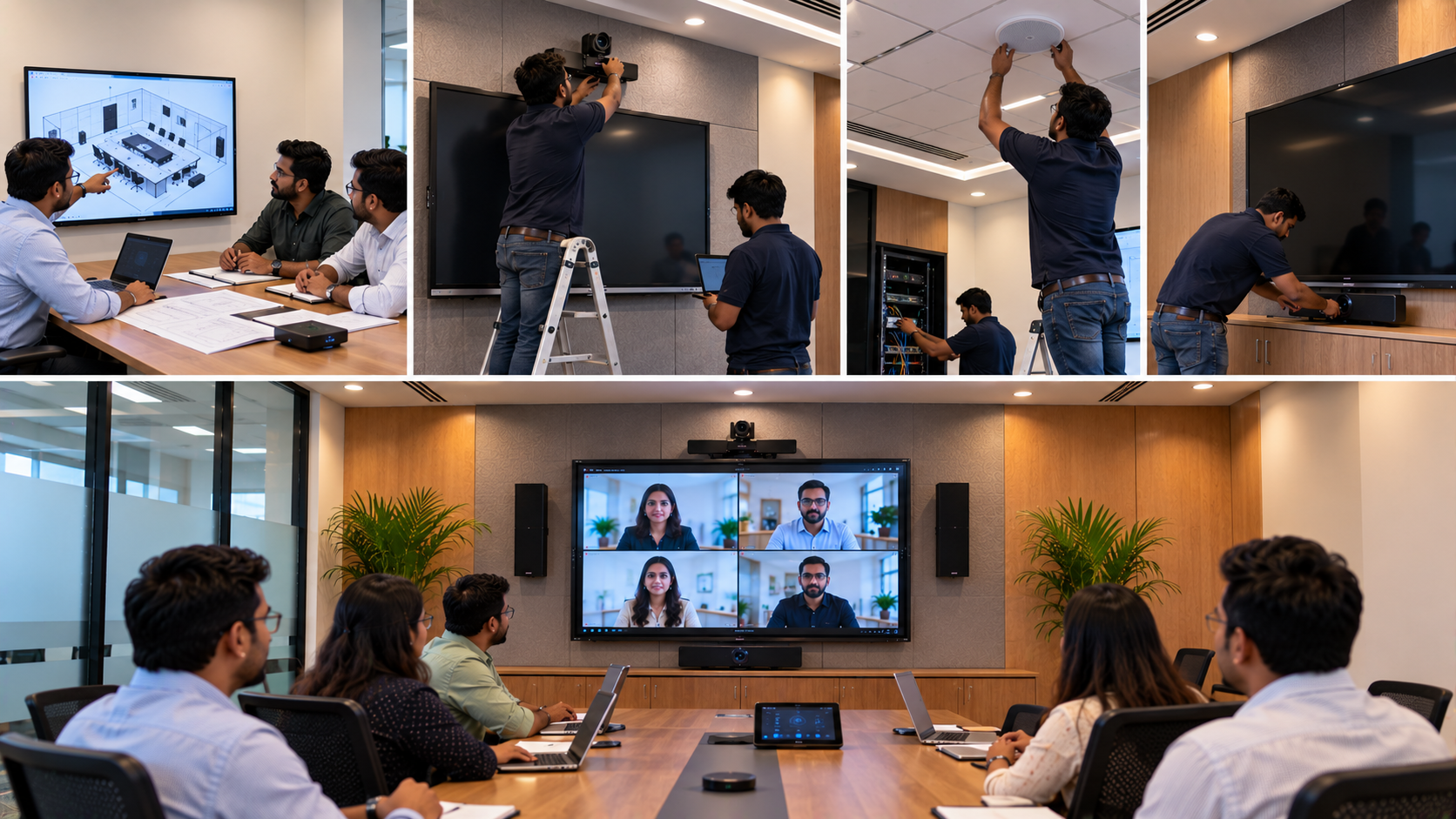
GoLive eTechnologies provides on-site technical support for AV, VC, display and IFP solutions, including installation, configuration, testing, troubleshooting and customer training.
On-Site IT Support vs Remote Support: Key Differences
|
Factor |
Remote Support |
On-Site Support |
|---|---|---|
|
Physical hardware |
Limited |
Suitable |
|
Software troubleshooting |
Highly suitable |
Suitable |
|
Installation |
Usually not suitable |
Highly suitable |
|
Cabling issues |
Limited |
Suitable |
|
Hardware inspection |
Limited |
Highly suitable |
|
User guidance |
Suitable |
Suitable |
|
Speed of initial assistance |
Often quick |
Depends on visit scheduling |
|
Complex deployment |
Limited |
Highly suitable |
|
Large AV setup |
Limited |
Suitable |
|
Multi-location support |
Highly scalable |
Location-dependent |
Rather than treating these approaches as competitors, businesses can use them together.
When Should a Business Choose On-Site Support?
On-site support becomes particularly valuable when technology requires physical installation, testing or maintenance.
1. Installing an Interactive Digital Board
An Evota Smart Board, MAXHUB Digital Board, LG Interactive Digital Board or Newline Interactive Panel is not simply a screen that needs to be delivered. Wall mounting, connectivity, calibration, software configuration and user training can all affect the final experience.
GoLive's current solutions include EVOTA, MAXHUB, LG and Newline interactive display categories for education, corporate and collaboration environments.
2. Setting Up a PTZ Camera
A PTZ camera needs appropriate positioning, connectivity and configuration to deliver an effective video-conferencing or teaching experience.
Businesses can consider solutions such as an Evota 4K PTZ Camera, Evota 10x HD PTZ Camera or Logitech PTZ solutions depending on their application.
3. Building a Hybrid Meeting Room
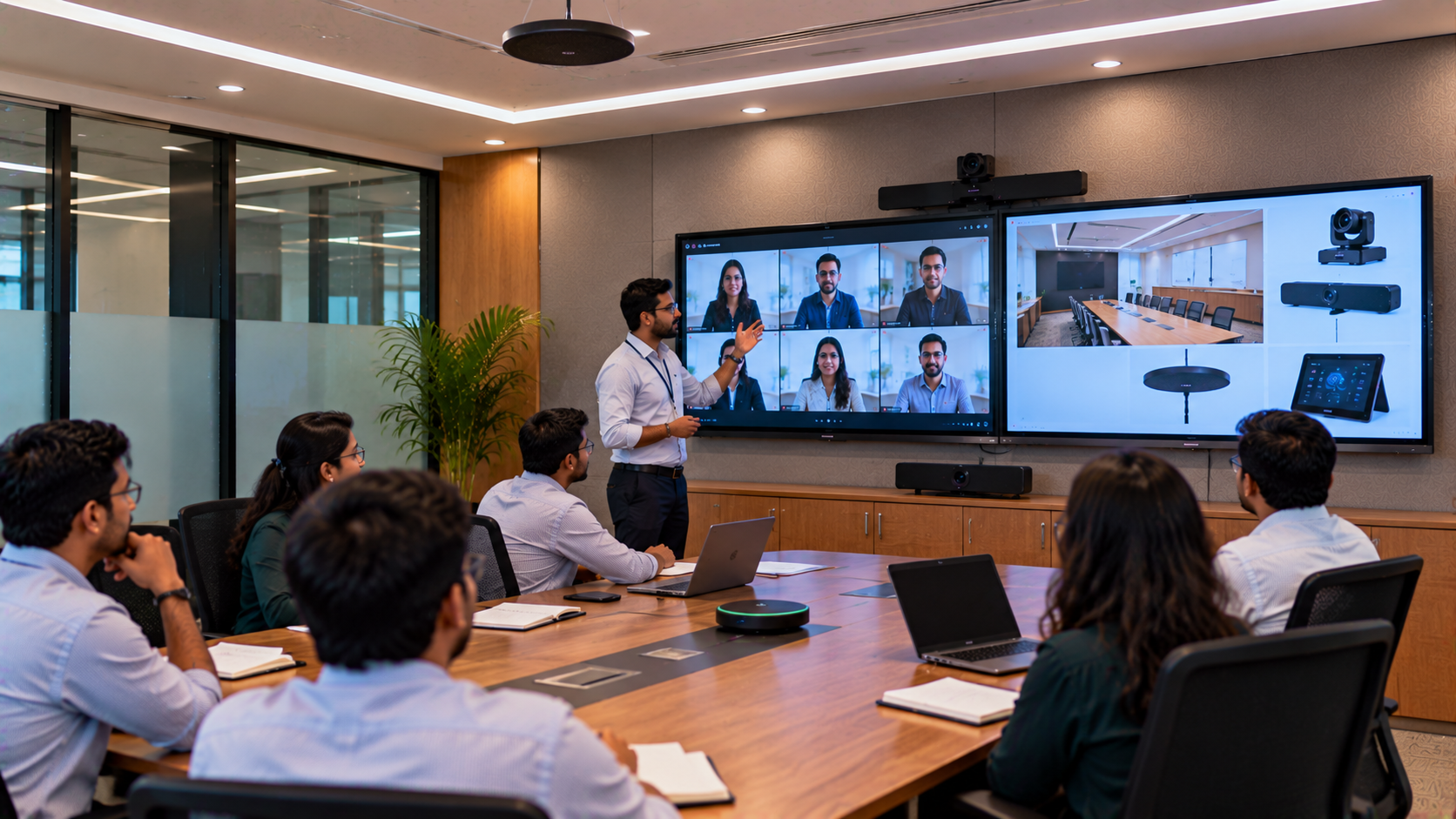
A professional hybrid meeting room can involve an interactive display, PTZ camera, microphones, speakers, connectivity and video-conferencing software.
GoLive describes hybrid meeting environments using interactive displays, 4K PTZ cameras, conference audio and content-sharing tools.
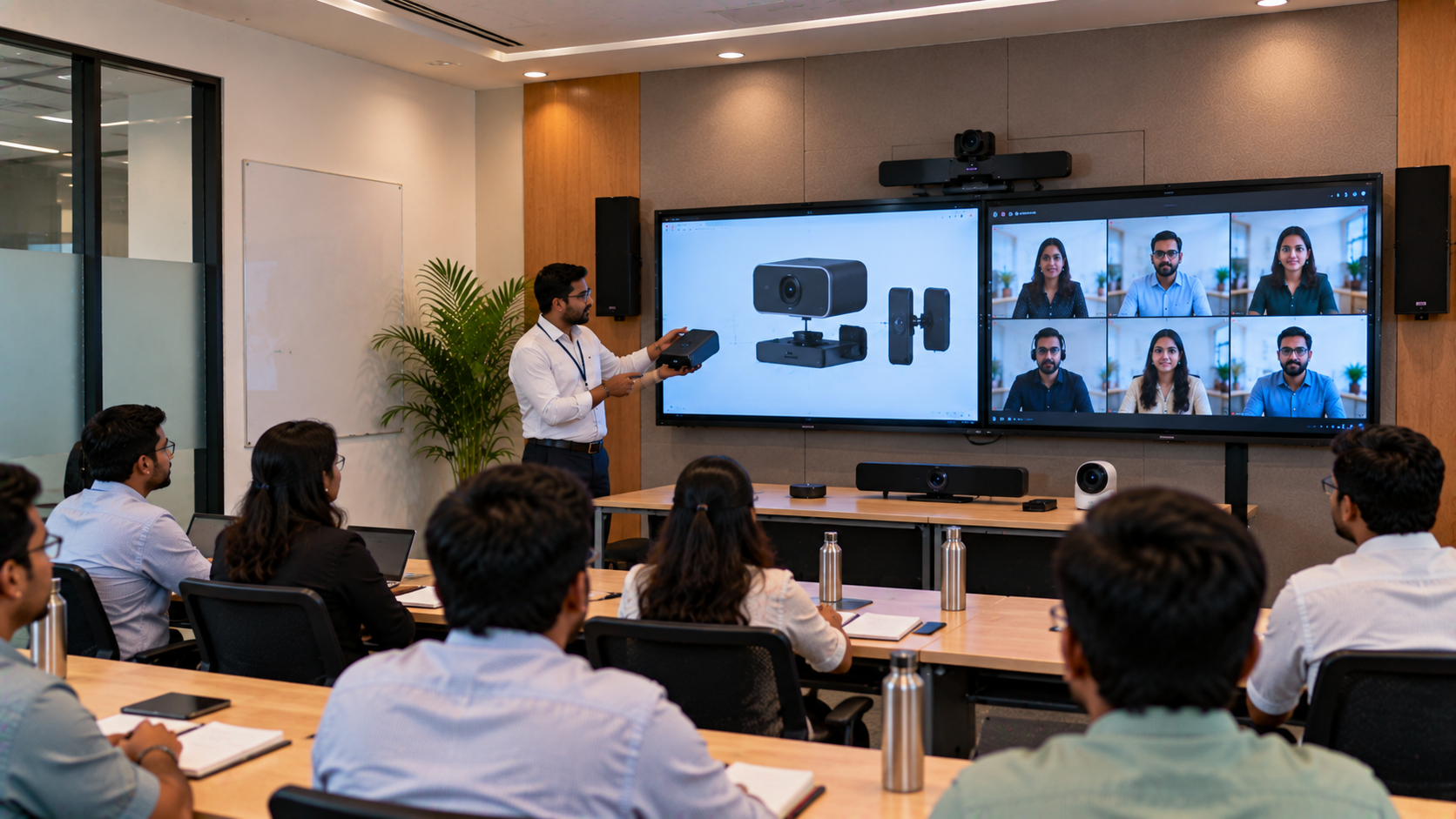
4. Creating a Smart Classroom
A complete smart classroom setup can include:
Interactive flat panel
OPS/PC
Digital pen
PTZ or teaching camera
Microphone and speakers
Connectivity
Mounting
Software configuration
Teacher training
GoLive's smart classroom guidance specifically recommends evaluating the complete setup rather than selecting equipment based only on digital board price.
When Is Remote IT Support More Practical?
Remote support can be effective when:
The equipment is already installed correctly.
The problem is software-related.
A user needs operational guidance.
Basic troubleshooting is required.
Configuration can be performed digitally.
A physical inspection is unnecessary.
For example, a business may use remote assistance to troubleshoot software while reserving on-site support for hardware installation or physical configuration.
This combination can reduce unnecessary site visits while still providing access to hands-on technical assistance when required.
Why Product Selection and Support Should Go Together
The lowest digital board price or interactive panel price is not necessarily the only factor businesses should consider.
A better purchasing checklist includes:
Product suitability
Screen size
Resolution
Connectivity
Installation requirements
Compatibility
Training
Warranty
Service and support
Future scalability
GoLive eTechnologies follows an integration-first approach where displays, cameras, audio, software and accessories are considered as a complete technology environment.
For example, a customer comparing Evota smart board price, Newline smart board price, MAXHUB smart board price in India or LG interactive digital board price India can also evaluate the installation and support requirements associated with the chosen solution.
GoLive eTechnologies: Technology That Works, Backed by People Who Help
GoLive eTechnologies positions itself as an end-to-end technology partner rather than simply a product seller.
Its solutions include:
Evota Interactive Panel and Evota Smart Board
Evota 4K PTZ Camera
MAXHUB Smart Board and Digital Board
Newline Interactive Panel
LG Interactive Digital Board and Interactive Panel
Writing pads and digital accessories
HDMI video capture devices
Conference-room solutions
Smart classroom and online teaching setups
These solutions can be configured for offices, schools, colleges, coaching centres, training rooms, conference rooms and hybrid environments.
The company's customer proposition is straightforward:
Right solution + fast deployment + installation + support = greater confidence and less technology headache.
Customer feedback highlighted by GoLive also focuses on practical areas such as service, support, fast delivery, installation, training and assistance.
Which Support Model Should Your Business Choose?
There is no single support model that fits every business.
|
Business Requirement |
Suitable Support Approach |
|---|---|
|
Software troubleshooting |
Remote |
|
Basic user assistance |
Remote |
|
New equipment installation |
On-site |
|
Interactive panel deployment |
On-site + Remote |
|
PTZ camera installation |
On-site + Remote |
|
Smart classroom setup |
On-site + Remote |
|
Multi-location software support |
Remote + scheduled on-site |
|
Complex AV deployment |
On-site + ongoing remote support |
For businesses purchasing physical technology, the most practical model is often hybrid support: remote assistance for quick troubleshooting and on-site expertise for installation, hardware and complex technical requirements.
Final Takeaway
The question is not simply “on-site IT support or remote IT support?”
The more useful question is: “What level of support does my technology actually require?”
For software issues, remote assistance can be convenient and efficient. For hardware installation, configuration, cabling, physical troubleshooting and complex AV environments, on-site support can provide essential hands-on assistance.
When you are investing in an interactive flat panel, digital board, PTZ camera, smart classroom or conference-room setup, choosing the right technology partner can make the entire deployment easier.
With GoLive eTechnologies, businesses and institutions can explore technology solutions from product selection through installation, deployment, training and support.
Technology that works, backed by people who help.
Your email address will not be published. Required fields are marked *

By Inhype • September 12, 2026
A smart classroom is only as effective as the technology supporting it. Interactive panels, smart boards, PTZ cameras, microphones, speakers, PCs and
Read More
By Inhype • September 12, 2026
Higher education is rapidly moving beyond traditional chalkboards and projectors. Today, colleges and universities need technology that supports inter
Read More
By Inhype • September 12, 2026
A smart classroom for CBSE schools is no longer simply a classroom with a digital board. Modern schools are building connected learning environments t
Read More
By Inhype • September 12, 2026
Planning a smart classroom project for 10, 20 or even 50 classrooms requires more than simply purchasing digital boards. Schools, colleges, universiti
Read More
By Inhype • September 12, 2026
A smart classroom can transform the way teachers explain concepts, students interact with lessons, and institutions deliver digital education. From in
Read More




Golive eTechnologies India Private Limited (CIN - U31909UP2021PTC148242) is one of India's leading providers of smart classrooms, interactive boards, video conferencing solutions, and display technologies for the education, healthcare, corporate, and government sectors.

















No comments yet. Be the first to comment!