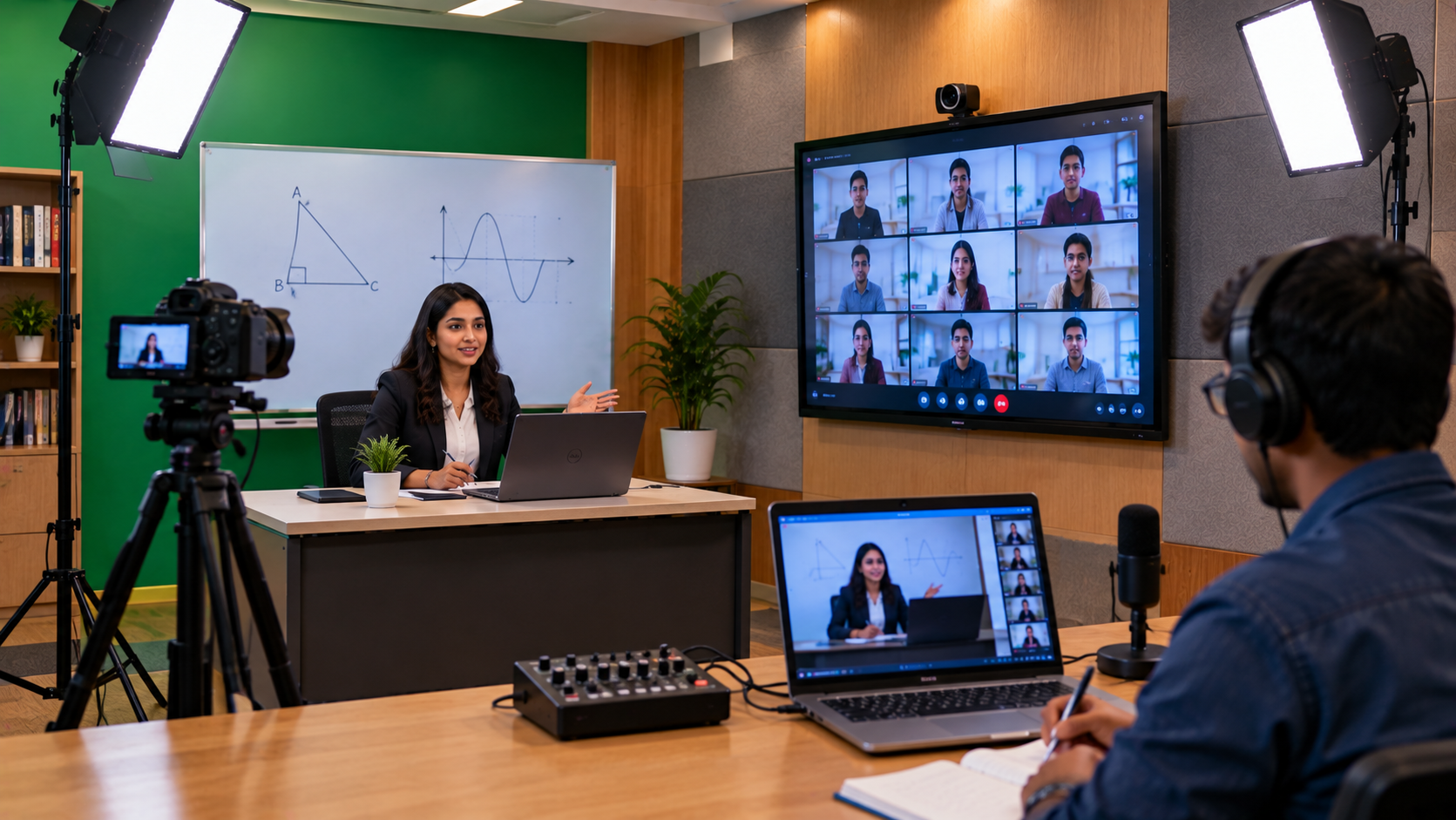
Online classes have made it possible for educational institutes to teach students beyond the physical classroom. However, delivering an effective online lesson requires more than a laptop and an internet connection. Unclear audio, poor camera angles, weak lighting and difficult recording workflows can make it harder for students to follow lessons. For coaching institutes, schools, colleges and training centres in Khargone, Madhya Pradesh, a well-planned online class setup with professional video and audio equipment can help create a more consistent learning experience. GoLive eTechnologies helps educational institutions explore integrated technology solutions—from selecting suitable equipment to installation, configuration, training and support. Its brand promise is simple: Technology that works, backed by people who help.
Common Online Teaching Challenges for Institutes in Khargone
When an institute moves from traditional classroom teaching to online or hybrid classes, several practical challenges can arise:
Unclear teacher audio: Laptop microphones may pick up room noise, echo and unwanted sounds.
Limited video coverage: A basic webcam may not capture the teacher, whiteboard and classroom demonstrations effectively.
Difficult content sharing: Teachers may struggle to switch between presentations, digital notes and live demonstrations.
Inconsistent recordings: Poor lighting, unsuitable camera positioning and audio variations can reduce lecture quality.
Technical complexity: Multiple devices may require careful connection, configuration and testing.
The solution is to plan the classroom as one connected system rather than purchasing individual products without considering compatibility.
1. Choose a Professional Camera for Online Classes
Video quality helps remote students follow the teacher’s explanations, demonstrations and classroom activities. For institutes that record lectures or conduct hybrid sessions, a professional camera may offer greater flexibility than a basic webcam.
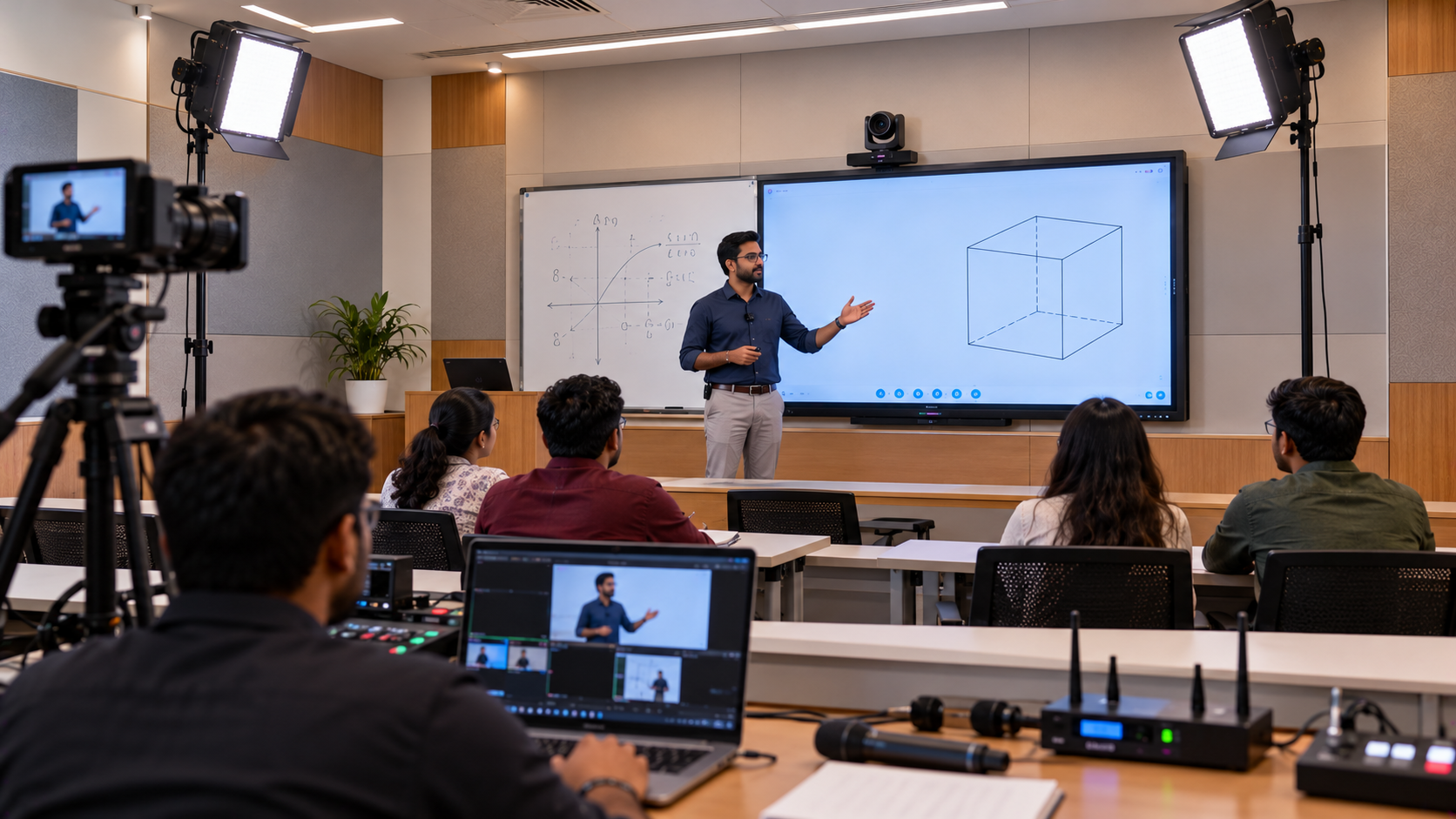
GoLive eTechnologies offers camera solutions such as the EVOTA 4K PTZ Camera and EVOTA 10X HD PTZ Camera, along with options such as Logitech PTZ cameras, depending on requirements.
A PTZ camera—short for Pan, Tilt and Zoom—allows the camera’s direction and zoom to be adjusted. Depending on the model and configuration, it can be useful for:
Capturing the instructor and teaching area
Recording lectures for later revision
Conducting live online classes and webinars
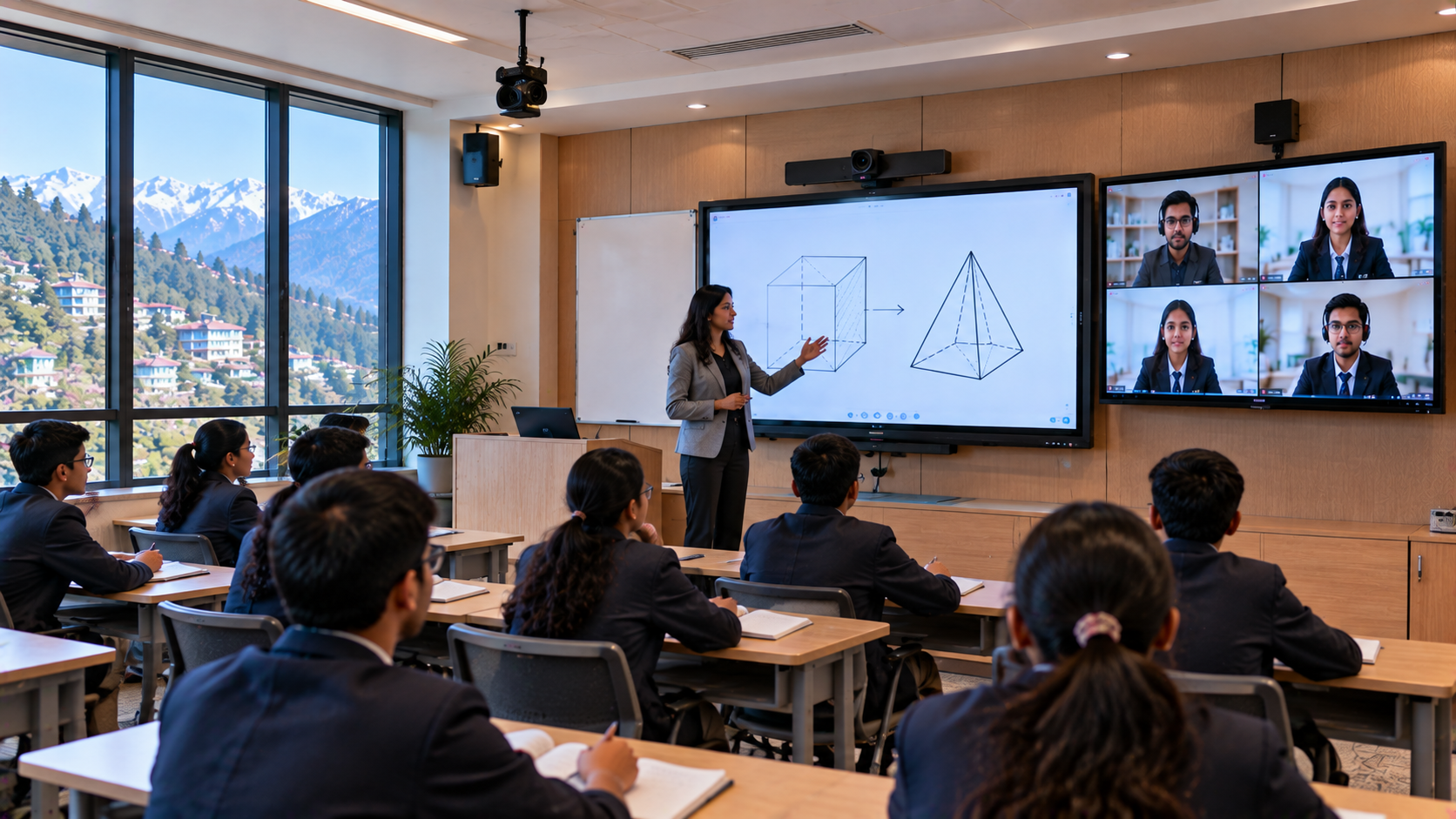
Supporting hybrid classes with in-person and remote learners
Creating reusable educational video content
When comparing EVOTA 4K PTZ camera price or other camera options, consider resolution, optical zoom, connectivity, room size and recording requirements—not just the initial purchase price.
2. Improve Voice Clarity with a Dedicated Microphone
Students need to hear explanations clearly, particularly during mathematics, science, language and technical lessons. A dedicated microphone can help provide more consistent audio when correctly selected and positioned.
Depending on the room and teaching style, an institute can consider:
Wireless microphone: Offers freedom of movement while teaching.
Lavalier or collar microphone: Keeps the microphone close to the instructor’s voice.
Wired microphone: Can be a practical choice for a fixed teaching position.
Speaker and amplifier system: Helps distribute sound in larger classrooms where required.
GoLive eTechnologies can help institutions evaluate suitable microphone and audio-system categories for their intended application.
Four tips to record better-quality sound
Place the microphone close to the teacher’s mouth without obstructing movement.
Reduce background noise by closing doors and switching off unnecessary noisy equipment.
Test audio levels before starting a class or recording.
Check for echo and microphone feedback, and position speakers appropriately.
Good sound depends on the room, equipment, microphone placement and configuration working together.
3. Add an Interactive Panel for Digital Teaching
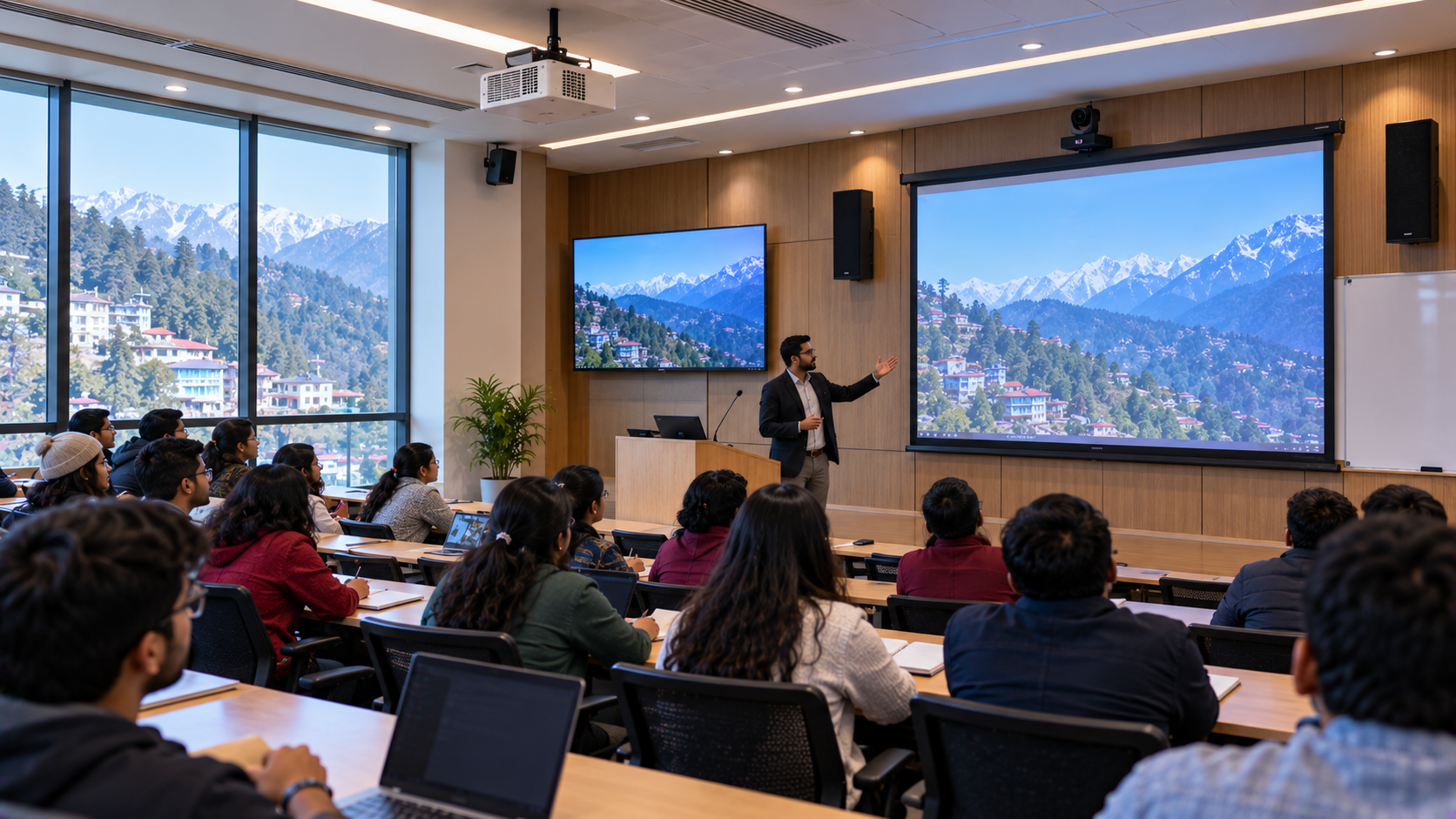
A digital teaching board can make lessons more interactive by helping teachers display presentations, write notes, annotate diagrams and explain concepts visually.
GoLive eTechnologies offers interactive display options across brands such as EVOTA, MAXHUB, Newline and LG, subject to product availability and specifications.
Institutes may explore:
EVOTA Interactive Panel: For digital writing, presentations and interactive lessons.
MAXHUB Smart Board: For collaborative teaching and classroom presentations.
Newline Interactive Panel: For digital teaching and visual explanations.
LG Interactive Digital Board: For interactive classroom and presentation applications.
The right screen size depends on viewing distance, room dimensions, student capacity and teaching style. A 75-inch panel may suit some classrooms, while other spaces may require a different size.
Searches such as EVOTA smart board 75 inch price, MAXHUB smart board price in India, Newline interactive panel price in India and LG interactive digital board price India are useful starting points. However, buyers should confirm the exact model, included accessories, installation requirements and current quotation before making a decision.
4. Create a Complete Online Class Studio Setup
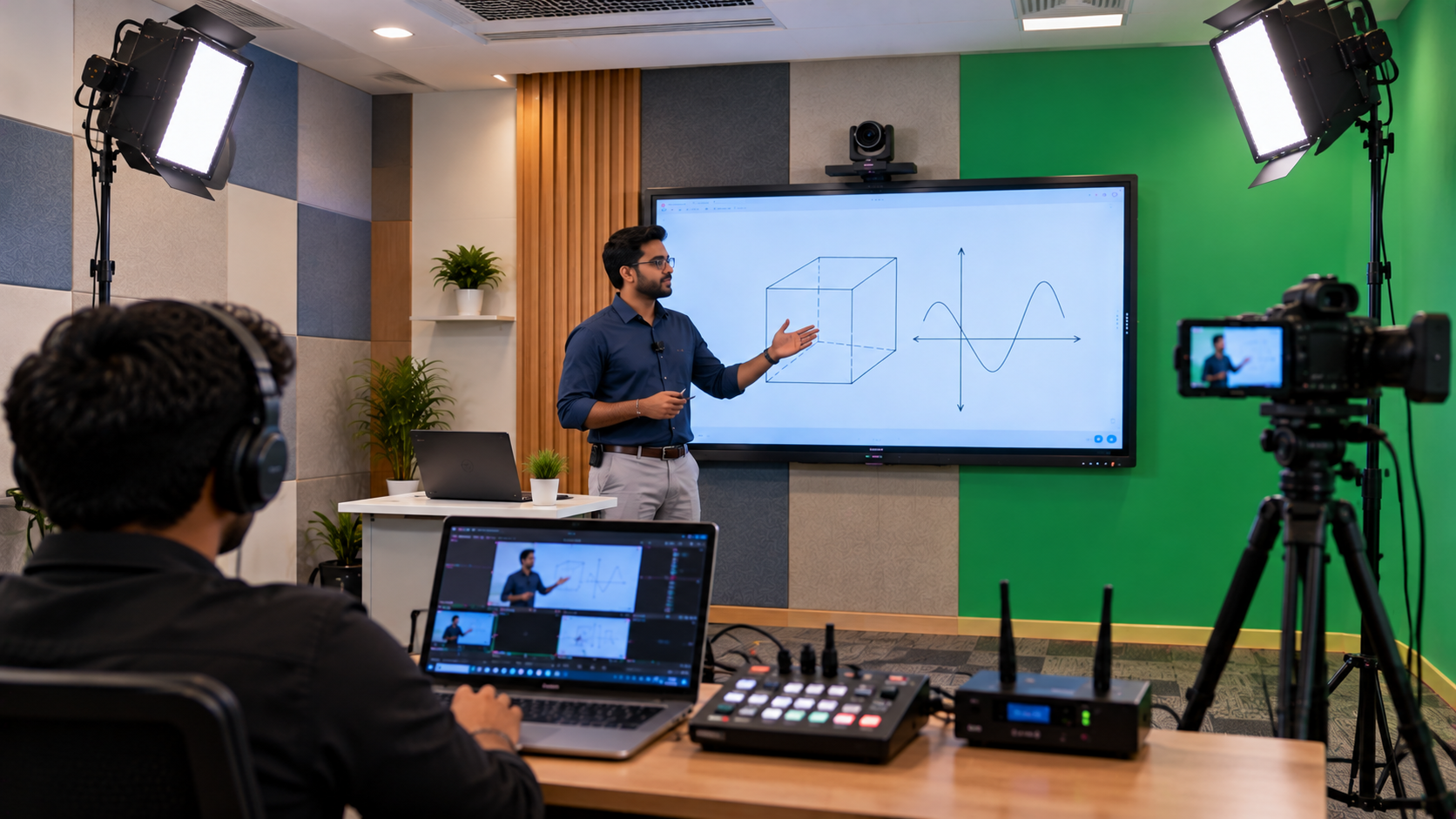
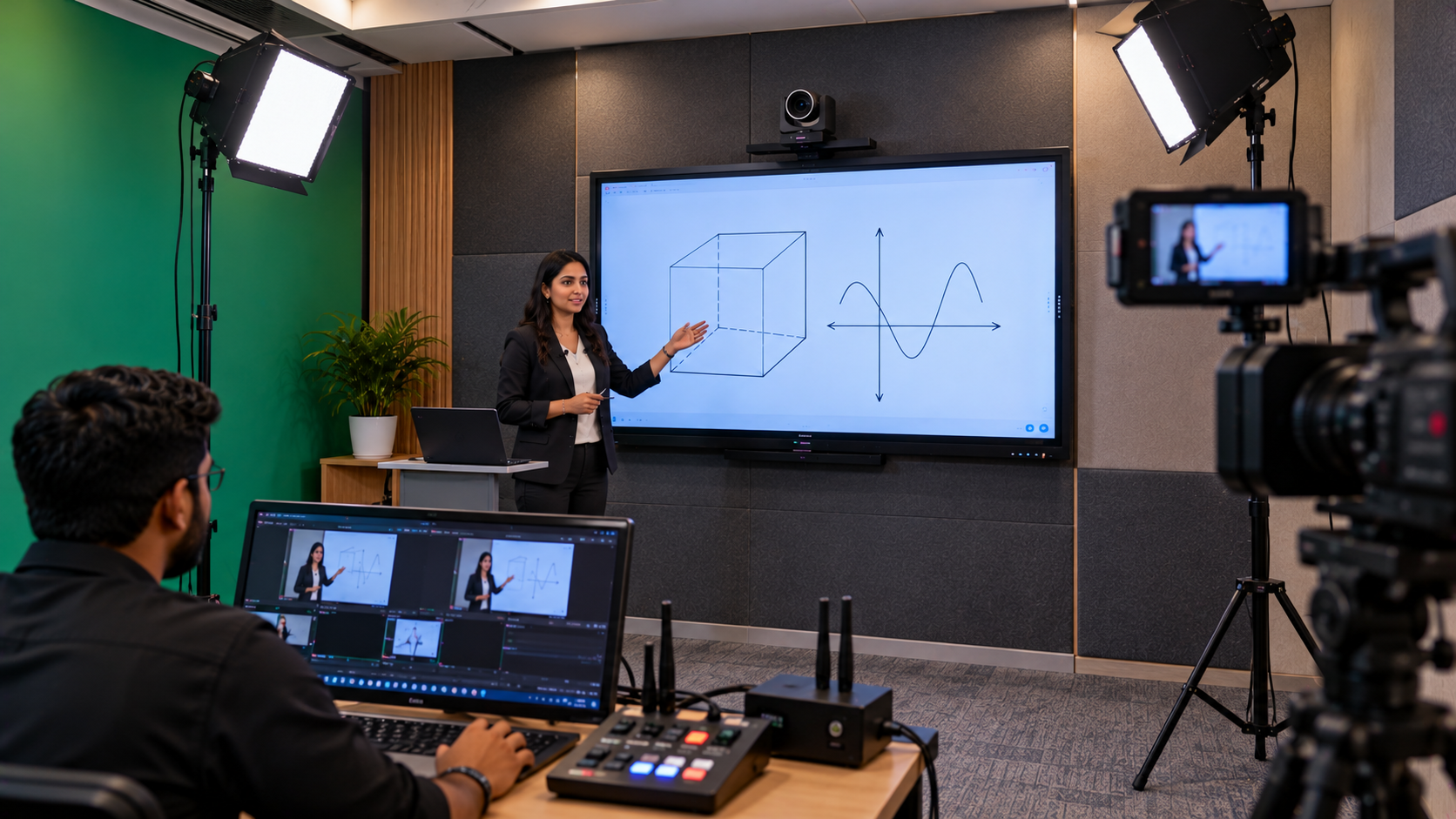
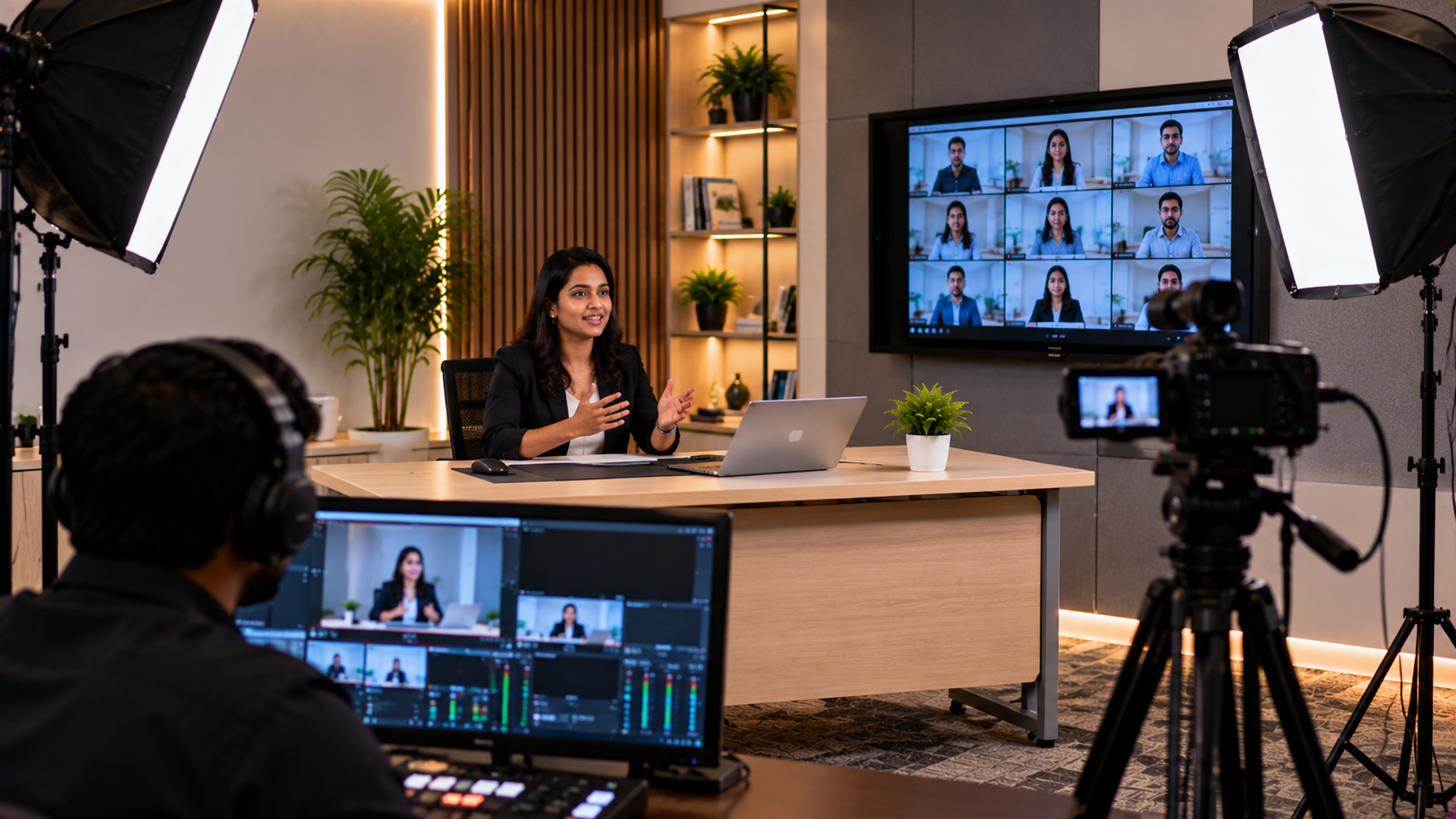
For institutes that regularly record lectures or broadcast live sessions, a dedicated teaching studio setup can make the workflow more manageable.
A typical configuration may include:
|
Requirement |
Equipment to consider |
|---|---|
|
Teacher and classroom video |
PTZ camera or suitable professional camera |
|
Clear voice |
Wired, wireless or collar microphone |
|
Classroom sound |
Suitable speakers and amplifier, if needed |
|
Digital teaching |
Interactive panel or writing solution |
|
Video capture |
Compatible HDMI video capture device or capture card |
|
Recording and streaming |
Computer and compatible software, such as OBS Studio |
|
Consistent visibility |
Appropriate room lighting |
|
Integration |
Suitable cables, mounts and connectivity accessories |
The final equipment list should be tailored to the institute. Not every classroom needs every component, and compatibility should be checked before purchase.
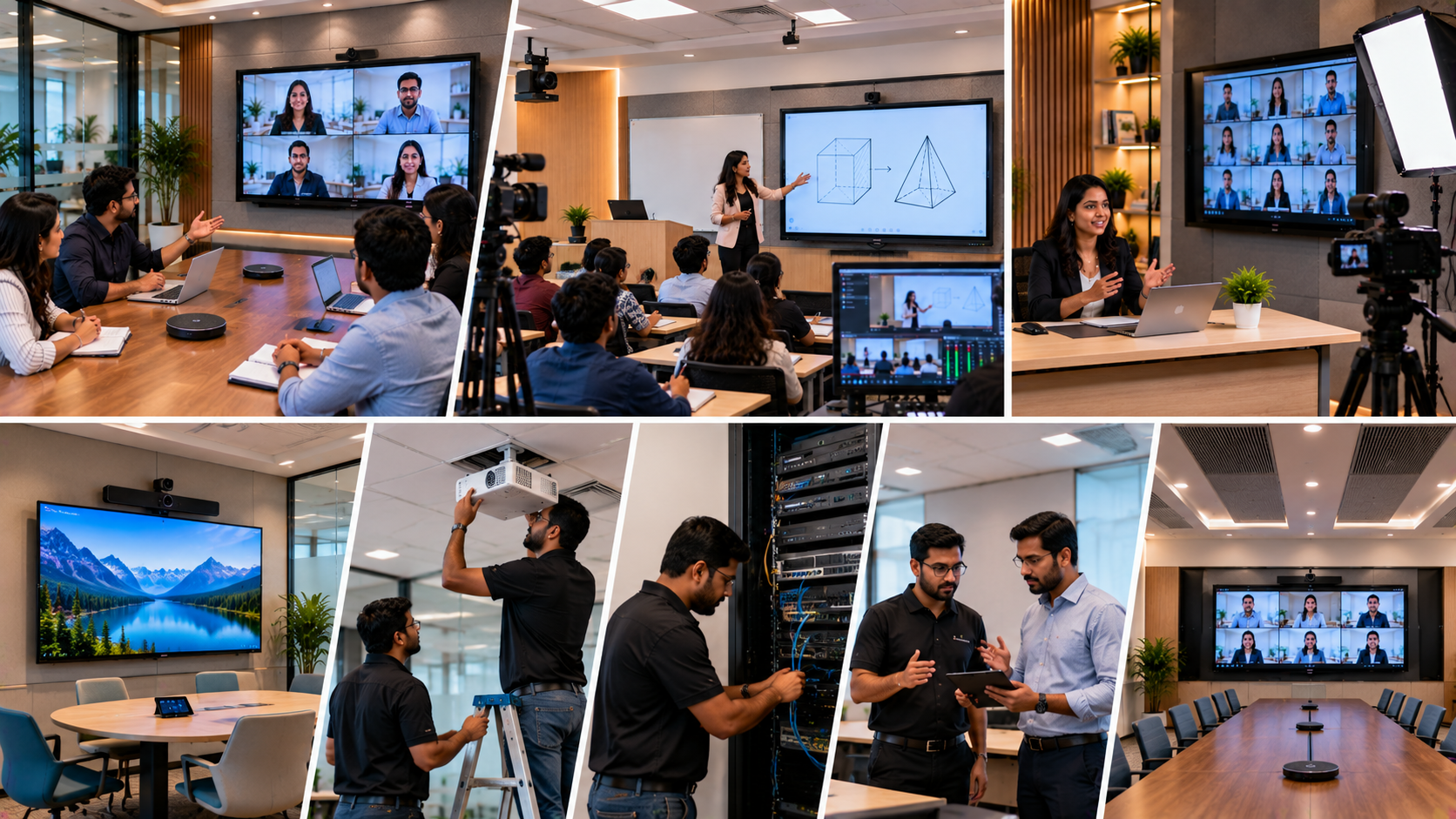
5. Follow a Planned Installation and Training Process
Even suitable equipment can be difficult to use when it is installed without considering room layout or user needs. A planned deployment helps reduce avoidable technical issues.
GoLive eTechnologies’ end-to-end approach can be structured around these stages:
Requirement assessment: Understand the classroom, budget, class format and existing equipment.
Product selection: Shortlist suitable cameras, microphones, displays and accessories.
Quotation and delivery: Confirm models, quantities, pricing and delivery arrangements.
Installation and configuration: Position and connect equipment, then configure the workflow.
Testing and training: Test video, sound, presentations and recording; help users understand operation.
Ongoing assistance: Provide support according to the agreed service and product terms.
This process reflects the core promise of GoLive eTechnologies: the right solution, fast deployment, installation and support.
What Determines Online Class Setup Cost in India?
There is no single price for every online teaching setup. The total cost depends on the equipment and services required.
Key factors include:
Camera model, resolution and zoom capability
Microphone type and audio coverage
Interactive panel size and specifications
Capture card, computer and software requirements
Lighting, cables, mounting and installation
Training, configuration and support requirements
If you are comparing online class studio setup price, EVOTA digital board price, interactive panel price or PTZ camera price in India, request a requirement-based quotation. Comparing complete configurations makes it easier to understand what is included and avoid paying for features your institute does not need.
Why Choose GoLive eTechnologies?
For an institute in Khargone, the goal is not simply to buy a camera, microphone or digital board. It is to build a teaching environment that works reliably for teachers and learners.
GoLive eTechnologies focuses on:
Technology recommendations based on actual requirements
Suitable product options for education and training
Coordinated installation and configuration
Training and assistance to support adoption
Support beyond the initial product selection
When evaluating any technology provider, review relevant customer feedback and confirm the service, warranty and support terms for your purchase.
Upgrade Your Online Classes with GoLive eTechnologies
Whether your institute needs an EVOTA 4K PTZ camera, an interactive panel, a teacher microphone, video capture equipment or a complete online class studio setup, begin with the teaching requirement and build the solution around it.
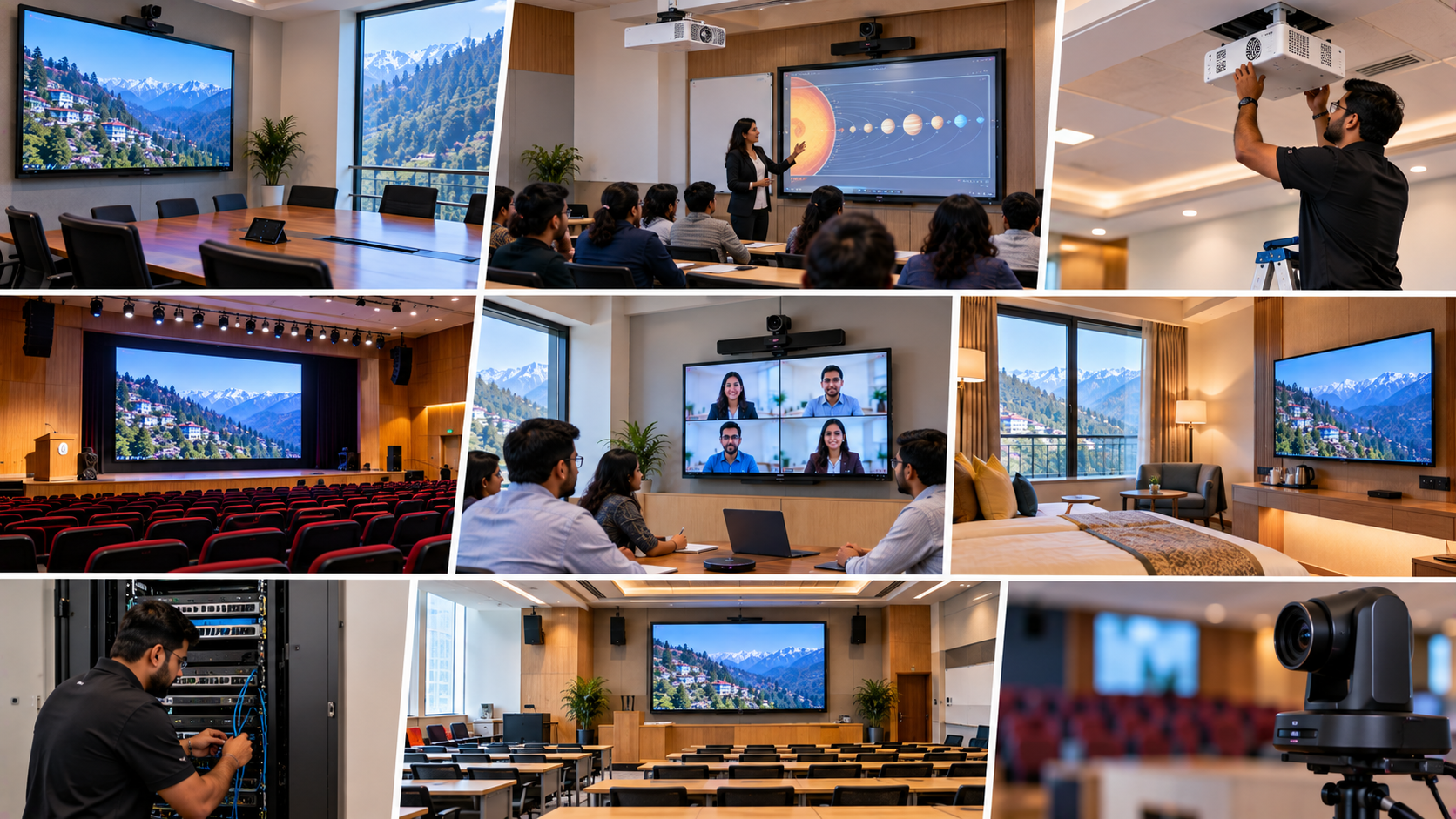
GoLive eTechnologies supports institutions across India with a requirement-led approach to technology selection, installation and assistance.
Less technology headache. More confidence that everything will work.
Contact GoLive eTechnologies through www.golivetechnologies.in to discuss an online teaching or hybrid classroom solution for your institute in Khargone.
Your email address will not be published. Required fields are marked *

By Inhype • September 12, 2026
A smart classroom is only as effective as the technology supporting it. Interactive panels, smart boards, PTZ cameras, microphones, speakers, PCs and
Read More
By Inhype • September 12, 2026
Higher education is rapidly moving beyond traditional chalkboards and projectors. Today, colleges and universities need technology that supports inter
Read More
By Inhype • September 12, 2026
A smart classroom for CBSE schools is no longer simply a classroom with a digital board. Modern schools are building connected learning environments t
Read More
By Inhype • September 12, 2026
Planning a smart classroom project for 10, 20 or even 50 classrooms requires more than simply purchasing digital boards. Schools, colleges, universiti
Read More
By Inhype • September 12, 2026
A smart classroom can transform the way teachers explain concepts, students interact with lessons, and institutions deliver digital education. From in
Read More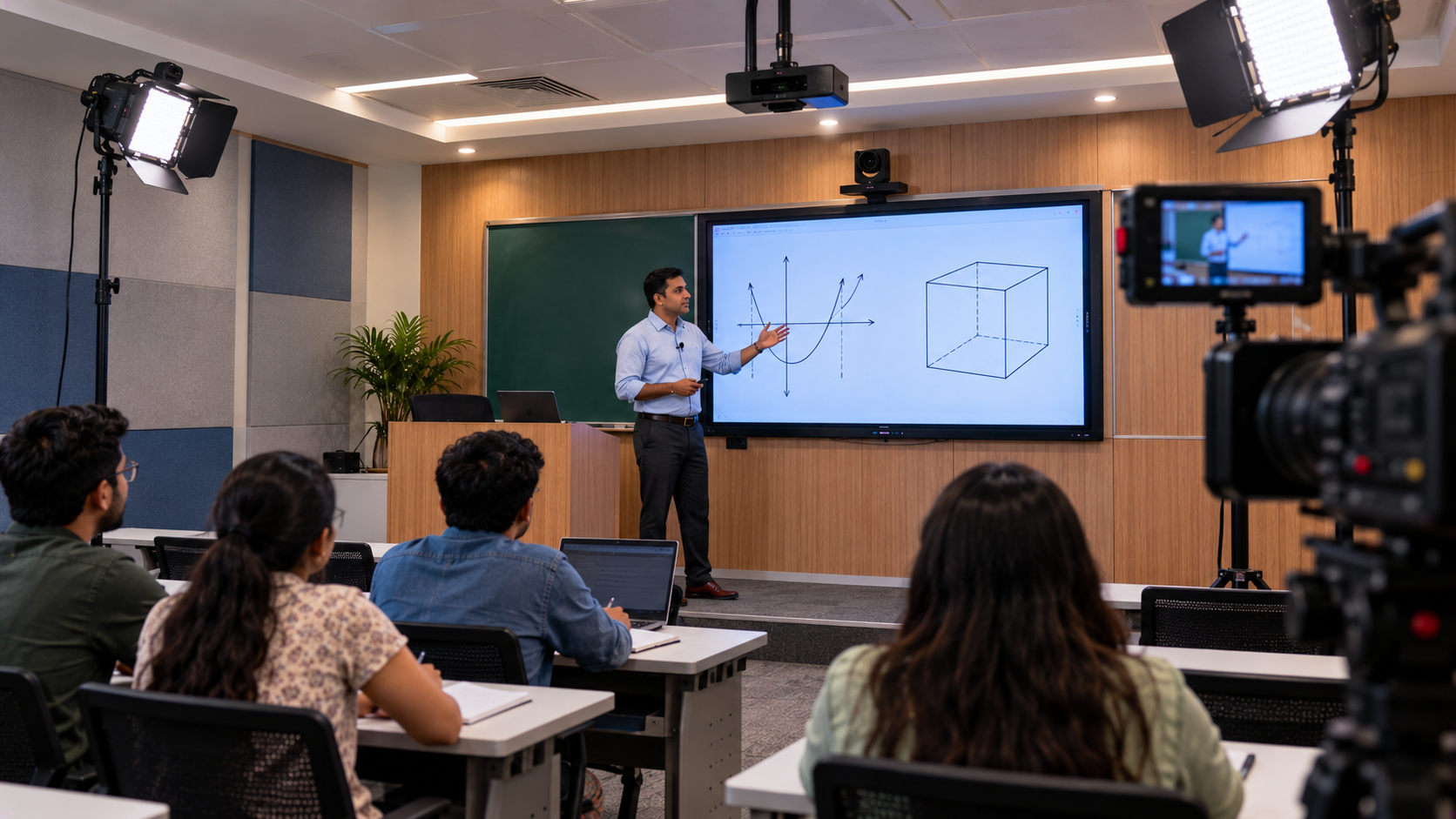
October 19, 2026





Golive eTechnologies India Private Limited (CIN - U31909UP2021PTC148242) is one of India's leading providers of smart classrooms, interactive boards, video conferencing solutions, and display technologies for the education, healthcare, corporate, and government sectors.






No comments yet. Be the first to comment!