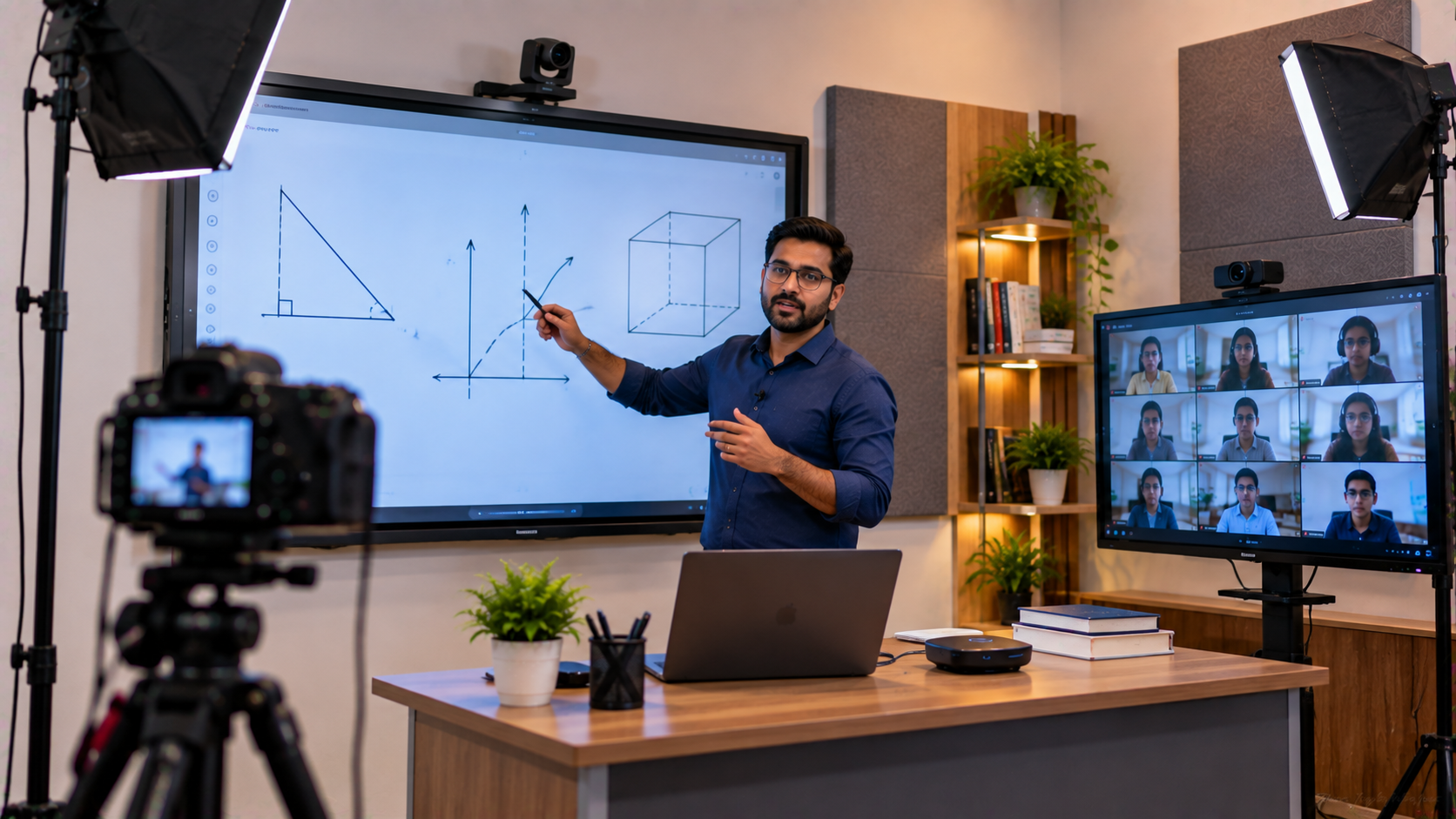
For coaching institutes in Ghaziabad and across Delhi NCR, online and hybrid teaching have become important ways to reach more learners without being limited by classroom capacity. However, moving from a conventional classroom to a professional online teaching setup requires more than a laptop and webcam. A representative coaching-institute setup can combine an interactive digital board, PTZ camera, digital writing tools, audio equipment, HDMI capture and streaming workflows to create a more consistent teaching experience. GoLive eTechnologies India Private Limited helps educational institutions evaluate, integrate and support these technologies—from product selection and installation to training and after-sales assistance.
The Challenge: Turning a Traditional Classroom into an Online Teaching Studio
A coaching centre may already have teachers, classrooms and digital content, but online delivery can introduce several problems:
Students may struggle to see handwritten explanations clearly.
Fixed webcams provide limited classroom coverage.
Teachers may have difficulty switching between presentations and board work.
Poor microphone placement can affect lesson clarity.
Multiple disconnected devices can make the teaching workflow complicated.
Institutes may be uncertain about the digital board price, camera configuration or complete teaching studio setup cost.
For an institute in Ghaziabad, the objective is therefore not simply to buy a smart board. It is to create an integrated digital classroom setup that works reliably for teachers and students.
The GoLive eTechnologies Solution: Interactive Board + PTZ Camera + Teaching Workflow
A practical solution can be designed around four connected layers: display, camera, writing/annotation and capture/streaming.
GoLive's education portfolio includes Evota Smart Board, Evota Interactive Panel, MAXHUB Digital Board, Newline Interactive Panel, LG Interactive Digital Board and professional PTZ camera solutions.
1. Evota Interactive Panel for Interactive Teaching
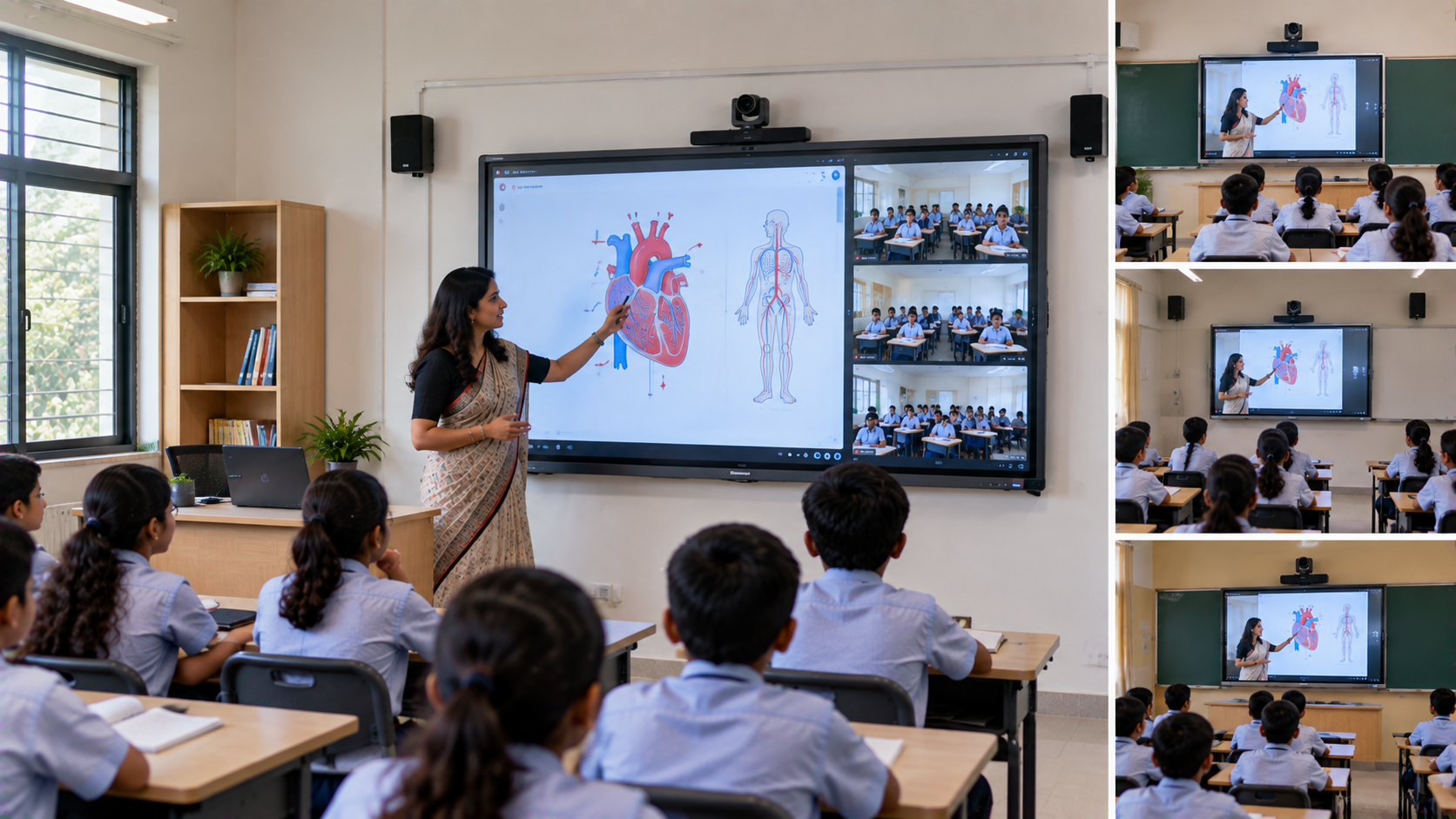
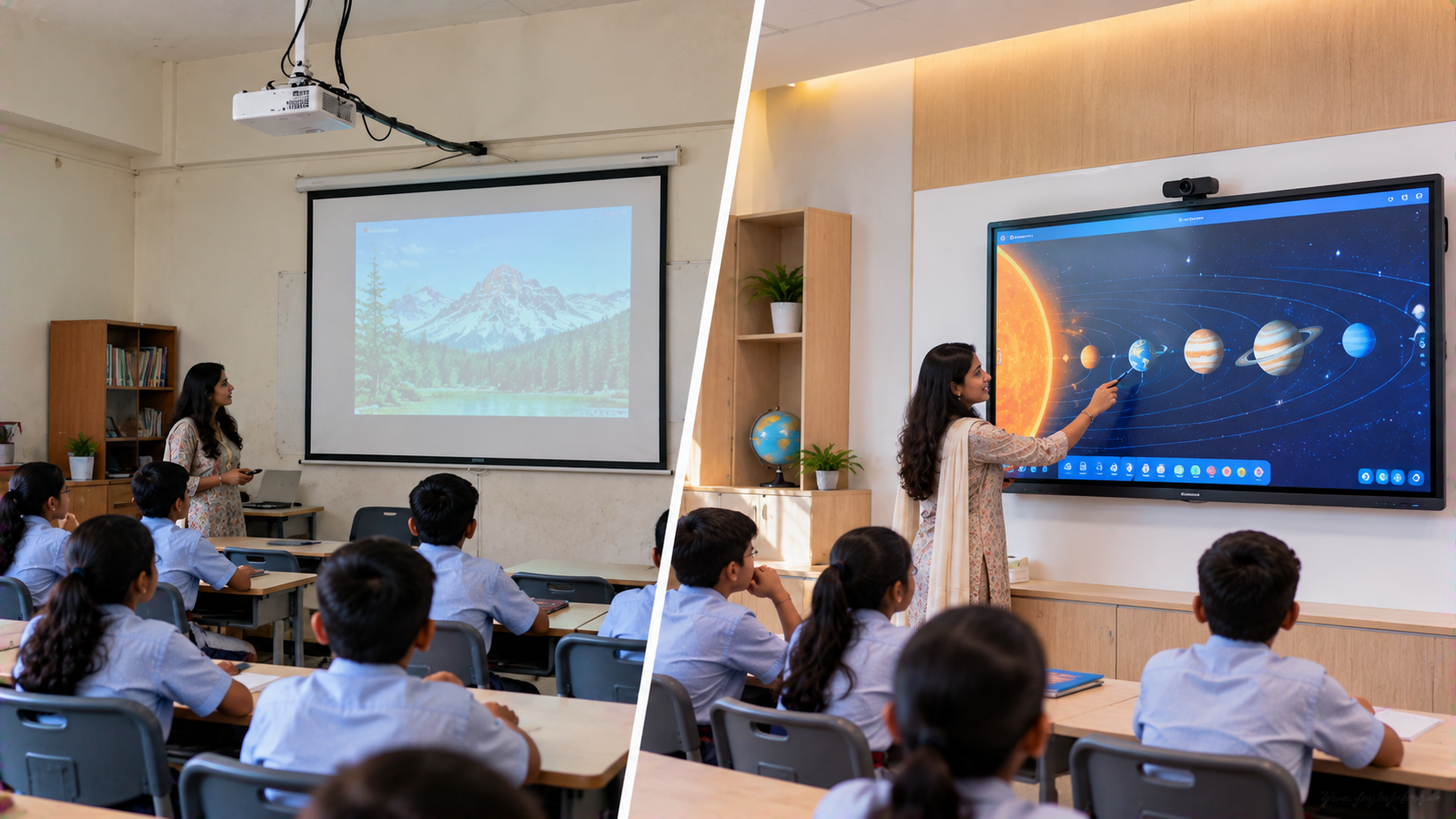
The interactive panel becomes the visual centre of the classroom.
An Evota Interactive Panel or Evota Smart Board can support activities such as:
Writing and annotation
Presenting PowerPoint lessons
Explaining diagrams and equations
Displaying videos and digital learning material
Interactive classroom activities
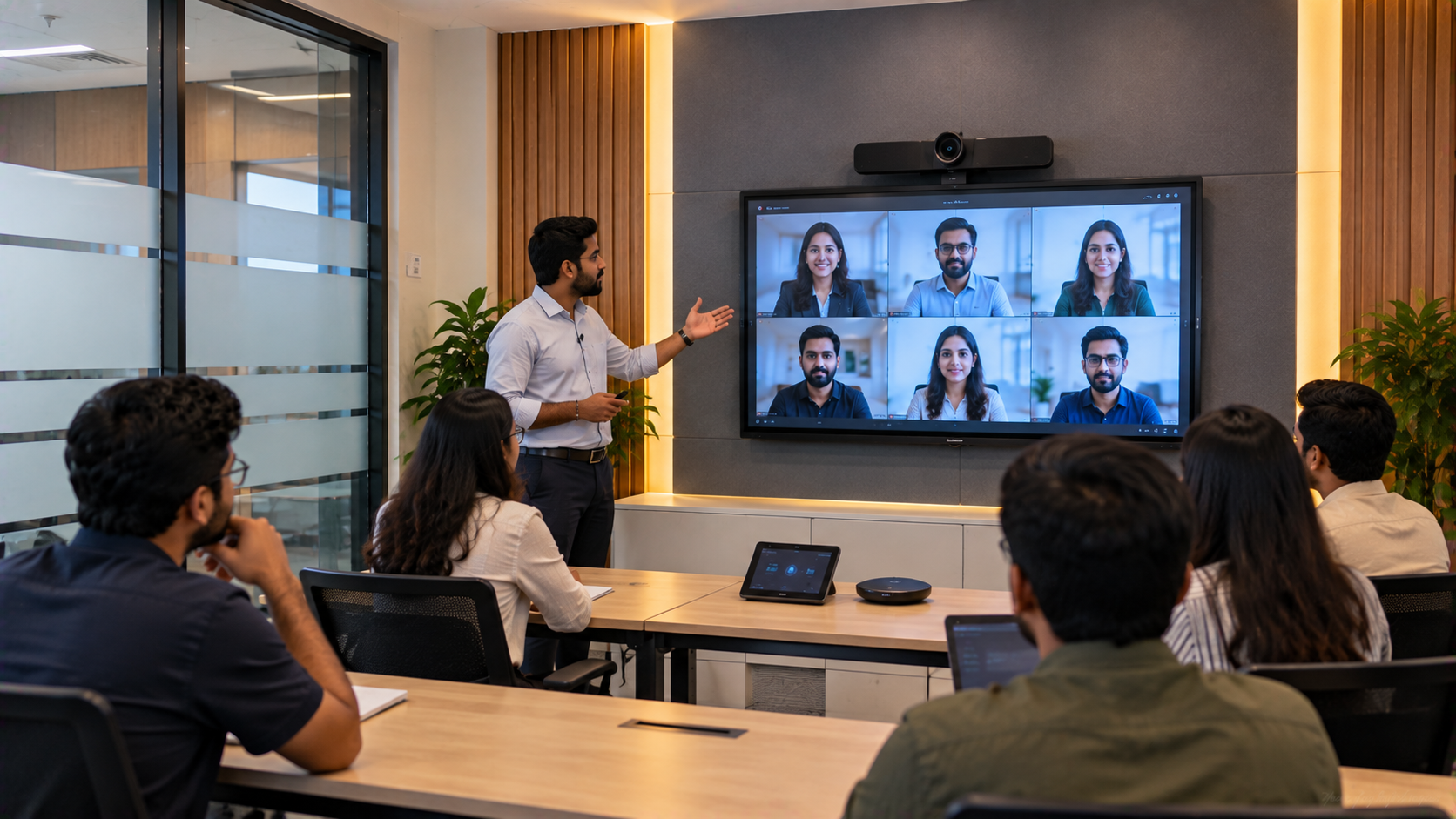
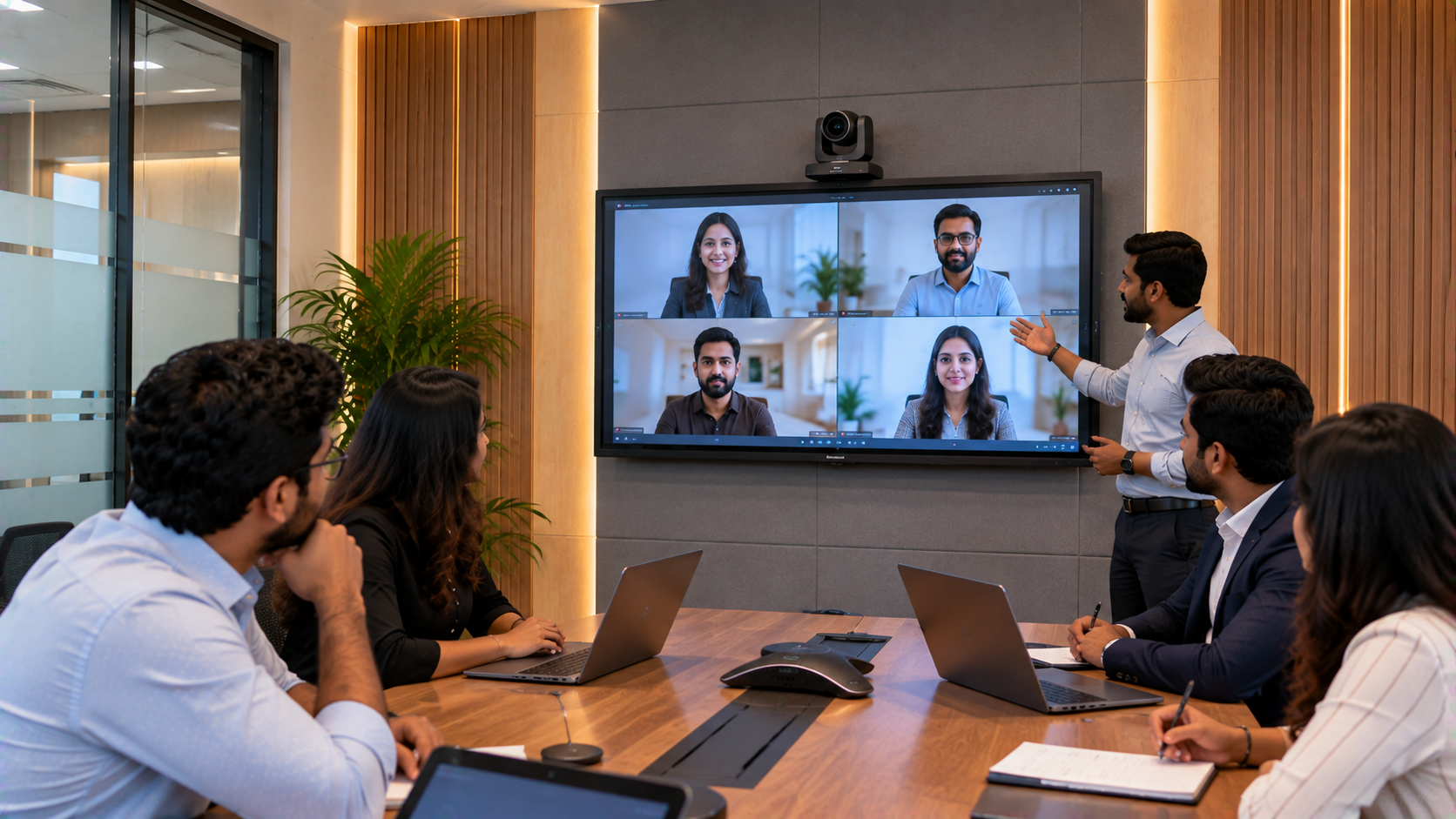
Hybrid teaching
For a 75-inch classroom display, institutes can compare configurations based on room size, viewing distance, connectivity and teaching requirements rather than selecting a product purely on the lowest Evota smart board 75 inch price.
GoLive also provides alternatives such as MAXHUB Smart Board, Newline Interactive Panel and LG Interactive Digital Board, allowing institutions to evaluate different display categories.
2. Evota 4K PTZ Camera for Online Classes and Lecture Recording
A professional camera is essential when the teacher needs to be captured alongside the digital board.
A PTZ camera means Pan-Tilt-Zoom camera. It can remotely change its viewing direction and zoom level, making it suitable for teaching studios, lecture recording and hybrid classrooms.
GoLive offers solutions including:
Evota 4K PTZ Camera
Evota 10X HD PTZ Camera
Logitech PTZ solutions
Logitech PTZ Pro 2
The camera can be positioned to capture the teacher, interactive board, demonstrations or classroom activities.
For institutes comparing Evota 4K PTZ camera price, Evota camera price, Logitech PTZ camera or Sony camera options, the right choice should depend on the room, required resolution, camera coverage and streaming workflow.
3. Writing Pad for PC for Flexible Digital Annotation
Not every teaching situation requires the instructor to stand directly in front of an interactive panel.
A writing pad for PC, desktop writing pad or USB writing pad can allow teachers to write digitally while presenting content through a computer.
This can be useful for:
Mathematics equations
Chemistry structures
Physics diagrams
Online doubt-solving
Screen annotation
Remote tutoring
GoLive's solution portfolio includes Writing Pads for PC, USB Writing Pads and Desktop Writing Pads designed to work with digital teaching workflows.
4. HDMI Capture and Streaming for a Complete Teaching Studio Setup
A professional online class studio setup may require more than a display and camera.
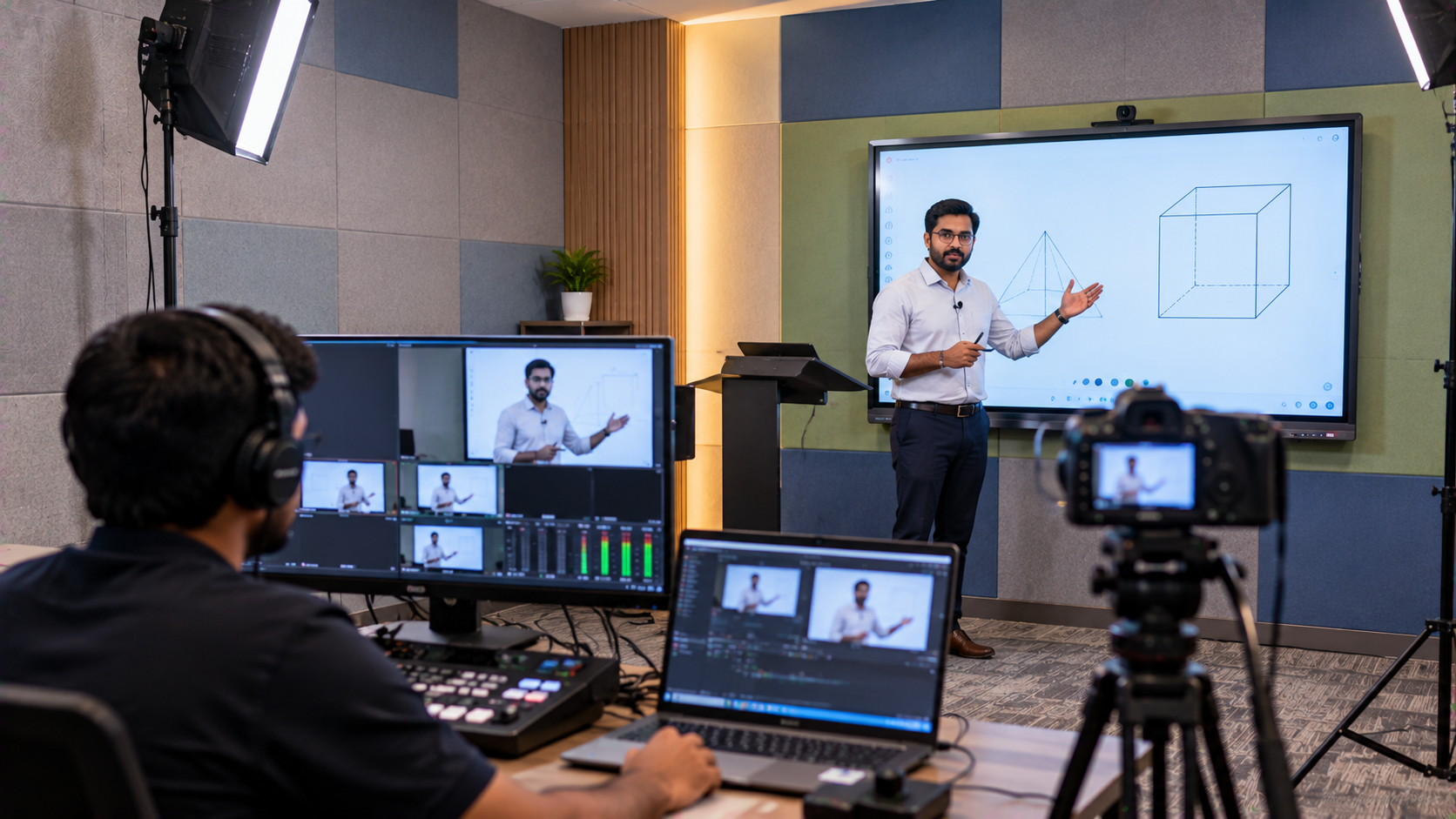
An HDMI video capture device can help bring an HDMI video source into a computer for streaming or recording. For more advanced environments, video switchers and streaming workflows can allow instructors to move between different sources.
A typical workflow could include:
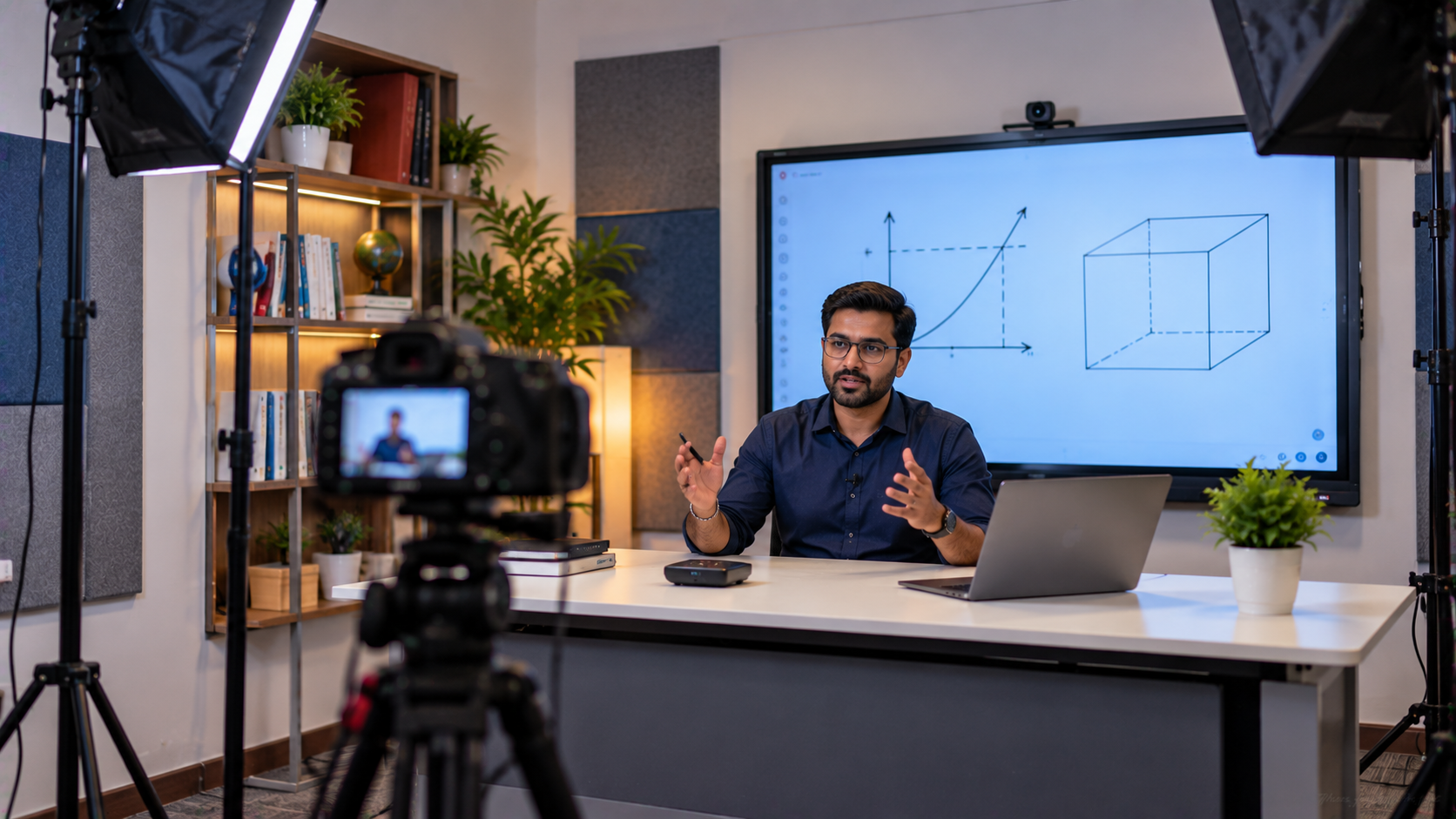
Interactive Panel → PTZ Camera → HDMI Capture → Computer → Streaming/Recording Platform
This approach can help an institute create a repeatable workflow for live classes, recorded lectures and hybrid sessions. GoLive also discusses OBS-compatible workflows, lecture recording and live streaming as part of integrated AV solutions.
Comparing Digital Board Options for Coaching Institutes
|
Solution |
Typical use |
What to evaluate |
|---|---|---|
|
Evota Interactive Panel |
Teaching & annotation |
Screen size, features & connectivity |
|
MAXHUB Digital Board |
Premium interactive classrooms |
Size, collaboration & configuration |
|
Newline Interactive Panel |
Education & hybrid teaching |
Display, software & connectivity |
|
LG Interactive Digital Board |
Professional education environments |
Display size & specification |
|
Writing Pad for PC |
Digital writing from computer |
Compatibility & teaching workflow |
GoLive recommends evaluating technology as an integrated system rather than buying disconnected products simply because an individual digital board price in India appears attractive.
From Product Selection to Installation: How GoLive eTechnologies Supports the Setup
The technology itself is only one part of the solution.
GoLive's stated process includes understanding customer requirements, recommending equipment, planning room layouts and connectivity, delivery, installation, training and ongoing support.
A typical implementation process:
1. Requirement Assessment
Understand classroom size, teaching style, number of instructors and online-learning objectives.
2. Product Selection
Compare interactive panels, PTZ cameras, writing devices and AV equipment.
3. Room & Connectivity Planning
Plan mounting, cabling, camera positioning and connectivity.
4. Installation & Configuration
Install and configure the selected technology.
5. Teacher Training
Help educators understand the equipment and operating workflow.
6. Ongoing Assistance
Provide post-sales technical and installation support where applicable.
What the Coaching Institute Gains
A properly planned smart classroom or online teaching studio can help an institute:
Deliver clearer digital lessons
Make board-based teaching easier to follow remotely
Record lectures for revision
Support hybrid classes
Create more consistent teaching workflows
Reduce dependence on disconnected equipment
Scale digital education infrastructure as requirements grow
The objective is not technology for technology's sake. It is to create a teaching environment where the equipment supports the instructor.
Technology That Works, Backed by People Who Help
That is the core proposition behind GoLive eTechnologies.
Instead of leaving an institute to independently research Evota digital board price, MAXHUB digital board price, Newline interactive panel price in India or LG interactive digital board price India, GoLive can help evaluate the complete requirement and recommend a suitable configuration.
The company's customer proposition centres on end-to-end technology support—from selection to installation and beyond. Its published service approach includes delivery, installation, training and ongoing support.
For a coaching institute in Ghaziabad, Delhi NCR or elsewhere in India, this can mean less technology headache and more confidence that the complete setup will work together.
Ready to Upgrade Your Coaching Centre?
Whether you need an Evota Smart Board, Evota Interactive Panel, MAXHUB Digital Board, Newline Interactive Panel, LG Interactive Digital Board, Evota 4K PTZ Camera, writing pad for PC or complete online teaching equipment, GoLive eTechnologies can help you plan the solution around your classroom.
Get in touch with GoLive eTechnologies for product recommendations, current pricing, installation and a customised online teaching setup for your coaching institute.
Your email address will not be published. Required fields are marked *

By Inhype • September 12, 2026
A smart classroom is only as effective as the technology supporting it. Interactive panels, smart boards, PTZ cameras, microphones, speakers, PCs and
Read More
By Inhype • September 12, 2026
Higher education is rapidly moving beyond traditional chalkboards and projectors. Today, colleges and universities need technology that supports inter
Read More
By Inhype • September 12, 2026
A smart classroom for CBSE schools is no longer simply a classroom with a digital board. Modern schools are building connected learning environments t
Read More
By Inhype • September 12, 2026
Planning a smart classroom project for 10, 20 or even 50 classrooms requires more than simply purchasing digital boards. Schools, colleges, universiti
Read More
By Inhype • September 12, 2026
A smart classroom can transform the way teachers explain concepts, students interact with lessons, and institutions deliver digital education. From in
Read More




Golive eTechnologies India Private Limited (CIN - U31909UP2021PTC148242) is one of India's leading providers of smart classrooms, interactive boards, video conferencing solutions, and display technologies for the education, healthcare, corporate, and government sectors.

No comments yet. Be the first to comment!