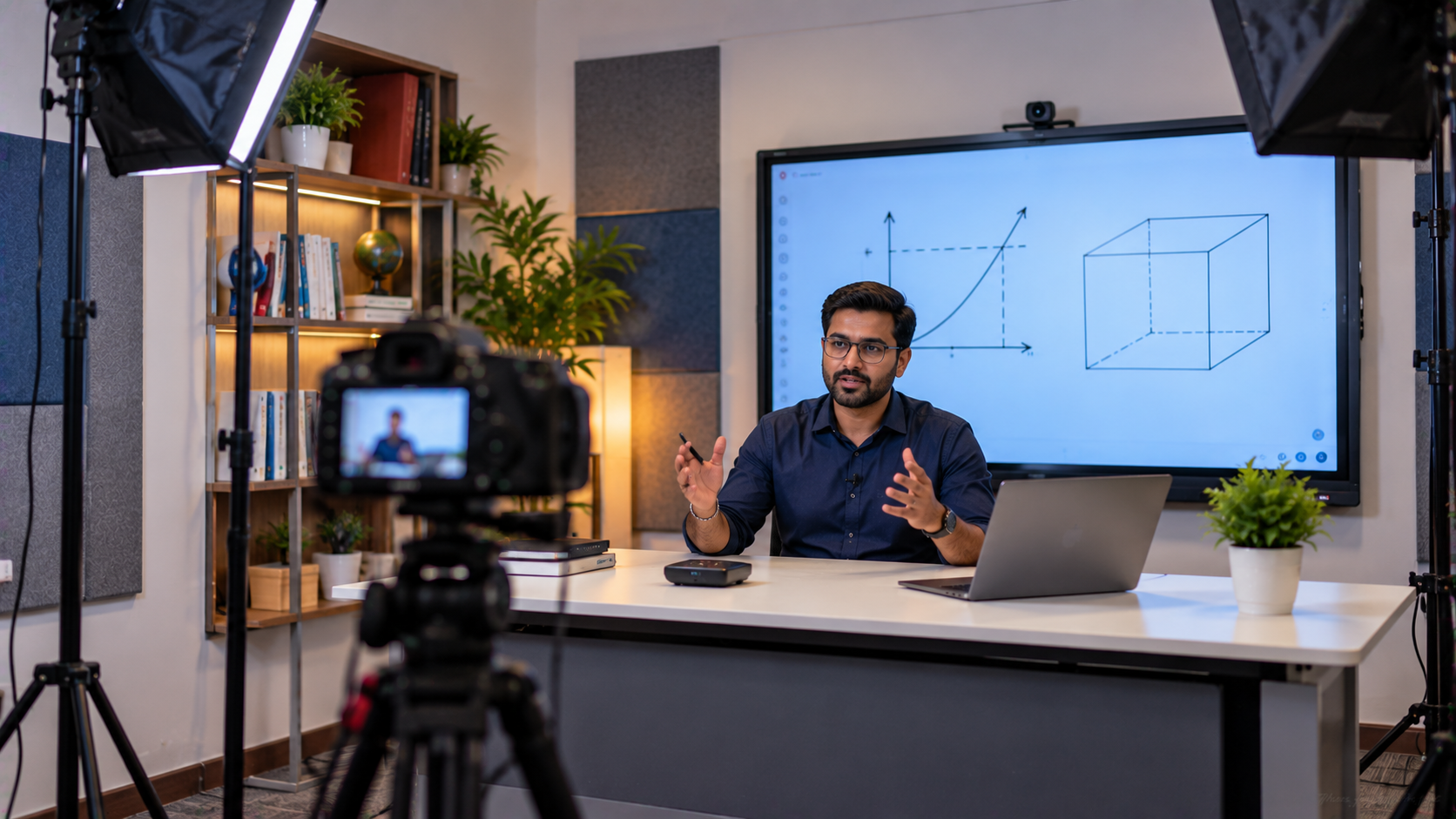
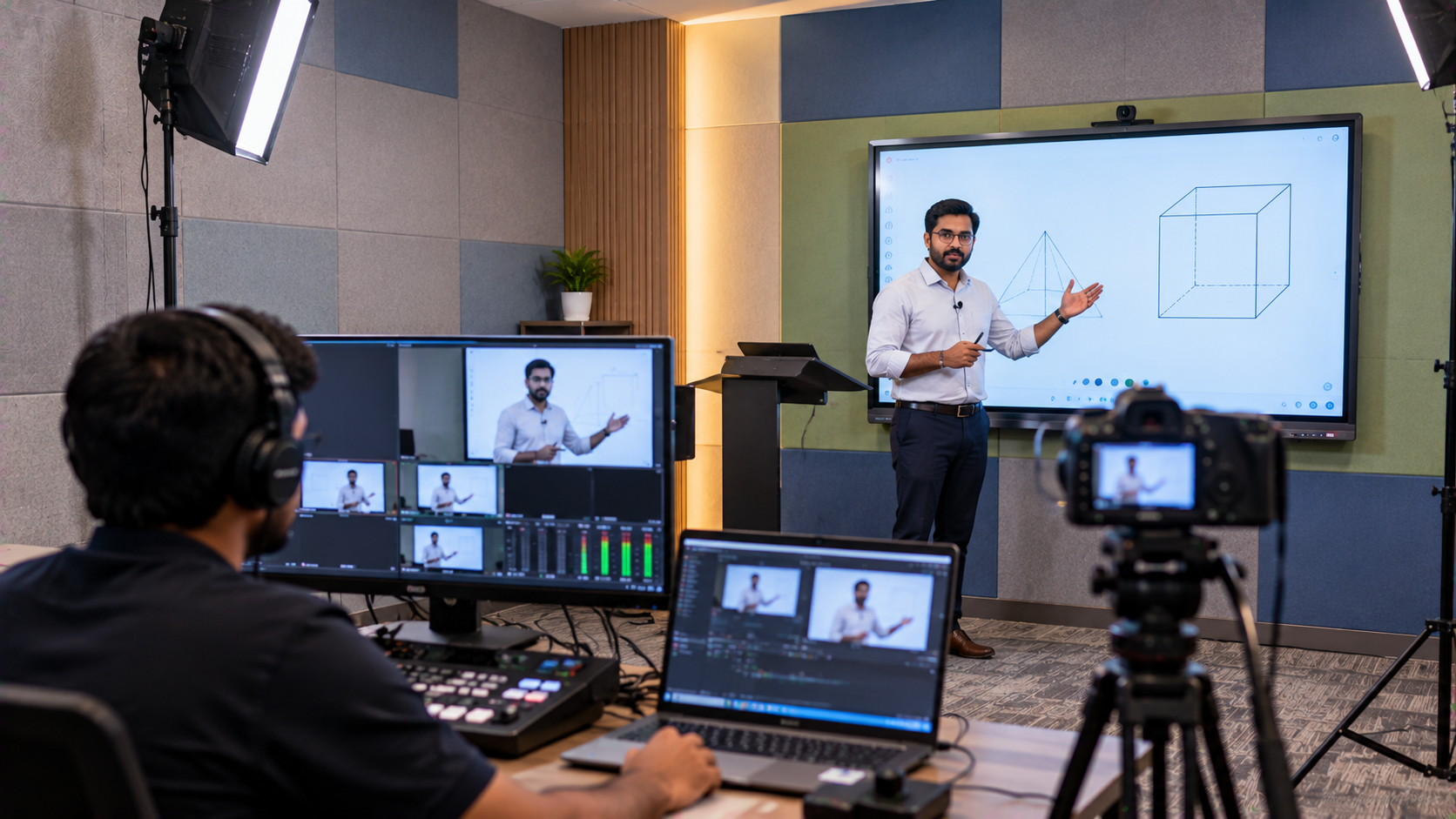
Creating professional educational videos no longer requires a large recording studio. For educators, tutors, coaching institutes and online course creators in Delhi NCR, a carefully planned small-room setup can deliver clear audio, professional lighting, sharp video and an engaging teaching experience. The challenge is choosing the right equipment without overspending or ending up with technology that is difficult to install and operate. This is where GoLive eTechnologies can help. With its end-to-end technology approach—from product selection and installation to training and after-sales support—educators can build a practical online teaching setup, YouTube studio setup or compact teaching studio setup around their actual requirements.
The Challenge: Turning a Small Room into an Online Teaching Studio
A typical educator may have only a bedroom, office room, classroom or small coaching space available for recording. Common challenges include:
Limited space for cameras and lighting
Poor audio caused by room reflections
Uneven lighting and shadows
Lack of professional background
Difficulty writing or explaining concepts digitally
Managing multiple devices during live classes
Connecting cameras and displays reliably
Instead of filling the room with equipment, the objective should be to create a compact digital teaching environment where every component has a purpose.
Step 1: Choose the Right Interactive Display for Teaching
For educators who regularly teach mathematics, science, languages, coding or professional courses, an interactive flat panel display can become the centre of the studio.
Products such as an Evota interactive panel, Evota smart board, MAXHUB smart board or Newline interactive panel can support digital writing, presentations, demonstrations and collaborative teaching.
An interactive display can replace several conventional teaching tools by combining:
Digital whiteboarding
Touch-based annotation
Presentation display
Multimedia playback
Screen sharing
Interactive learning content
For larger classrooms, a 75-inch interactive display can provide a more immersive teaching experience. For a small home studio, the right screen size should depend on viewing distance and available wall space.
If you're comparing Evota smart board price, MAXHUB smart board price, Newline smart board price, or LG interactive digital board price in India, GoLive eTechnologies can help identify a suitable configuration rather than selecting equipment based on price alone.
Step 2: Add a Professional Camera for Teaching Videos
Video quality significantly affects how professional an online class appears.
A compact teaching studio can use a suitable webcam, professional camera or PTZ camera depending on the educator's requirements.
For educators who need flexible framing, an Evota 4K PTZ camera can be considered for teaching and lecture recording applications. PTZ cameras are useful because their pan, tilt and zoom capabilities allow instructors to change framing without physically repositioning the camera.
Possible applications include:
Recording online courses
Live YouTube classes
Coaching lectures
Hybrid classrooms
Demonstrating an interactive panel
Recording presentations
Educators researching an Evota 4K PTZ camera price, Evota camera price, Logitech PTZ camera or other professional camera options should compare resolution, zoom, connectivity, room size and intended use.
Step 3: Build Better Audio for Online Teaching
Good video cannot compensate for unclear audio.
For educators, a microphone should be selected according to movement, room size and recording style. Options can include a wired microphone, wireless microphone, collar microphone or conference microphone.
For example, a teacher who moves around while explaining concepts may benefit from a wireless microphone, while a desk-based instructor may prefer a compact microphone positioned close to the speaking area.
Four tips to record better-quality sound
Keep the microphone close to the speaker.
Reduce unnecessary background noise.
Avoid recording directly beside reflective walls.
Test the audio before starting a long recording.
GoLive eTechnologies can help customers evaluate microphones, speakers, audio interfaces and related accessories as part of a complete setup.
Step 4: Use Lighting Strategically in a Small Room
Professional lighting doesn't necessarily mean installing several large studio lights.
A compact YouTube light setup can use a ring light or other suitable LED lighting positioned to illuminate the educator's face evenly.
For a small studio:
Camera → Educator → Interactive Display
The key is to position the lighting so that the educator is properly illuminated without creating glare on the digital board.
A simple lighting arrangement can make a significant difference to:
Facial visibility
Video consistency
Presentation quality
Background separation
Overall visual professionalism
When space is limited, a ring light with stand or compact LED light can be easier to manage than a large lighting arrangement.
Step 5: Create a Professional Background
A small room can still look professional.
Instead of overcrowding the background, educators can create a clean visual identity using:
Brand logo
Minimal shelves
Books or teaching material
Appropriate lighting
Neutral wall treatment
Course-related visual elements
The objective is to make the background relevant to education without distracting viewers.
For YouTube educators and coaching businesses, consistent branding can also help create a recognisable visual identity across videos.
Step 6: Add Digital Writing for Better Explanations
Many educators still rely heavily on handwritten explanations.
A writing pad for PC, computer writing pad, desktop writing pad, USB writing pad or pen tablet can provide another way to write digitally.
This can be particularly useful for:
Mathematics
Physics
Chemistry
Coding
Graphic demonstrations
Online tutoring
Digital notes
A digital writing device can complement an interactive panel rather than necessarily replacing it.
Step 7: Connect the Studio for Recording and Live Classes
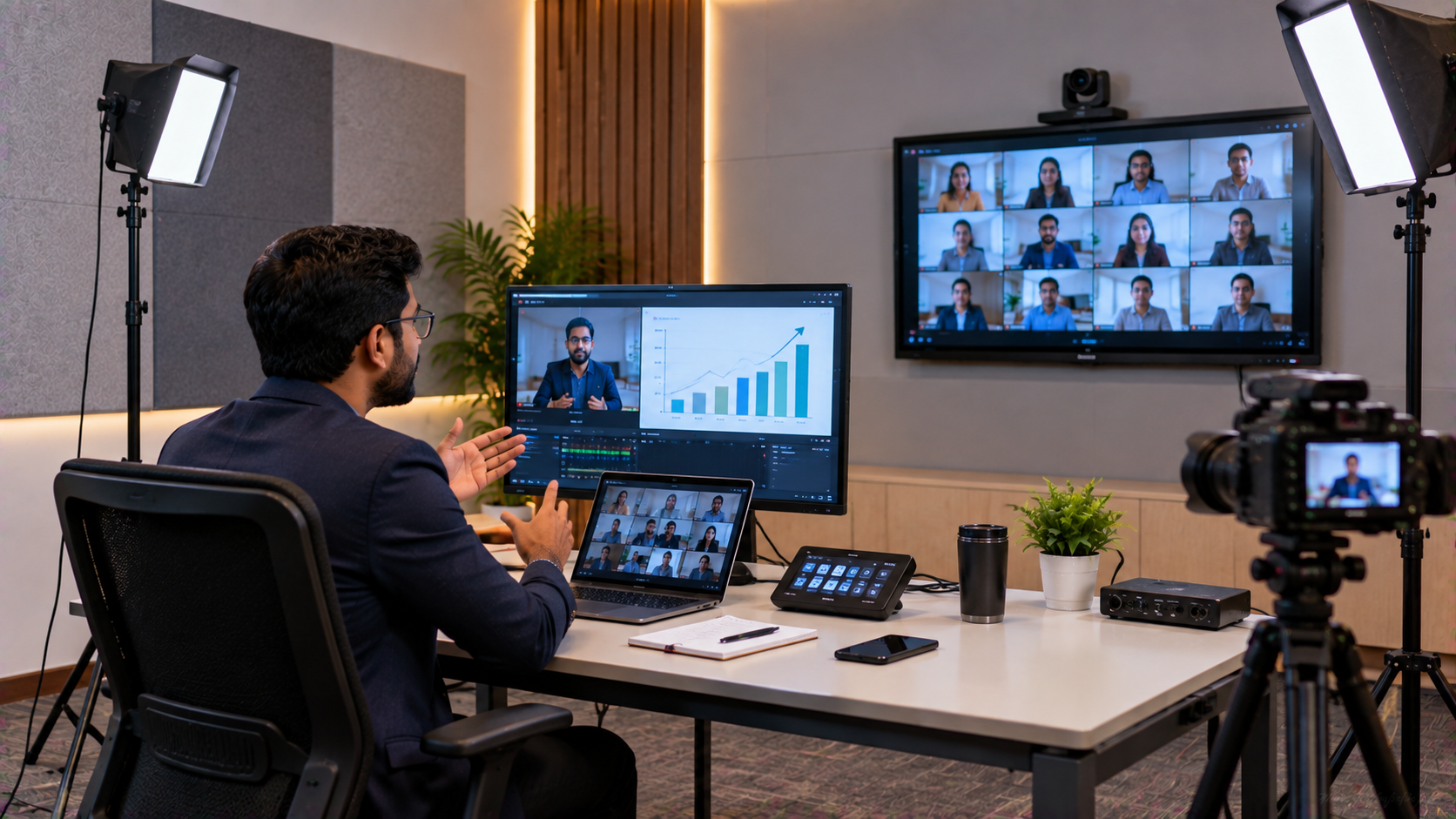
Once the camera, display, microphone and lighting are ready, the next step is integrating the system.
Depending on the setup, an educator may need:
HDMI cables
USB connections
Video capture card
HDMI video capture device
Computer
Speakers
Microphone
Recording software
Streaming software
Software such as OBS Studio can be used for recording and live streaming, subject to the educator's computer and workflow requirements.
A properly configured setup reduces the need to repeatedly reconnect equipment before every class.
Small-Room Studio: Equipment Comparison
|
Requirement |
Suitable Solution |
Primary Benefit |
|---|---|---|
|
Digital teaching |
Interactive flat panel |
Writing + presentations |
|
Teaching video |
4K/PTZ camera |
Flexible professional framing |
|
Voice recording |
Wired/wireless microphone |
Clearer speech |
|
Lighting |
LED/ring light |
Better facial illumination |
|
Digital writing |
Pen/writing tablet |
Precise digital explanations |
|
Streaming |
Capture device + software |
Recording/live classes |
|
Support |
Professional installation |
Easier deployment |
Why Work with GoLive eTechnologies in Delhi NCR?
Buying individual devices is only one part of creating a teaching studio. The bigger challenge is ensuring that everything works together.
GoLive eTechnologies focuses on the complete technology journey:
Selection → Deployment → Installation → Configuration → Training → Support
This approach reflects the brand promise:
Technology that works, backed by people who help.
The objective is simple: less technology headache and more confidence that everything will work.
For an educator, this can mean getting assistance in selecting the appropriate display, camera, audio equipment and accessories instead of trying to coordinate multiple technology vendors independently.
GoLive's solution portfolio can include products and categories such as Evota, MAXHUB, Newline, LG interactive displays, PTZ cameras, digital boards and related classroom/AV technology, subject to current availability.
What About Pricing?
There isn't one fixed price for a professional teaching studio because requirements differ.
A basic setup may only require a camera, microphone and lighting. A more advanced setup could include an Evota interactive panel, PTZ camera, audio system, capture device and installation.
Instead of searching only for terms such as digital board price under 5000, smart board price in India or interactive whiteboard price, educators should consider the complete cost of ownership.
Compare:
Equipment cost
Installation
Configuration
Accessories
Training
Warranty/support
Future expansion
GoLive eTechnologies can help businesses and educators select solutions according to their space, teaching format and budget.
From Small Room to Professional Teaching Studio
A professional online teaching environment does not depend entirely on room size.
With the right combination of:
Interactive Display + Camera + Audio + Lighting + Digital Writing + Connectivity
a compact room can become a functional online teaching studio, YouTube studio, digital classroom or hybrid teaching environment.
For educators in Delhi NCR, the right technology partner can make implementation easier by supporting the journey from product selection to installation and beyond.
Build Your Teaching Studio with GoLive eTechnologies
Whether you're starting online teaching, expanding a coaching centre, launching a YouTube education channel or creating a professional digital classroom, GoLive eTechnologies can help you identify the right technology mix.
Explore GoLive eTechnologies solutions and enquire about current product pricing, availability, installation and support for your education or studio setup.
Your email address will not be published. Required fields are marked *

By Inhype • September 12, 2026
A smart classroom is only as effective as the technology supporting it. Interactive panels, smart boards, PTZ cameras, microphones, speakers, PCs and
Read More
By Inhype • September 12, 2026
Higher education is rapidly moving beyond traditional chalkboards and projectors. Today, colleges and universities need technology that supports inter
Read More
By Inhype • September 12, 2026
A smart classroom for CBSE schools is no longer simply a classroom with a digital board. Modern schools are building connected learning environments t
Read More
By Inhype • September 12, 2026
Planning a smart classroom project for 10, 20 or even 50 classrooms requires more than simply purchasing digital boards. Schools, colleges, universiti
Read More
By Inhype • September 12, 2026
A smart classroom can transform the way teachers explain concepts, students interact with lessons, and institutions deliver digital education. From in
Read More




Golive eTechnologies India Private Limited (CIN - U31909UP2021PTC148242) is one of India's leading providers of smart classrooms, interactive boards, video conferencing solutions, and display technologies for the education, healthcare, corporate, and government sectors.

No comments yet. Be the first to comment!