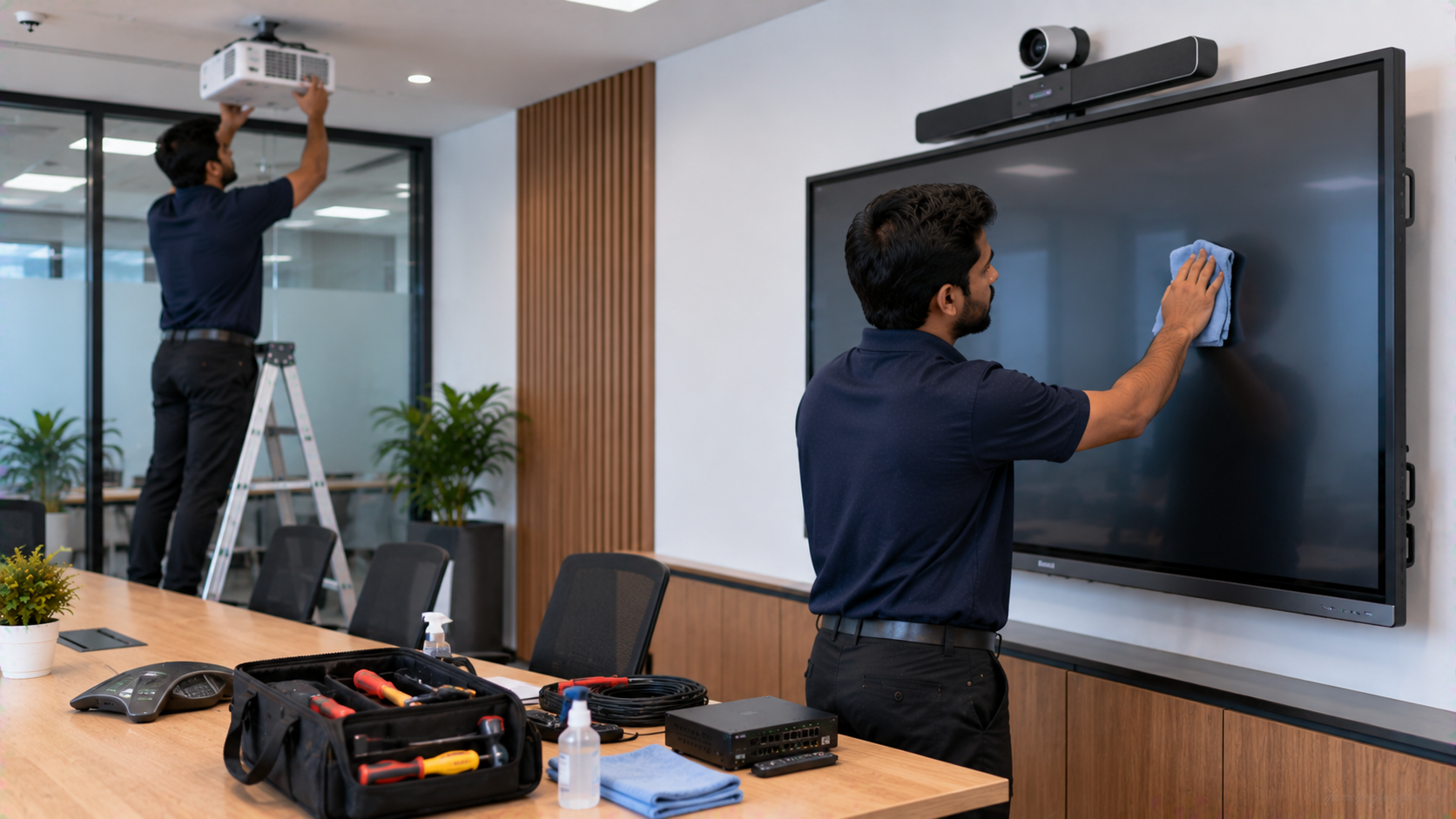
Interactive displays and AV systems have become essential technology for smart classrooms, corporate meeting rooms, coaching centres, training facilities and hybrid learning environments. From an interactive flat panel display and digital board to PTZ cameras, microphones and presentation equipment, these systems need regular care to deliver consistent performance. A preventive maintenance plan helps identify small issues before they become expensive breakdowns. For organisations investing in an interactive panel, digital board, smart board or complete AV setup, maintenance is just as important as choosing the right equipment. At GoLive eTechnologies, the approach goes beyond supplying technology. The brand promise is simple: Technology that works, backed by people who help. From selecting the right solution to installation, training and ongoing assistance, GoLive helps customers reduce technology headaches and use their systems with confidence.
What Is Preventive Maintenance for Interactive Displays and AV Systems?
Preventive maintenance means routinely checking, cleaning, testing and servicing technology before a failure occurs.
For an interactive display panel, this can include checking the touchscreen, display quality, connectivity, speakers, operating system, cables and stylus. For an AV system, maintenance can extend to PTZ cameras, microphones, speakers, mixers, capture cards and presentation equipment.
A simple maintenance schedule can help:
Maintain display and audio quality
Reduce unexpected downtime
Extend equipment lifespan
Identify connectivity problems early
Keep classrooms and meeting rooms operational
Improve the overall user experience
Why Interactive Displays Need Regular Maintenance
An interactive flat panel may be used for several hours every day. In schools and coaching centres, teachers and students frequently interact directly with the screen. In offices, interactive panels may be used for presentations, video conferences and collaborative meetings.
Dust, fingerprints, heat, unstable power, incorrect cleaning methods and loose cables can gradually affect performance.
Whether you are comparing Evota smart board price, MAXHUB smart board price, Newline smart board price, or LG interactive digital board price, the purchase price is only one part of the total investment. Proper maintenance can help protect that investment over its useful life.
Preventive Maintenance Checklist for Digital Boards and Interactive Panels
1. Clean the Interactive Screen Correctly
Use a soft, lint-free microfiber cloth and follow the manufacturer's cleaning instructions. Avoid abrasive materials and excessive moisture.
Regular cleaning helps maintain:
Touch accuracy
Screen visibility
Professional appearance
Smooth writing and annotation
This is particularly important for a digital board for teaching, where teachers may use the touchscreen throughout the day.
2. Check Touch and Writing Performance
Test the entire touchscreen periodically. Check whether touch points are registering correctly and whether the digital board pen, stylus or writing accessories are functioning properly.
If the display supports annotation, verify that handwriting remains accurate across different areas of the screen.
For organisations using a smart board for teaching, a reliable writing experience is essential for lessons, presentations and collaborative activities.
3. Inspect HDMI, USB and Network Connections
Loose or damaged cables can cause intermittent display, audio or connectivity problems.
Check:
HDMI connections
USB ports
USB extension cables
Network connections
Power cables
Video capture devices
For classrooms and online teaching environments, stable connectivity is particularly important when connecting an interactive panel with cameras or computers.
4. Maintain PTZ Cameras and Webcams
A PTZ camera is an important component of modern hybrid classroom and online teaching setups. Regularly check camera positioning, image quality, focus, presets and connectivity.
Products such as an Evota 4K PTZ camera, Evota 10x HD PTZ camera or compatible Logitech PTZ camera can support lectures, meetings, webinars and recording environments.
Keep camera lenses clean and ensure that mounting points remain secure.
5. Test Speakers and Microphones
Poor audio can make an otherwise good AV system difficult to use. Test microphones, speakers, amplifiers and mixers periodically.
For teaching and conference environments, check for:
Distortion
Unwanted noise
Low microphone volume
Audio delay
Loose connections
Feedback
This is especially useful for a conference room speaker and microphone, online teaching equipment or a complete teaching studio setup.
Preventive Maintenance for a Complete AV System
An AV environment normally consists of multiple interconnected components. A problem with one device can affect the entire setup.
|
Component |
Maintenance Check |
Common Risk |
|---|---|---|
|
Interactive panel |
Touch, display, ports |
Touch or connectivity issues |
|
PTZ camera |
Lens, focus, movement |
Poor video quality |
|
Microphone |
Audio, battery/cable |
Distortion or low volume |
|
Speakers |
Output and connections |
Noise or low volume |
|
PC/laptop |
Ports and software |
Compatibility issues |
|
HDMI/capture device |
Signal and connections |
Video interruption |
|
Network |
Speed and stability |
Streaming issues |
A preventive approach allows organisations to address these areas systematically instead of waiting for equipment to fail.
GoLive eTechnologies: Interactive Displays and AV Solutions With Support
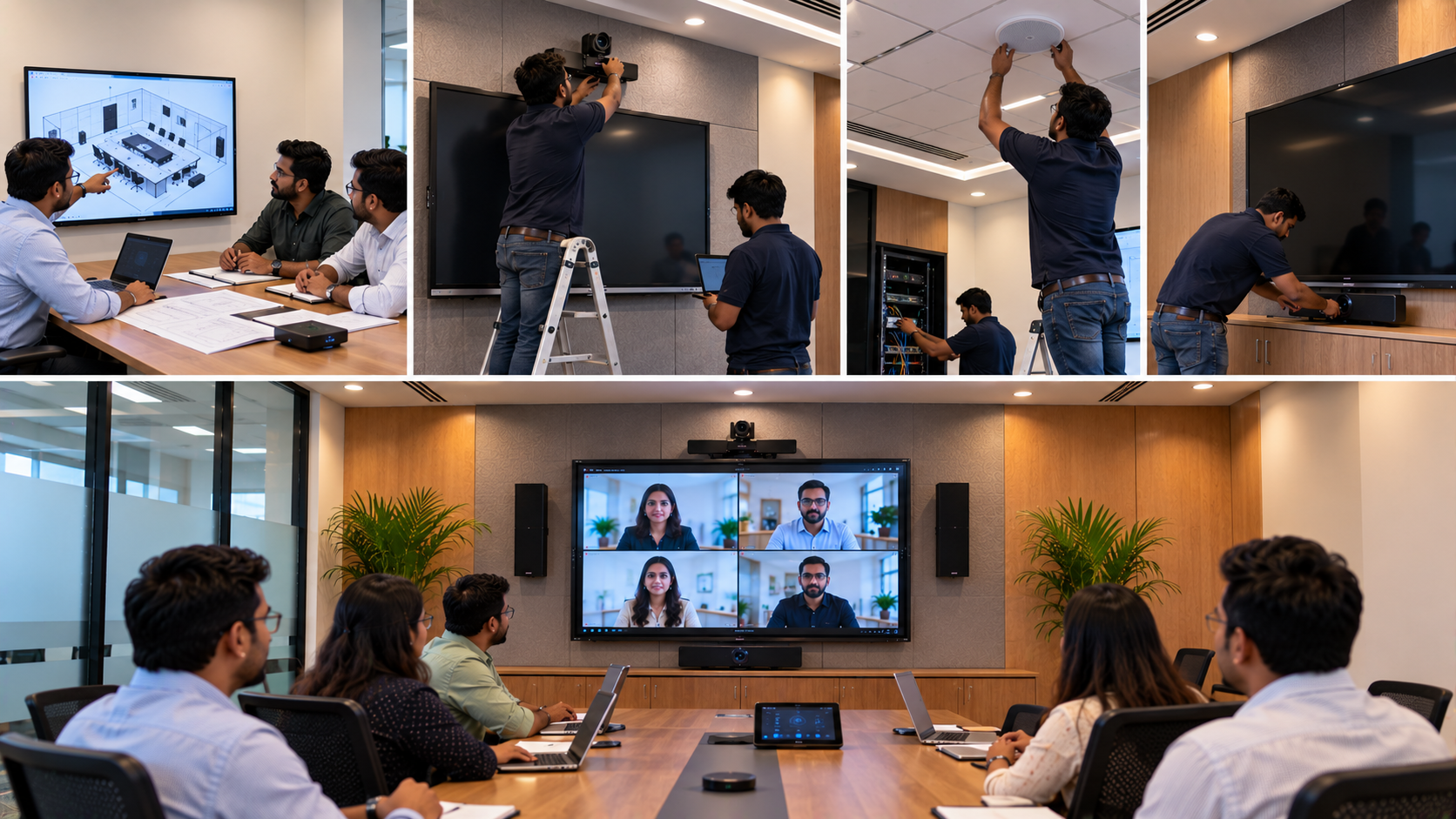
Choosing the right equipment is only the beginning. GoLive eTechnologies provides an end-to-end technology approach covering selection, installation, deployment, training and support.
Its range can support different requirements, including:
Evota interactive panels for classrooms, offices and institutions
MAXHUB digital boards and interactive displays for collaboration
Newline interactive panels for education and professional environments
LG interactive digital boards and interactive panels
PTZ cameras and video-conferencing equipment
Online teaching and studio setup solutions
Audio, microphones and presentation accessories
Instead of choosing equipment based only on specifications or an advertised digital board price, customers can consider room size, usage, connectivity, installation requirements and long-term support.
Choosing the Right Interactive Display
The ideal display depends on the environment.
For Schools and Smart Classrooms
Consider a 75-inch interactive display when teachers need sufficient screen visibility across a typical classroom. Larger formats such as 86-inch displays may be suitable for larger rooms.
Important considerations include:
Screen size
4K resolution
Touch response
Built-in speakers
Connectivity
Operating system
Stylus/pen support
Installation and training
For Corporate Meeting Rooms
Prioritise collaboration, video conferencing, wireless presentation and camera integration.
For Coaching Centres
Durability, easy annotation and clear visibility are particularly important where displays are used continuously throughout the day.
For Hybrid and Online Teaching
Consider combining an interactive flat panel, PTZ camera, microphone, lighting and capture solution to create an effective teaching environment.
Price vs Total Value: What Should Buyers Consider?
Searching for terms such as Evota digital board price, Newline digital board price, MAXHUB digital board price, LG smart board price or interactive panel price is a useful starting point, but the lowest initial price does not necessarily represent the lowest overall cost.
A more complete evaluation should include:
Equipment + installation + configuration + training + support + expected service life
GoLive eTechnologies focuses on delivering the right solution rather than simply supplying a device. This can help organisations achieve faster deployment and greater confidence after installation.
How Often Should AV Equipment Be Maintained?
A practical maintenance schedule can include:
Daily:
Basic cleaning, visual inspection and checking for obvious connectivity issues.
Monthly:
Test touch functionality, ports, cameras, microphones and speakers.
Quarterly:
Review software, firmware, cables, mounting and system performance.
Annually:
Conduct a comprehensive system inspection and assess whether upgrades or replacements are required.
The exact frequency should depend on manufacturer recommendations and how intensively the equipment is used.
Why Professional Installation and Support Matter
Interactive technology can involve hardware, software, networking, mounting and multiple AV components. Incorrect installation can create problems that are difficult to diagnose later.
GoLive eTechnologies supports customers from selection to installation and beyond, helping businesses, schools and institutions deploy technology with less complexity.
The functional benefit is straightforward:
Right solution + fast deployment + installation + support.
The customer benefit is equally important:
Less technology headache and more confidence that everything will work.
Final Takeaway
Preventive maintenance is not simply about fixing equipment. It is about protecting the performance and value of your technology investment.
Whether you operate a smart classroom, corporate meeting room, coaching centre, hybrid classroom or online teaching studio, regular maintenance can help keep interactive displays and AV systems ready when you need them.
With GoLive eTechnologies, customers can access interactive displays, digital boards, PTZ cameras and AV solutions backed by people who help—with installation, training, assistance and ongoing support.
Ready to upgrade or maintain your interactive display and AV setup? Explore GoLive eTechnologies solutions and speak with the team about the right technology for your space.
Your email address will not be published. Required fields are marked *

By Inhype • September 12, 2026
A smart classroom is only as effective as the technology supporting it. Interactive panels, smart boards, PTZ cameras, microphones, speakers, PCs and
Read More
By Inhype • September 12, 2026
Higher education is rapidly moving beyond traditional chalkboards and projectors. Today, colleges and universities need technology that supports inter
Read More
By Inhype • September 12, 2026
A smart classroom for CBSE schools is no longer simply a classroom with a digital board. Modern schools are building connected learning environments t
Read More
By Inhype • September 12, 2026
Planning a smart classroom project for 10, 20 or even 50 classrooms requires more than simply purchasing digital boards. Schools, colleges, universiti
Read More
By Inhype • September 12, 2026
A smart classroom can transform the way teachers explain concepts, students interact with lessons, and institutions deliver digital education. From in
Read More




Golive eTechnologies India Private Limited (CIN - U31909UP2021PTC148242) is one of India's leading providers of smart classrooms, interactive boards, video conferencing solutions, and display technologies for the education, healthcare, corporate, and government sectors.

















No comments yet. Be the first to comment!