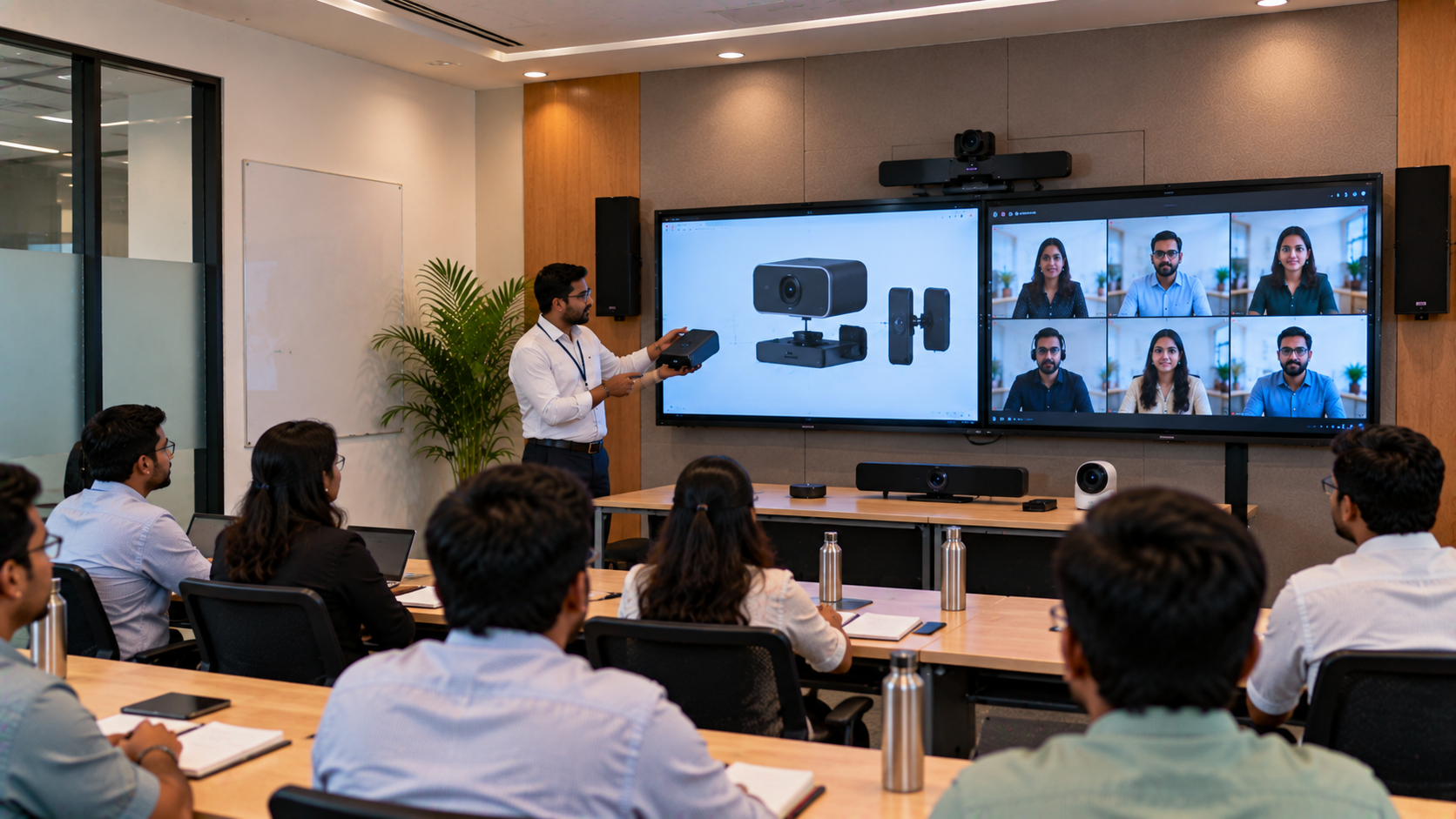
A modern product training room needs to do more than display presentations. Trainers must be able to explain products clearly, demonstrate features, interact with participants in the room, and engage remote learners without compromising audio or video quality. For businesses, dealers, educational institutions, coaching organizations and corporate training teams in Kanpur, a hybrid training room setup can combine an interactive display, PTZ camera, microphones, speakers, presentation equipment and collaboration tools into one integrated environment. GoLive eTechnologies provides an end-to-end technology approach—from selecting suitable equipment to installation, configuration, training and ongoing support.
Why Product Training Rooms Need Hybrid Technology
Traditional training rooms often depend on a projector, basic speakers and a laptop. That setup can become limiting when participants join remotely or when trainers need to demonstrate products digitally.
A hybrid training room can support:
In-person and remote participants simultaneously
Live product demonstrations
Interactive presentations and annotations
High-quality video conferencing
Trainer-to-participant collaboration
Recording and streaming of training sessions
Digital documentation and presentations
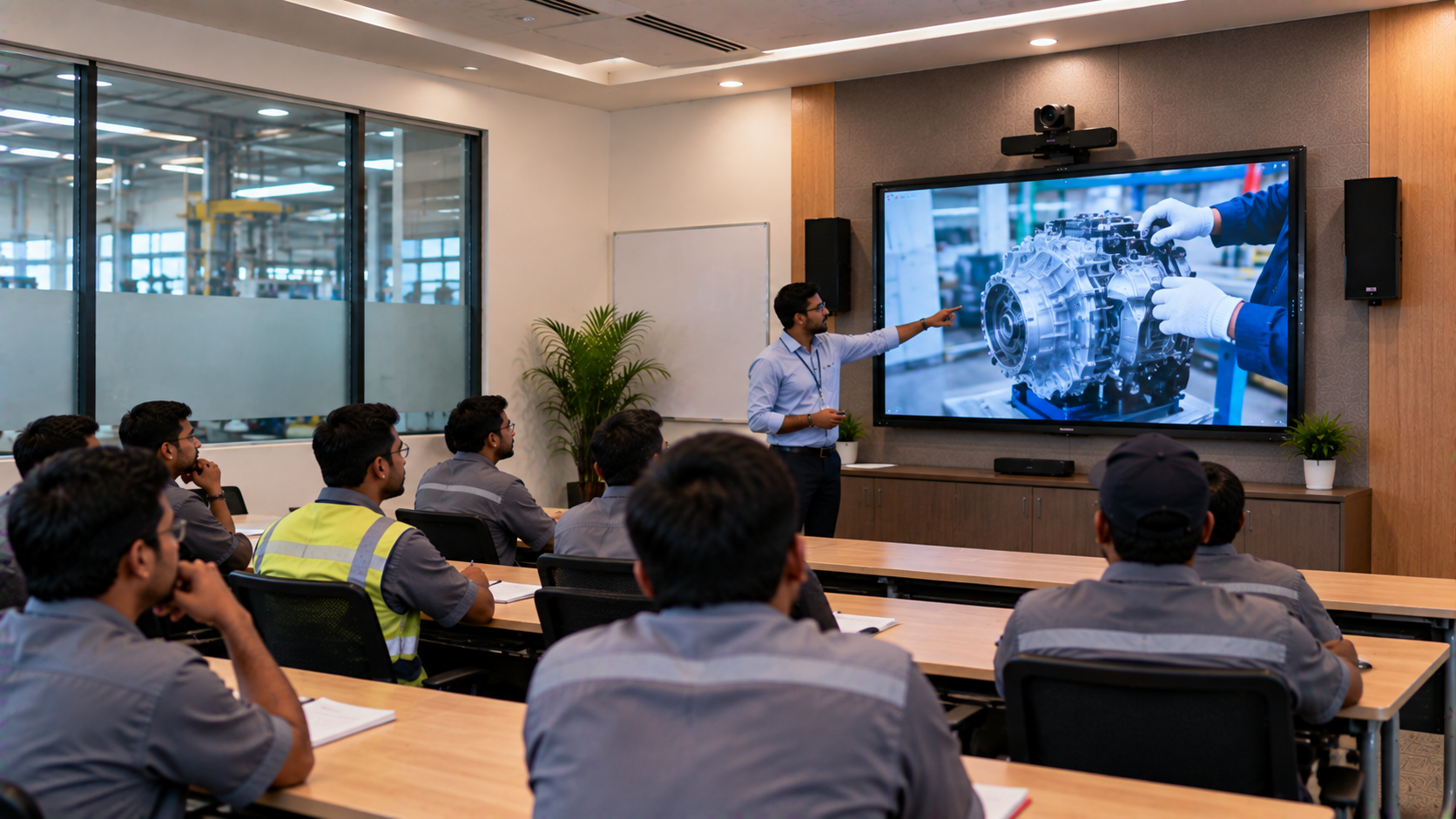
This is particularly useful for corporate training, dealer training, product launches, sales training, technical demonstrations and education.
A Practical Hybrid Training Room Design for Kanpur
The exact equipment should depend on room size, participant capacity, lighting, acoustics, training requirements and budget.
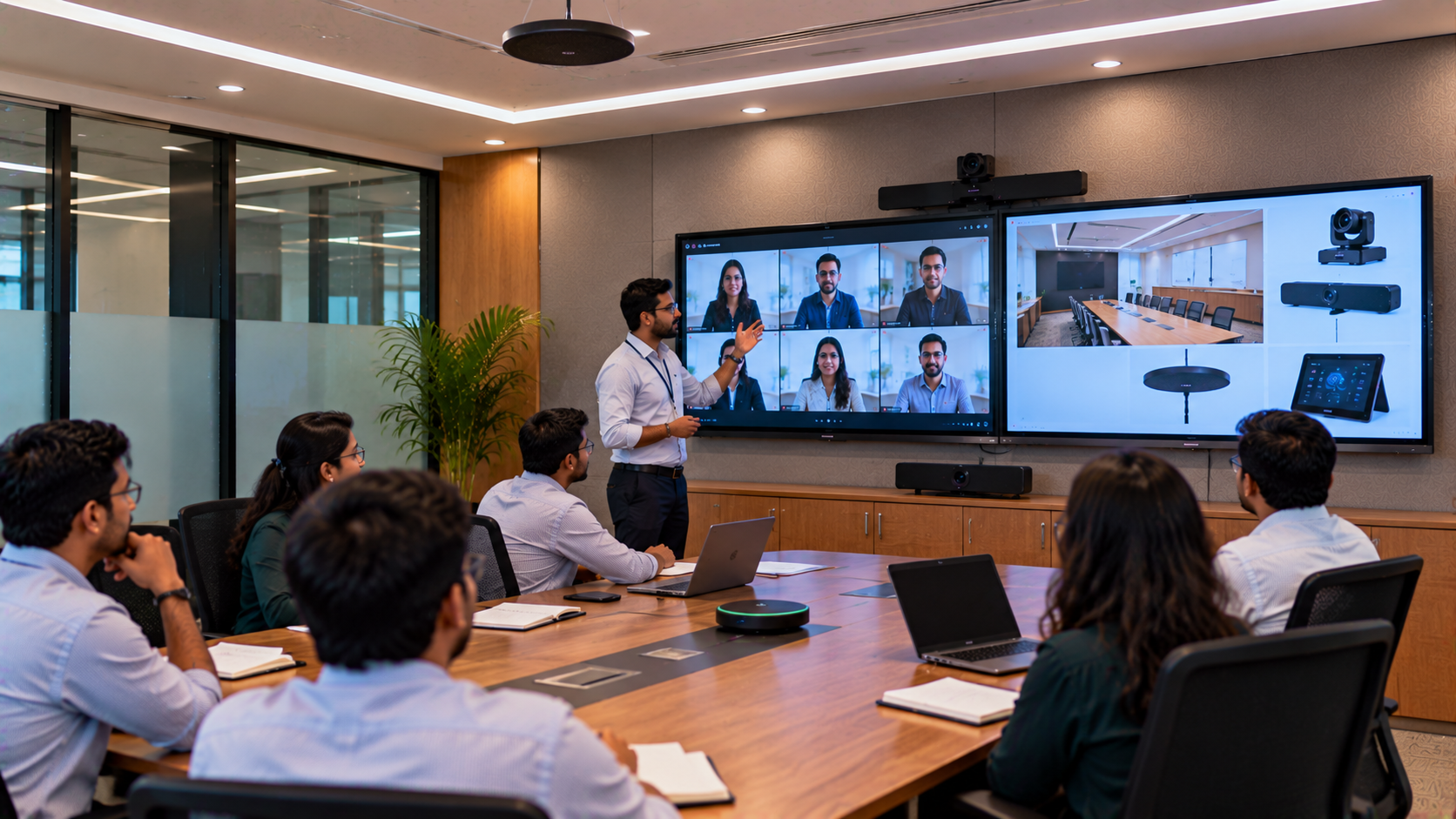
A typical solution can include the following:
|
Requirement |
Possible Technology |
|---|---|
|
Interactive presentation |
Evota Interactive Panel / suitable IFP |
|
Remote trainer/participant video |
Evota 4K PTZ Camera |
|
Presentation & annotation |
Digital writing board / interactive panel |
|
Audio |
Conference microphone + speakers |
|
Content capture |
HDMI video capture device |
|
Presentation computer |
Desktop/laptop with suitable connectivity |
|
Online sessions |
Video-conferencing platform |
|
Lighting |
Professional LED/ring lighting where required |
|
Installation |
Mounting, cabling and configuration |
|
Support |
Training and post-installation assistance |
The final combination should be selected after assessing the room rather than simply choosing equipment based on specifications or advertised price.
Interactive Display: The Centre of the Training Room
The interactive display becomes the visual centre of the room.
An Evota Interactive Panel can be considered when the training environment requires touchscreen interaction, digital annotation, multimedia presentations and collaborative learning.
Depending on the room and budget, organizations may also evaluate products such as Newline Interactive Panel, MAXHUB Smart Board or LG Interactive Panel.
Instead of focusing only on queries such as Evota digital board price, Newline interactive panel price in India or LG interactive digital board price India, buyers should evaluate:
Screen size
Touch technology
Resolution
Operating system
Connectivity
Built-in computing capability
Warranty and support
Installation requirements
Training and after-sales service
This approach helps organizations select the right technology rather than simply the lowest advertised price.
PTZ Camera for Hybrid Product Demonstrations
A camera is particularly important when the trainer needs to demonstrate a physical product, whiteboard content or activities taking place around the room.
An Evota 4K PTZ Camera can be considered for applications requiring pan, tilt and zoom functionality. Depending on the training requirement, businesses can also compare professional options such as Logitech PTZ cameras.
A PTZ camera can help:
Frame the trainer automatically or manually
Capture wider training-room views
Zoom into demonstrations
Improve remote participant visibility
Support recorded training sessions
For buyers researching Evota 4K PTZ camera price, Evota PTZ camera price or PTZ camera for live streaming, the right selection should be based on the required field of view, resolution, connectivity and room size.
Audio Is Just as Important as the Display
A common mistake in hybrid-room design is spending heavily on the display and camera while treating audio as an afterthought.
For training sessions, participants need to hear the trainer clearly. Remote participants also need their questions to reach the room without excessive echo or background noise.
A suitable setup may include:
Trainer microphone
Wireless microphone
Conference microphone
Room speakers
Mixer/amplifier where required
Appropriate acoustic treatment
The exact configuration depends on room dimensions and the number of speakers and participants.
Four simple tips for better training-room audio
Position microphones appropriately for the speaker.
Avoid placing microphones too close to speakers.
Reduce unnecessary room echo.
Test the complete audio chain before every important session.
Presentation, Capture and Connectivity
A professional training room should make switching between sources simple.
A typical setup can connect:
Training PC → Interactive Display → Camera → Audio → Video Capture → Online Meeting Platform
An HDMI video capture device can be useful when content from an external source needs to be captured or transmitted to another system.
Other useful accessories can include:
USB extension cables
HDMI cables
Capture cards
Computer writing pads
Writing tablets
Wireless presentation devices
Mounting kits
The objective is not to add equipment unnecessarily but to create a reliable workflow.
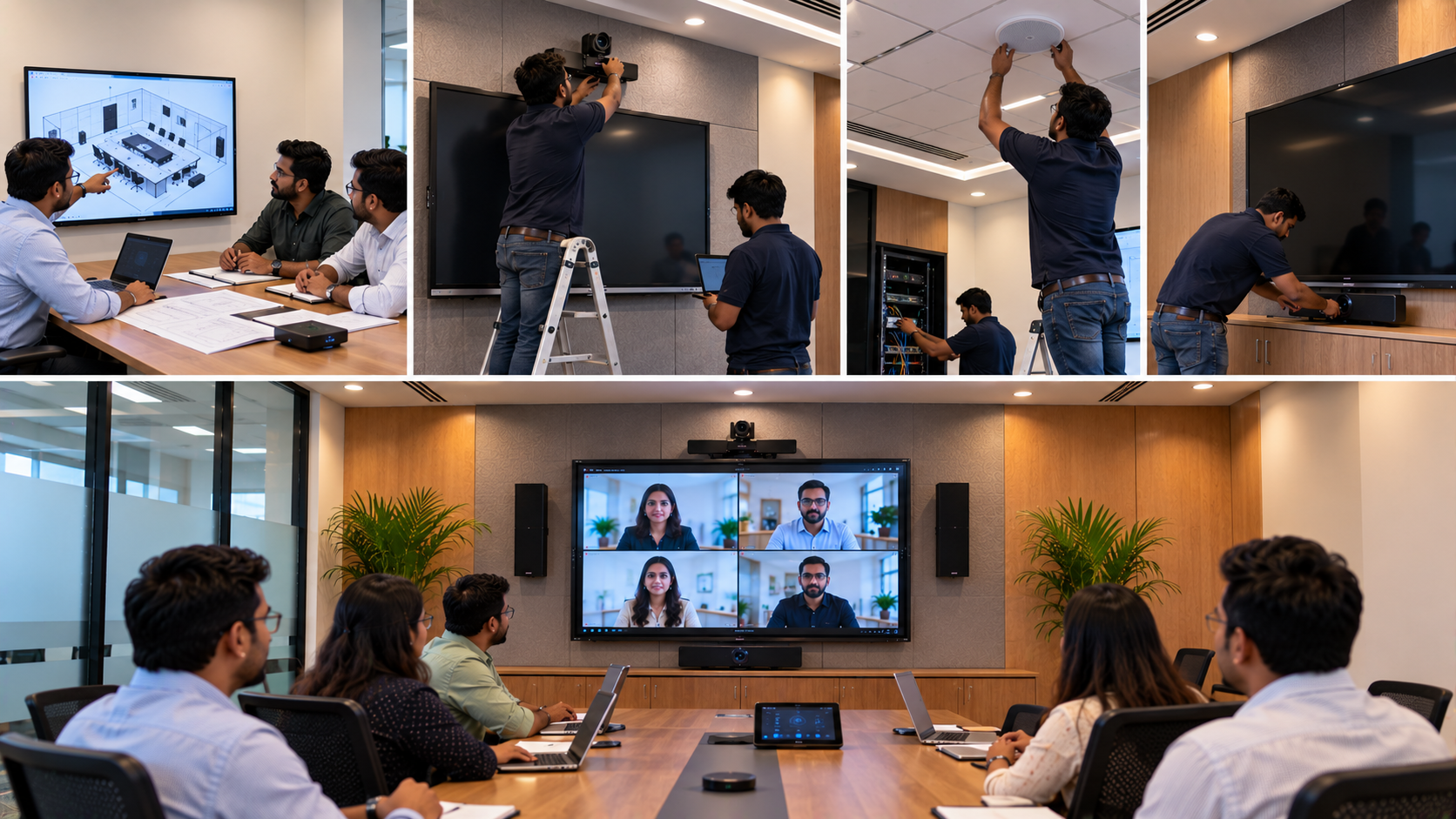
How GoLive eTechnologies Can Approach the Implementation
The biggest advantage of an integrated technology provider is that customers do not have to coordinate every component independently.
1. Requirement Assessment
GoLive can begin by understanding:
Room dimensions
Seating capacity
Training format
Number of remote participants
Content requirements
Existing infrastructure
Budget
Future expansion plans
2. Solution Selection
Based on the requirements, appropriate products can be shortlisted—for example, an Evota Smart Board, interactive panel, PTZ camera, microphone and audio system.
3. Installation
The installation stage can include:
Display mounting
Camera positioning
Cabling
Audio installation
Connectivity
System configuration
4. Testing
The complete workflow should be tested before deployment, including:
Display + Camera + Microphone + Speakers + Computer + Video Platform
5. User Training
Trainers and administrators should know how to operate the equipment confidently.
6. Ongoing Support
A technology solution is more valuable when support continues after installation.
This reflects the GoLive eTechnologies brand promise:
Technology that works, backed by people who help.
Why Choose GoLive eTechnologies for a Training Room?
GoLive eTechnologies focuses on providing an end-to-end technology experience rather than simply supplying individual products.
The GoLive approach
Right Solution → Fast Deployment → Installation → Training → Support
For organizations comparing digital board price in India, interactive panel price, smart board price, PTZ camera price or complete online teaching setup costs, this approach helps evaluate the total solution rather than only individual product prices.
Customer benefits
Less technology headache
Better deployment confidence
Integrated equipment selection
Professional installation
User training
Post-installation assistance
One technology partner for multiple requirements
The goal is simple: more confidence that everything will work when the training session begins.
Indicative Solution Comparison
|
Requirement |
Basic Setup |
Hybrid Training Setup |
|---|---|---|
|
Presentation |
TV/Projector |
Interactive Panel |
|
Trainer interaction |
Limited |
Touch + Annotation |
|
Camera |
Webcam |
PTZ Camera |
|
Audio |
Basic speaker |
Dedicated microphone + audio |
|
Remote participation |
Basic |
Integrated hybrid workflow |
|
Recording |
Limited |
Capture-enabled |
|
Scalability |
Low |
Higher |
|
Support |
Individual vendors |
Integrated technology partner |
The final cost will depend on room size, equipment selection, installation complexity and required features. Therefore, customers should request a project-specific quotation rather than relying on generic online prices.
Product Training Room Use Cases in Kanpur
A hybrid room can be designed for:
Corporate product training
Dealer and distributor training
Sales-team training
Technical demonstrations
Coaching and education
Faculty training
Online workshops
Product launch presentations
Customer demonstrations
Recorded training content
The same infrastructure can potentially serve multiple purposes, improving the value of the investment.
Build a Smarter Hybrid Training Environment with GoLive
A product training room should not be treated as a collection of disconnected devices. The display, camera, audio, connectivity and software need to work together.
Whether you are evaluating an Evota Smart Board, Evota 4K PTZ Camera, Newline Interactive Panel, MAXHUB Digital Board, LG Interactive Panel or other professional AV equipment, GoLive eTechnologies can help you evaluate the solution around your actual requirements.
Looking for a product training room, hybrid classroom or professional teaching studio setup in Kanpur? Contact GoLive eTechnologies for a solution assessment, product recommendations, installation and support.
Your email address will not be published. Required fields are marked *

By Inhype • September 12, 2026
A smart classroom is only as effective as the technology supporting it. Interactive panels, smart boards, PTZ cameras, microphones, speakers, PCs and
Read More
By Inhype • September 12, 2026
Higher education is rapidly moving beyond traditional chalkboards and projectors. Today, colleges and universities need technology that supports inter
Read More
By Inhype • September 12, 2026
A smart classroom for CBSE schools is no longer simply a classroom with a digital board. Modern schools are building connected learning environments t
Read More
By Inhype • September 12, 2026
Planning a smart classroom project for 10, 20 or even 50 classrooms requires more than simply purchasing digital boards. Schools, colleges, universiti
Read More
By Inhype • September 12, 2026
A smart classroom can transform the way teachers explain concepts, students interact with lessons, and institutions deliver digital education. From in
Read More




Golive eTechnologies India Private Limited (CIN - U31909UP2021PTC148242) is one of India's leading providers of smart classrooms, interactive boards, video conferencing solutions, and display technologies for the education, healthcare, corporate, and government sectors.

















No comments yet. Be the first to comment!