
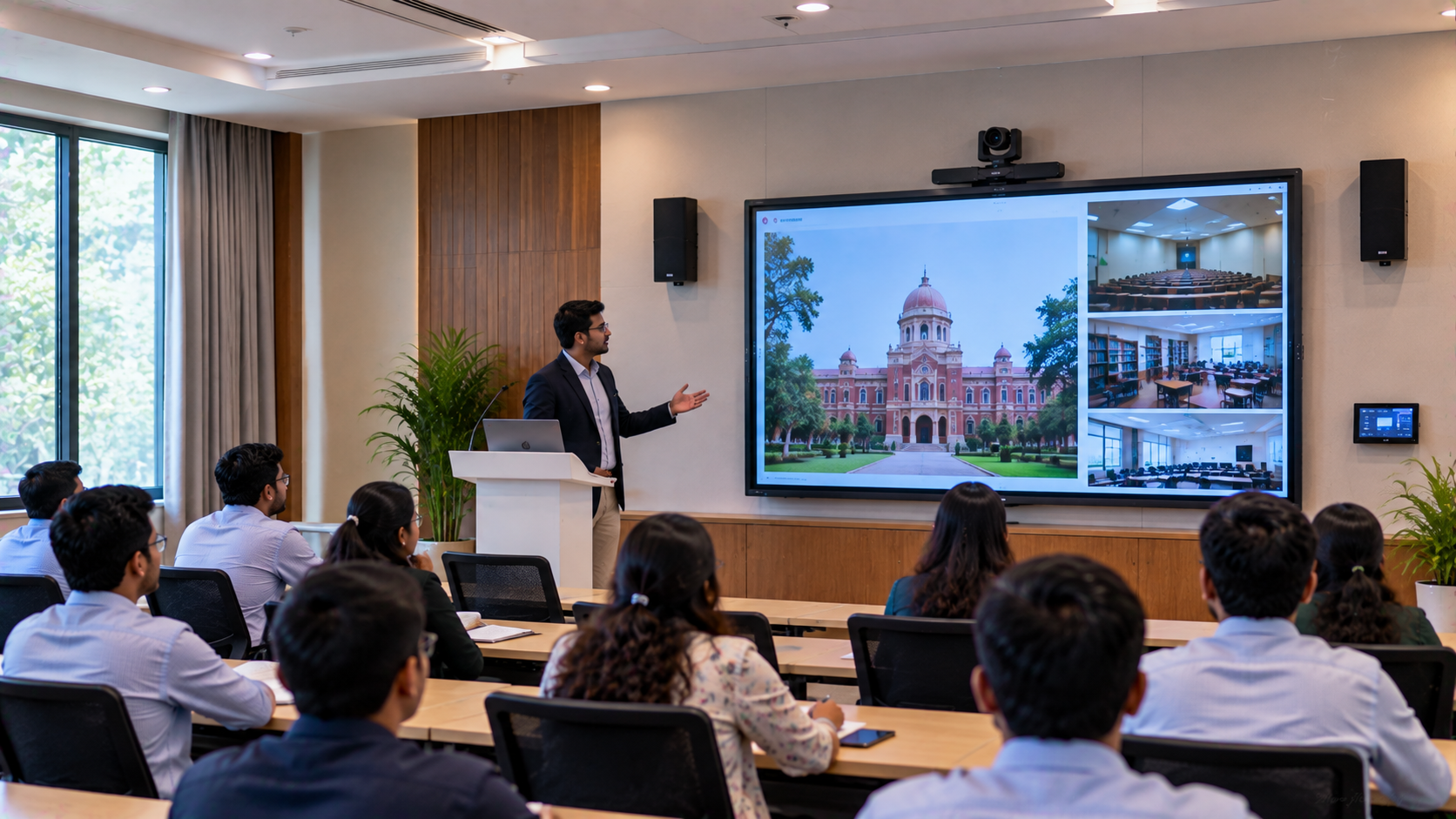
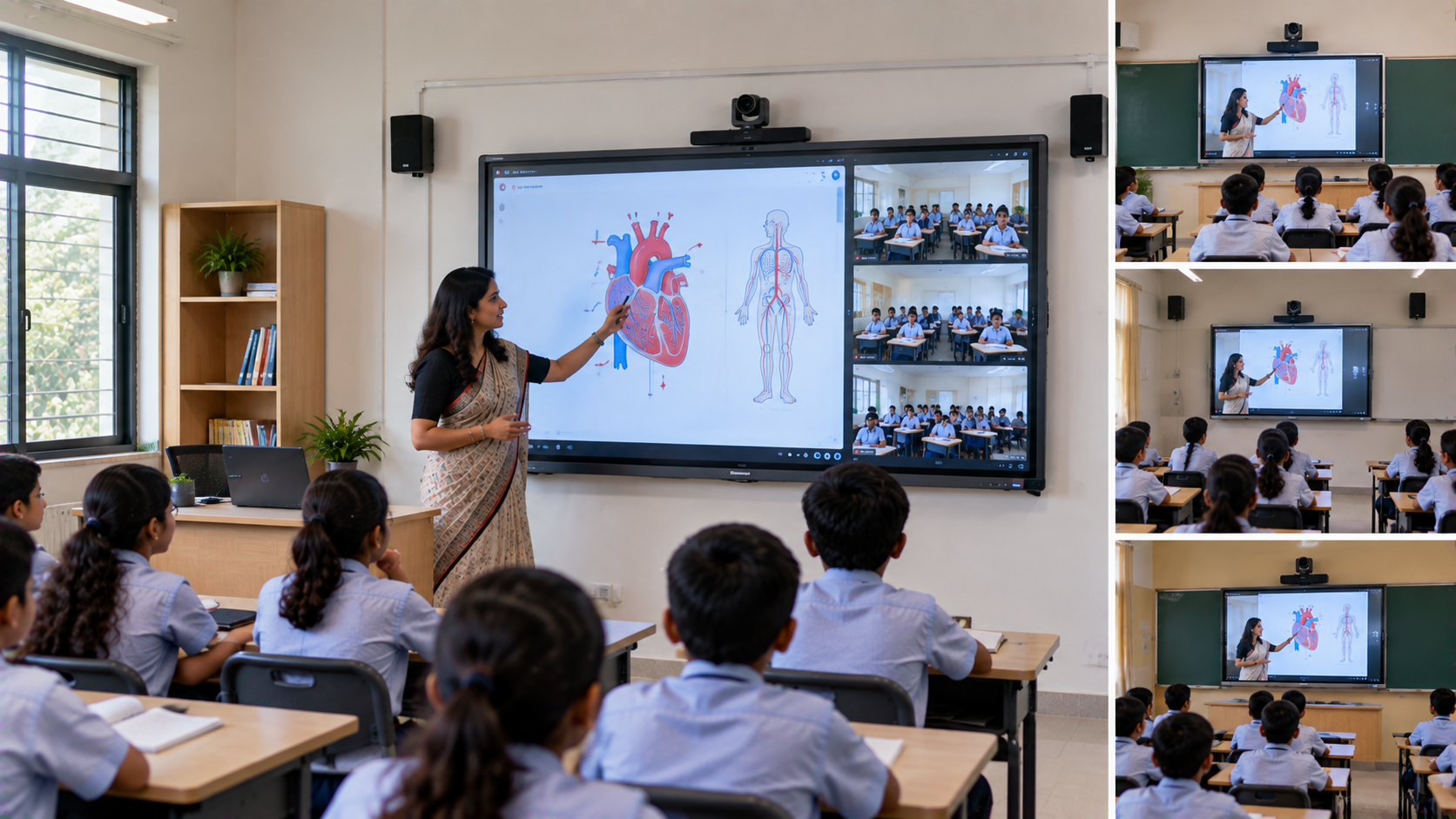
For a modern training centre in Delhi, a classroom is no longer limited to students sitting in front of a teacher. Institutes increasingly need to record lectures, conduct hybrid classes, create online courses, revisit sessions and distribute learning content digitally. However, simply placing a webcam in a classroom rarely delivers professional results. Poor audio, fixed camera angles, unclear writing-board visibility and complicated recording workflows can reduce the quality of recorded lectures. A better approach is to create a dedicated teaching studio setup combining an interactive display, PTZ camera, microphone, audio system, video capture equipment and recording software. This is where GoLive eTechnologies can provide an end-to-end technology solution—from product selection and installation to configuration, training and after-sales support.
The Training Centre Challenge: Recording Professional Lectures
Consider a representative training centre in Delhi that wants to expand beyond classroom teaching. Its requirements may include:
Recording classroom lectures for students to watch later
Capturing the instructor and teaching board clearly
Supporting hybrid classroom sessions
Creating content for online courses
Improving audio quality
Streaming selected lectures
Reducing dependence on manual recording
Building a scalable online teaching setup
The challenge is not simply finding a camera. The centre needs a complete lecture recording system in which the camera, display, microphone, capture device and recording software work together.
A Professional Lecture Recording System for Delhi Training Centres
A practical online class studio setup can include the following components:
|
Requirement |
Recommended Solution |
|---|---|
|
Classroom teaching |
Evota Interactive Panel / interactive flat panel |
|
Lecture recording |
Evota 4K PTZ Camera |
|
Instructor tracking |
PTZ camera with remote control |
|
Audio |
Wireless microphone / professional microphone |
|
Video capture |
HDMI video capture device |
|
Recording |
OBS Studio or compatible recording workflow |
|
Display |
Evota, MAXHUB, LG or Newline interactive display |
|
Installation |
Professional mounting, cabling and configuration |
|
Training |
Staff orientation and operational assistance |
The exact configuration should depend on classroom size, teaching format, budget and the centre's recording objectives.
1. Interactive Display: The Teaching Centrepiece
An Evota interactive panel can become the centre of the teaching environment.
Instead of using a conventional board, instructors can write, annotate presentations, display videos, explain diagrams and interact with digital learning content directly on the screen.
For larger classrooms, centres can evaluate options such as an Evota smart board 75 inch, 86-inch interactive display or other suitable panel sizes.
Alternatives such as MAXHUB smart board, Newline interactive panel and LG interactive panel can also be evaluated according to specifications and budget.
The objective is not simply to buy the cheapest digital board. It is to select the right display for the teaching environment.
2. 4K PTZ Camera for Lecture Recording
A professional lecture recording camera can significantly improve the quality of educational content.
An Evota 4K PTZ camera can be considered where the training centre requires high-resolution video and flexible camera positioning. PTZ technology allows operators to control the camera's:
Pan
Tilt
Zoom
Framing
Preset positions
For classrooms where the instructor moves between the teaching board and presentation area, a PTZ camera can provide considerably more flexibility than a basic fixed webcam.
Other options such as Logitech PTZ cameras can also be considered depending on the application and compatibility requirements.
3. Professional Audio for Clear Teaching Content
Students may tolerate slightly lower video quality, but unclear audio can make a recorded lecture difficult to follow.
A professional lecture recording setup may therefore include a wireless mic for teachers, collar microphone, wired microphone or another suitable audio solution.
The system should be designed to minimise:
Background noise
Echo
Microphone distance issues
Volume fluctuations
Classroom distractions
For training centres conducting long sessions, audio testing before deployment is particularly important.
Four Tips to Record Better Sound
Keep the microphone close to the instructor.
Reduce unnecessary background noise.
Test microphone levels before every major recording.
Avoid placing speakers too close to the microphone.
4. HDMI Capture and Recording Workflow
A camera alone does not automatically create a professional lecture recording.
A video capture card or HDMI video capture device can help bring compatible camera/display signals into a computer-based recording workflow.
Software such as OBS Studio can then be configured for recording or live streaming.
A typical workflow can be:
Interactive Panel → Camera → Audio → Capture Device → Computer → OBS Studio → Recorded Lecture
This allows the training centre to build a repeatable recording process instead of depending on ad-hoc smartphone recordings.
5. Combining the Smart Board and Camera
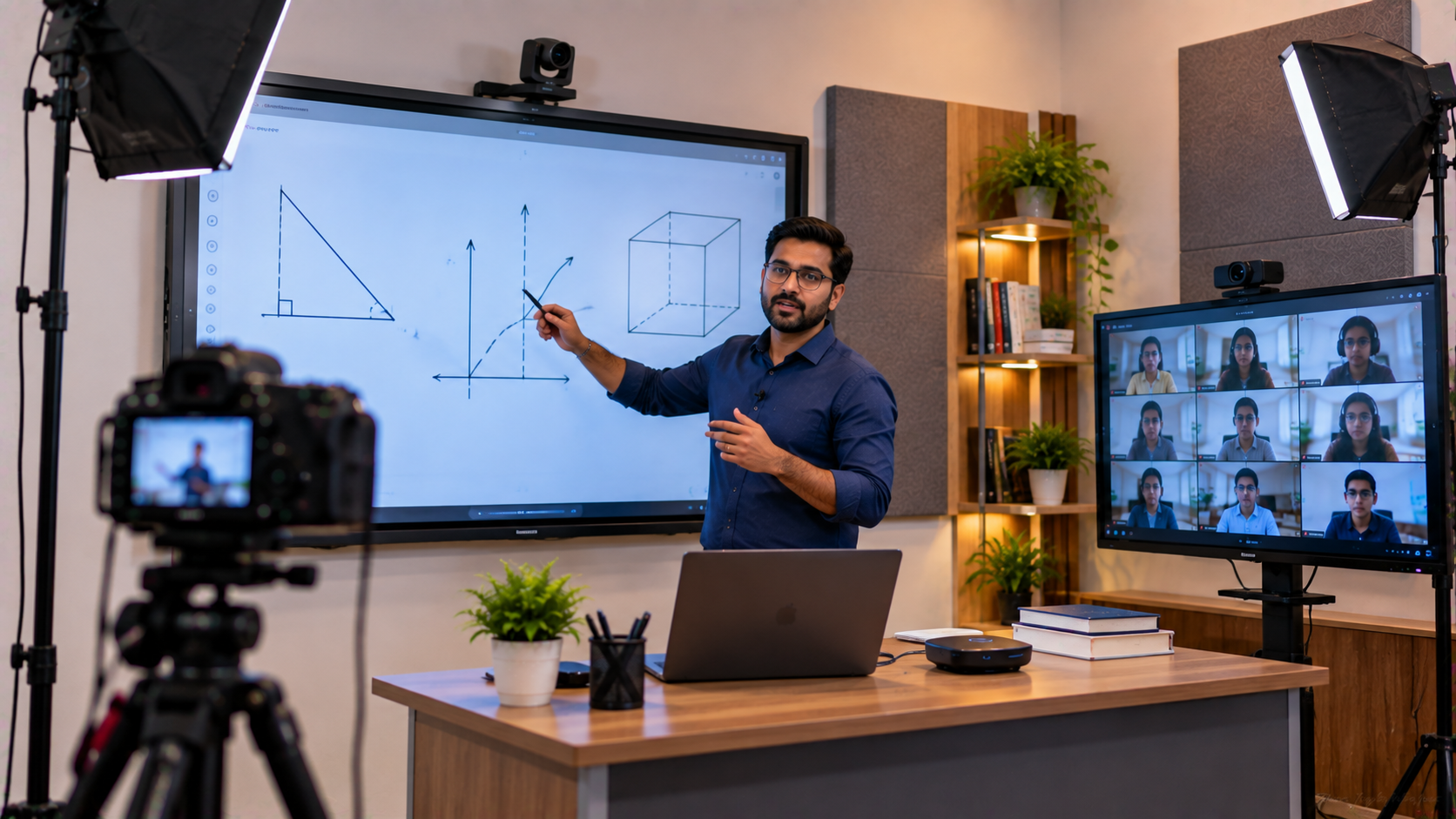
One of the most useful applications is recording both the instructor and the teaching content.
For example, a mathematics instructor could explain a problem on an interactive digital board while the camera captures the instructor's presentation. The final content can then be used for:
Recorded lectures
Revision classes
Student portals
Online courses
Hybrid learning
Internal faculty training
Promotional educational content
This creates a more consistent digital classroom experience.
Implementation Process by GoLive eTechnologies
The biggest advantage of a professional technology partner is that the customer does not have to figure out every component independently.
GoLive eTechnologies follows an end-to-end approach:
1. Requirement Assessment
Understand classroom size, student capacity, recording objectives and budget.
2. Solution Selection
Recommend appropriate interactive panels, cameras, microphones, capture equipment and accessories.
3. Installation
Install displays, cameras, mounting systems, cabling and supporting equipment.
4. Configuration
Connect the camera, audio, display, computer and recording workflow.
5. Testing
Check framing, sound, display visibility and recording quality.
6. User Training
Help instructors and staff understand the basic operation.
7. Ongoing Support
Provide assistance beyond installation when required.
This reflects GoLive eTechnologies' brand promise:
Technology that works, backed by people who help.
Why Choose GoLive eTechnologies for a Training Centre in Delhi?
Choosing technology purely on product price can create problems later. A slightly cheaper camera or interactive board may not provide the required compatibility, installation support or after-sales assistance.
GoLive eTechnologies focuses on the complete solution:
Right solution based on the actual requirement
Fast deployment to minimise operational disruption
Professional installation
Configuration and testing
Training and assistance
Post-installation support
The result is less technology headache and more confidence that the complete setup will work together.
Customer feedback and reviews can also be evaluated when comparing vendors, particularly around service, support, delivery, installation, training and assistance. Prospective customers should review current GoLive eTechnologies reviews and applicable product specifications before making a purchase decision.
Indicative Solution Comparison
|
Setup |
Best For |
Typical Components |
|---|---|---|
|
Basic |
Small classroom |
Webcam + microphone + display |
|
Professional |
Training centre |
PTZ camera + interactive panel + microphone |
|
Advanced |
Online course production |
4K PTZ + IFP + audio + capture + OBS |
|
Hybrid |
Classroom + remote students |
PTZ + interactive display + audio + streaming workflow |
What About Pricing?
The digital board price, PTZ camera price and complete studio setup price depend on specifications, screen size, camera resolution, audio equipment, installation requirements and accessories.
Search terms such as Evota smart board price, Evota 4K PTZ camera price, Newline interactive panel price in India, MAXHUB smart board price in India and LG interactive digital board price in India indicate strong purchase intent, but the final configuration should be quoted according to the customer's requirements.
For this reason, customers should request a solution-based quotation rather than comparing individual product prices alone.
Build a Smarter Teaching Studio with GoLive eTechnologies
A professional lecture recording system can help a Delhi training centre transform ordinary classroom teaching into reusable digital learning content.
From an Evota interactive flat panel and Evota 4K PTZ camera to microphones, video capture equipment, recording software and installation, GoLive eTechnologies can help customers evaluate and implement the right technology ecosystem.
Whether you are setting up a smart classroom, coaching centre, online teaching studio or hybrid classroom, the goal should remain the same: reliable technology, professional implementation and dependable support.
Technology that works, backed by people who help.
Your email address will not be published. Required fields are marked *

By Inhype • September 12, 2026
A smart classroom is only as effective as the technology supporting it. Interactive panels, smart boards, PTZ cameras, microphones, speakers, PCs and
Read More
By Inhype • September 12, 2026
Higher education is rapidly moving beyond traditional chalkboards and projectors. Today, colleges and universities need technology that supports inter
Read More
By Inhype • September 12, 2026
A smart classroom for CBSE schools is no longer simply a classroom with a digital board. Modern schools are building connected learning environments t
Read More
By Inhype • September 12, 2026
Planning a smart classroom project for 10, 20 or even 50 classrooms requires more than simply purchasing digital boards. Schools, colleges, universiti
Read More
By Inhype • September 12, 2026
A smart classroom can transform the way teachers explain concepts, students interact with lessons, and institutions deliver digital education. From in
Read More




Golive eTechnologies India Private Limited (CIN - U31909UP2021PTC148242) is one of India's leading providers of smart classrooms, interactive boards, video conferencing solutions, and display technologies for the education, healthcare, corporate, and government sectors.











No comments yet. Be the first to comment!