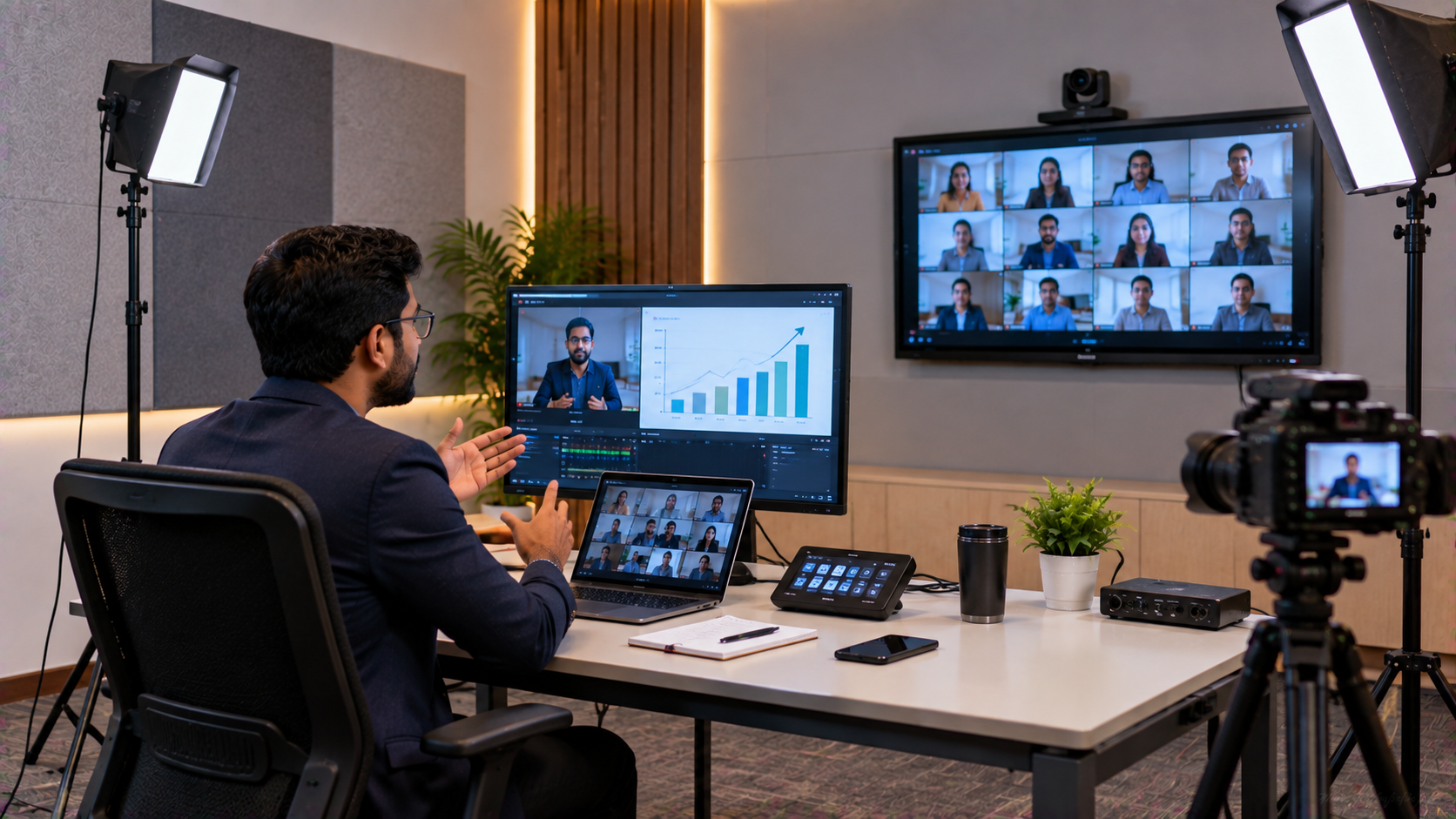
For a training company in Noida, delivering professional online courses, webinars and hybrid training sessions requires more than a laptop and webcam. Trainers need clear video, reliable audio, an interactive teaching surface and a workflow that allows presentations, demonstrations and live interaction without constant technical interruptions. A professional webinar room combines these elements into one integrated environment. This solution guide explains how a training company in Noida, Delhi NCR or anywhere in India can create a professional online teaching setup, teaching studio setup or webinar room using solutions available from GoLive eTechnologies India Private Limited. GoLive eTechnologies focuses on an end-to-end approach: right solution + fast deployment + installation + support, helping customers reduce technology headaches and operate with greater confidence.
The Problem: A Basic Webcam Is Not Enough for Professional Training
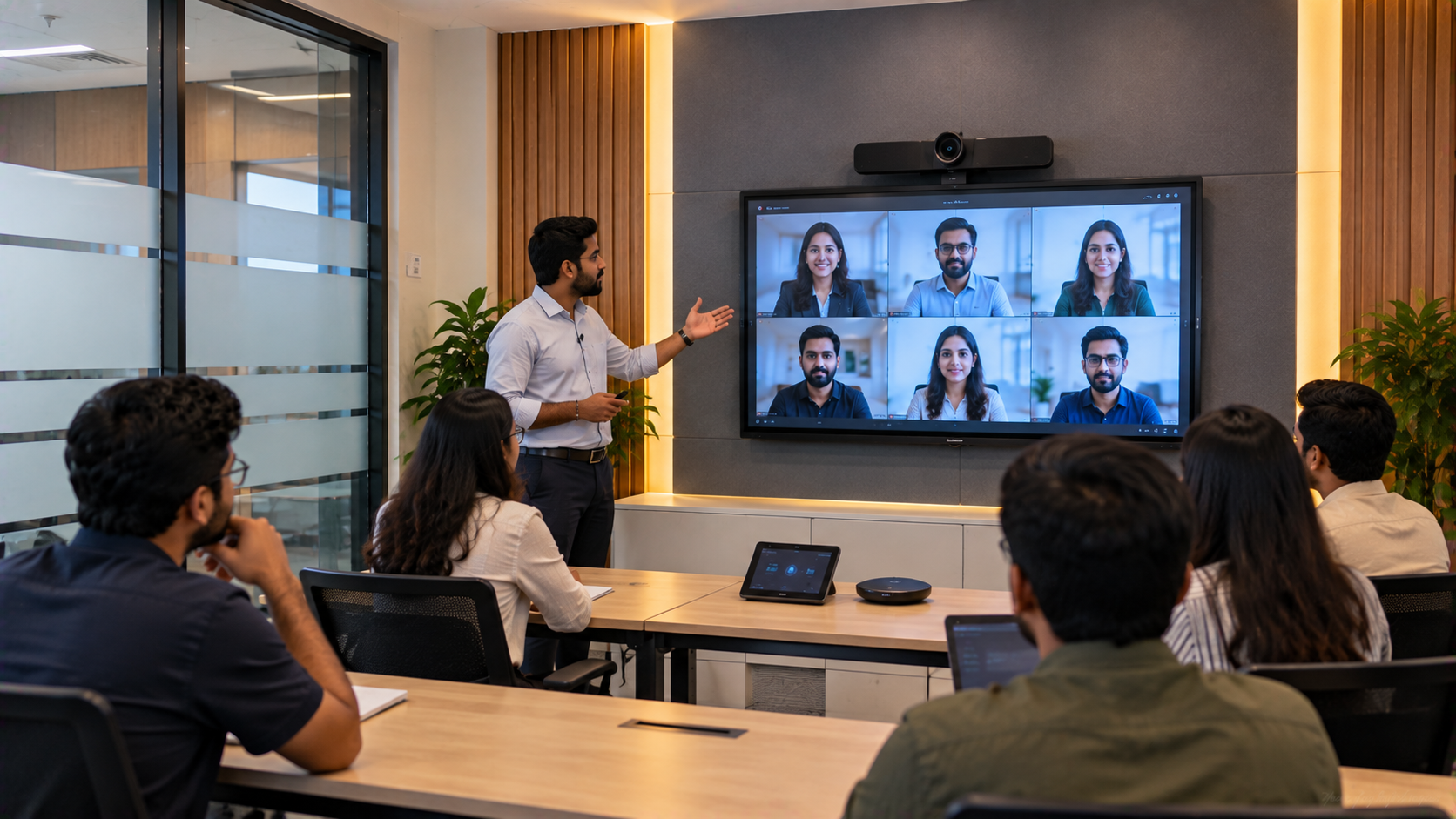
A typical training setup may rely on a laptop webcam, basic microphone and presentation software. While this can work for informal sessions, professional training environments often need:
Better presenter framing and video quality
Clear audio for remote learners
A large interactive screen for teaching
Digital annotation and collaboration
Presentation and camera switching
Recording and live-streaming capability
A setup that trainers can operate confidently
This is where an integrated online class studio setup becomes valuable.
GoLive's published solution guidance recommends treating the display, camera, audio, capture and streaming workflow as a connected system rather than purchasing unrelated devices individually.
Step 1: Choose an Interactive Panel for the Webinar Room
The visual centre of a professional teaching studio is the interactive display.
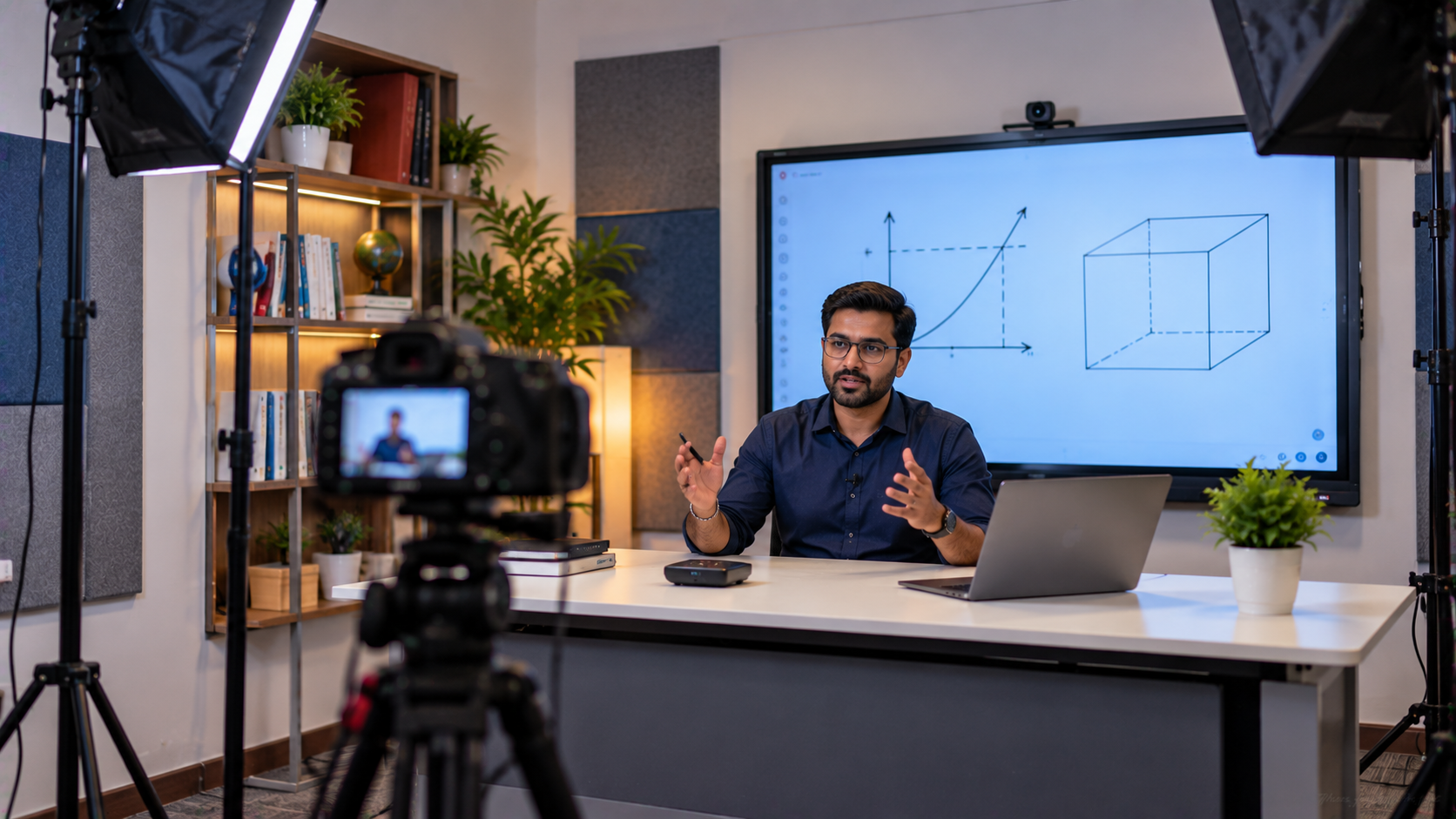
A trainer may need to open PowerPoint presentations, annotate diagrams, explain concepts, write equations or demonstrate software. An interactive flat panel display can bring these activities onto one large digital workspace.
GoLive eTechnologies provides options including:
EVOTA Smart Board
EVOTA Interactive Panel
MAXHUB Smart Board
MAXHUB Digital Board
Newline Interactive Panel
LG Interactive Digital Board
These displays can be evaluated according to screen size, room dimensions, teaching requirements, connectivity and budget.
For example, a training centre comparing EVOTA smart board price, EVOTA digital board price, Newline smart board price, MAXHUB smart board price or LG interactive digital board price India should consider the complete solution rather than hardware price alone.
The right panel can support presentations, annotation, collaboration and digital teaching from one location. GoLive's published portfolio specifically positions these interactive displays for training centres, classrooms and enterprise environments.
Step 2: Add an EVOTA 4K PTZ Camera for Professional Video
A professional webinar needs more than a static laptop webcam.
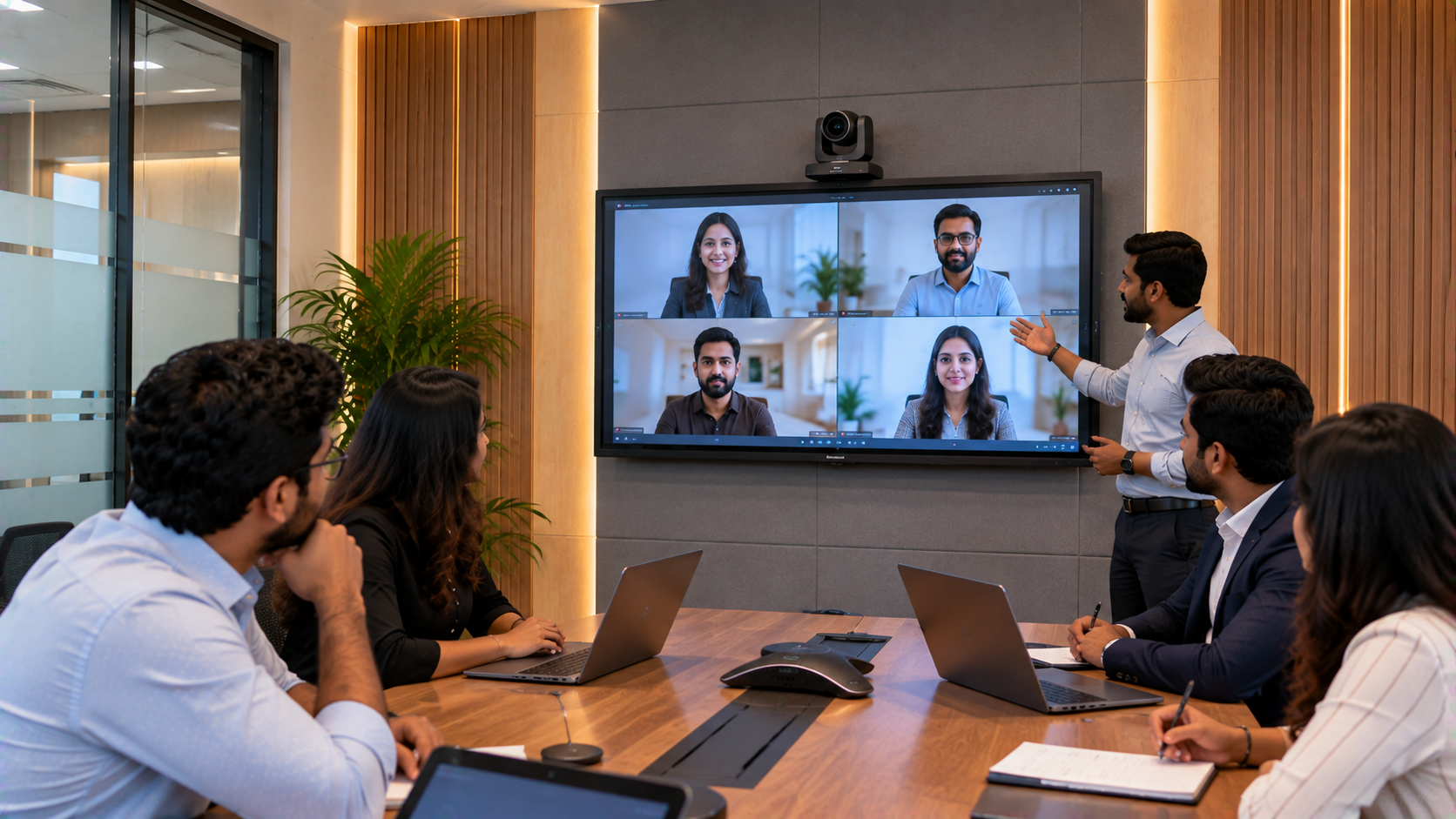
A PTZ camera—Pan-Tilt-Zoom camera—allows remote control of the camera's viewing direction and zoom. This makes it useful for capturing trainers, presenters, interactive boards and different areas of a training room.
For a Noida training company, an EVOTA 4K PTZ Camera can form part of a professional video workflow for:
Live webinars
Online courses
Corporate training
Hybrid classrooms
Lecture recording
Training demonstrations
Professional livestreaming
GoLive also lists EVOTA 10X HD PTZ Camera, Logitech PTZ solutions and Logitech PTZ Pro 2 among its camera options.
Instead of focusing only on an EVOTA 4K PTZ camera price, businesses should evaluate camera resolution, room coverage, zoom requirements, connectivity and integration with their streaming workflow.
Step 3: Create a Better Audio Setup
Even excellent video cannot compensate for unclear sound.
A professional webinar room may require microphones, speakers, mixers or other audio equipment depending on room size and the number of presenters.
For larger training environments, an integrated audio workflow can help separate the audio required for people inside the room from the cleaner feed required by online participants.
GoLive's hybrid-event guidance highlights the importance of managing house PA audio and streaming audio appropriately rather than simply sending an amplified speaker output into the streaming system.
Depending on the application, organisations can evaluate:
Wireless microphones
Wired microphones
Conference microphones
Ahuja audio solutions
Conference speakers
Mixers and audio interfaces
This is particularly useful for online teaching equipment, corporate training rooms and hybrid learning environments.
Step 4: Add HDMI Capture and Streaming Equipment
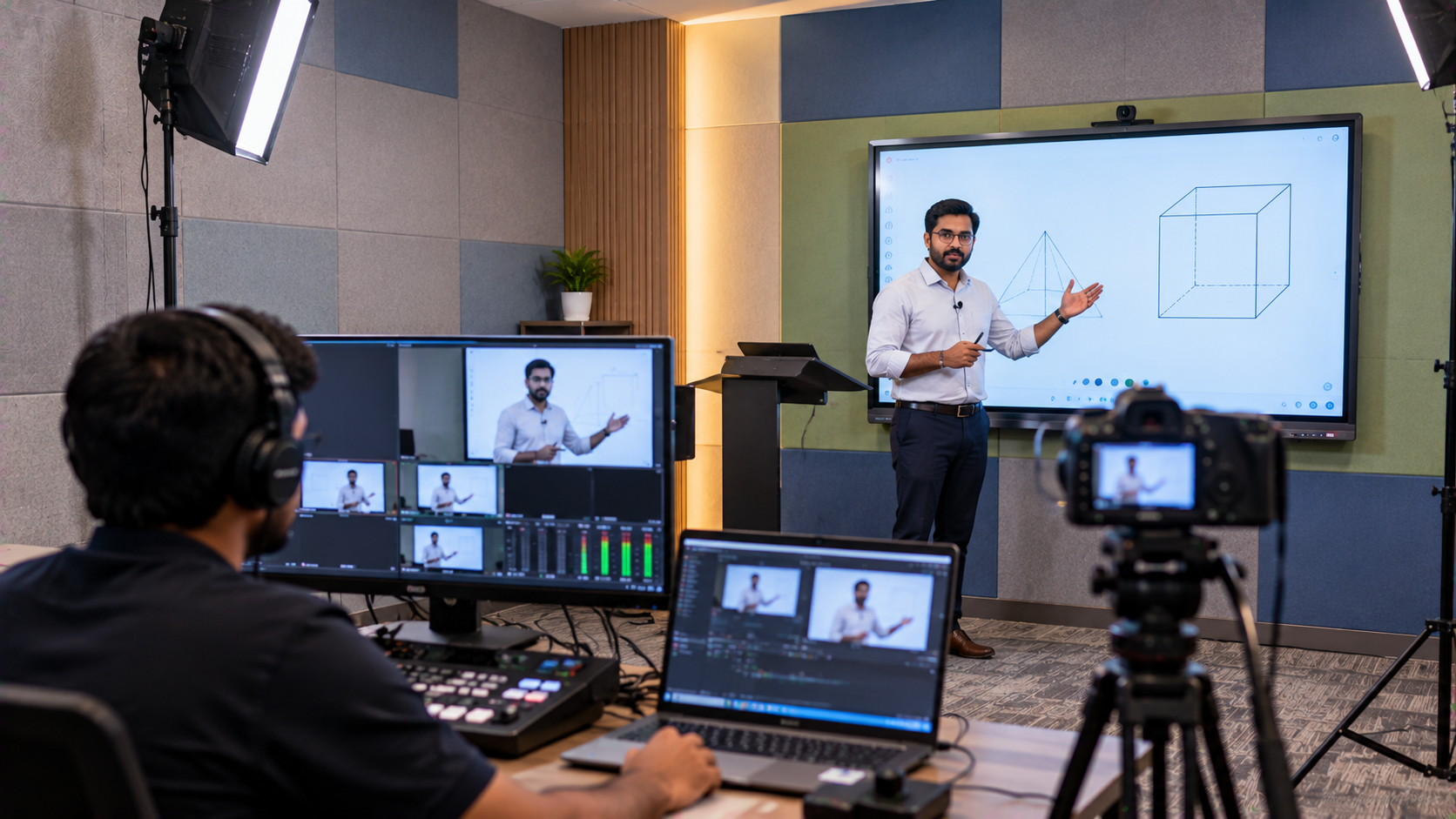
The trainer may need to switch between several sources:
Trainer → PTZ Camera → Interactive Panel → Laptop → Presentation → Recorded Content
An HDMI video capture device can help bring compatible HDMI sources into a computer-based streaming workflow.
For more advanced webinar rooms, organisations can also consider:
Video capture cards
4K video switchers
Livestream mixers
Video mixers
OBS-compatible workflows
Lecture capture solutions
This allows a training company to create a more structured professional recording studio setup instead of depending on a single webcam.
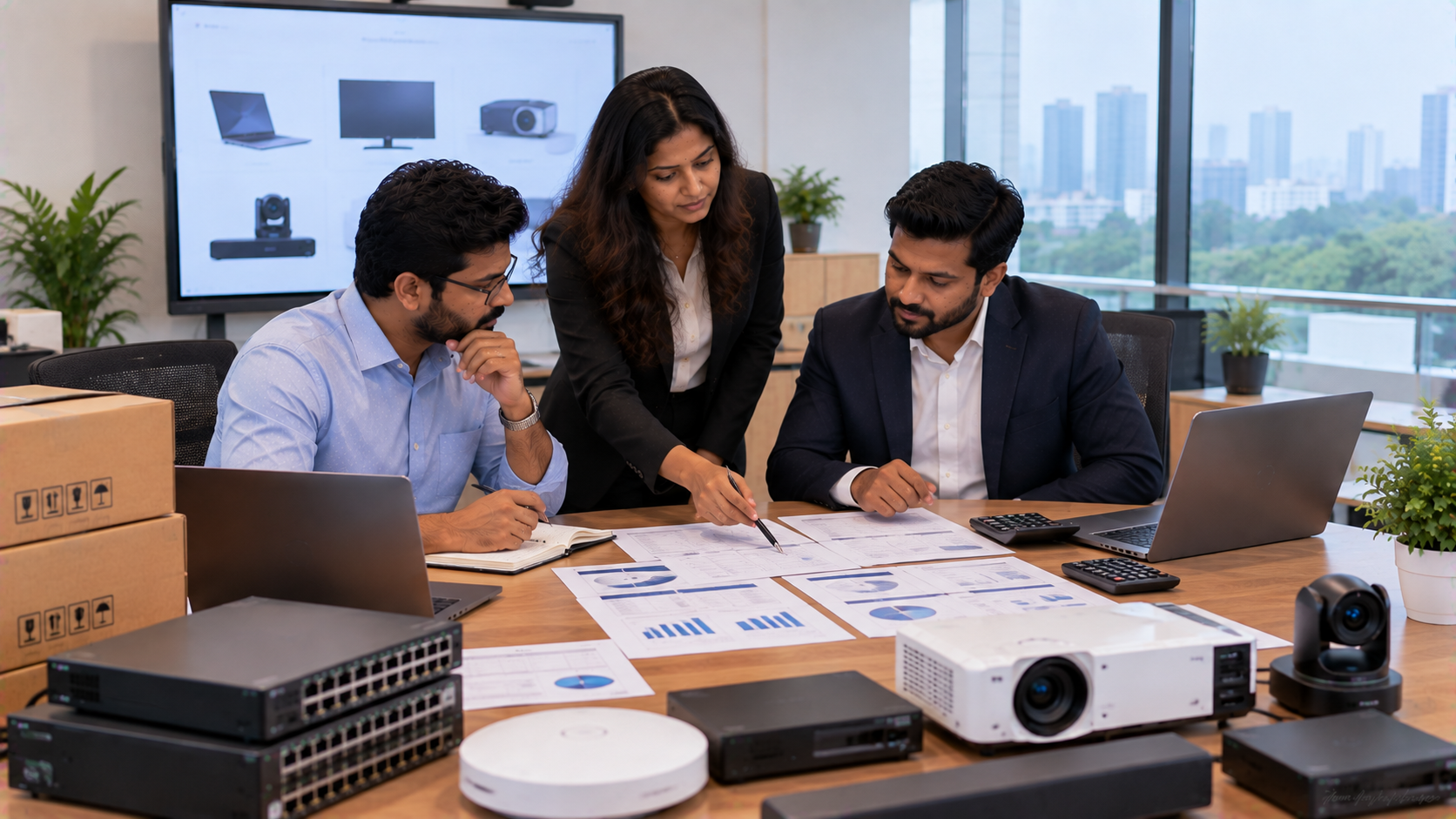
Step 5: Integrate the Technology Instead of Buying It Separately
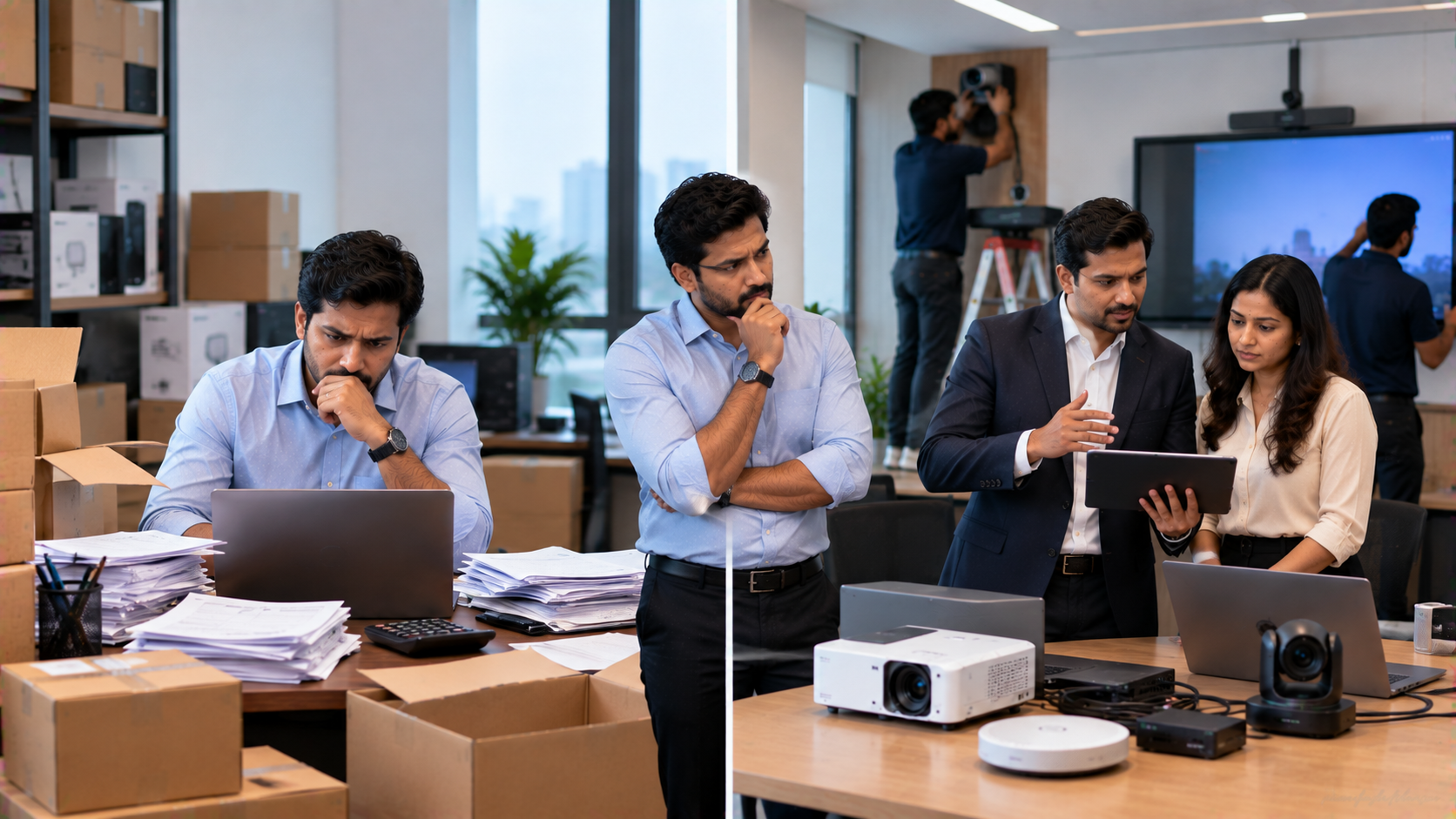
One of the biggest challenges with AV projects is compatibility.
A company may purchase an interactive panel from one supplier, camera from another and audio equipment from a third supplier. Later, the IT team may discover connectivity, configuration or operational issues.
An integration-first approach reduces this problem.
A representative Noida webinar-room configuration could include:
|
Requirement |
Possible Solution |
|---|---|
|
Interactive teaching |
EVOTA Interactive Panel |
|
Premium display alternative |
MAXHUB Digital Board |
|
Alternative display |
Newline Interactive Panel / LG Interactive Digital Board |
|
Presenter video |
EVOTA 4K PTZ Camera |
|
Camera alternative |
Logitech PTZ / PTZ Pro 2 |
|
Digital annotation |
Writing Pad for PC |
|
Video input |
HDMI Capture Device |
|
Streaming |
OBS-compatible workflow |
|
Audio |
Microphones + speakers/mixer |
|
Deployment |
Installation + configuration + training |
GoLive describes this integration approach as combining display + camera + audio + software into a coordinated ecosystem.
GoLive eTechnologies: From Product Selection to Installation and Support
For a training company in Noida, selecting technology is only one part of the project.
The bigger requirement is ensuring that the equipment is correctly selected, installed, configured and ready for everyday use.
GoLive eTechnologies' brand promise is:
Technology that works, backed by people who help.
Its core USP is end-to-end technology support from selection to installation and beyond.
That means the customer can focus on delivering training while the technology partner helps with the implementation journey.
GoLive's published information highlights consultation, product selection, installation, India-wide delivery and after-sales support across its AV and interactive technology solutions.
Why an Integrated Webinar Room Creates Business Value
A professional setup can help training organisations:
Deliver more polished webinars
Improve remote learner visibility
Make digital presentations more interactive
Record training sessions
Support hybrid training
Reduce dependence on multiple disconnected devices
Create a scalable technology foundation
The objective is not simply to buy a digital board, PTZ camera or interactive panel.
The objective is to create a room where the right technology works together.
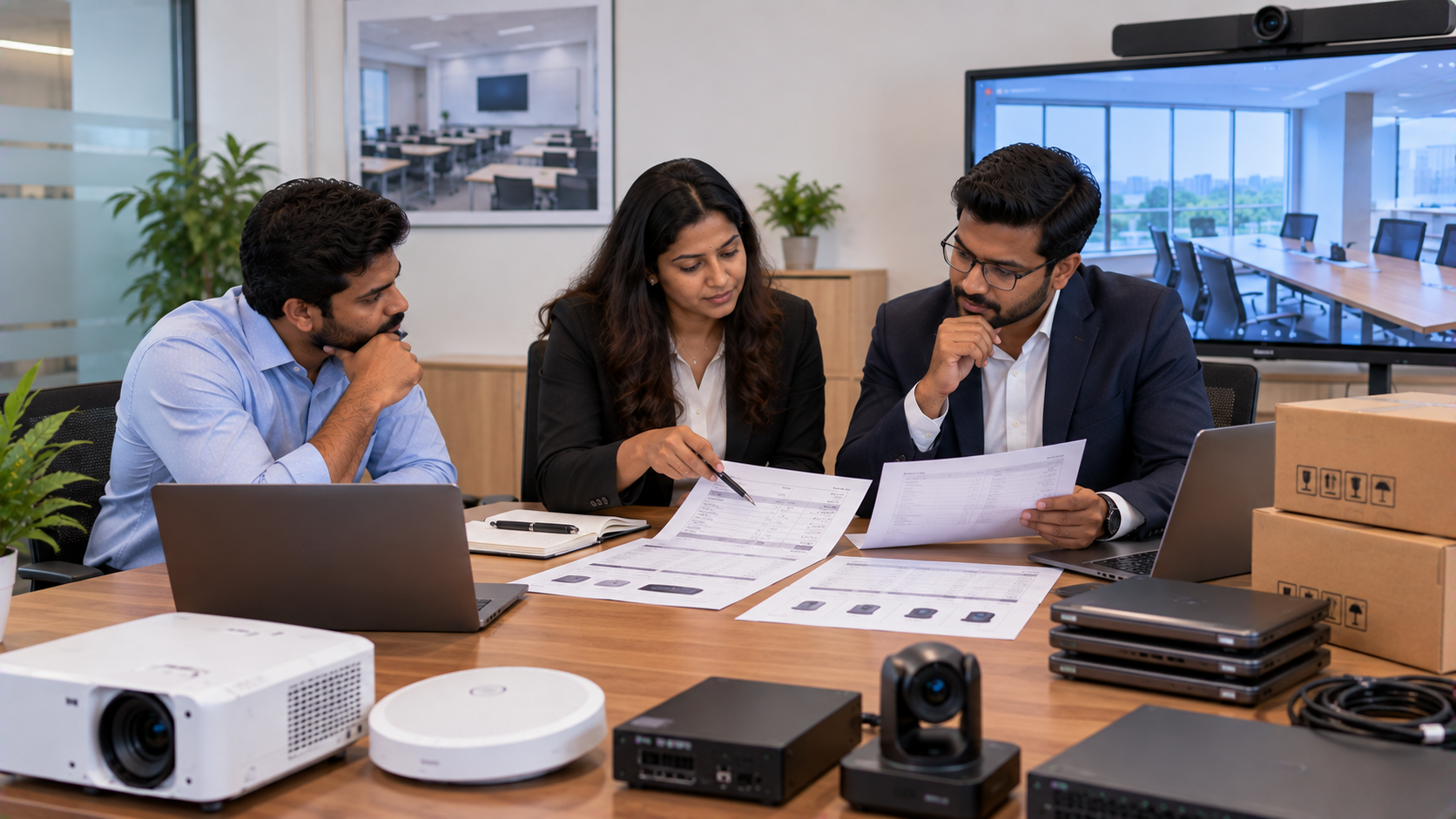
What Should a Noida Training Company Budget For?
There is no single universal studio setup price because the investment depends on room size, display size, camera specification, audio requirements, capture equipment and installation complexity.
For example, a company comparing:
EVOTA smart board 75 inch price
EVOTA 4K PTZ camera price
Newline interactive panel price in India
MAXHUB digital board price
LG interactive panel price
Interactive whiteboard price
PTZ camera price
Smart board price in India
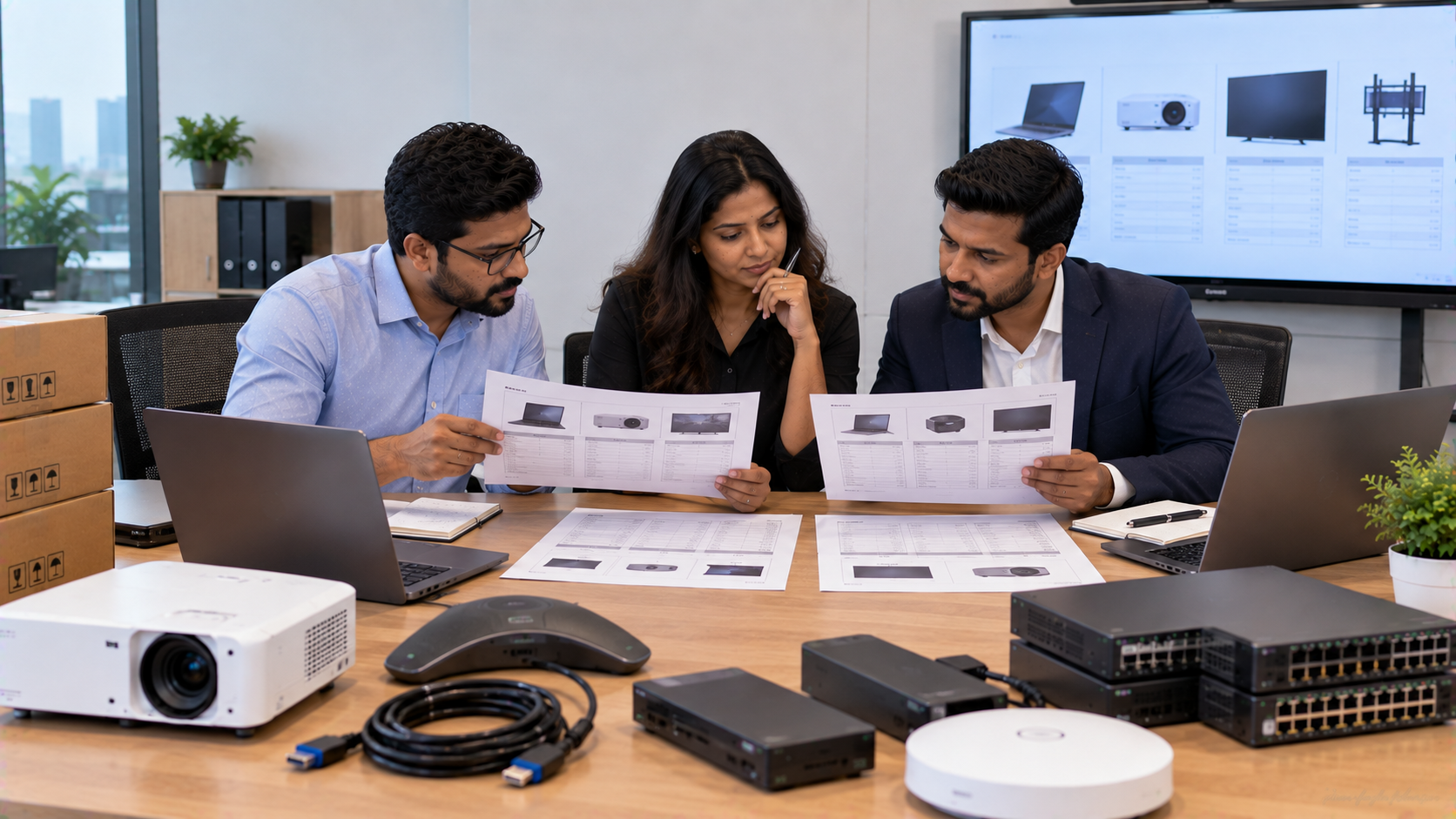
should request a configuration-based quotation.
This approach provides more meaningful pricing relevance than comparing individual product prices without considering installation and compatibility.
Build Your Professional Webinar Room with GoLive eTechnologies
Whether you are a training company in Noida, coaching centre in Delhi NCR, corporate learning team, educational institution or online teaching business, GoLive eTechnologies can help you evaluate the technology required for a professional webinar and training environment.
From an EVOTA Smart Board and EVOTA Interactive Panel to an EVOTA 4K PTZ Camera, MAXHUB Digital Board, Newline Interactive Panel, LG Interactive Digital Board, writing pad, capture device and audio equipment, the objective is to create one connected solution.
Less technology headache. More confidence that everything will work.
Explore GoLive eTechnologies and enquire about a customised webinar-room, online teaching or professional AV setup for your organisation.
Your email address will not be published. Required fields are marked *

By Inhype • September 12, 2026
A smart classroom is only as effective as the technology supporting it. Interactive panels, smart boards, PTZ cameras, microphones, speakers, PCs and
Read More
By Inhype • September 12, 2026
Higher education is rapidly moving beyond traditional chalkboards and projectors. Today, colleges and universities need technology that supports inter
Read More
By Inhype • September 12, 2026
A smart classroom for CBSE schools is no longer simply a classroom with a digital board. Modern schools are building connected learning environments t
Read More
By Inhype • September 12, 2026
Planning a smart classroom project for 10, 20 or even 50 classrooms requires more than simply purchasing digital boards. Schools, colleges, universiti
Read More
By Inhype • September 12, 2026
A smart classroom can transform the way teachers explain concepts, students interact with lessons, and institutions deliver digital education. From in
Read More




Golive eTechnologies India Private Limited (CIN - U31909UP2021PTC148242) is one of India's leading providers of smart classrooms, interactive boards, video conferencing solutions, and display technologies for the education, healthcare, corporate, and government sectors.

No comments yet. Be the first to comment!