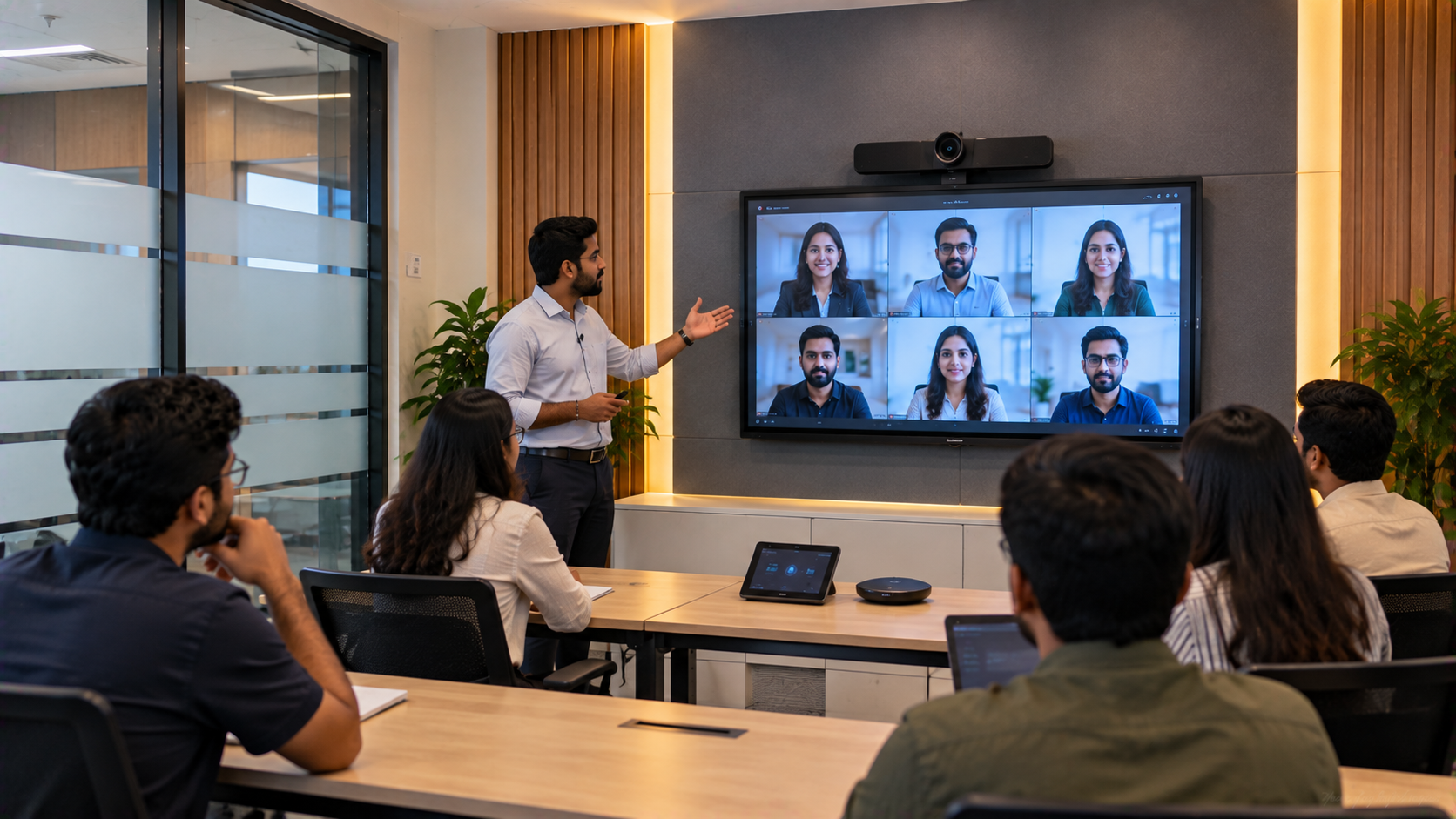
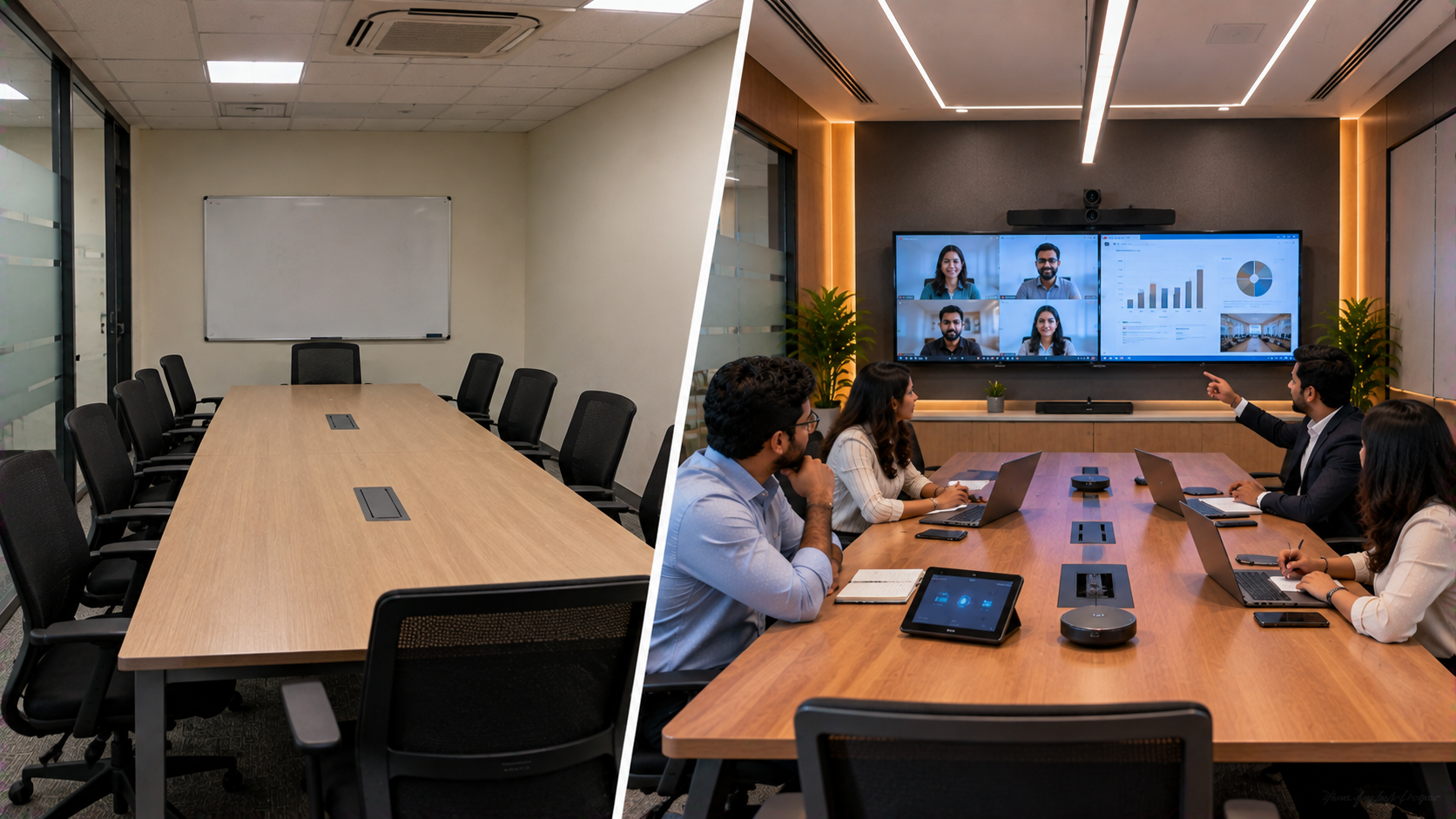
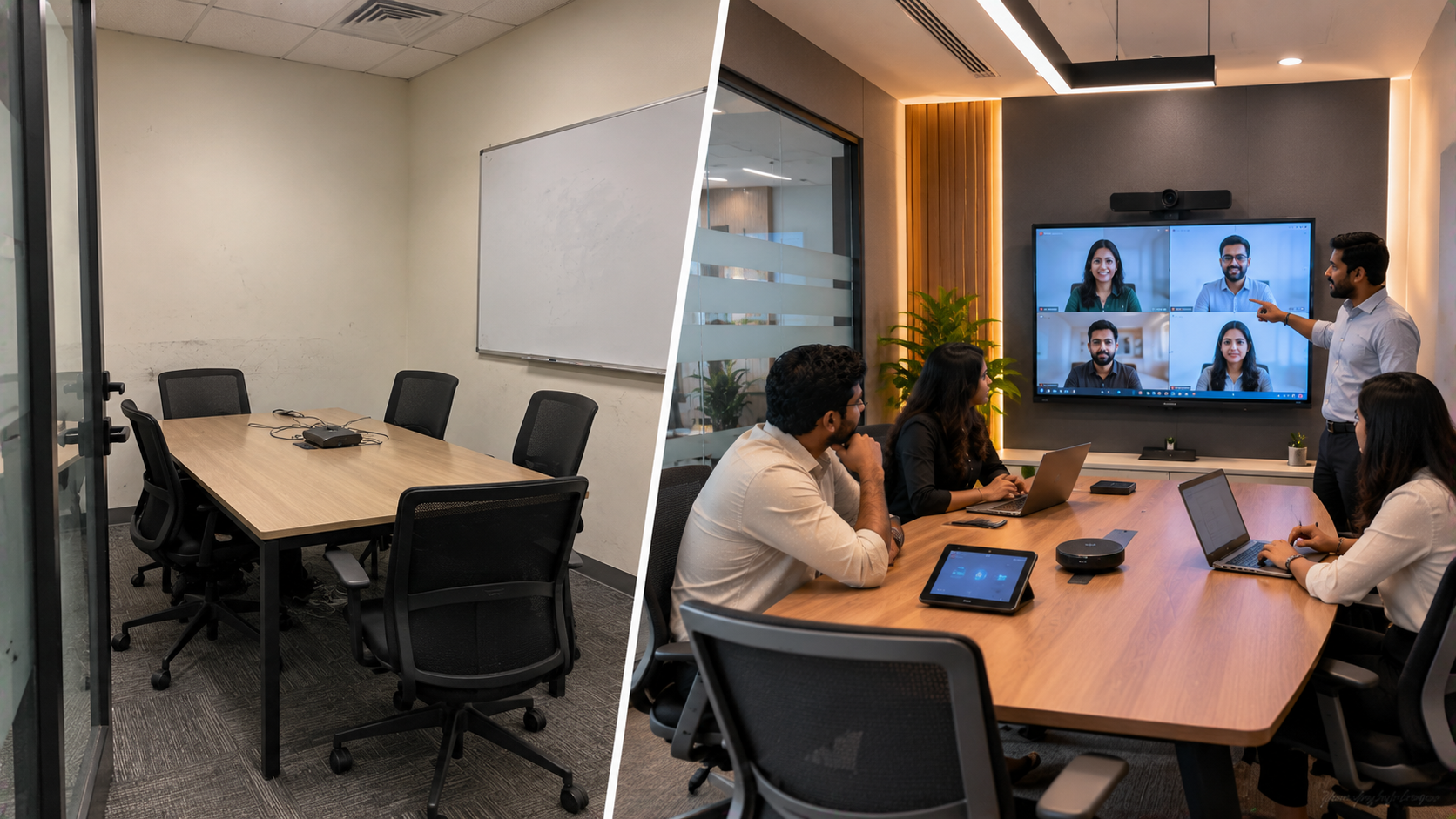
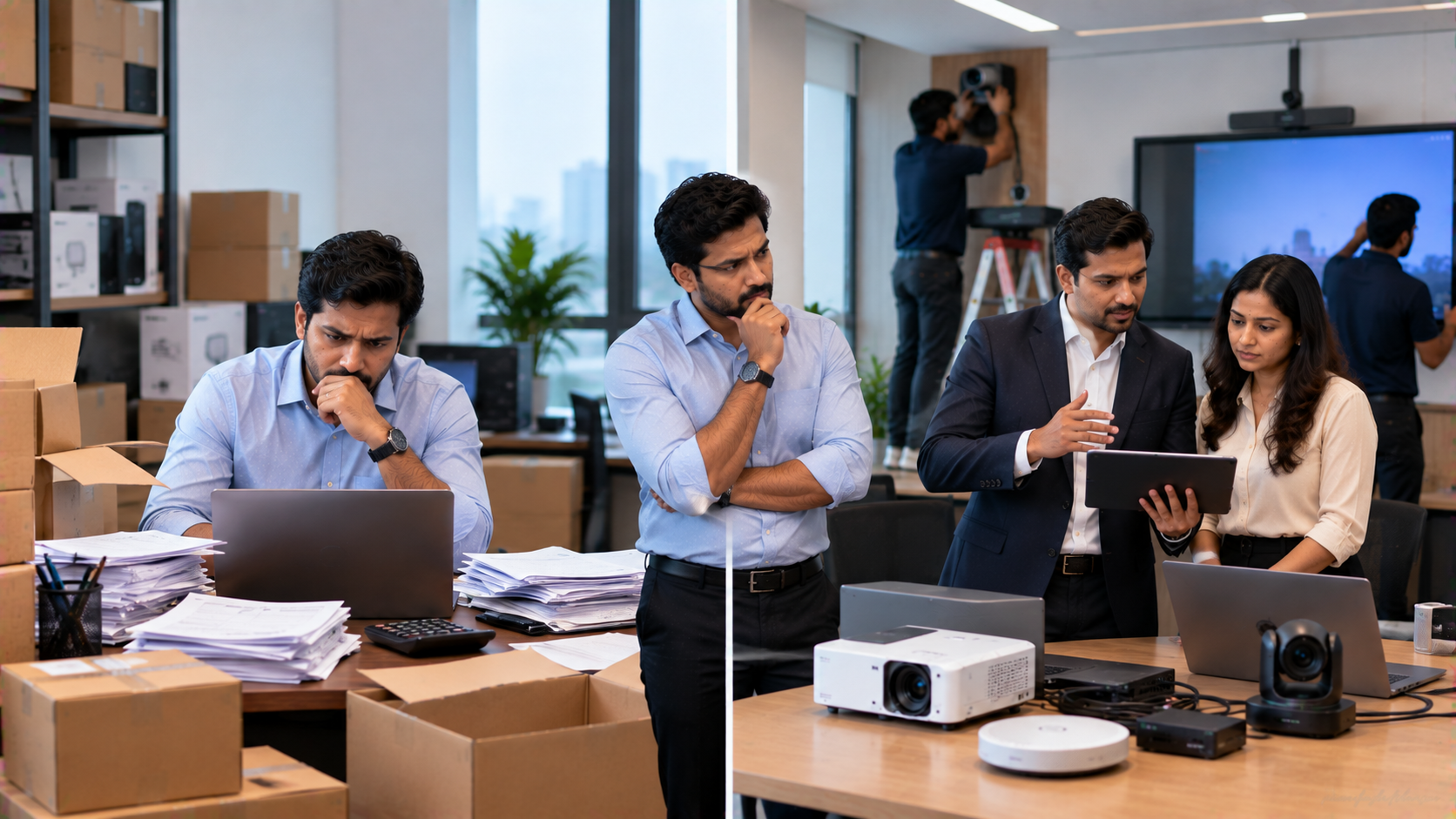
Training centres in Greater Noida increasingly need to teach both in-person and remote learners from the same room. A basic laptop webcam may work for casual calls, but professional training requires better visibility, interactive content, clear communication and reliable connectivity. Common challenges include: Trainers appearing too small or poorly framed on Zoom. Learners struggling to see presentations or whiteboard content. Switching between the laptop, display and camera manually. Poor camera positioning and limited room coverage. Audio problems during live training sessions. Lack of a consistent setup for recording or hybrid classes. Difficulty integrating different AV products. A professional online class studio setup or teaching studio setup addresses these issues by combining display, camera, audio, connectivity and control into one coordinated environment. This is where GoLive eTechnologies India Private Limited can add value—not simply by supplying equipment, but by helping customers select, deploy and support the technology required for the room. GoLive describes its approach as selection → supply → installation → deployment → training → support.
The Recommended Greater Noida Zoom Room Solution
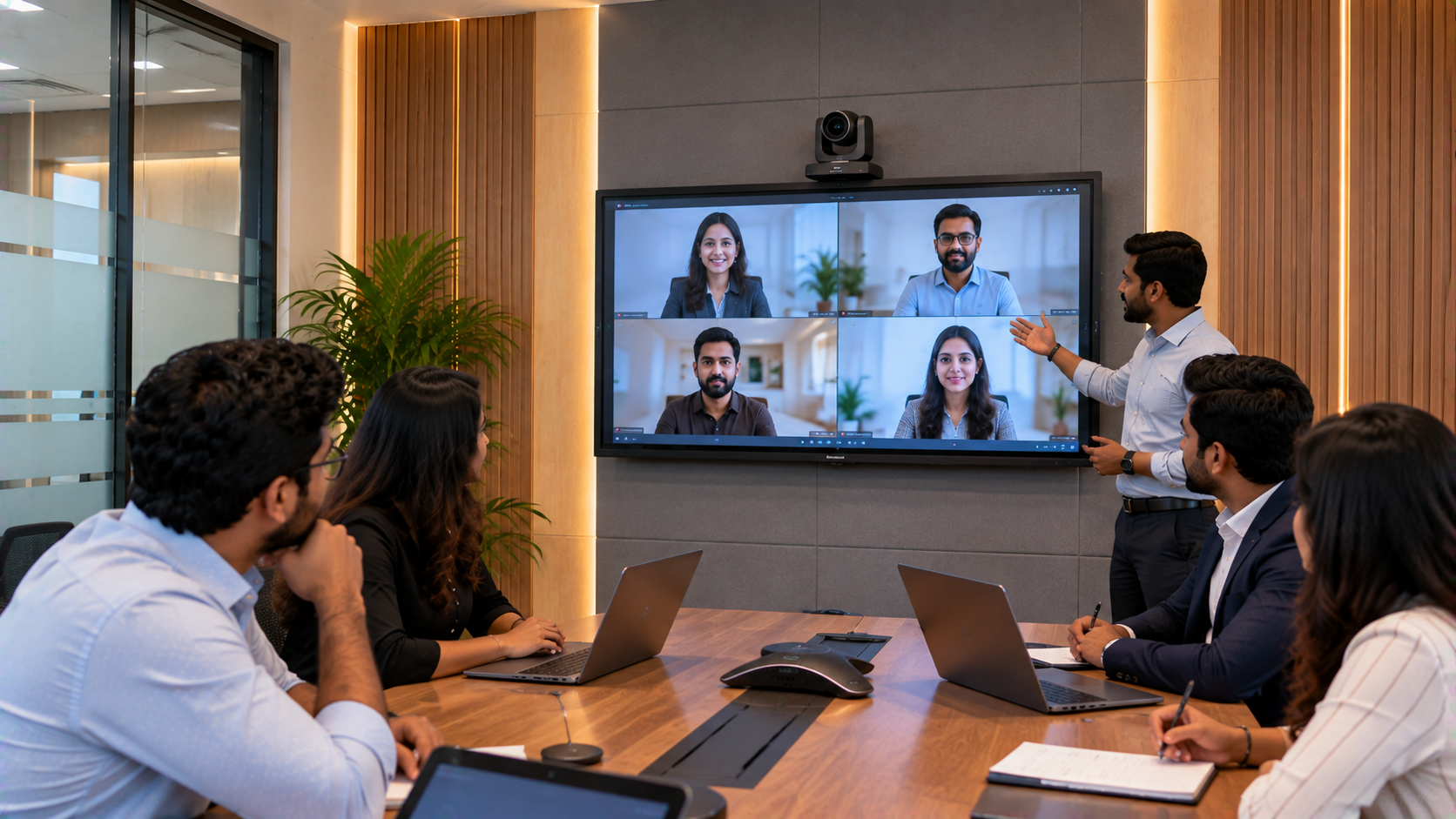
For a representative training-centre setup, the room can be designed around four technology layers.
1. Interactive Display: The Teaching Hub
An interactive flat panel display becomes the centre of the training room.
Potential GoLive options include:
Evota Interactive Panel / Evota Smart Board
MAXHUB Digital Board
Newline Interactive Panel
LG Interactive Digital Board
GoLive's published solution content lists these display families for hybrid classrooms, training rooms and collaboration environments.
A trainer can use the display for presentations, annotation, digital whiteboarding, screen sharing and collaborative activities.
For buyers researching Evota smart board price, Evota digital board price, MAXHUB smart board price, Newline smart board price or LG interactive digital board price India, the correct comparison should consider screen size, features, installation, accessories and support—not just the hardware price.
2. PTZ Camera: A Professional View of the Trainer
A PTZ camera can provide a more professional video experience than a conventional laptop webcam.
GoLive lists solutions such as:
EVOTA 4K PTZ Camera
EVOTA 10X HD PTZ Camera
Logitech PTZ Pro 2
Other compatible conferencing cameras
PTZ means Pan-Tilt-Zoom. The camera can be positioned and zoomed remotely, making it suitable for training rooms where the trainer may move between the display, teaching area and presentation position. GoLive specifically identifies EVOTA 4K PTZ cameras for training halls, hybrid meeting rooms and presentation spaces.
This makes searches such as Evota 4K PTZ camera price, Evota camera price, PTZ camera price, Logitech PTZ camera and Sony NX80 price in India relevant starting points when comparing camera categories.
3. Audio: Make Every Trainer Easy to Hear
A professional Zoom Room should not focus only on video.
Depending on the room size and teaching format, the solution may include:
Wireless microphone for teachers
Wired or wireless microphones
Conference speakers
Ahuja audio solutions
Audio interfaces or mixers
Appropriate room speakers
The objective is straightforward: clear, consistent speech without distracting background noise.
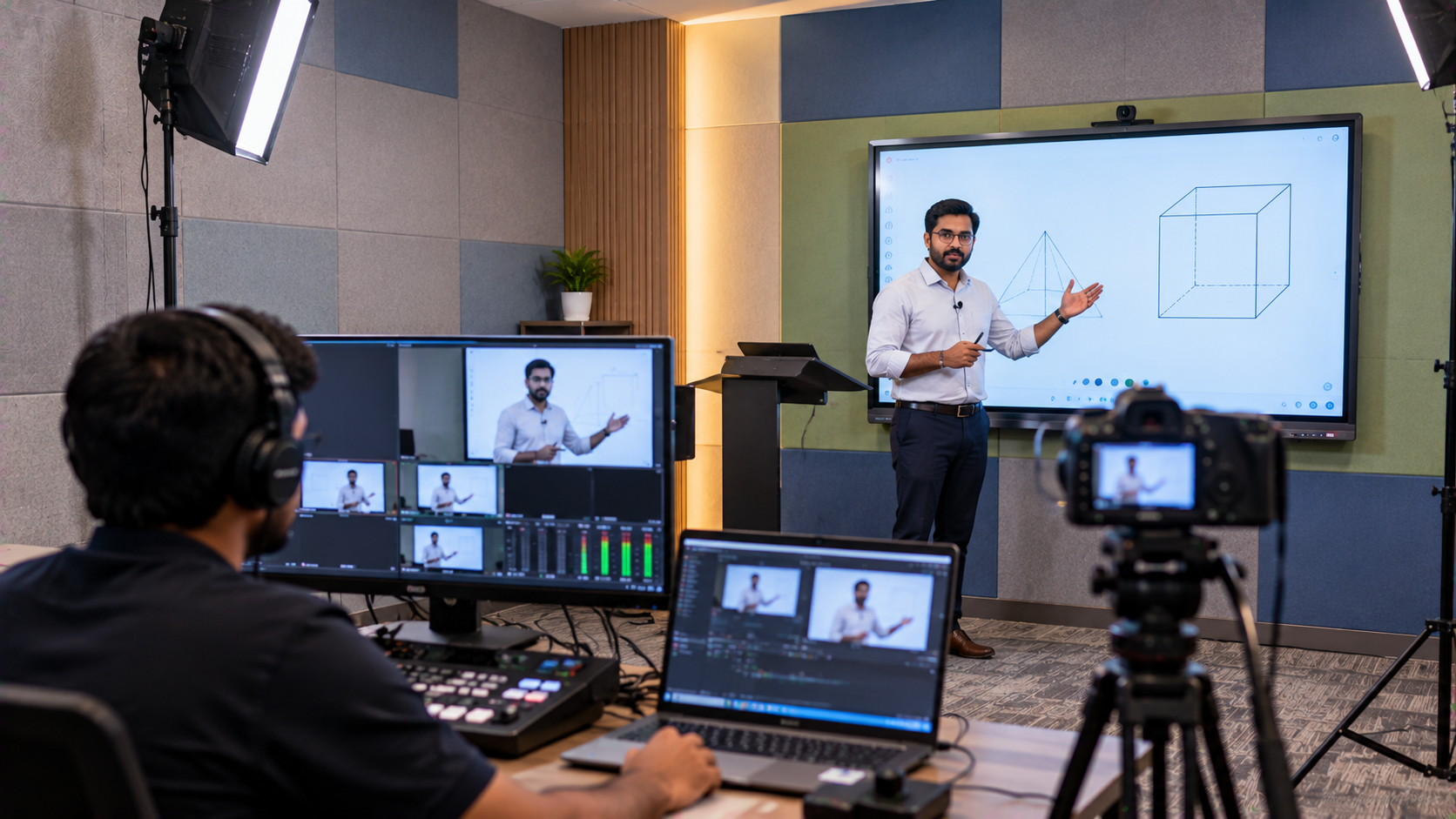
For trainers who also record lessons, improving the audio quality can make a significant difference to the final video. Microphone placement, room acoustics, speaker positioning and correct gain settings should be considered during installation.
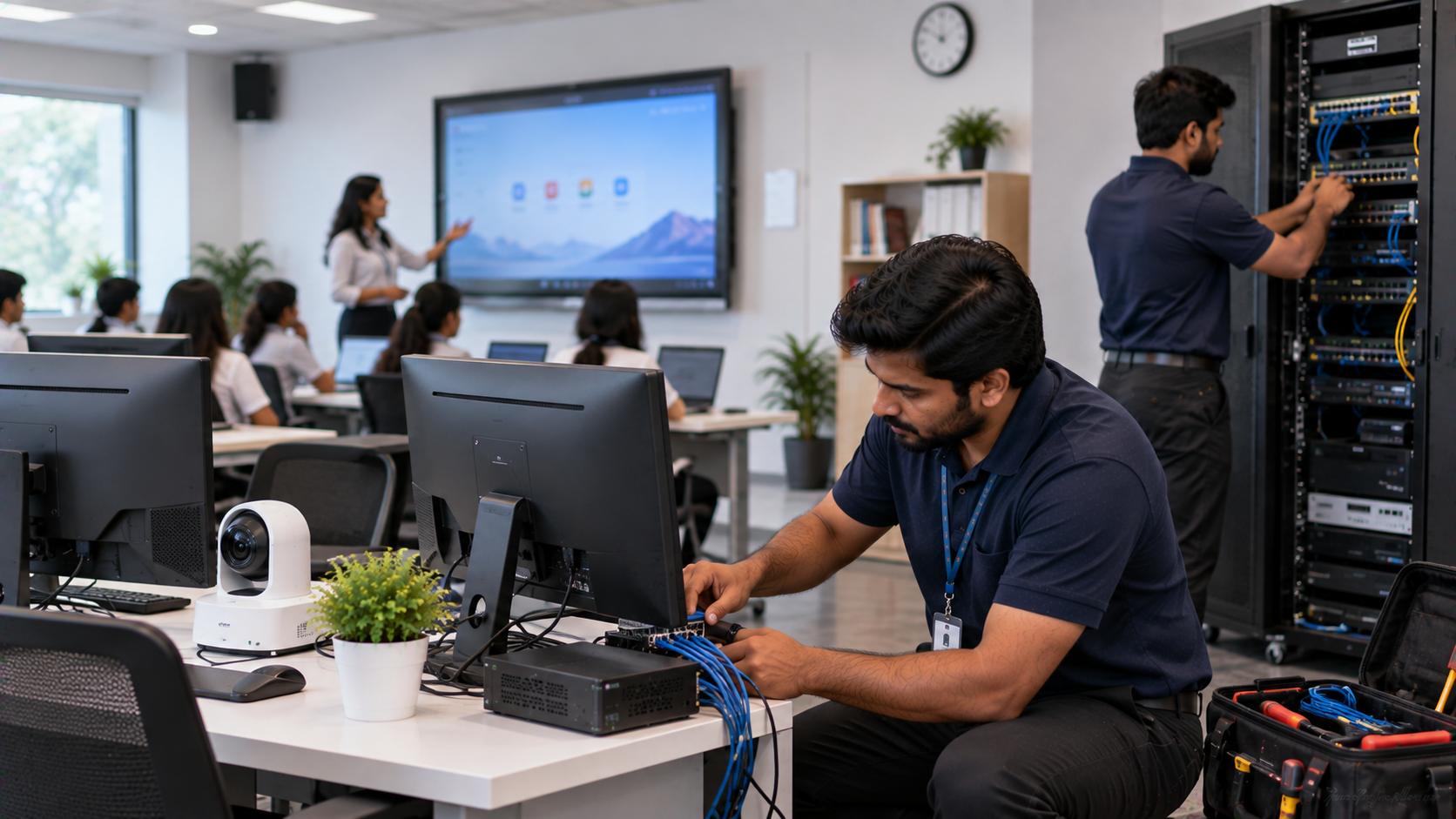
4. Connectivity and Capture
The final layer connects the room's technology together.
Depending on the application, this can include:
HDMI connectivity
HDMI video capture device
Capture card for PC or laptop
USB connectivity
OPS Mini PC
Screen-sharing systems
Zoom-compatible workflows
OBS-compatible recording or streaming workflows
GoLive's published deployment checklist specifically highlights electrical and connectivity requirements, cable management, display configuration, PTZ camera setup, audio setup, software configuration and integration testing.
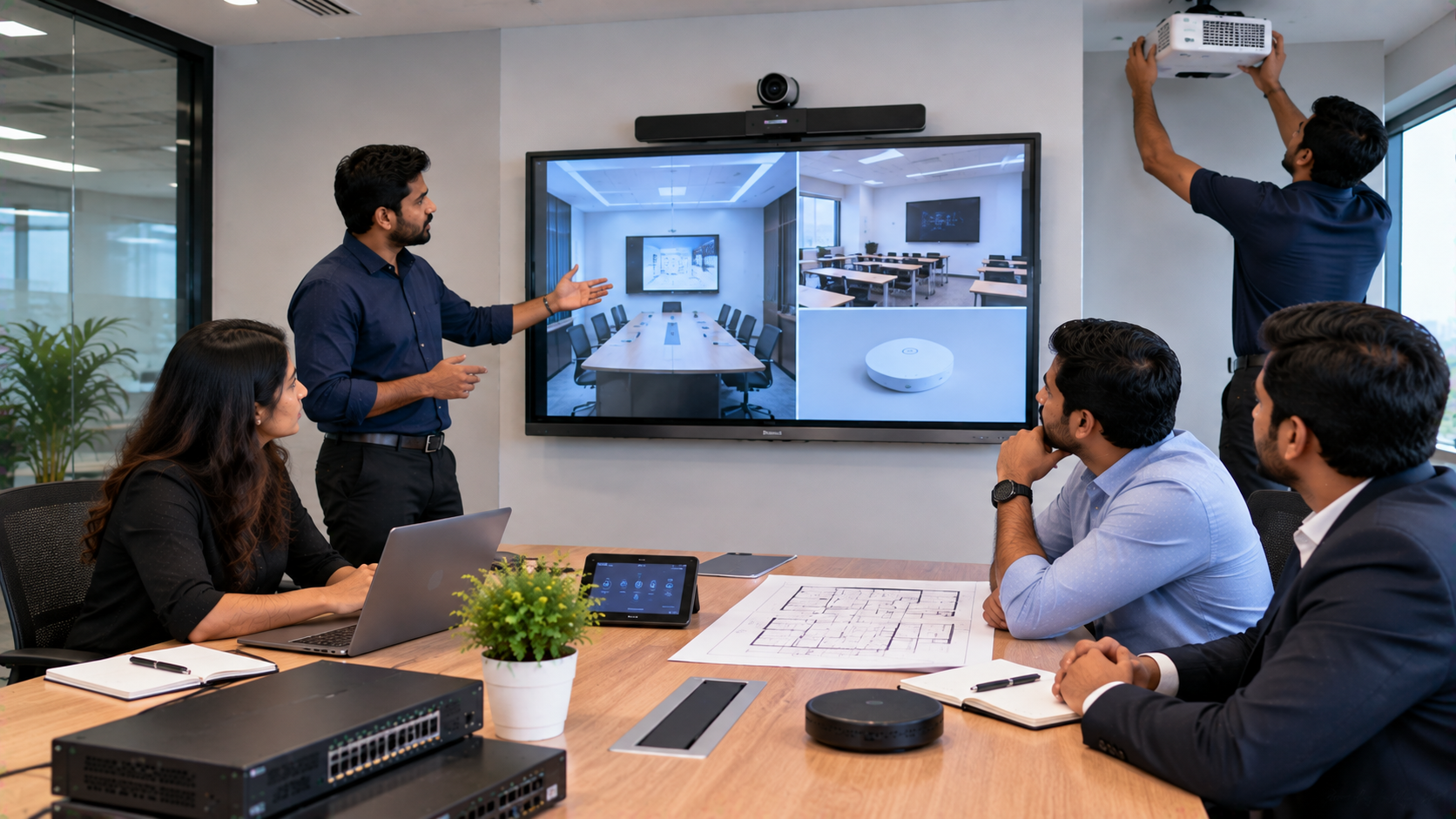
How GoLive eTechnologies Can Implement the Setup
A professional training room should be designed around the use case first and products second.
Step 1: Understand the Training Centre
The first stage should identify:
Room dimensions
Number of learners
Trainer position
Seating arrangement
Online/offline class ratio
Required display size
Camera coverage
Audio requirements
Recording requirements
Existing IT infrastructure
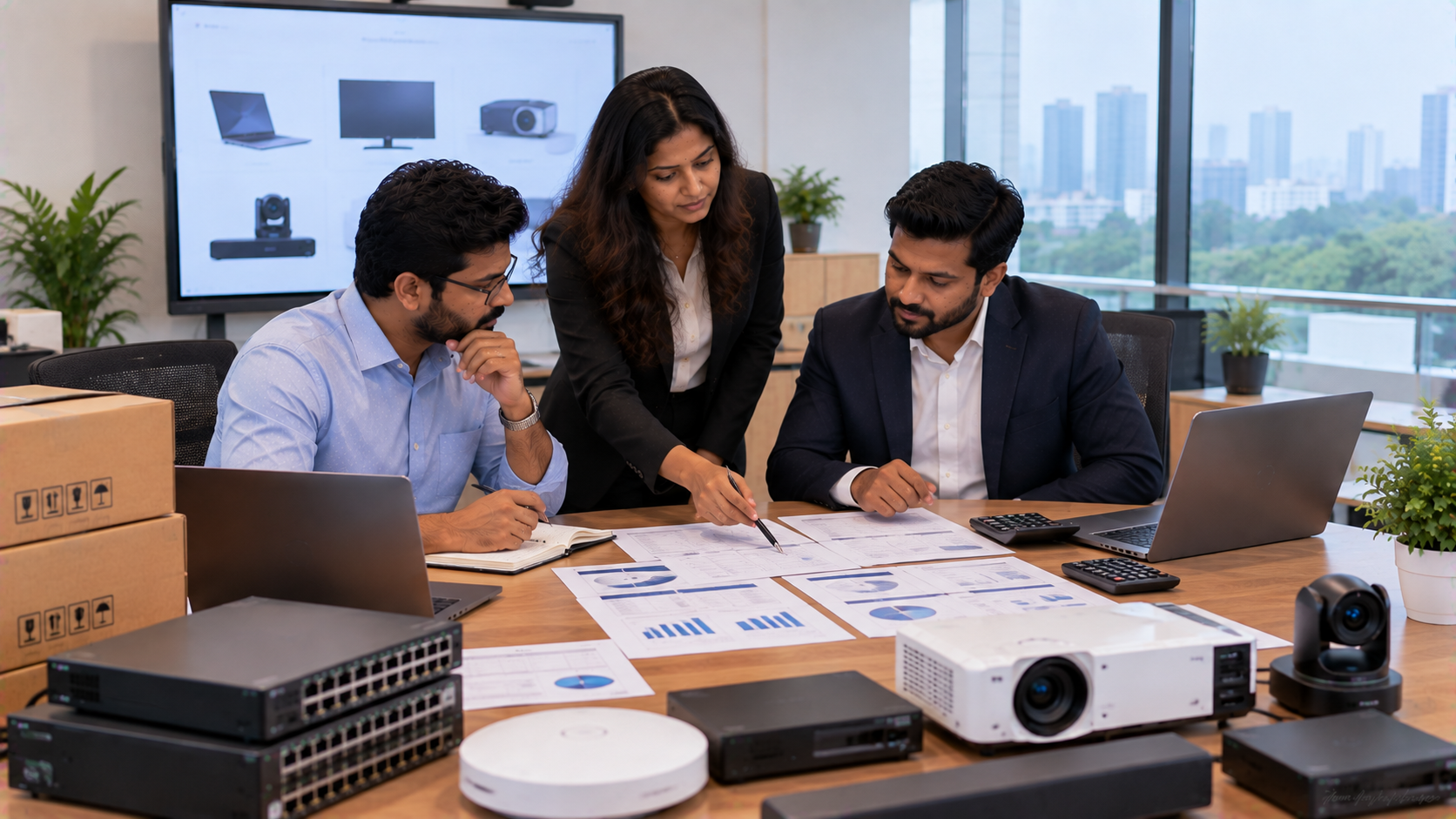
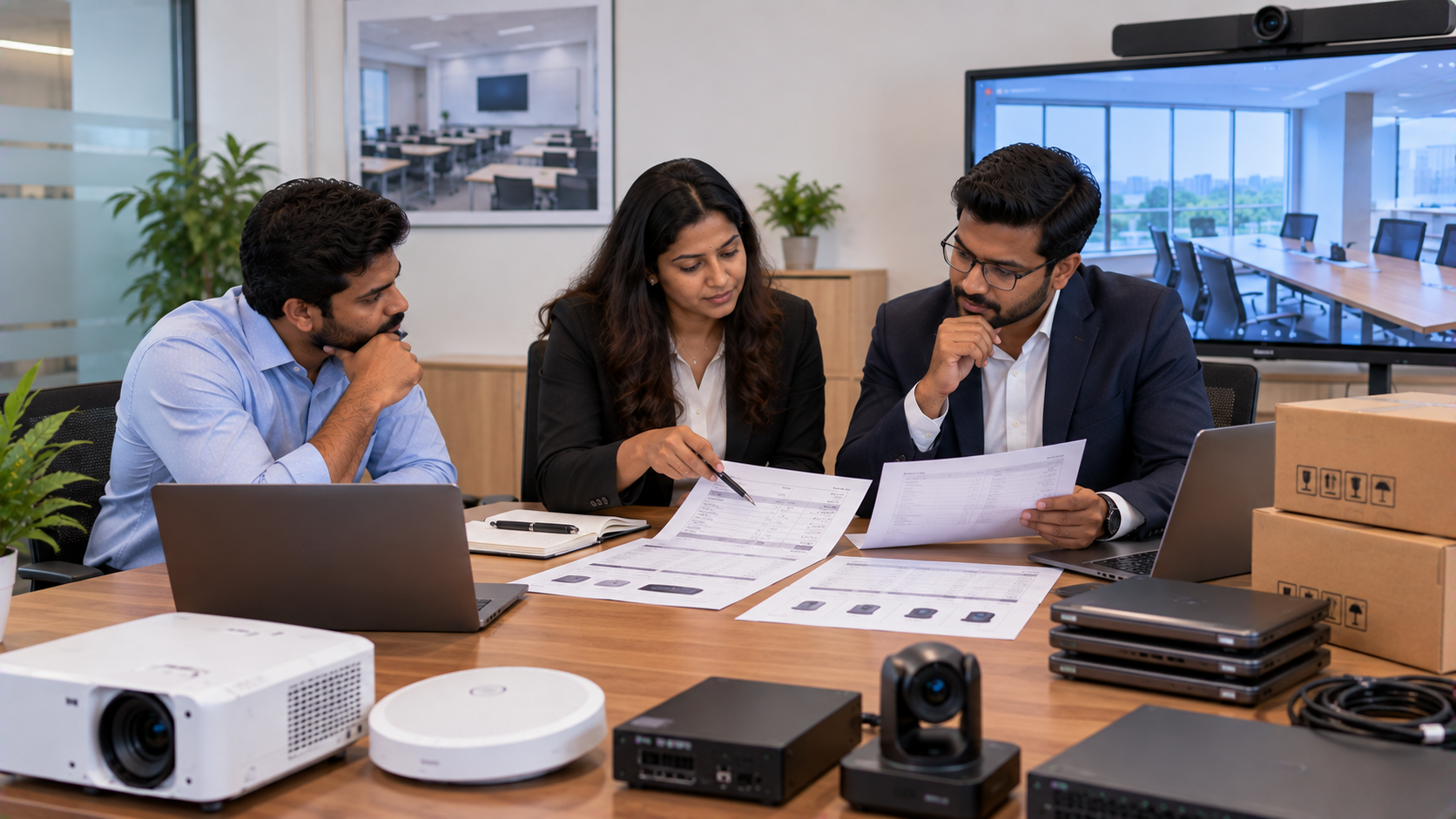
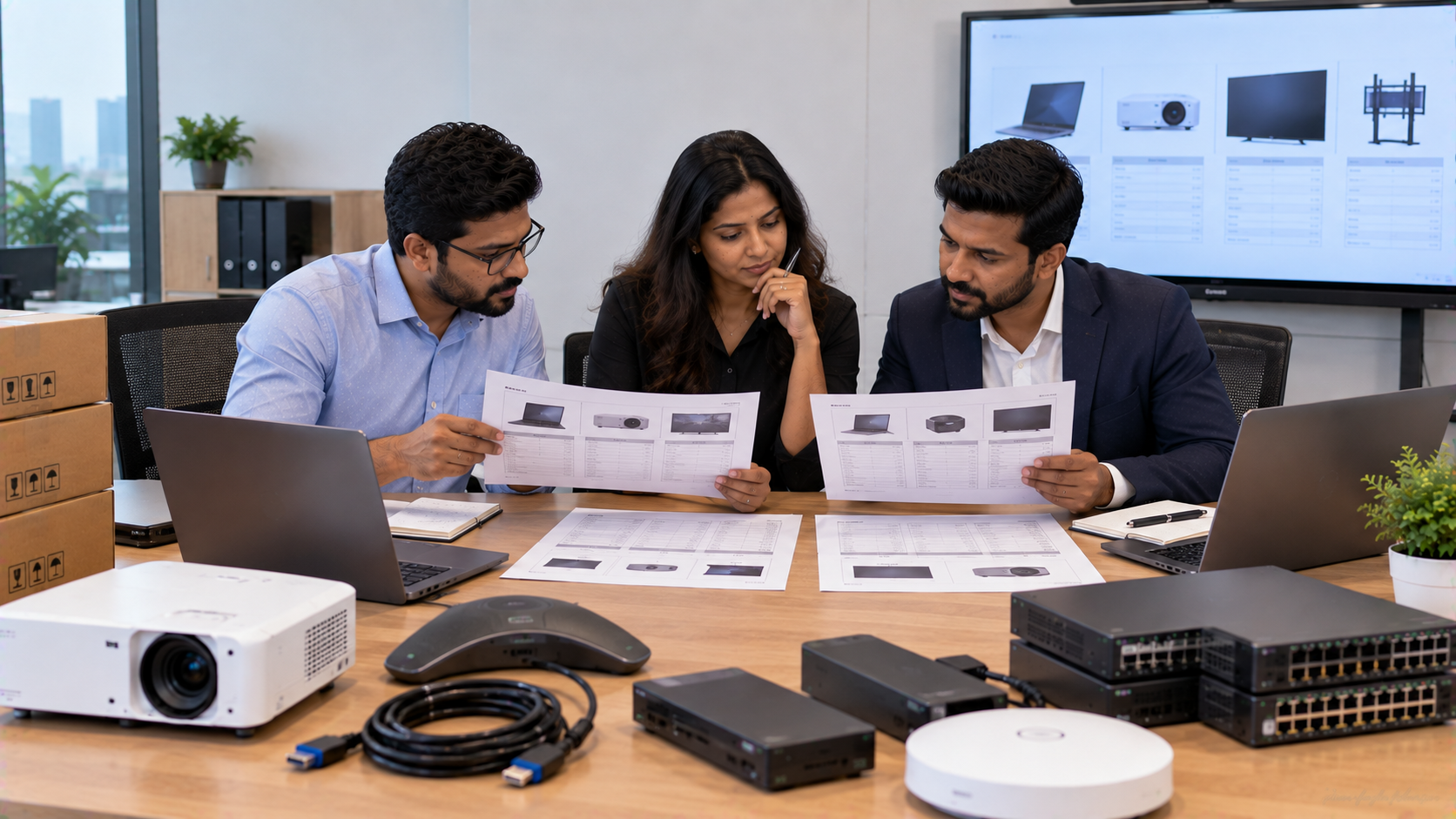
Step 2: Select the Right Products
The customer can compare suitable combinations such as:
|
Requirement |
Possible Solution |
|---|---|
|
Interactive teaching |
Evota Interactive Panel |
|
Premium interactive display |
MAXHUB Digital Board |
|
Alternative IFPD |
Newline Interactive Panel |
|
Interactive display |
LG Interactive Digital Board |
|
Professional video |
EVOTA 4K PTZ Camera |
|
Camera alternative |
Logitech PTZ Pro 2 |
|
Handwritten annotation |
Writing Pad for PC / USB Writing Pad |
|
Recording/streaming |
HDMI capture + compatible software |
GoLive's product ecosystem includes interactive flat panels, microphones, commercial displays, PC/OPS solutions, accessories and studio/presentation equipment.
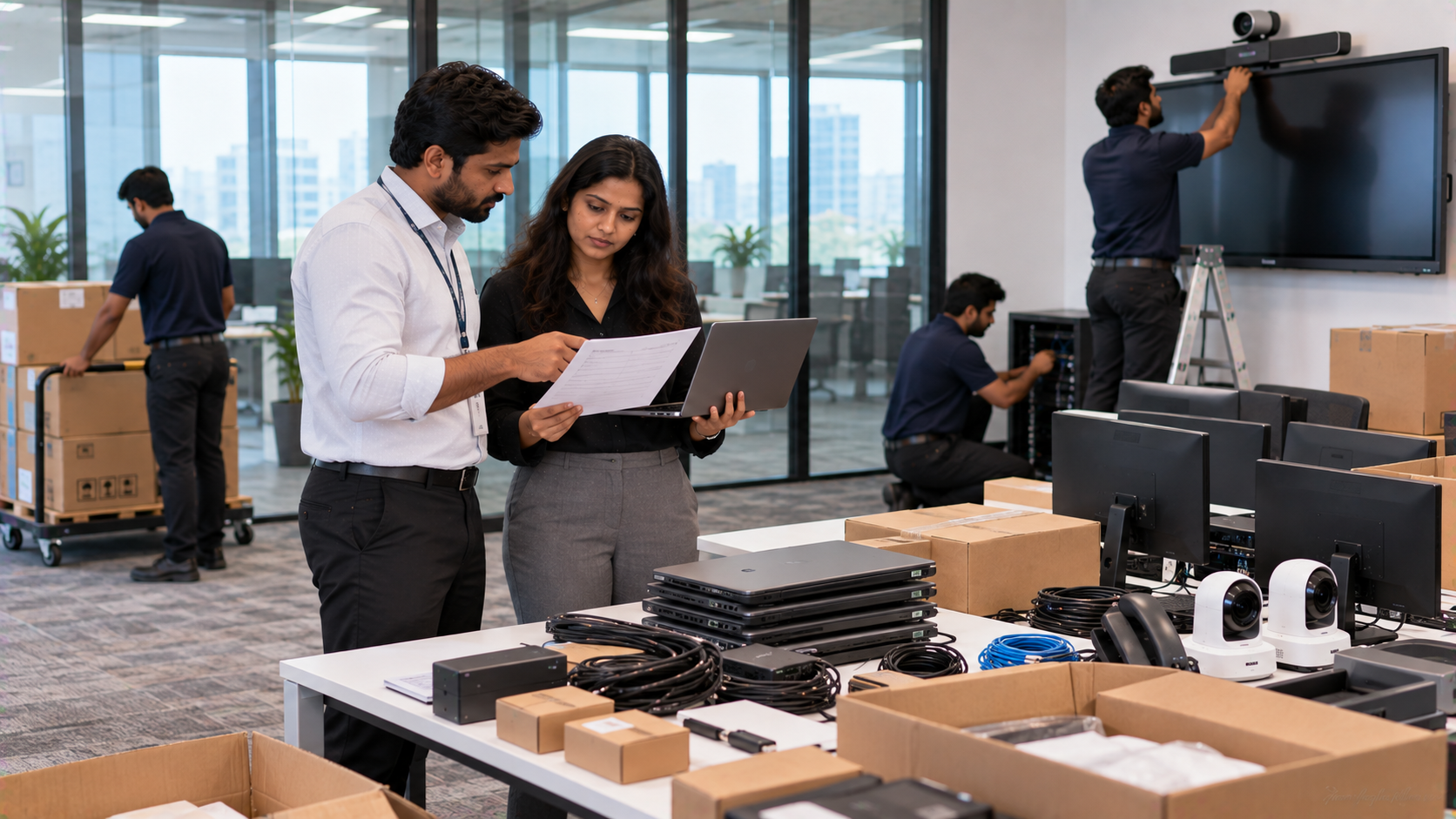
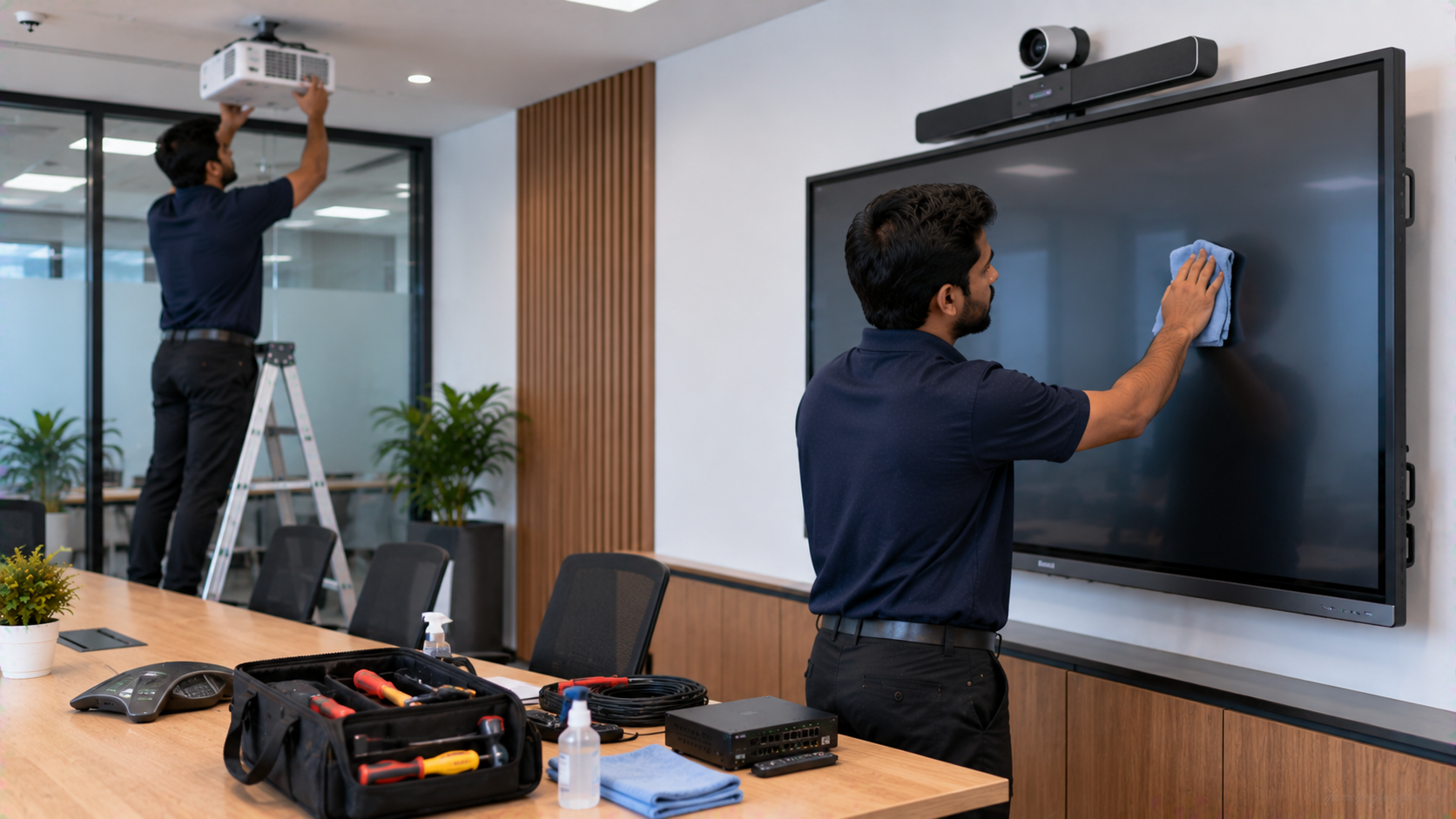
Step 3: Room Planning and Installation
A professional setup requires more than placing products on a table.
Installation may involve:
Display mounting
Camera positioning
Cable management
Power and connectivity planning
Audio positioning
Software configuration
Camera testing
Display testing
Zoom workflow testing
GoLive states that its approach includes room layout, wiring and connectivity, installation and hands-on training for applicable solutions.
Step 4: Testing and Trainer Training
Before handover, the complete system should be tested together.
A trainer should know how to:
Start a Zoom class
Select the correct camera
Select the microphone
Share the interactive display
Annotate teaching material
Switch inputs
Control the PTZ camera
Troubleshoot basic connectivity issues
GoLive's deployment guidance also identifies user training, documentation and post-installation assistance as part of the technology deployment process.
Why an Integrated Zoom Room Makes Business Sense
For a training centre, the value is not simply the number of devices installed.
A coordinated setup can help create:
Better teaching → Better online participation → More professional content → Easier hybrid delivery
Instead of purchasing an interactive panel, camera, microphone and accessories separately and trying to make everything work together, a solution-led approach considers the complete room.
Product-Only Buying vs Integrated Solution
|
Product-only approach |
Integrated GoLive approach |
|---|---|
|
Focuses mainly on hardware price |
Considers the complete use case |
|
Separate product selection |
Coordinated solution selection |
|
Customer manages integration |
Installation and configuration support |
|
More responsibility after delivery |
Training and assistance available |
|
May require multiple vendors |
One technology partner can coordinate the setup |
This reflects GoLive's stated brand proposition: “Technology that works, backed by people who help.” Its published customer proposition focuses on the right solution, fast deployment, installation, training and ongoing assistance.
What About Zoom Room Setup Cost?
There is no single Zoom Room setup price for every training centre.
The final investment depends on:
Interactive panel size and brand
PTZ camera model
Microphone and speaker requirements
Capture and connectivity equipment
Room size
Mounting and cabling requirements
Installation scope
Training and support requirements
Therefore, searches such as digital board price in India, interactive panel price, Evota smart board 75 inch price, Newline interactive panel 75 inch price, LG interactive panel 75 inch price and MAXHUB digital board price in India should be treated as product-comparison starting points rather than the complete project cost.
For an accurate quotation, the training centre should share its room size, seating capacity, intended use and preferred technology with GoLive.
Why Choose GoLive eTechnologies in Greater Noida?
A professional training room needs more than equipment.
GoLive eTechnologies' published service model covers solution selection, room planning, delivery, installation, training and ongoing support. Its website also states that on-site demos and installation are available for select locations and product categories.
The core customer benefit is simple:
Less technology headache. More confidence that everything will work.
For training centres across Greater Noida, Noida and Delhi NCR, GoLive can help evaluate the right combination of interactive panels, digital boards, PTZ cameras, microphones, capture devices, accessories and installation services.
Final Takeaway
A professional Zoom Room is not simply a laptop connected to a camera. It is an integrated teaching environment where display, camera, audio, connectivity, software and installation work together.
Whether the requirement is an Evota Smart Board, Evota Interactive Panel, MAXHUB Smart Board, Newline Interactive Panel, LG Interactive Digital Board, EVOTA 4K PTZ Camera, writing pad or complete online teaching equipment, the right solution should be selected according to the room and training objective.
With its end-to-end technology approach, GoLive eTechnologies aims to deliver the right solution, fast deployment, installation, training and support—helping training centres move from technology complexity to a more confident hybrid teaching experience.
Your email address will not be published. Required fields are marked *

By Inhype • September 12, 2026
A smart classroom is only as effective as the technology supporting it. Interactive panels, smart boards, PTZ cameras, microphones, speakers, PCs and
Read More
By Inhype • September 12, 2026
Higher education is rapidly moving beyond traditional chalkboards and projectors. Today, colleges and universities need technology that supports inter
Read More
By Inhype • September 12, 2026
A smart classroom for CBSE schools is no longer simply a classroom with a digital board. Modern schools are building connected learning environments t
Read More
By Inhype • September 12, 2026
Planning a smart classroom project for 10, 20 or even 50 classrooms requires more than simply purchasing digital boards. Schools, colleges, universiti
Read More
By Inhype • September 12, 2026
A smart classroom can transform the way teachers explain concepts, students interact with lessons, and institutions deliver digital education. From in
Read More




Golive eTechnologies India Private Limited (CIN - U31909UP2021PTC148242) is one of India's leading providers of smart classrooms, interactive boards, video conferencing solutions, and display technologies for the education, healthcare, corporate, and government sectors.

No comments yet. Be the first to comment!