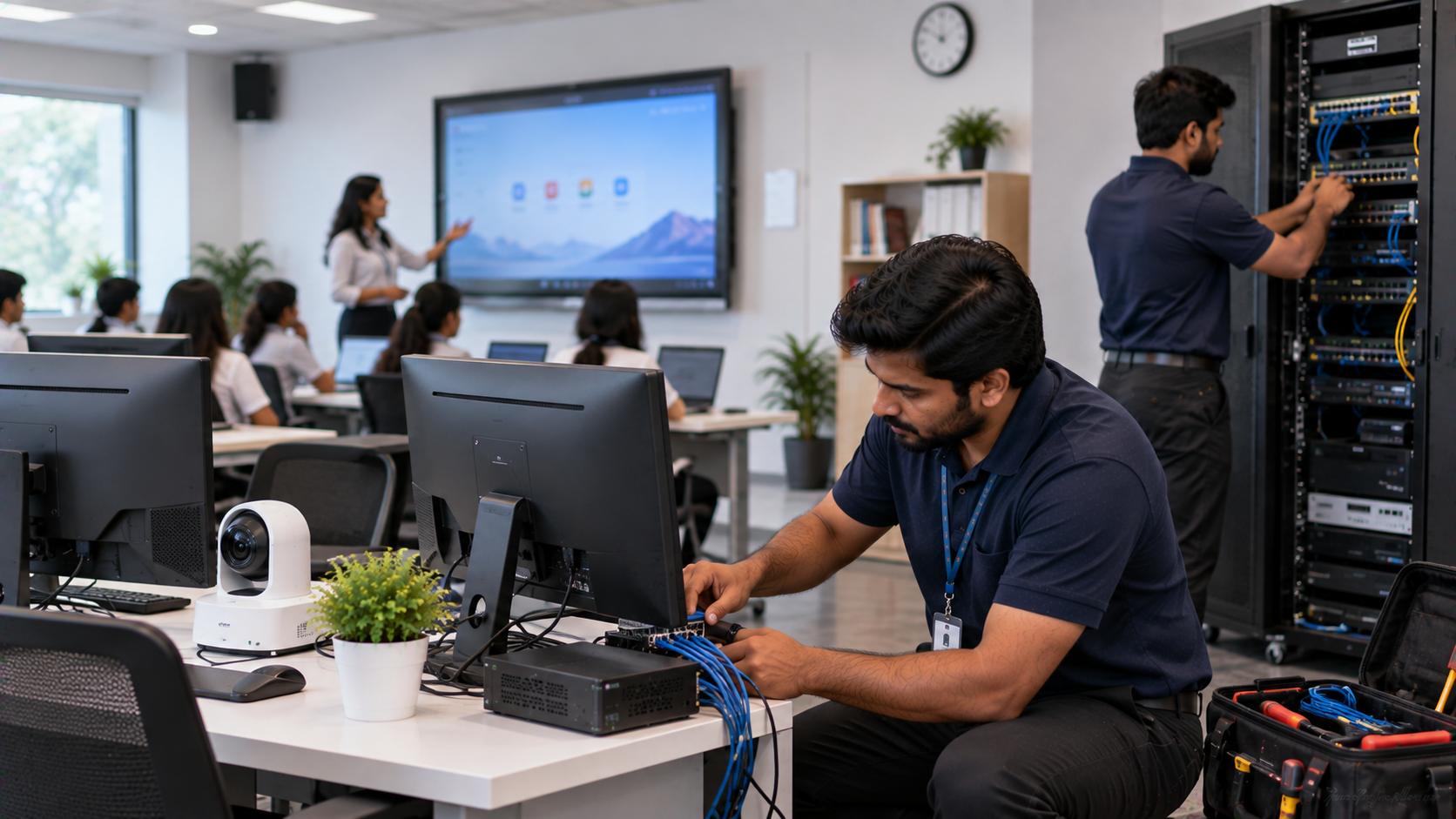
Technology downtime in a school, coaching centre, training room or corporate office can quickly become more than an IT inconvenience. A classroom may lose an entire teaching session, a hybrid meeting can be interrupted, or an important presentation may stop because a display, camera, cable or connected PC is not working. The solution is not simply buying expensive hardware. The better approach is to build a reliable technology infrastructure where the right devices, connectivity, installation, configuration, training and support work together. That is where GoLive eTechnologies helps organisations create technology that works, backed by people who help.
What Causes Downtime in Smart Classrooms and Corporate AV Systems?
Common causes include:
Poorly planned display, camera or audio integration
Network and connectivity issues
Incorrect mounting, cabling or power configuration
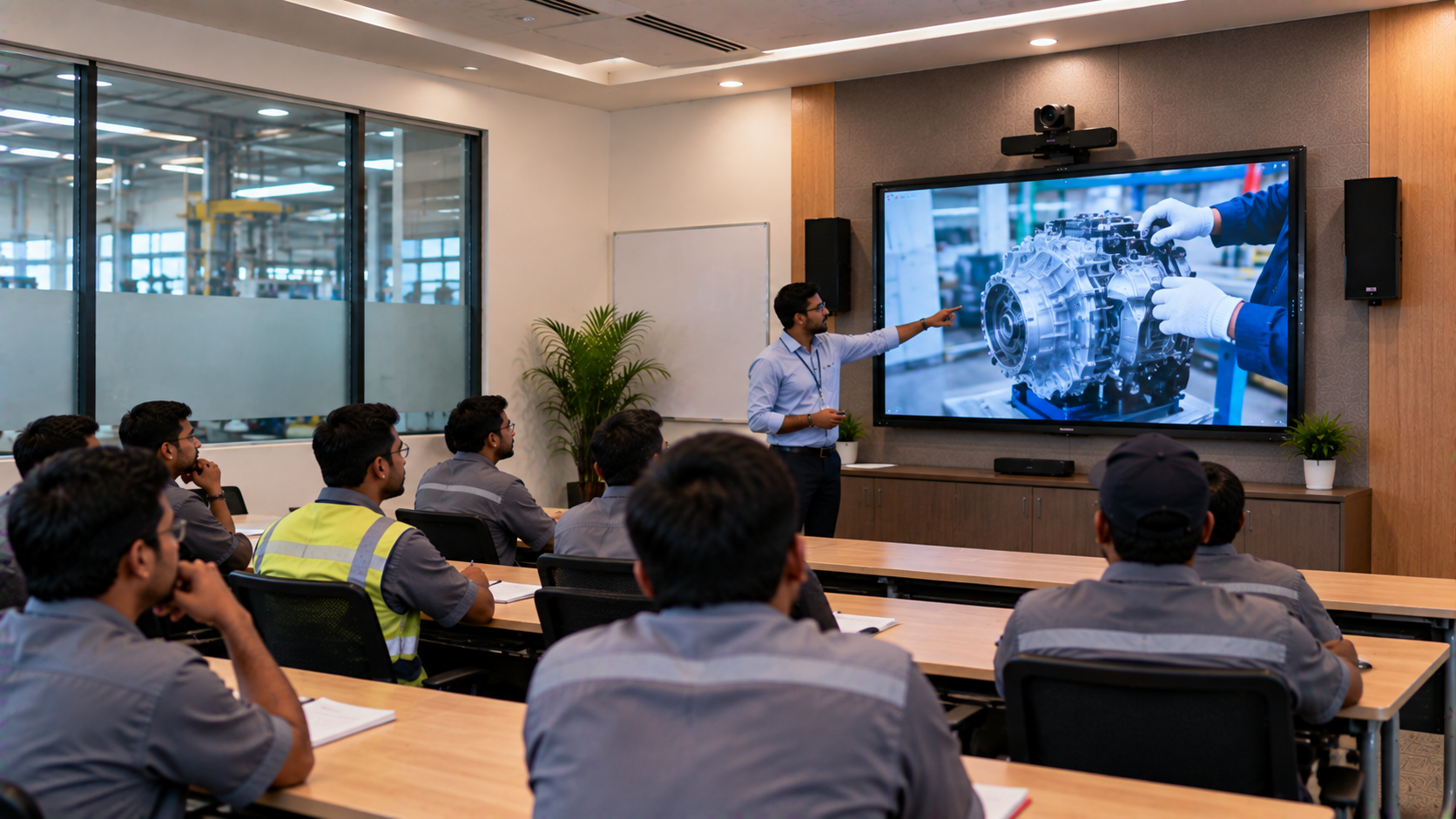
Outdated software, drivers or operating systems
Lack of preventive maintenance
Users not trained to operate the equipment
No clear process for technical support and service
A digital board may be powerful on its own, but a classroom can still experience downtime if the OPS PC, HDMI connection, network, camera or audio system is not configured correctly.
7 Practical Ways to Reduce Technology Downtime
1. Choose the Right Interactive Panel or Digital Board
Start with the room and application—not simply the lowest digital board price.
For schools, the right interactive flat panel display should match classroom size, viewing distance, teaching style, connectivity requirements and expected daily usage.
GoLive offers options such as the Evota Interactive Panel, MAXHUB Digital Board and LG Interactive Digital Board, along with other display technologies for education and corporate environments.
For example, the current GoLive catalogue includes the Evota EP75 75-inch 4K interactive panel, while MAXHUB and LG models are also listed across the interactive flat-panel range.
2. Build a Complete Technology Ecosystem
Downtime often happens when individual components are purchased without checking compatibility.
A dependable setup may include:
|
Requirement |
Typical Technology |
|---|---|
|
Interactive teaching |
Evota Smart Board / Interactive Panel |
|
Corporate collaboration |
MAXHUB Smart Board / LG Interactive Panel |
|
Lecture or meeting video |
Evota 4K PTZ Camera |
|
Computing |
OPS Mini PC |
|
Audio |
Wireless or conference microphones and speakers |
|
Digital input |
Writing pad for PC / digital writing accessories |
|
Hybrid learning |
PTZ camera + capture device + collaboration software |
GoLive's current solution structure covers interactive panels, PTZ cameras, OPS Mini PCs, microphones, commercial displays, accessories and complete classroom/corporate solutions.
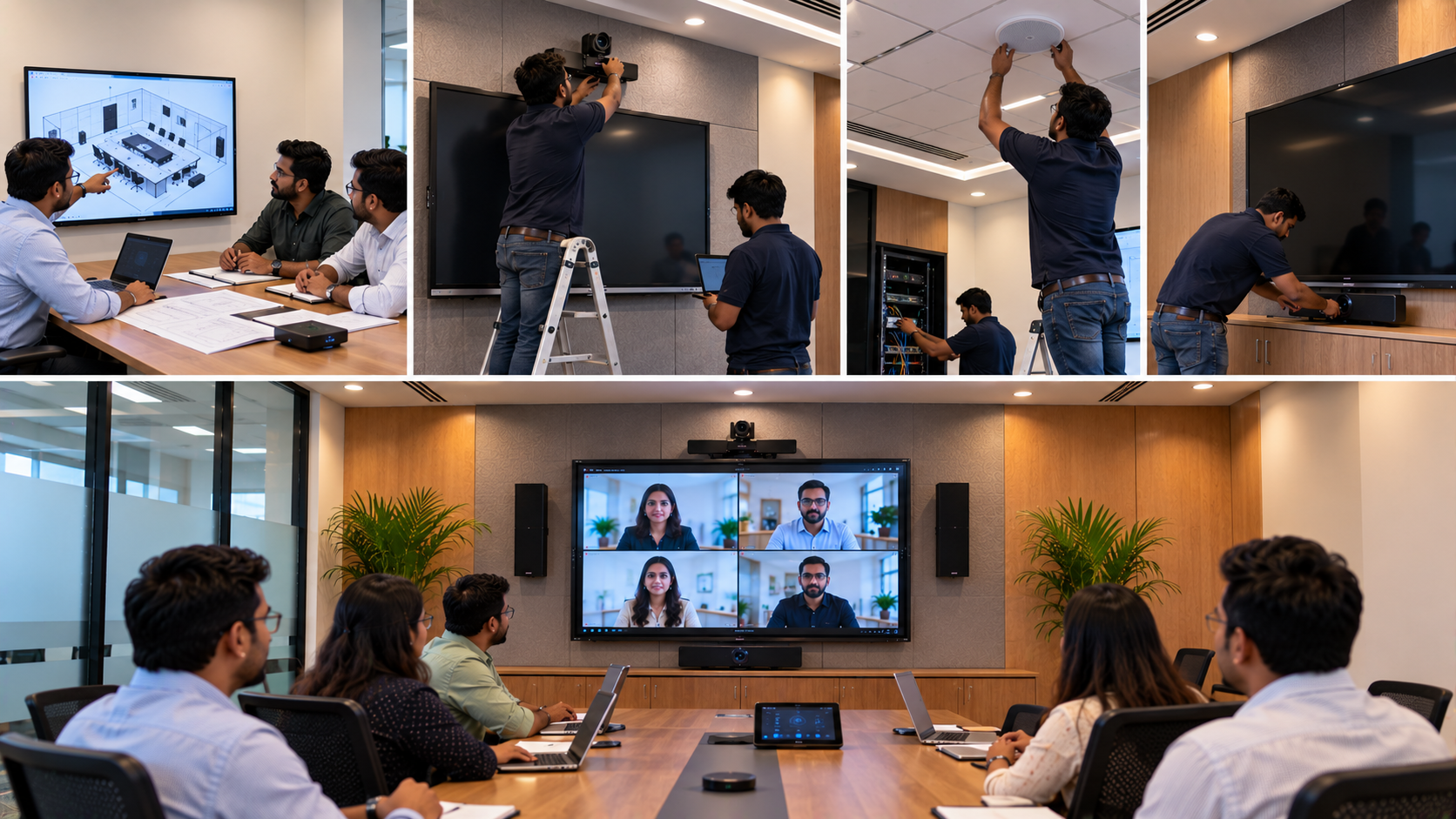
3. Plan Installation Before Delivery
A large part of reliability comes from what happens before the first power-on.
Check:
Wall strength and mounting
Power points and electrical load
HDMI, USB and LAN connectivity
Camera position and field of view
Microphone and speaker placement
OPS/PC compatibility
Software configuration
Cable management
User access and operating procedures
Professional installation reduces avoidable configuration problems and makes the technology easier to operate from day one.
4. Use PTZ Cameras for Reliable Hybrid Teaching and Meetings
A poor camera setup can disrupt online classes, webinars, training sessions and corporate meetings even when the display is functioning correctly.
An Evota 4K PTZ Camera can be used for classrooms, lecture recording, conferencing and live sessions. GoLive currently lists the Evota C12HULT 4K UHD PTZ Camera with 12X optical zoom and AI auto-tracking, with HDMI, USB, SDI and IP output.
For larger corporate environments, organisations may also evaluate professional PTZ solutions according to room size, camera coverage and conferencing requirements.
5. Add a Suitable OPS PC and Accessories
Interactive displays depend on the connected computing environment for many classroom and workplace applications.
A properly specified OPS Mini PC can help run presentations, browser-based applications, digital teaching content, collaboration tools and other software without the inconvenience of repeatedly connecting an external laptop.
Accessories matter too. Depending on the use case, a computer writing pad, digital pen, capture card, HDMI accessories or additional connectivity hardware can complete the workflow.
6. Train Users Before Go-Live
Even a well-installed system can create downtime when teachers or employees do not know how to operate it.
Training should cover:
Switching display sources
Using touch and annotation
Connecting laptops
Starting video meetings
Operating the PTZ camera
Using microphones
Troubleshooting basic connectivity
Escalating technical issues
GoLive positions training and post-installation assistance as part of its end-to-end approach.
7. Plan Preventive Maintenance and Support
Waiting for equipment to fail is reactive. Preventive maintenance is about identifying issues before they become classroom or meeting-room interruptions.
A maintenance checklist can include:
Display and touch-performance checks
Camera and microphone testing
Cable inspection
Software and firmware review
Connectivity testing
Mounting and physical inspection
Backup accessory availability
Service documentation
GoLive currently provides service/support channels and also publishes guidance around preventive maintenance, installation and technology service planning.
Product Investment: Look Beyond the Initial Price
When comparing an Evota smart board price, MAXHUB smart board price, LG interactive digital board price or interactive panel price in India, consider the total deployment cost.
|
Buying factor |
Why it matters |
|---|---|
|
Product price |
Initial investment |
|
Installation |
Reduces setup and compatibility issues |
|
Configuration |
Helps systems work together correctly |
|
Training |
Reduces user-related problems |
|
Support |
Helps resolve issues faster |
|
Delivery |
Affects project timelines |
|
Warranty/service |
Adds long-term purchase confidence |
For reference, GoLive's live catalogue currently lists products such as the Evota EP75 at ₹92,700, Evota C12HULT at ₹51,000, MAXHUB E7530 at ₹143,750, and LG CreateBoard 75TR3ER at ₹116,400. Prices and availability can change, so customers should confirm the live product page before purchase.
Why Choose GoLive eTechnologies?
GoLive eTechnologies India Private Limited focuses on an end-to-end technology journey:
Selection → Planning → Installation → Deployment → Training → Support
The objective is simple:
Right solution + fast deployment + installation + support = peace of mind.
GoLive's published customer feedback and success-story content highlights service, installation and customer assistance alongside the technology itself.
Whether you need a digital board for school, smart classroom setup, hybrid classroom equipment, corporate meeting-room technology or a professional PTZ camera, the goal should be the same: technology that is ready to work when people need it.
GoLive Technology Solutions Across India
GoLive supports technology requirements across India, with a particular service presence in Delhi NCR, including use cases in Noida, Gurugram and Ghaziabad. Its shipping policy states that products are shipped within India, subject to serviceability, with local pickup available in Ghaziabad.
Final Checklist to Reduce Downtime
Before deploying a new technology system, ask:
Is the product right for the room and application?
Are all devices compatible?
Has installation been professionally planned?
Has the complete system been tested?
Have users been trained?
Is support available after installation?
Is there a preventive maintenance plan?
The best technology investment is not the one that simply gets delivered. It is the one that gets installed correctly, adopted confidently and supported when help is needed.
Technology that works, backed by people who help.
Your email address will not be published. Required fields are marked *

By Inhype • September 12, 2026
A smart classroom is only as effective as the technology supporting it. Interactive panels, smart boards, PTZ cameras, microphones, speakers, PCs and
Read More
By Inhype • September 12, 2026
Higher education is rapidly moving beyond traditional chalkboards and projectors. Today, colleges and universities need technology that supports inter
Read More
By Inhype • September 12, 2026
A smart classroom for CBSE schools is no longer simply a classroom with a digital board. Modern schools are building connected learning environments t
Read More
By Inhype • September 12, 2026
Planning a smart classroom project for 10, 20 or even 50 classrooms requires more than simply purchasing digital boards. Schools, colleges, universiti
Read More
By Inhype • September 12, 2026
A smart classroom can transform the way teachers explain concepts, students interact with lessons, and institutions deliver digital education. From in
Read More




Golive eTechnologies India Private Limited (CIN - U31909UP2021PTC148242) is one of India's leading providers of smart classrooms, interactive boards, video conferencing solutions, and display technologies for the education, healthcare, corporate, and government sectors.

















No comments yet. Be the first to comment!