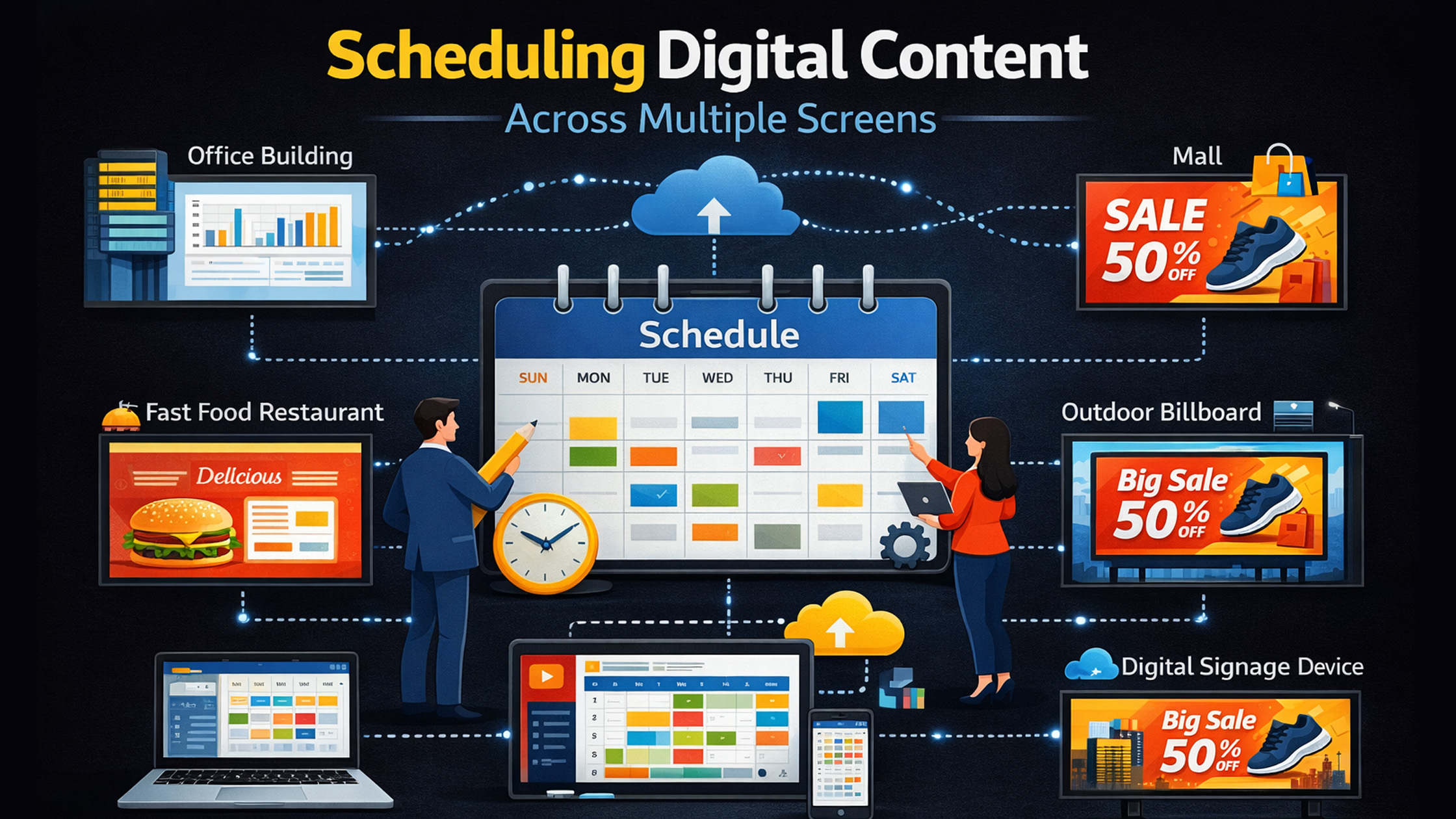
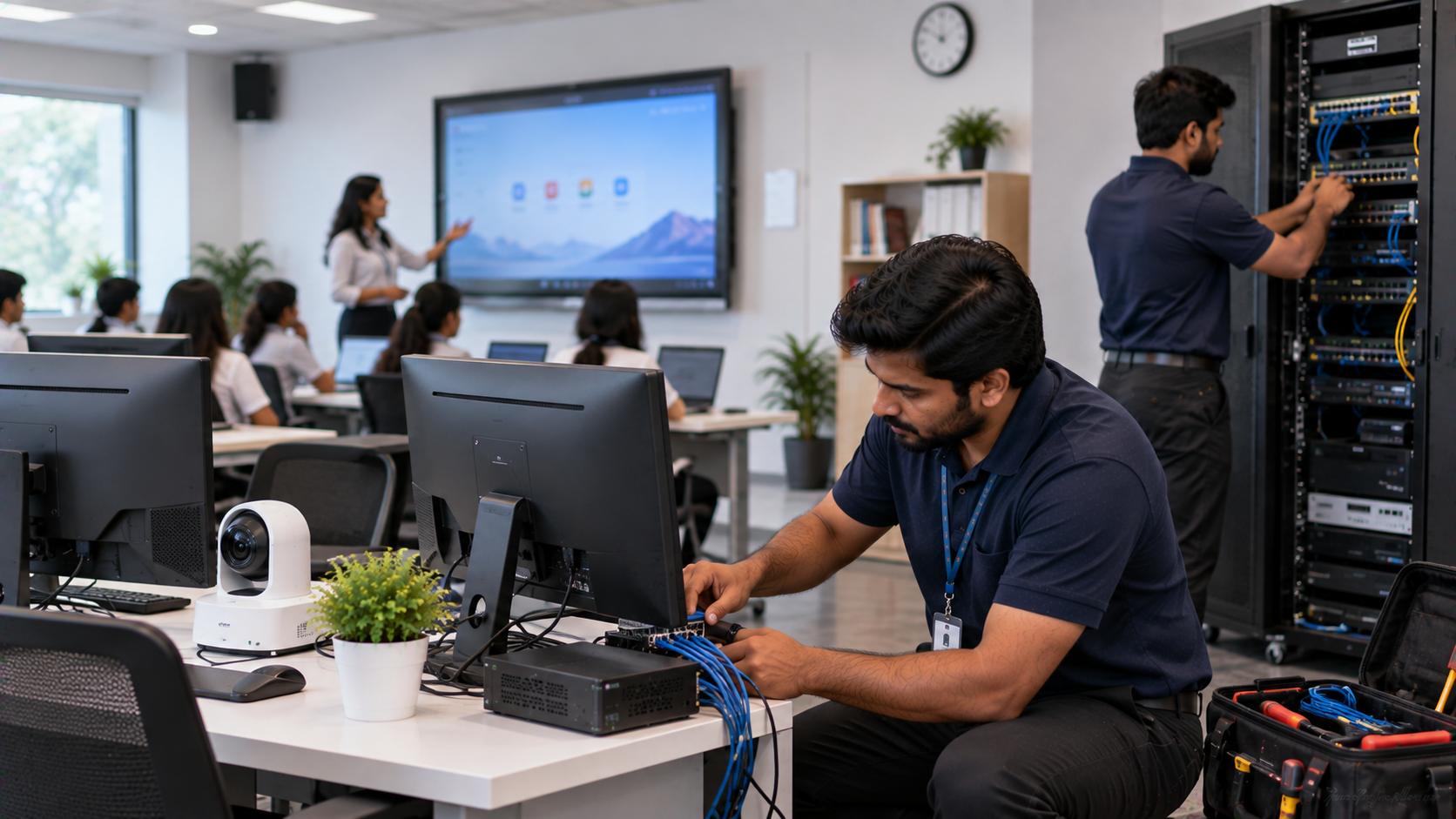
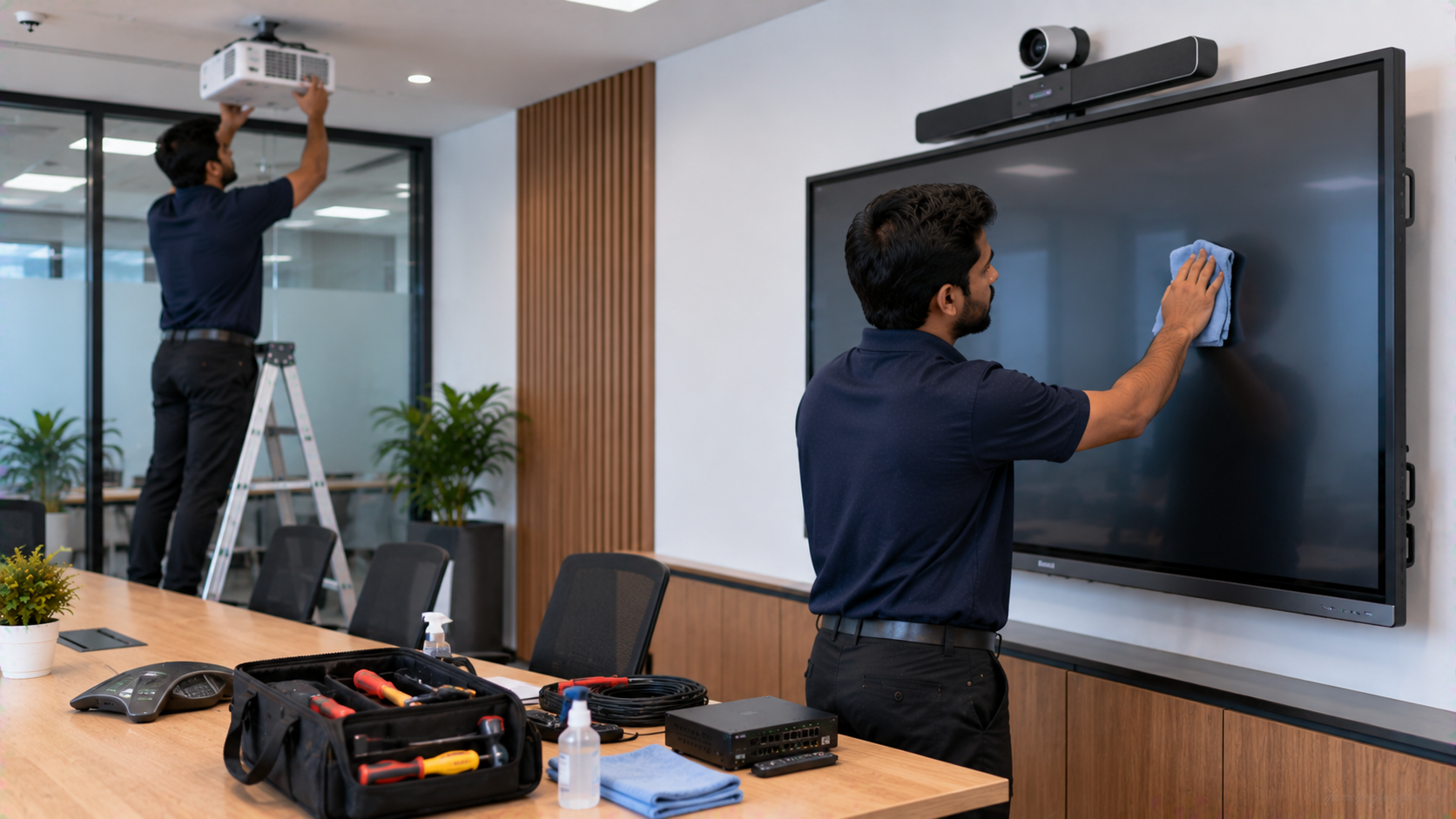
In today’s connected world, digital content is no longer consumed on just one screen. Schools, coaching institutes, corporate meeting rooms, and online educators now rely on multiple displays, digital boards, cameras, and interactive panels to communicate effectively. This is where GoLive eTechnologies helps organizations transform traditional communication into multi-screen digital ecosystems. From interactive panels and digital boards to PTZ cameras and online teaching studio setups, GoLive provides powerful solutions that allow content to be scheduled and displayed across multiple screens seamlessly. Whether you run a smart classroom, hybrid learning studio, conference room, or training center, scheduling digital content across screens increases engagement, collaboration, and efficiency.
Why Multi-Screen Digital Content Scheduling Matters
Traditional displays limit communication to one location. However, multi-screen scheduling allows the same content to appear simultaneously on digital boards, smart displays, and studio monitors.
For example:
A coaching institute can show class schedules on lobby screens while teaching on a digital board for classroom.
A corporate office can display presentations on interactive panels and conference screens.
Online educators can use camera setups and interactive boards to deliver content across Zoom, YouTube, and LMS platforms simultaneously.
With solutions from GoLive eTechnologies India Private Limited, institutions can manage digital content across:
Smart classroom boards
Interactive flat panels
PTZ cameras and studio screens
Conference displays
Online teaching platforms
Best Devices for Scheduling Digital Content Across Screens
1. Interactive Digital Boards for Teaching & Collaboration
Modern classrooms and training centres rely on digital boards and interactive panels that allow content sharing across multiple displays.
Popular options include:
Evota Interactive Panel
Maxhub Digital Board
LG Interactive Digital Board
Newline Interactive Panel
These devices enable teachers and presenters to display notes, videos, and slides on multiple screens simultaneously.
Key Benefits
Real-time annotation and screen sharing
Multi-device connectivity
Built-in teaching software
Wireless presentation support
Cloud collaboration tools
For example, the Evota Smart Board allows educators to write, record lectures, and broadcast content to multiple screens.
The Maxhub Smart Board is widely used in corporate meeting rooms and hybrid classrooms, enabling content scheduling and display across different displays.
2. PTZ Cameras for Multi-Screen Video Distribution
Content scheduling across screens also requires professional camera systems for recording or streaming lectures and meetings.
Some popular choices include:
Evota 4K PTZ Camera
Evota 10x HD PTZ Camera
Logitech PTZ Pro 2
PTZ cameras provide:
4K video output
Auto tracking for teachers or presenters
Live streaming to multiple platforms
Integration with video switchers and mixers
These cameras are essential for online class studio setup, hybrid classrooms, and lecture capture systems.
3. Writing Pads and Digital Input Devices
For educators who want to annotate content across multiple screens remotely, writing pads for PC are extremely useful.
Examples include:
Computer writing pad
USB writing pad for computer
Desktop writing pad
These devices allow teachers to write on presentations and share content live across screens during online teaching sessions.
How Multi-Screen Content Scheduling Works
With modern interactive panel boards and digital displays, scheduling content across screens is simple.
Step 1 – Create Digital Content
Create slides, videos, or notes using tools like:
PowerPoint
OBS Studio
Digital board software
Step 2 – Connect Screens & Devices
Connect interactive boards, PTZ cameras, and displays using:
HDMI capture devices
OPS modules
Wireless screen sharing
Step 3 – Schedule Content
Use digital signage or classroom management software to schedule:
Lecture recordings
Announcements
Promotional content
Timetables
Step 4 – Display Across Multiple Screens
Content appears simultaneously on:
Digital classroom boards
Lobby displays
Conference screens
Online streaming platforms
This creates a fully integrated digital classroom or corporate communication system.
Why Choose GoLive eTechnologies for Smart Classroom Solutions
GoLive Technologies is one of India’s trusted providers of digital classroom equipment, smart boards, PTZ cameras, and studio setups.
What Makes GoLive Different
Wide range of interactive panels and digital boards
Affordable digital board price in India options
Complete online teaching studio setup
Support for schools, universities, and coaching institutes
PAN-India delivery and installation
Popular products include:
Evota Smart Board 75 inch
LG Smart Board 75 inch
Maxhub Digital Board 100 inch
Newline Digital Board 75 inch
Many institutions rely on GoLive eTechnologies reviews to choose the right smart classroom equipment.
Use Cases for Multi-Screen Content Scheduling
1. Smart Classrooms
Teachers can display lecture notes on:
Interactive panels
Classroom projectors
Student tablets
2. Coaching Institutes
Institutes can run:
Live classes on digital boards
Timetable displays in reception
Marketing content on lobby screens
3. Corporate Training
Organizations use interactive flat panel displays and PTZ cameras for:
Video conferencing
Hybrid meetings
Remote training sessions
4. Online Teaching Studios
Educators can stream lectures using:
Digital boards
Cameras
Lighting and microphone setups
Pricing Considerations for Digital Boards in India
When investing in smart classroom equipment, buyers usually compare digital board price in India.
Prices depend on:
Screen size (65, 75, 86, or 100 inch)
Touch technology
Built-in software
Camera and microphone integration
For example:
Evota digital board price varies by panel size
Maxhub smart board price in India depends on features
LG interactive digital board price India varies for 65-inch and 75-inch models
GoLive offers competitive pricing and installation support across India.
Future of Multi-Screen Digital Communication
Multi-screen environments are becoming standard in:
Smart classrooms
Corporate boardrooms
Hybrid education models
Online teaching studios
By integrating interactive digital boards, PTZ cameras, and writing pads, institutions can deliver high-quality content across multiple screens effortlessly.
Solutions from GoLive eTechnologies make this transition simple, scalable, and cost-effective.
Your email address will not be published. Required fields are marked *
By Inhype • September 12, 2026
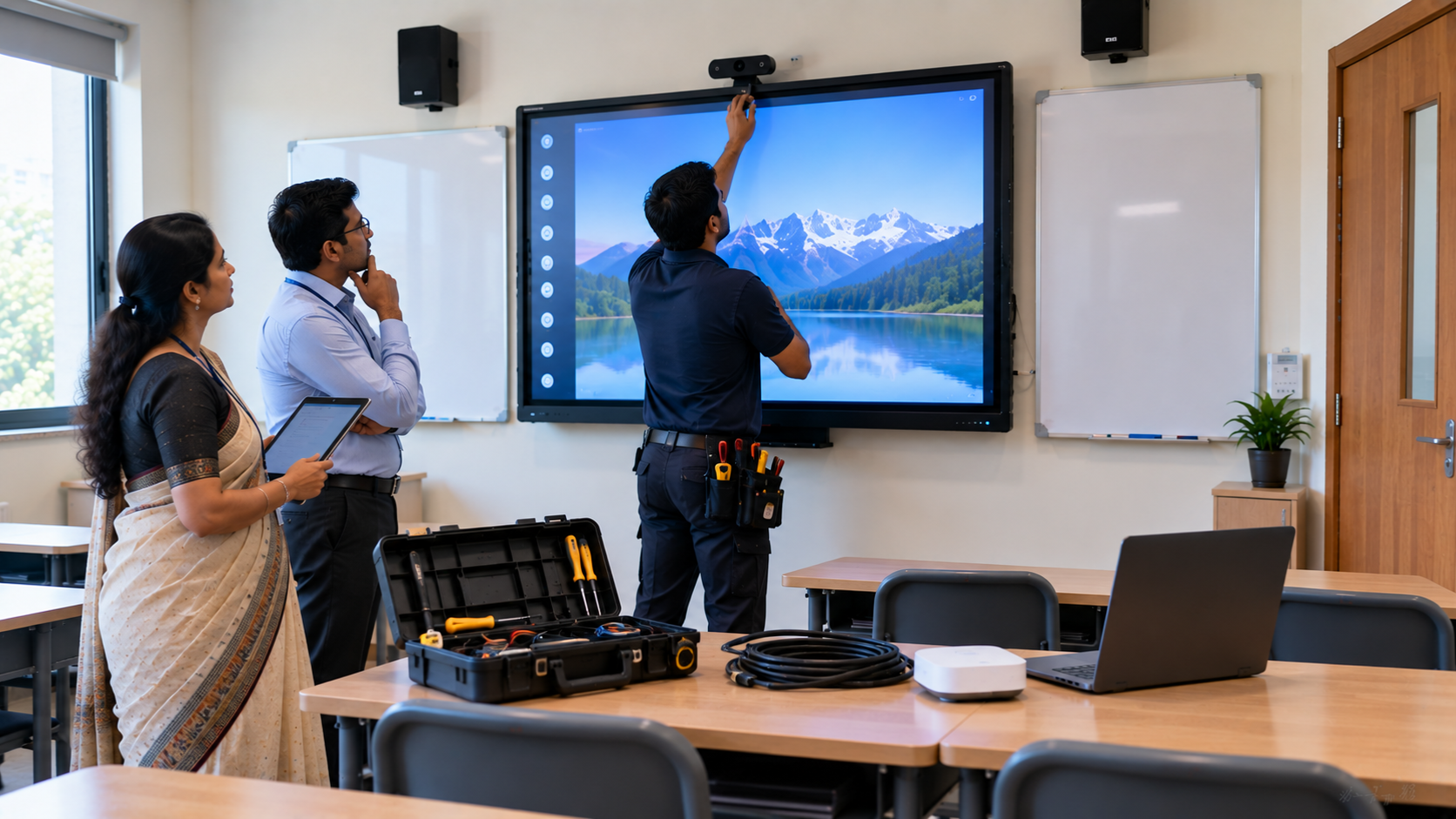
A smart classroom is only as effective as the technology supporting it. Interactive panels, smart boards, PTZ cameras, microphones, speakers, PCs and
Read More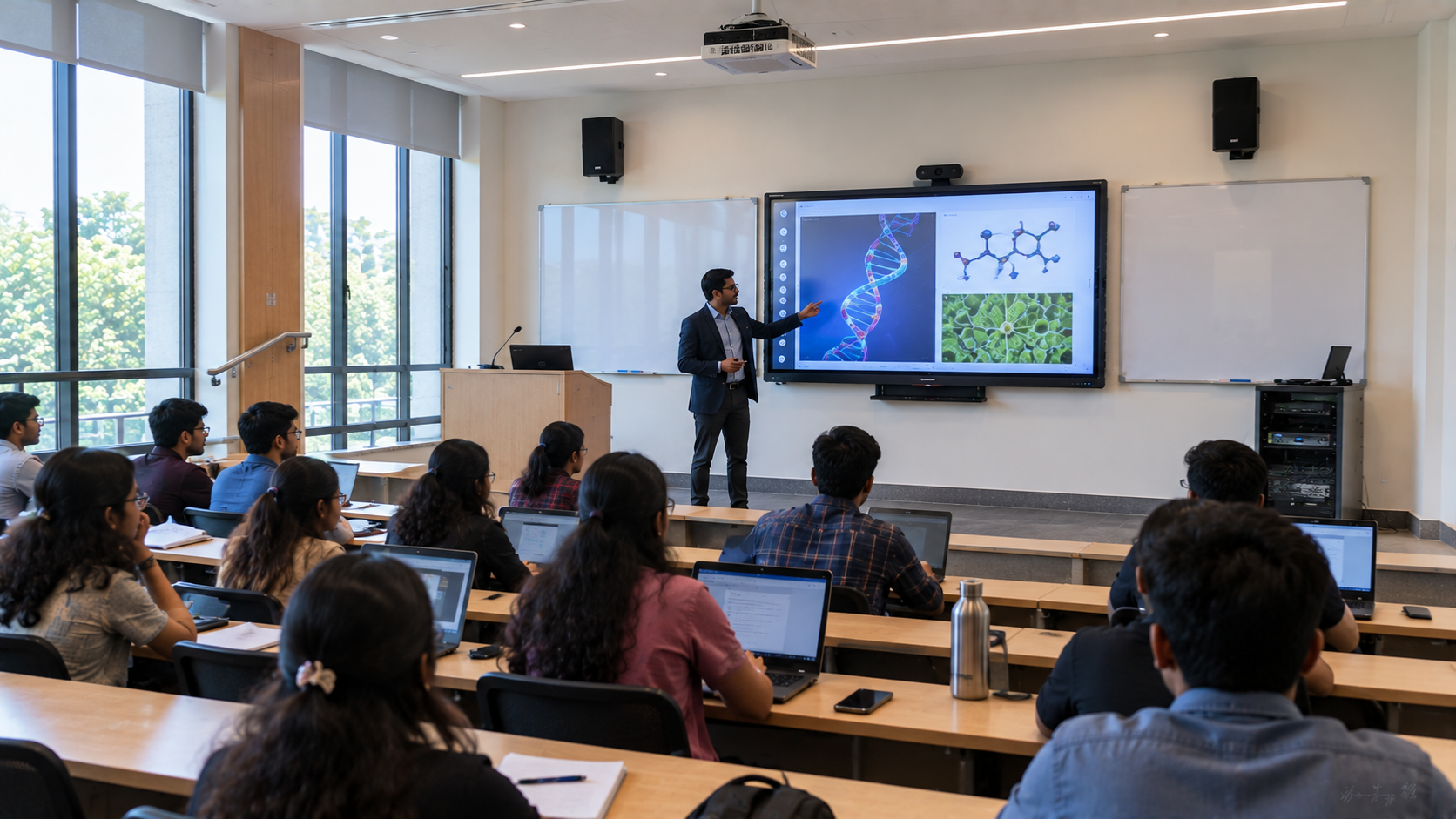
By Inhype • September 12, 2026
Higher education is rapidly moving beyond traditional chalkboards and projectors. Today, colleges and universities need technology that supports inter
Read More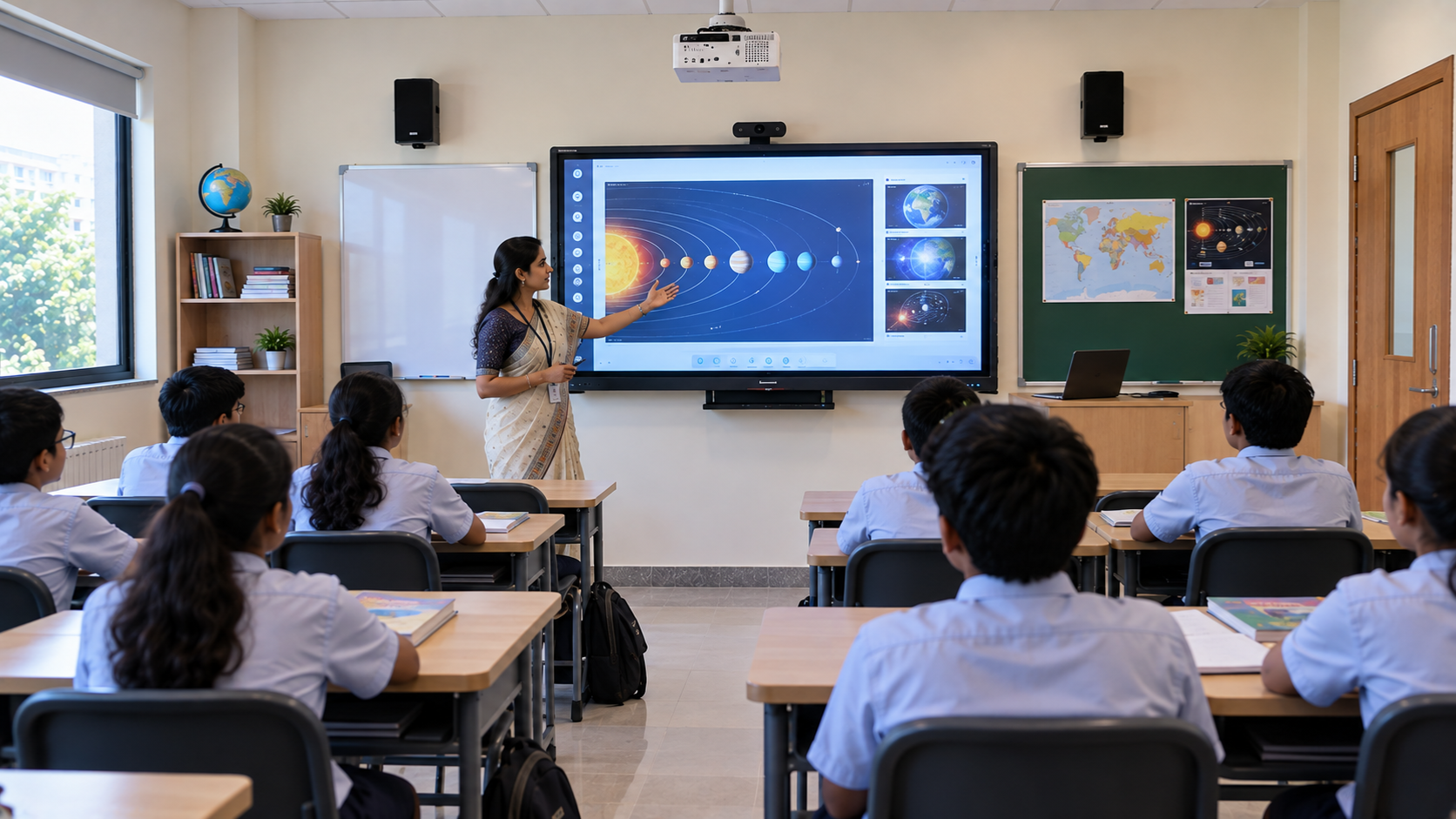
By Inhype • September 12, 2026
A smart classroom for CBSE schools is no longer simply a classroom with a digital board. Modern schools are building connected learning environments t
Read More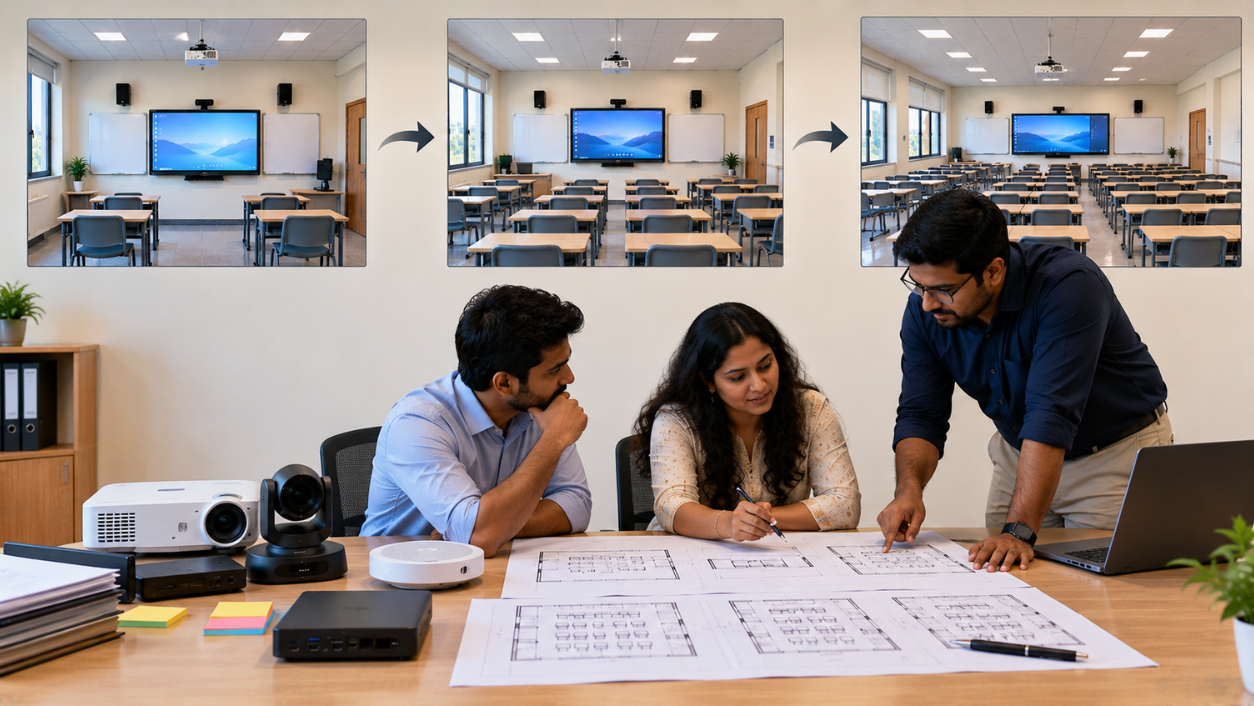
By Inhype • September 12, 2026
Planning a smart classroom project for 10, 20 or even 50 classrooms requires more than simply purchasing digital boards. Schools, colleges, universiti
Read More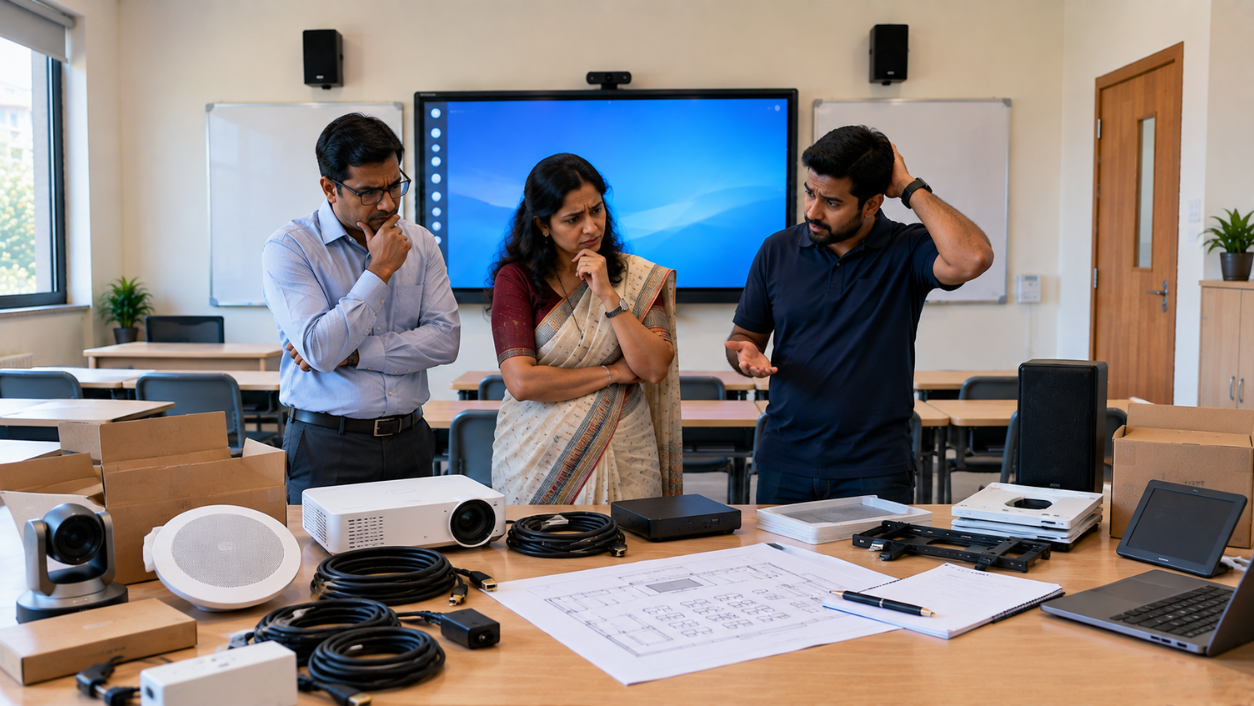
By Inhype • September 12, 2026
A smart classroom can transform the way teachers explain concepts, students interact with lessons, and institutions deliver digital education. From in
Read More


Golive eTechnologies India Private Limited (CIN - U31909UP2021PTC148242) is one of India's leading providers of smart classrooms, interactive boards, video conferencing solutions, and display technologies for the education, healthcare, corporate, and government sectors.
No comments yet. Be the first to comment!