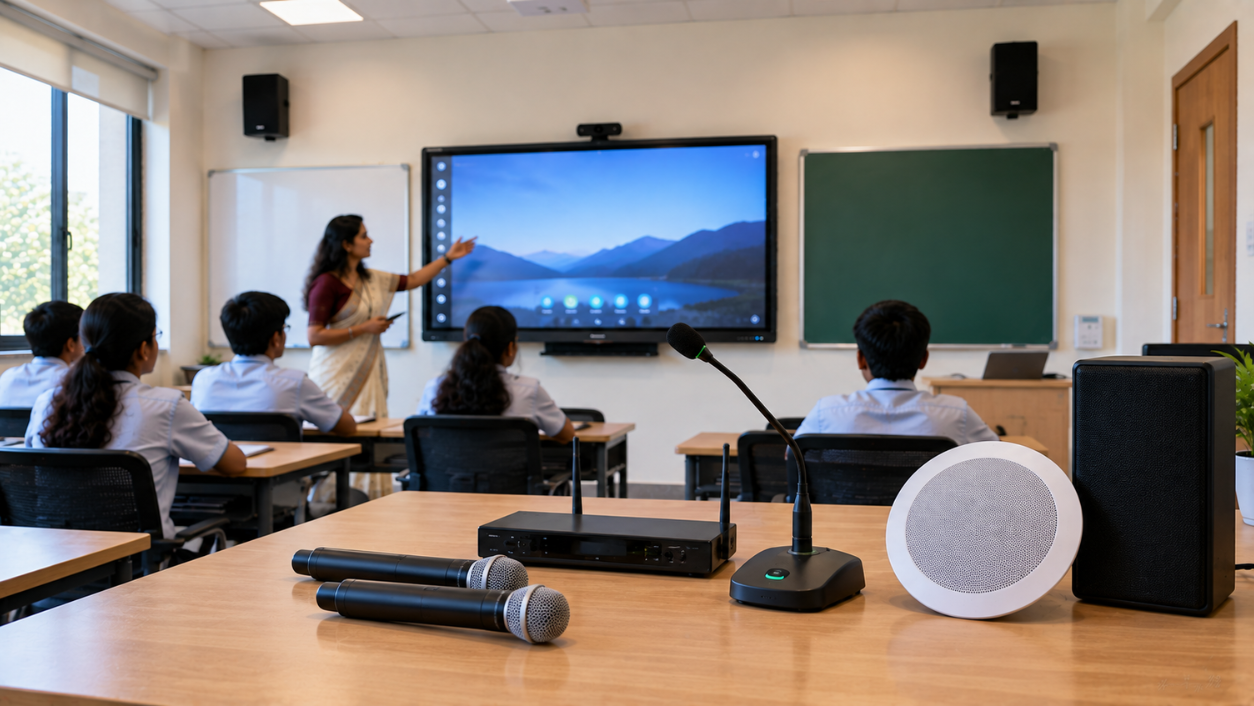
A modern smart classroom is more than an interactive display or digital board. Clear, consistent audio is equally important for effective teaching, hybrid classes, online lectures and recorded lessons. The right smart classroom audio system ensures that every student can hear the teacher clearly—whether they are sitting in the front row, at the back of the classroom or joining remotely. From wireless microphones for teachers and wired microphones to wall-mounted speakers, conference speakers and complete audio solutions, choosing the right equipment depends on room size, teaching format and connectivity requirements. At GoLive eTechnologies, the focus is not simply on supplying classroom technology. The goal is to help schools, colleges, coaching centres and training institutes choose the right solution + fast deployment + installation + support.
What Is a Smart Classroom Audio System?
A smart classroom audio system is a combination of speakers, microphones, amplifiers and audio connectivity equipment designed to deliver clear sound during teaching and presentations.
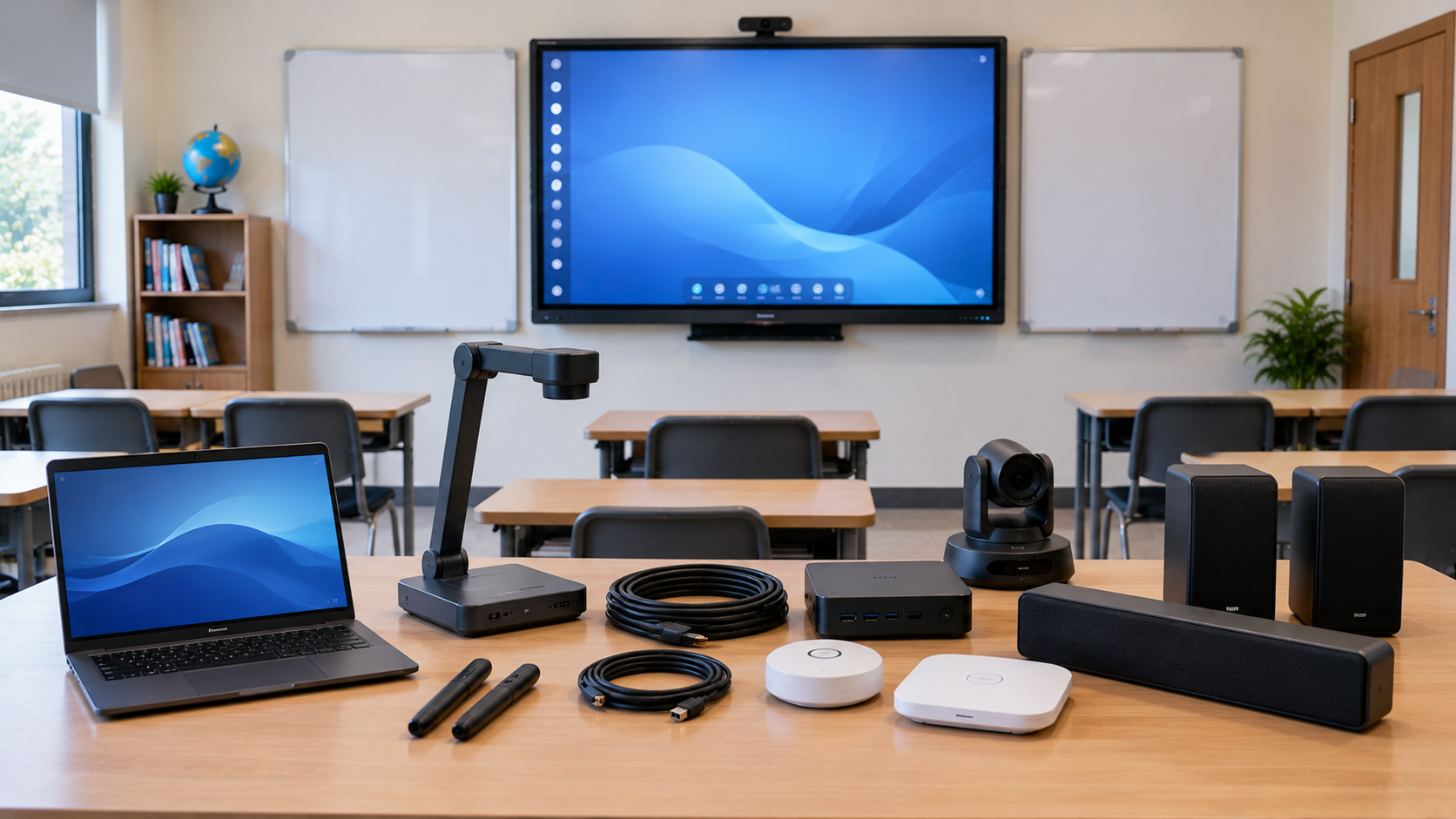
A typical setup may include:
Teacher microphone or wireless mic
Classroom speakers
Mixer or mixer amplifier
Audio interface, where required
Interactive flat panel or digital board
Computer or laptop
PTZ camera for hybrid or online classes
Audio cables and installation accessories
For larger classrooms, conference rooms and lecture halls, the system may also require multiple speakers, microphone controllers and professional audio processing.
Why Audio Quality Matters in Smart Classrooms
A high-quality display cannot compensate for poor sound.
Clear classroom audio can help:
Improve teacher-to-student communication
Reduce the need for teachers to raise their voices
Support hybrid classroom teaching
Improve online lecture recordings
Make presentations easier to follow
Support coaching and training environments
Create a more consistent learning experience
This becomes particularly important in smart classes in India, where schools and educational institutions increasingly combine physical and digital teaching.
How to Choose Speakers for a Smart Classroom
The best speaker is not necessarily the loudest speaker. Consider the room size, seating arrangement and intended use.
1. Small Classrooms
For smaller classrooms, compact speakers can provide sufficient coverage when positioned correctly.
Consider:
Compact wall speakers
Small powered speakers
Classroom speakers integrated with the display setup
2. Medium and Large Classrooms
Larger rooms require better sound distribution rather than simply increasing volume.
Ahuja wall speakers, larger classroom speakers and suitable amplifiers can be considered depending on the room layout and acoustic conditions.
For institutions comparing an Ahuja 10 inch speaker price, 16 inch speaker price or other speaker options, the important consideration should be the complete system requirement rather than speaker price alone.
3. Conference Rooms and Hybrid Classrooms
For hybrid teaching, a combination of conference room speakers and microphones can provide two-way communication between classroom and remote participants.
The setup may include:
Conference speaker
Conference microphone
PTZ camera
Interactive panel
Computer
Audio/video connectivity
How to Choose a Microphone for Teachers
The microphone should match the teaching environment and the teacher's movement.
Wireless Microphone for Teachers
A wireless mic for teachers provides freedom of movement while teaching at an interactive board.
It can be useful for:
Schools
Coaching centres
Training rooms
Lecture halls
Online teaching studios
For teachers who frequently move around the classroom, a wireless microphone or wireless headset microphone can be more convenient than a fixed microphone.
Wired Microphone
A wired microphone can be a practical choice where the teacher usually remains at a fixed position.
It can also be useful for:
Lecterns
Podiums
Announcements
Fixed teaching stations
Budget-conscious installations
Collar or Headset Microphones
A collar microphone or headset microphone keeps the microphone close to the speaker, helping maintain relatively consistent voice pickup as the teacher moves.
When comparing options such as an Ahuja collar mic, Sennheiser collar mic, Sennheiser wireless microphone or other professional microphone systems, compatibility with the amplifier, mixer and classroom layout should be checked.
Speaker vs Microphone: What Should You Prioritise?
|
Requirement |
Recommended Focus |
|---|---|
|
Small classroom |
Compact speaker + teacher microphone |
|
Large classroom |
Distributed speakers + suitable amplifier |
|
Teacher movement |
Wireless/headset microphone |
|
Fixed teaching position |
Wired microphone |
|
Hybrid classroom |
Speaker + microphone + PTZ camera |
|
Online teaching |
Microphone + camera + audio interface |
|
Lecture recording |
Teacher mic + speakers + lecture camera |
The objective should always be clear voice coverage, not maximum volume.
Combine Audio with an Interactive Display
A smart classroom works best when its technology works together.
An interactive flat panel display, such as an Evota interactive panel, can be combined with classroom audio, cameras and computing equipment to create an integrated teaching environment.
GoLive eTechnologies can also help institutions evaluate interactive display options such as:
Evota smart board
Evota interactive flat panel
MAXHUB smart board
MAXHUB digital board
Newline interactive panel
LG interactive panel
Eyeris smart board
Instead of selecting each component independently, institutions can plan the entire smart classroom setup around their room, teaching requirements and budget.
Smart Classroom Audio for Hybrid and Online Teaching
Hybrid classes need both audio input and audio output.
A typical hybrid classroom setup can include:
Teacher → Microphone → Audio System → Computer → Online Students
and
Remote Students → Computer → Classroom Speakers
Adding a PTZ camera enables remote students to see the teacher and classroom.
GoLive eTechnologies can help institutions explore camera options such as Evota 4K PTZ camera, Evota 10X HD PTZ camera, Logitech PTZ solutions and other compatible classroom camera systems.
For lecture capture and online teaching, the complete setup may also include a video capture card, HDMI connectivity and suitable streaming software.
Don't Choose Audio Equipment by Price Alone
Searches such as smart classroom equipment list with price, microphone for teaching online, conference speaker microphone, digital classroom setup and smart classroom setup price often begin with a budget.
However, the lowest equipment price may not always result in the lowest total cost.
Consider the complete cost of ownership:
Product cost
Installation
Cabling
Mounting
Configuration
Teacher training
Technical support
Future maintenance
This is where GoLive eTechnologies' end-to-end approach can make the purchasing process easier.
Technology that works, backed by people who help.
From selection and deployment to installation, training and after-sales assistance, the objective is to reduce technology headaches and give educational institutions greater confidence that their classroom technology will work together.
GoLive eTechnologies: Complete Smart Classroom Solutions
GoLive eTechnologies provides technology solutions for educational and professional environments, helping customers evaluate the right combination of displays, cameras, audio equipment and accessories.
Whether you are setting up:
A school smart classroom
A coaching centre
A college lecture room
A hybrid classroom
An online teaching studio
A training centre
A conference or meeting room
the right solution depends on the environment—not simply the product name.
GoLive eTechnologies' approach is built around selection → deployment → installation → training → support.
Customer feedback commonly highlights areas such as service, support, fast delivery, installation, training and assistance, reinforcing the value of having a technology partner beyond the initial purchase.
Final Buying Checklist
Before purchasing a smart classroom audio system, check:
Room size and seating capacity
Number of speakers required
Teacher movement
Wired vs wireless microphone requirements
Amplifier/mixer compatibility
Interactive panel connectivity
Hybrid teaching requirements
PTZ camera integration
Installation requirements
Training and after-sales support
Build a Smarter Classroom with GoLive
The right smart classroom audio system should make teaching easier—not create another technology headache.
Whether you need speakers, microphones, an interactive panel, PTZ camera or a complete digital classroom setup, GoLive eTechnologies can help you select, deploy and support the right technology solution.
Explore smart classroom solutions with GoLive eTechnologies and get the right technology, installation and support from one trusted partner.
Your email address will not be published. Required fields are marked *
By Inhype • September 12, 2026
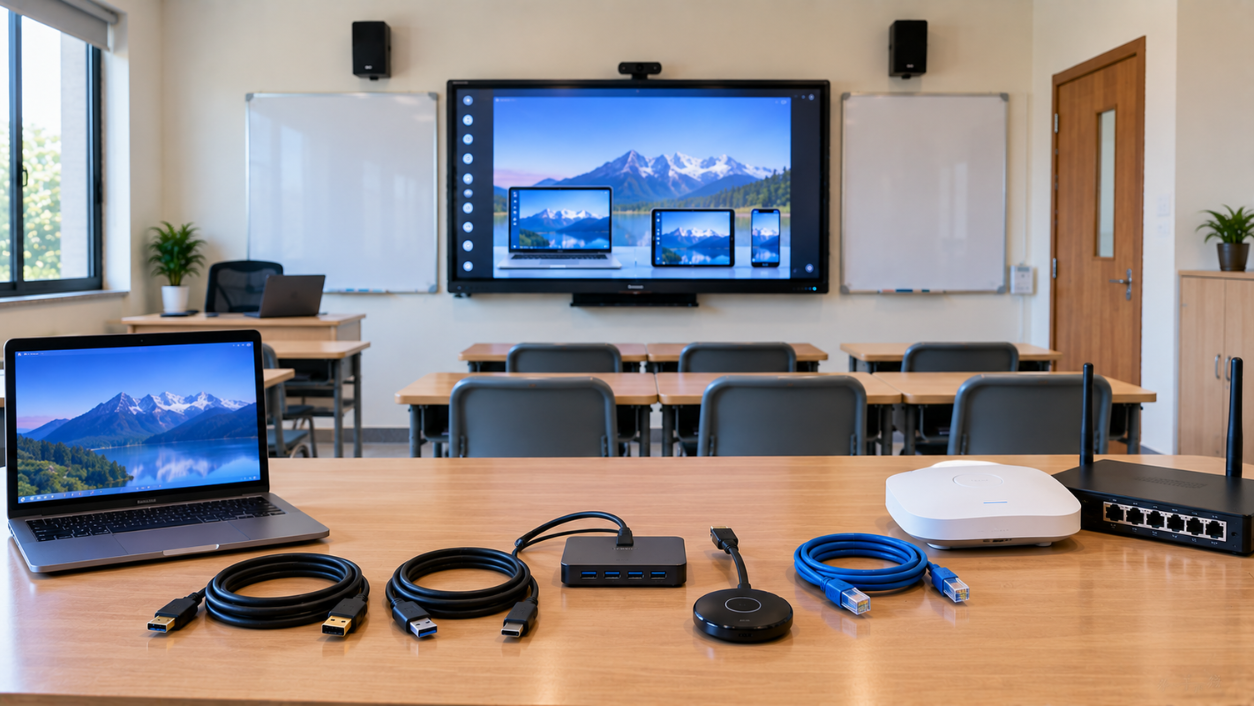
A modern smart classroom is more than an interactive display or digital board. The real power of a connected classroom comes from how easily teachers
Read More
By Inhype • September 12, 2026
A modern smart classroom is more than an interactive display or digital board. Clear, consistent audio is equally important for effective teaching, hy
Read More
By Inhype • September 11, 2026
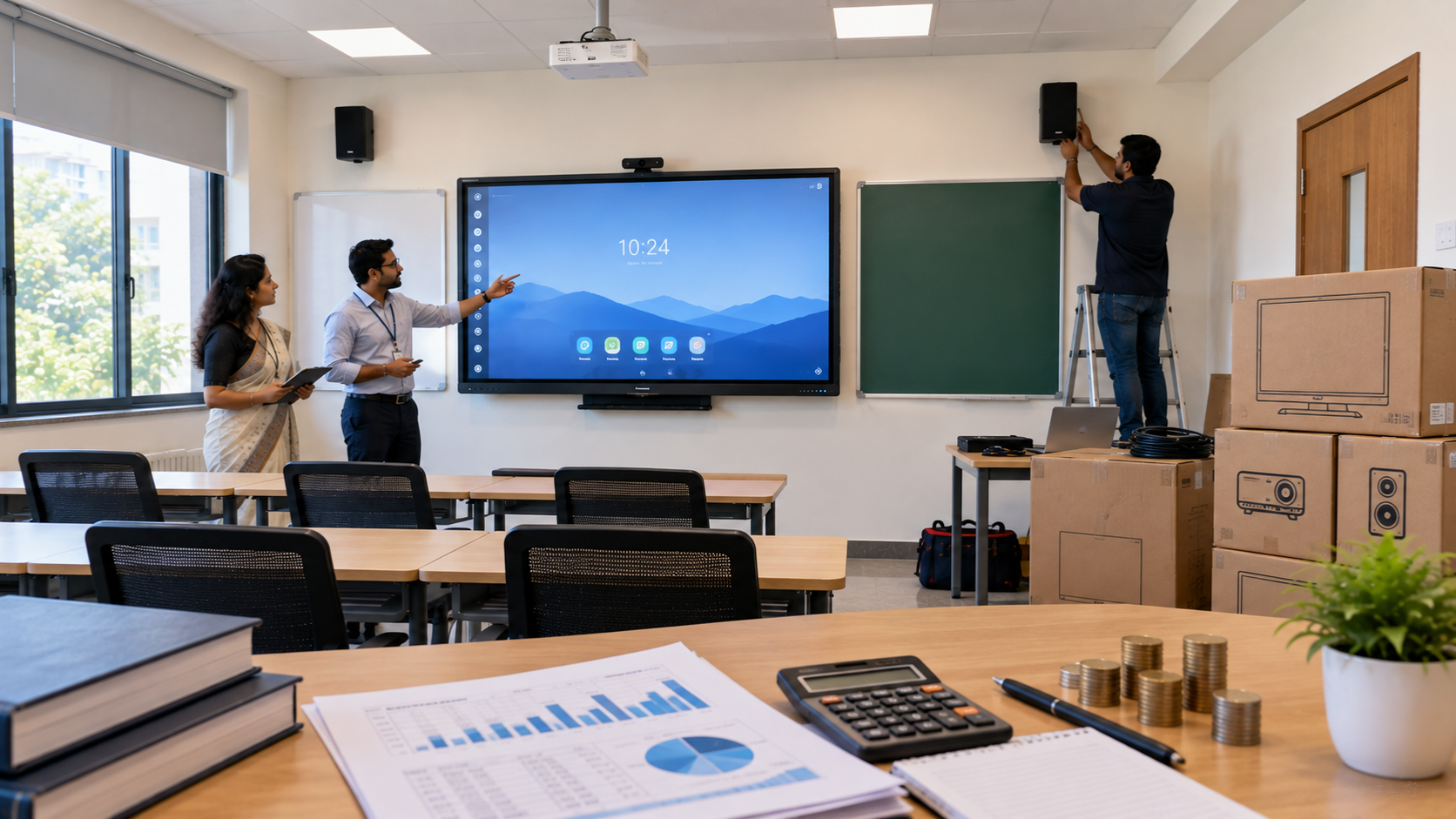
A smart classroom is more than an interactive display mounted on a wall. A successful smart classroom setup combines the right display, connectivity,
Read More
By Inhype • September 11, 2026
A smart classroom is much more than installing a digital board on the wall. A successful digital classroom requires the right combination of an intera
Read More
By Inhype • September 11, 2026
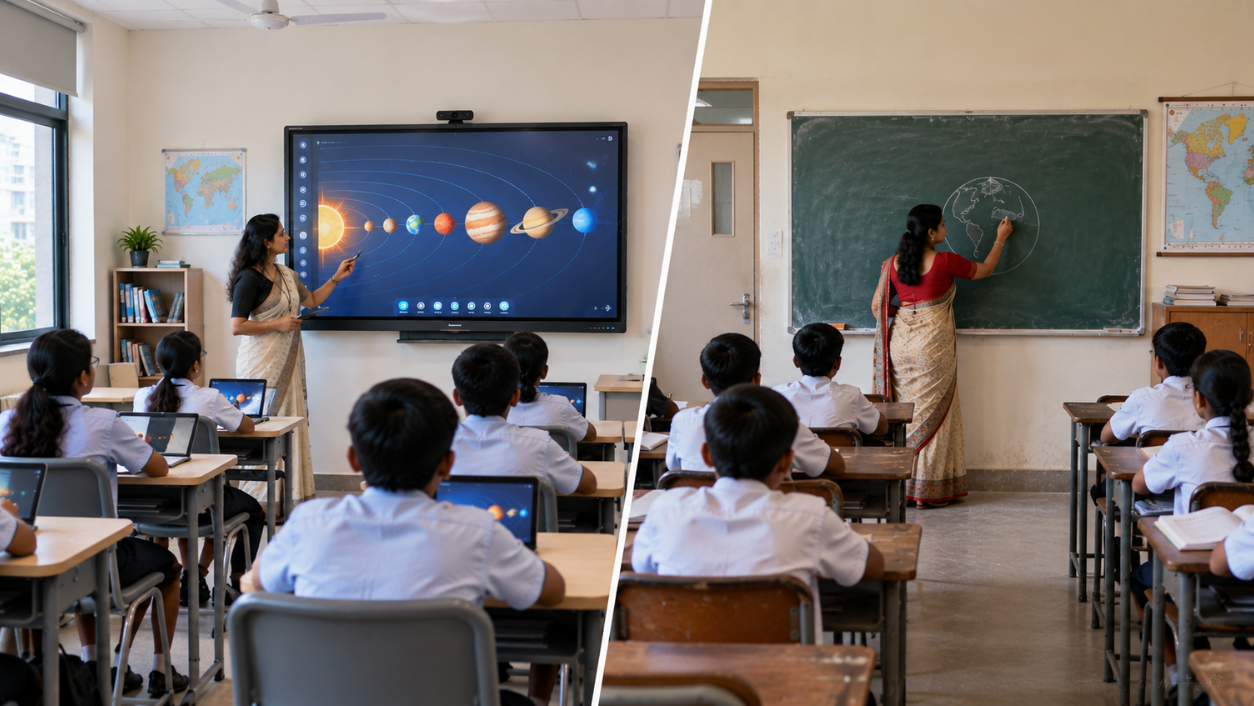
A traditional classroom does not need to be completely rebuilt to become a smart classroom. In most cases, an existing teaching space can be upgraded
Read More




Golive eTechnologies India Private Limited (CIN - U31909UP2021PTC148242) is one of India's leading providers of smart classrooms, interactive boards, video conferencing solutions, and display technologies for the education, healthcare, corporate, and government sectors.


No comments yet. Be the first to comment!