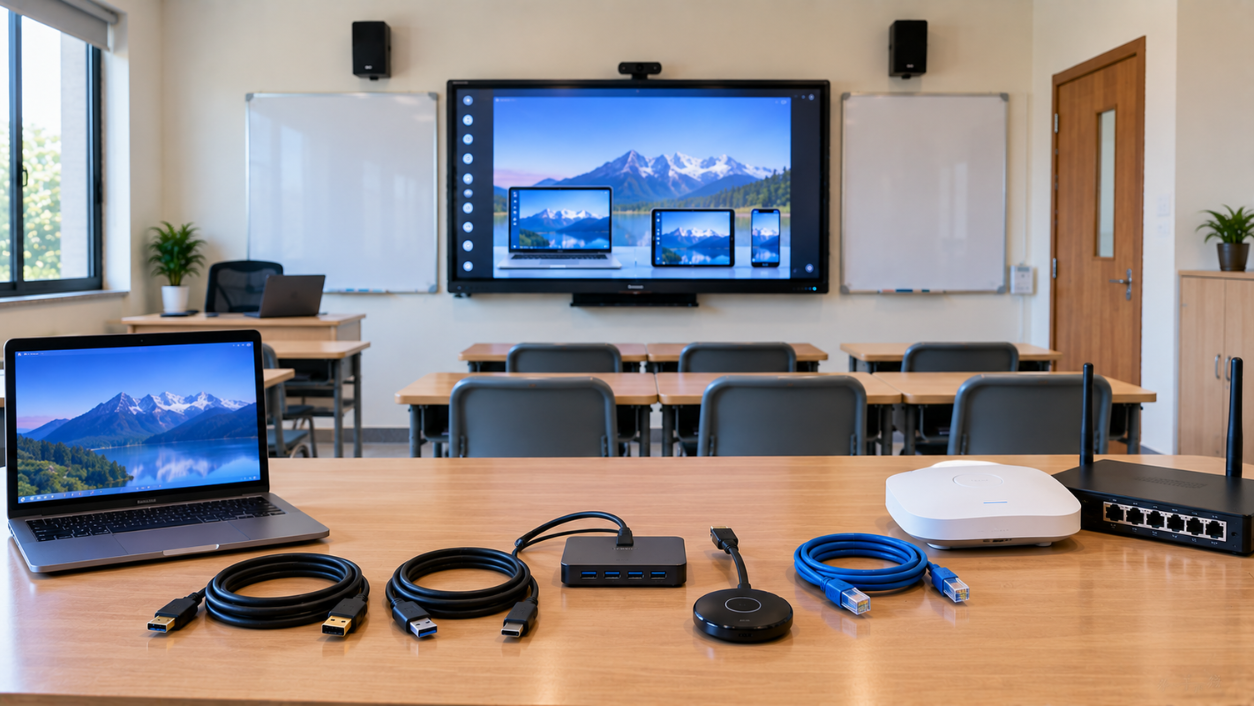
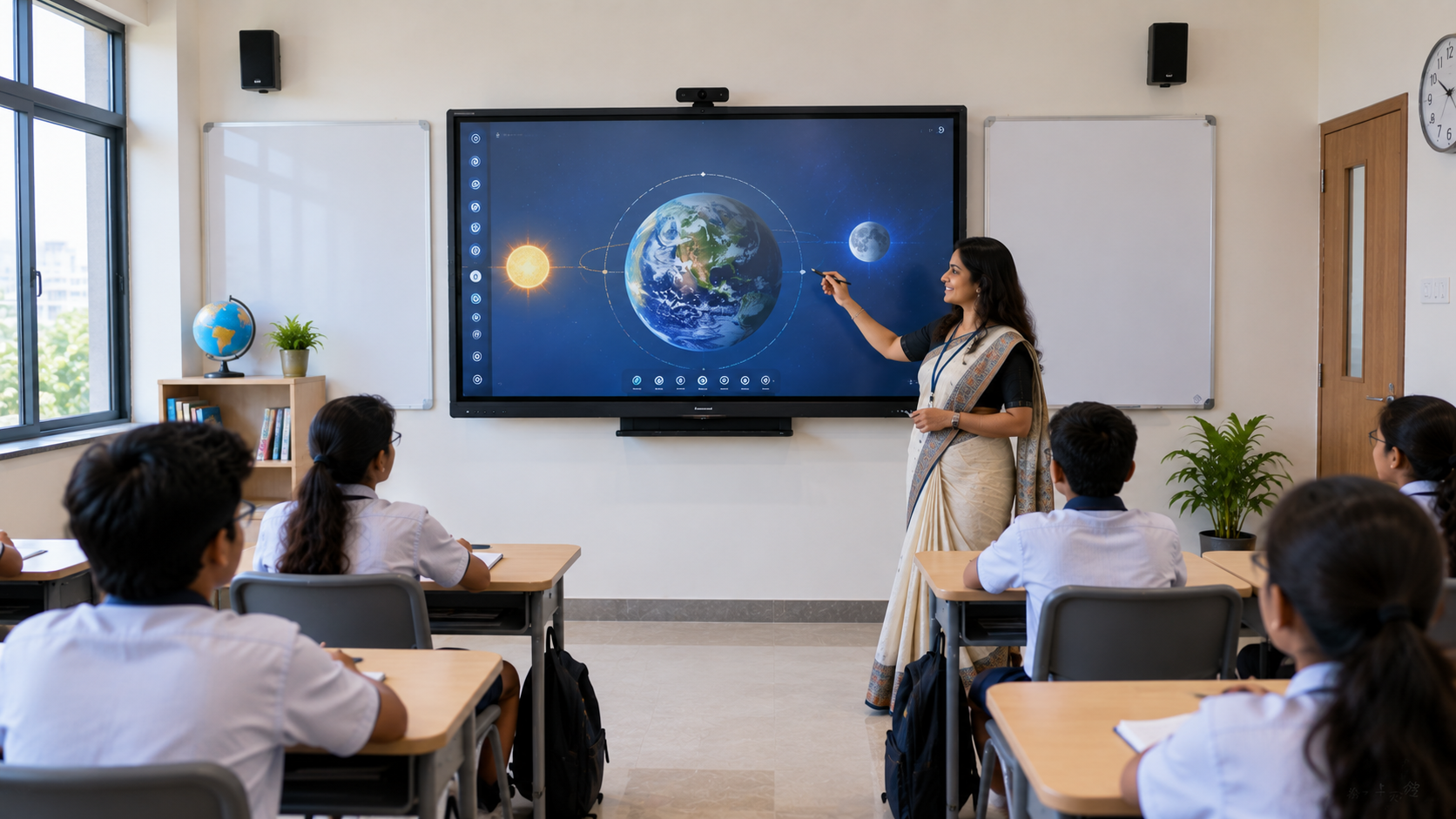
A modern smart classroom is more than an interactive display or digital board. The real power of a connected classroom comes from how easily teachers can connect laptops, computers, cameras, audio equipment and online learning platforms to the classroom display. From HDMI and USB connectivity to Wi-Fi, LAN and wireless presentation, the right connectivity setup can make teaching faster, collaboration easier and hybrid learning more reliable. Whether you are setting up a school classroom, college lecture hall, coaching centre, training room or online teaching studio, understanding these connectivity options can help you choose the right interactive panel, digital board or smart classroom solution. At GoLive eTechnologies, the focus is not simply on selling technology. Our approach is to help customers choose the right solution, deploy it quickly and provide installation, training and ongoing assistance. Technology that works, backed by people who help.
What Is Smart Classroom Connectivity?
Smart classroom connectivity refers to the technologies used to connect classroom devices and share content between displays, computers, cameras, networks and other equipment.
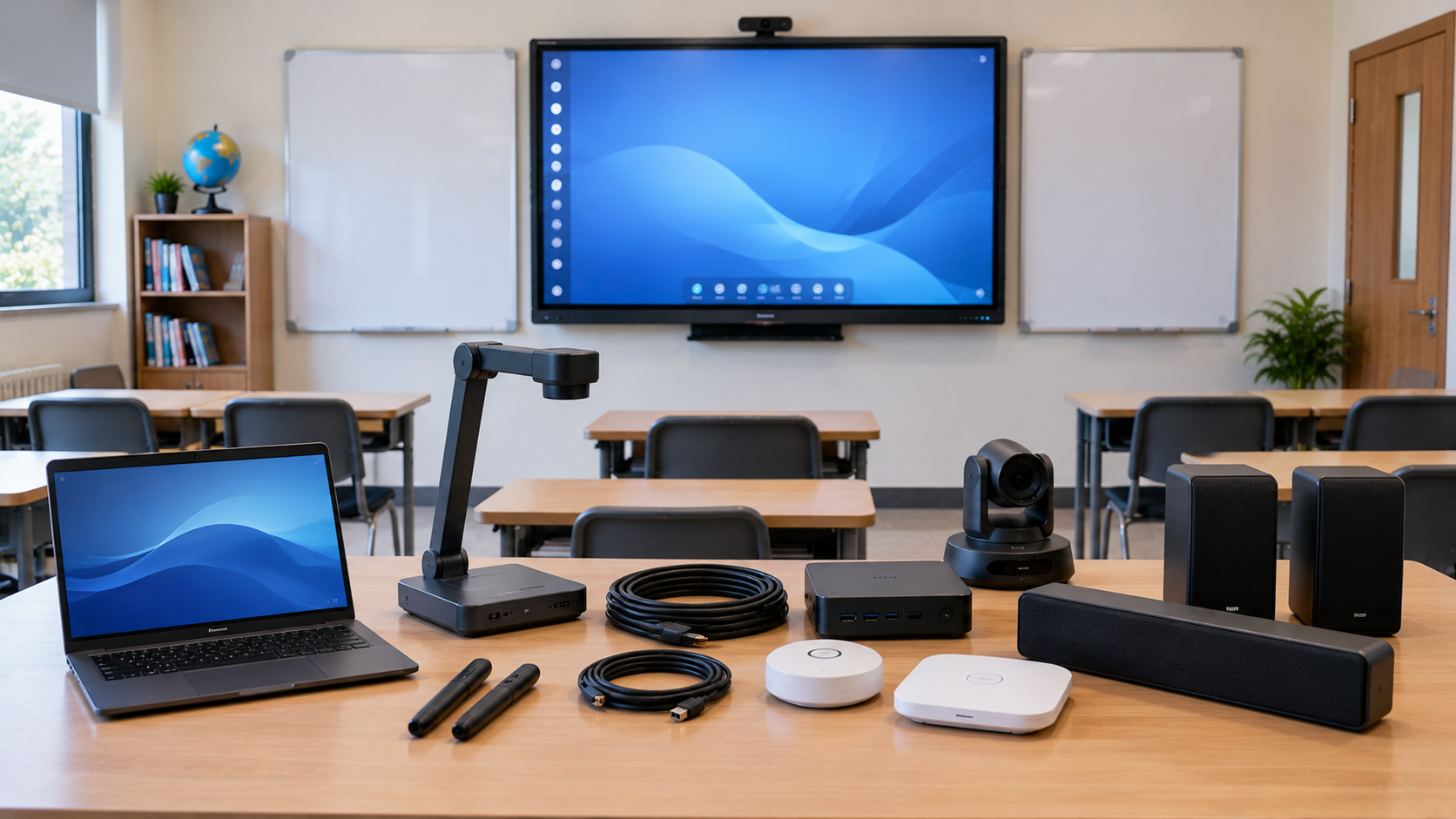
A typical smart classroom may include:
Interactive flat panel or digital board
Teacher laptop or desktop
HDMI-connected presentation device
USB peripherals
Wi-Fi-enabled devices
LAN/network connection
Wireless presentation system
PTZ camera for hybrid classes
Microphone and classroom speakers
Video conferencing equipment
The goal is simple: make technology work together without creating unnecessary complexity for teachers and students.
HDMI Connectivity: Reliable Wired Video & Audio
HDMI is one of the most common connections used in classrooms. It can transmit high-quality video and audio from a laptop, desktop, media player or other compatible device to an interactive display.
Why HDMI is useful in classrooms
Reliable wired connection
High-quality video output
Supports audio transmission
Useful for presentations and video lessons
Minimal setup once connected
Suitable for classrooms where reliability matters
For schools and coaching centres using an Evota interactive panel, MAXHUB smart board, Newline interactive panel or LG interactive panel, HDMI can provide a straightforward way to connect external devices.
HDMI is ideal for:
Presentations + video playback + demonstrations + laptop mirroring + classroom content
If your classroom depends heavily on presentations, HDMI remains one of the most practical connectivity options.
USB Connectivity: More Than Just Data Transfer
USB ports are equally important in a smart classroom. Depending on the display and equipment, USB can support peripherals, storage devices, touch interaction and other accessories.
A teacher may use USB to connect:
Keyboard and mouse
USB drive
Touch accessories
Camera
Microphone
Interactive peripherals
Other compatible classroom equipment
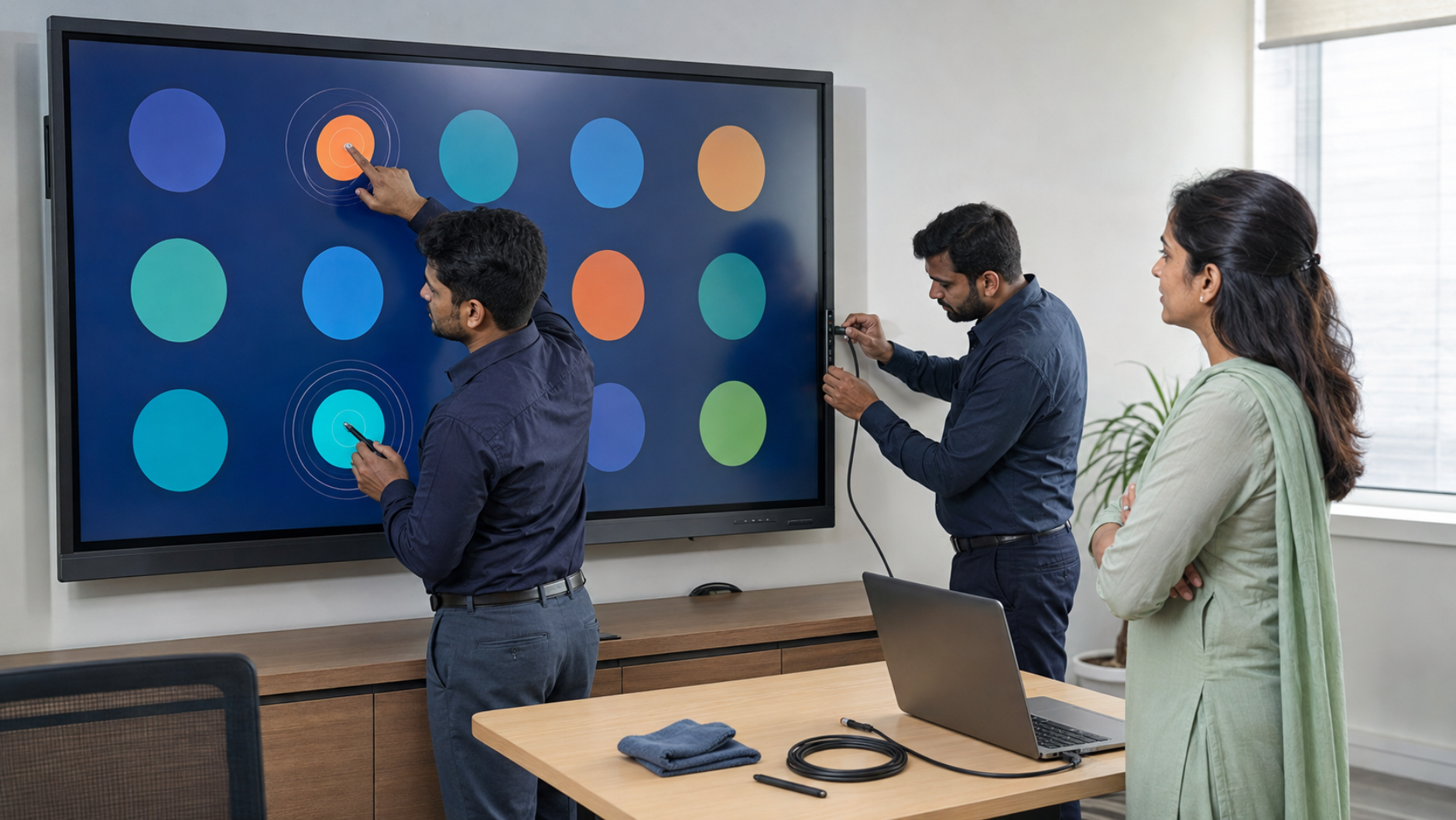
USB connectivity can also be useful when setting up digital writing boards, interactive displays and online teaching equipment.
For example, a classroom using an interactive panel alongside a writing pad for PC, camera or other USB accessory can benefit from having easily accessible USB ports.
Wi-Fi Connectivity: Flexible Wireless Learning
Wi-Fi brings flexibility to modern classrooms.
Instead of physically connecting every laptop to the display, teachers can use wireless connectivity to access online resources, cloud applications, digital content and compatible wireless presentation solutions.
Benefits of Wi-Fi in smart classrooms
Wireless internet access
Easy access to cloud-based teaching resources
Supports online learning
Enables wireless content sharing
Useful for hybrid classrooms
Reduces dependence on cables
A reliable Wi-Fi network becomes particularly important when multiple students or teachers need to access online resources simultaneously.
However, Wi-Fi performance depends on factors such as network capacity, classroom size, router placement and number of connected devices.
LAN Connectivity: Stability for Connected Classrooms
While Wi-Fi provides convenience, LAN connectivity can provide a more stable wired network connection for fixed classroom equipment.
LAN can be particularly useful for:
Interactive displays
Smart classroom systems
Video conferencing equipment
Networked computers
Digital signage
Lecture capture systems
Content and device management
For institutions operating several smart classrooms, a properly designed LAN infrastructure can help IT teams manage devices more consistently.
Wi-Fi vs LAN
|
Feature |
Wi-Fi |
LAN |
|---|---|---|
|
Installation |
Easier |
Requires cabling |
|
Mobility |
Excellent |
Limited |
|
Stability |
Depends on network conditions |
Generally more consistent |
|
Best for |
Mobile devices |
Fixed equipment |
|
Classroom use |
Wireless presentation & internet |
Displays & infrastructure |
For a professional smart classroom, Wi-Fi and LAN are complementary rather than competing technologies.
Wireless Presentation: The Future of Collaborative Teaching
Wireless presentation allows teachers and students to share content without repeatedly connecting HDMI cables.
A compatible wireless presentation solution can allow users to share:
PowerPoint presentations
PDFs
Videos
Images
Web content
Documents
Laptop screens
This can make classroom transitions much faster.
Imagine a teacher walking into a classroom, connecting wirelessly to the interactive panel and immediately starting the lesson. Students can then participate through their own devices where the system supports collaborative sharing.
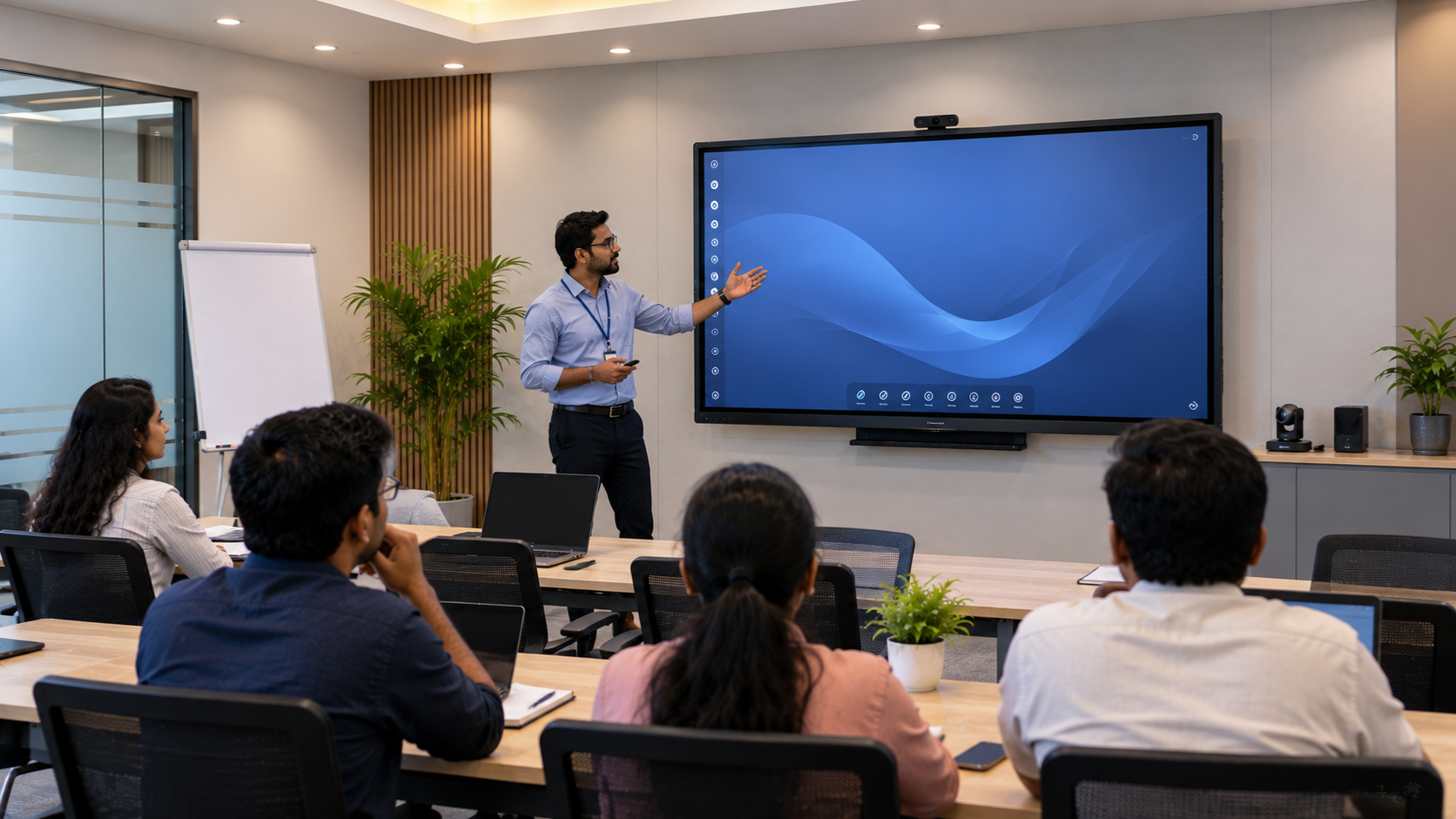
This is particularly valuable for hybrid classroom, corporate training and coaching environments.
HDMI vs USB vs Wi-Fi vs LAN vs Wireless Presentation
|
Connectivity |
Best Use |
Main Advantage |
|---|---|---|
|
HDMI |
Laptop/display connection |
Reliable video & audio |
|
USB |
Accessories & peripherals |
Versatile connectivity |
|
Wi-Fi |
Internet & wireless devices |
Flexibility |
|
LAN |
Fixed network devices |
Stable network connection |
|
Wireless Presentation |
Screen sharing |
Cable-free collaboration |
The best smart classroom doesn't necessarily use only one connection. A combination of wired and wireless technologies usually provides the most practical setup.
Choosing the Right Interactive Display for Your Smart Classroom
The display is at the centre of most modern smart classrooms.
GoLive eTechnologies can help institutions evaluate solutions such as:
Evota Interactive Panels
An Evota interactive panel can be considered for classrooms, coaching centres, corporate training and educational institutions looking for an interactive digital teaching platform.
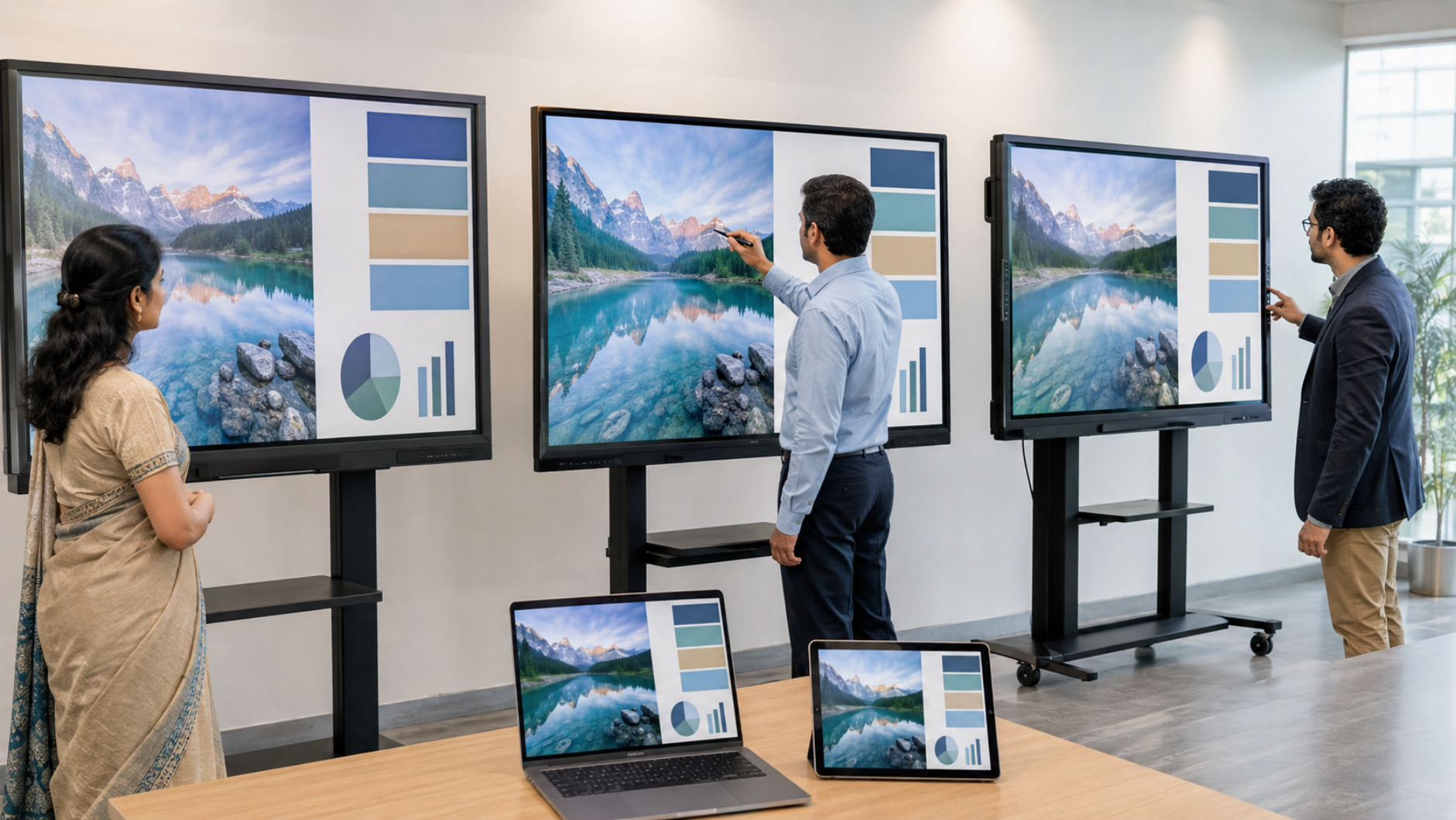
Depending on the selected configuration, customers can evaluate factors such as:
Screen size
Touch technology
Resolution
Connectivity ports
Operating system
Wireless capabilities
Installation requirements
Searches such as Evota smart board price, Evota smart board 75 inch price, Evota digital board price and Evota interactive flat panel price generally reflect customer interest in comparing configurations and budgets.
GoLive can help customers identify the configuration appropriate for their room and requirements rather than selecting a display based on price alone.
MAXHUB Smart Boards & Interactive Displays
MAXHUB smart board solutions can be considered for educational institutions, collaboration spaces and professional training environments.
Customers comparing MAXHUB digital board price, MAXHUB smart board price in India or larger-format displays should consider:
Room size
Viewing distance
Touch requirements
Connectivity
Collaboration features
Installation
After-sales support
Newline Interactive Panels
Newline interactive panels are another option for schools, universities, coaching centres and professional training environments.
When comparing Newline digital board price, Newline interactive panel price in India or Newline 75-inch interactive panel price, institutions should look beyond the panel itself and consider installation, connectivity and long-term support.
LG Interactive Panels
For organisations evaluating established display brands, LG interactive panels can also be considered.
Search terms such as LG interactive digital board price, LG interactive panel 75 inch price and LG 65 inch interactive display price in India demonstrate the importance of comparing screen size, features and overall deployment cost.
What About PTZ Cameras in a Smart Classroom?
A connected classroom may also require a PTZ camera for hybrid teaching, lecture recording and remote participation.
Options such as an Evota 4K PTZ camera, Evota 10X HD PTZ camera or other professional PTZ solutions can complement an interactive display.
A PTZ camera can help capture:
Teacher lectures
Classroom discussions
Presentations
Demonstrations
Online classes
Training sessions
For institutions building a complete online class studio setup or teaching studio setup, camera connectivity should be planned alongside HDMI, USB, network and audio requirements.
How GoLive eTechnologies Helps You Build the Right Smart Classroom
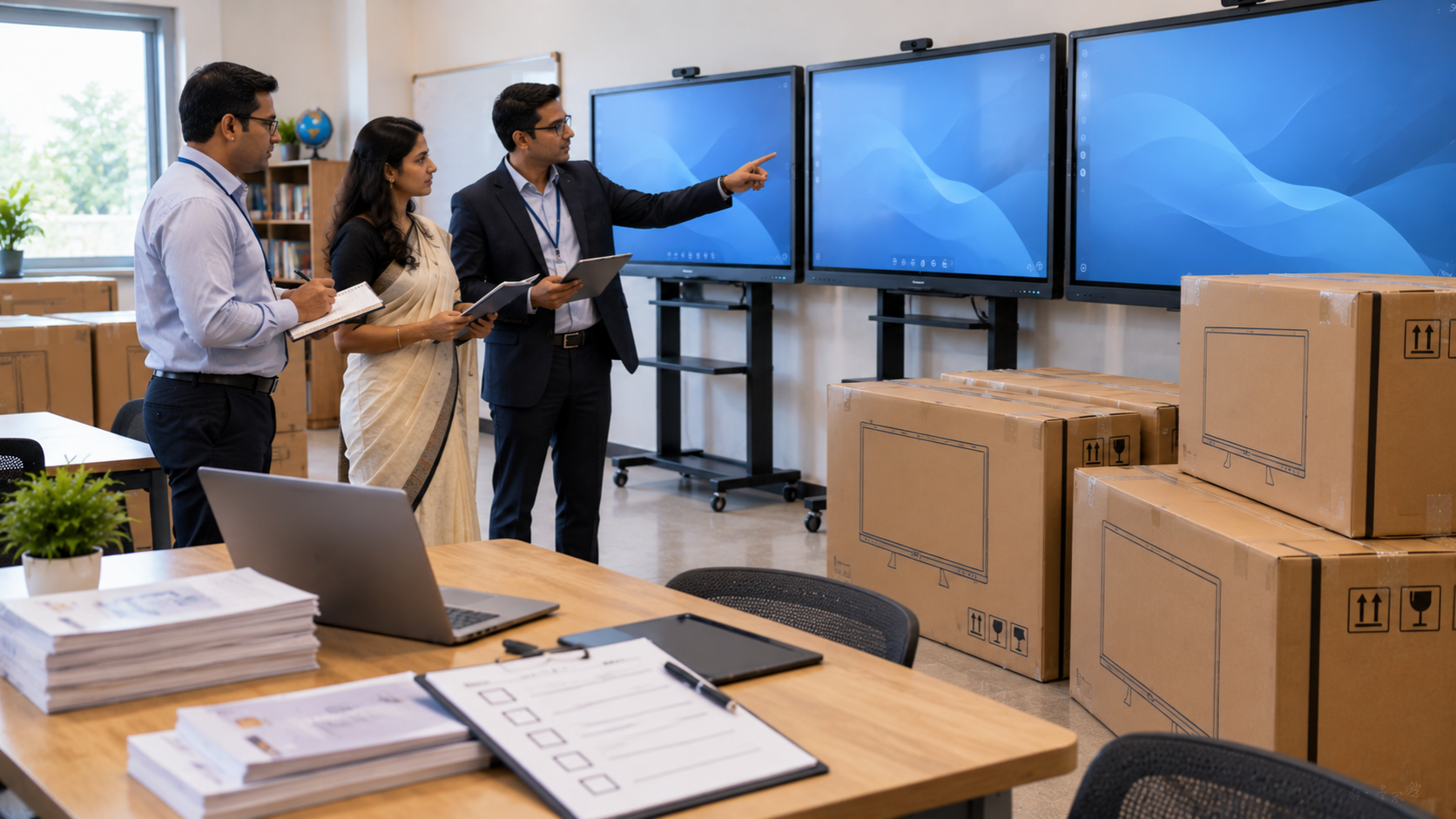
Choosing classroom technology can become complicated when you have to compare displays, cameras, cables, networking, audio equipment and installation requirements separately.
That's where GoLive eTechnologies focuses on the complete solution.
Our approach:
1. Understand
We understand your classroom, room size, teaching requirements and budget.
2. Recommend
We help you select the appropriate interactive panel, camera and accessories.
3. Deploy
Our team supports installation and deployment.
4. Train
Users can receive assistance to understand the technology and operate it confidently.
5. Support
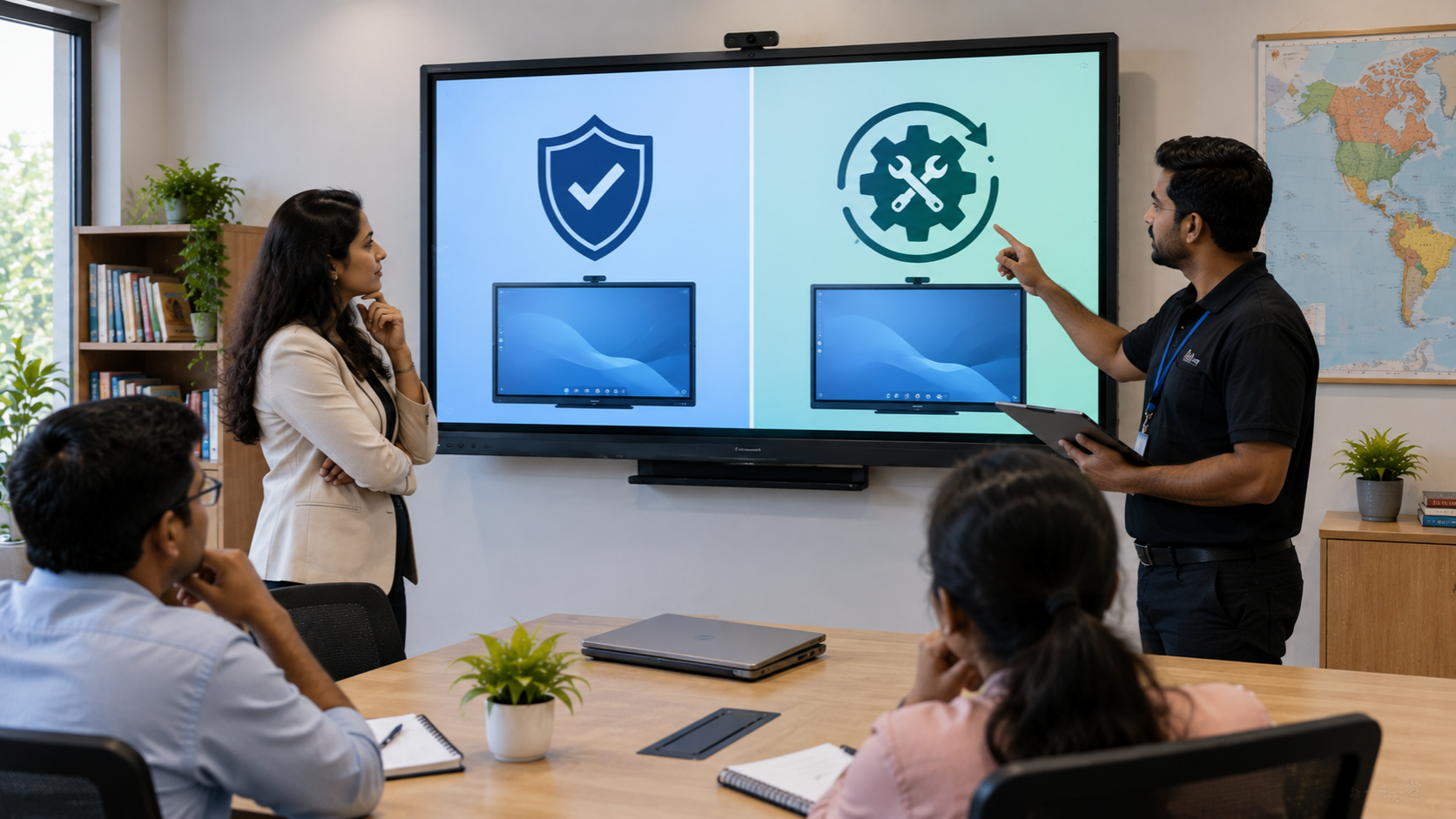
Our relationship doesn't end after installation.
This supports our core promise:
Right solution + fast deployment + installation + support.
The result is less technology headache and more confidence that everything will work.
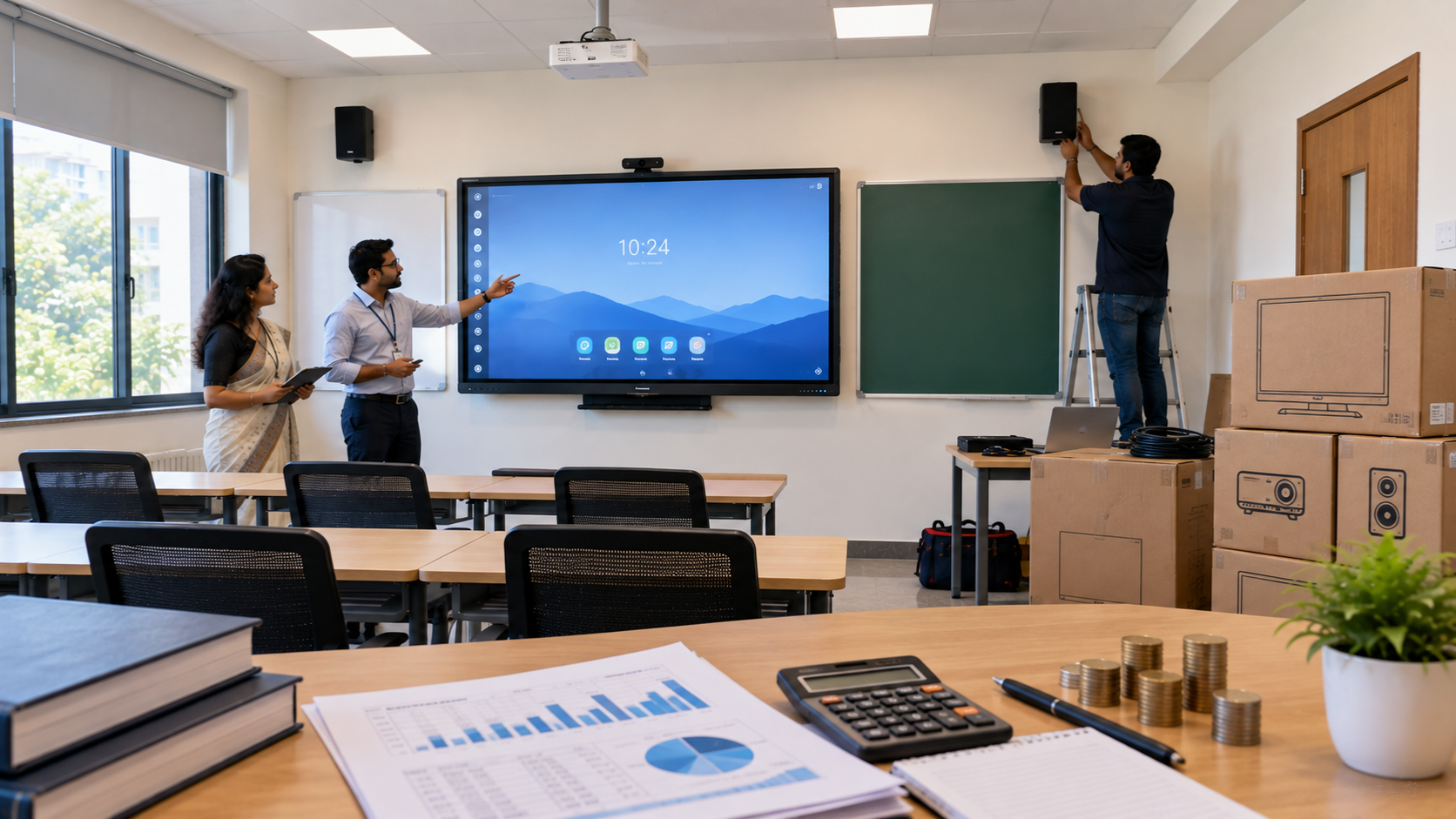
How Much Does a Smart Classroom Setup Cost in India?
There is no single smart board price or digital board price in India because the overall cost depends on specifications and deployment requirements.
Pricing can vary based on:
Interactive panel size
Brand and model
Touch technology
Resolution
Connectivity
PTZ camera requirements
Audio equipment
Mounting and installation
Networking
Training and support
Instead of choosing a digital board price under 5000 or another unusually low price point without checking specifications, institutions should compare the total value of the solution.
A professionally installed and supported classroom solution can reduce downtime and technology-related problems over the long term.
Smart Classroom Connectivity Checklist
Before purchasing an interactive display, check whether your solution supports the connectivity you actually need.
Ask these questions:
Does the panel have sufficient HDMI ports?
Are USB ports easily accessible?
Does it support reliable Wi-Fi?
Can it connect through LAN?
Is wireless presentation supported?
Can a PTZ camera be integrated?
Can external audio equipment be connected?
Is installation included?
Is teacher training available?
What after-sales support is provided?
This checklist can prevent compatibility problems later.
Why Choose GoLive eTechnologies?
GoLive eTechnologies is focused on making technology deployment simpler for educational institutions, businesses and training environments.
Our brand promise is:
Technology that works, backed by people who help.
Customers don't just need a product. They need confidence that the solution will be selected correctly, installed properly and supported when required.
That's why our proposition combines:
Selection → Deployment → Installation → Training → Support
Whether you are looking for an Evota smart board, MAXHUB digital board, Newline interactive panel, LG interactive panel, PTZ camera or complete smart classroom setup, GoLive can help you evaluate the right solution for your environment.
Conclusion
A successful smart classroom is not created by the display alone. HDMI, USB, Wi-Fi, LAN and wireless presentation each play an important role in creating a connected teaching environment.
The best setup combines reliable wired connectivity with flexible wireless technologies according to the institution's needs.
From interactive panels and digital boards to PTZ cameras and complete classroom deployment, GoLive eTechnologies helps customers move from product selection to installation and support.
Less technology headache. More confidence that everything will work.
Your email address will not be published. Required fields are marked *
By Inhype • September 12, 2026
A modern smart classroom is more than an interactive display or digital board. The real power of a connected classroom comes from how easily teachers
Read More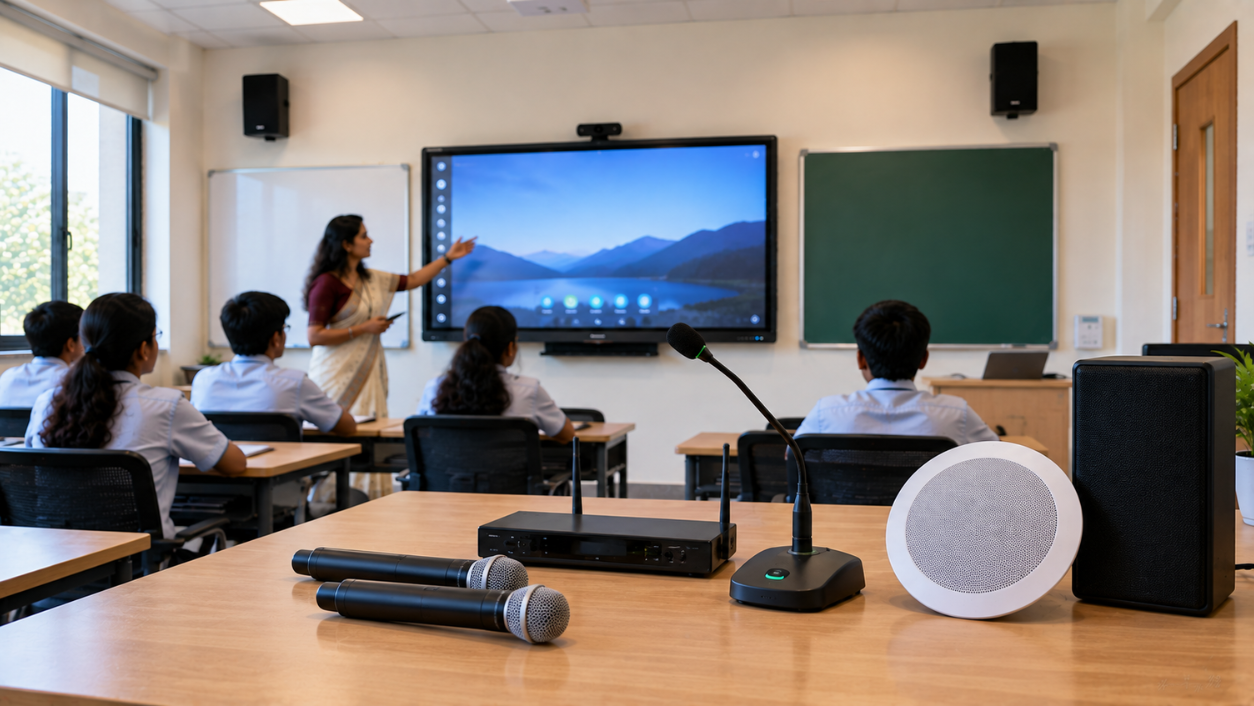
By Inhype • September 12, 2026
A modern smart classroom is more than an interactive display or digital board. Clear, consistent audio is equally important for effective teaching, hy
Read More
By Inhype • September 11, 2026
A smart classroom is more than an interactive display mounted on a wall. A successful smart classroom setup combines the right display, connectivity,
Read More
By Inhype • September 11, 2026
A smart classroom is much more than installing a digital board on the wall. A successful digital classroom requires the right combination of an intera
Read More
By Inhype • September 11, 2026
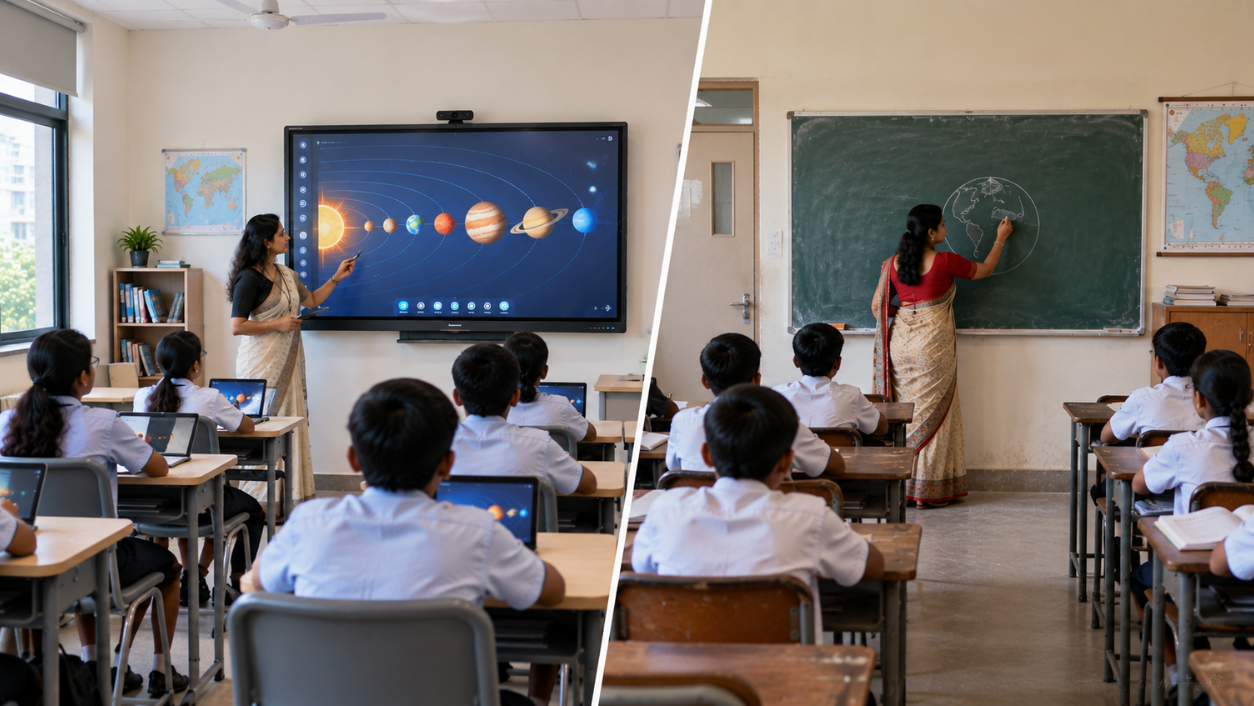
A traditional classroom does not need to be completely rebuilt to become a smart classroom. In most cases, an existing teaching space can be upgraded
Read More




Golive eTechnologies India Private Limited (CIN - U31909UP2021PTC148242) is one of India's leading providers of smart classrooms, interactive boards, video conferencing solutions, and display technologies for the education, healthcare, corporate, and government sectors.


No comments yet. Be the first to comment!