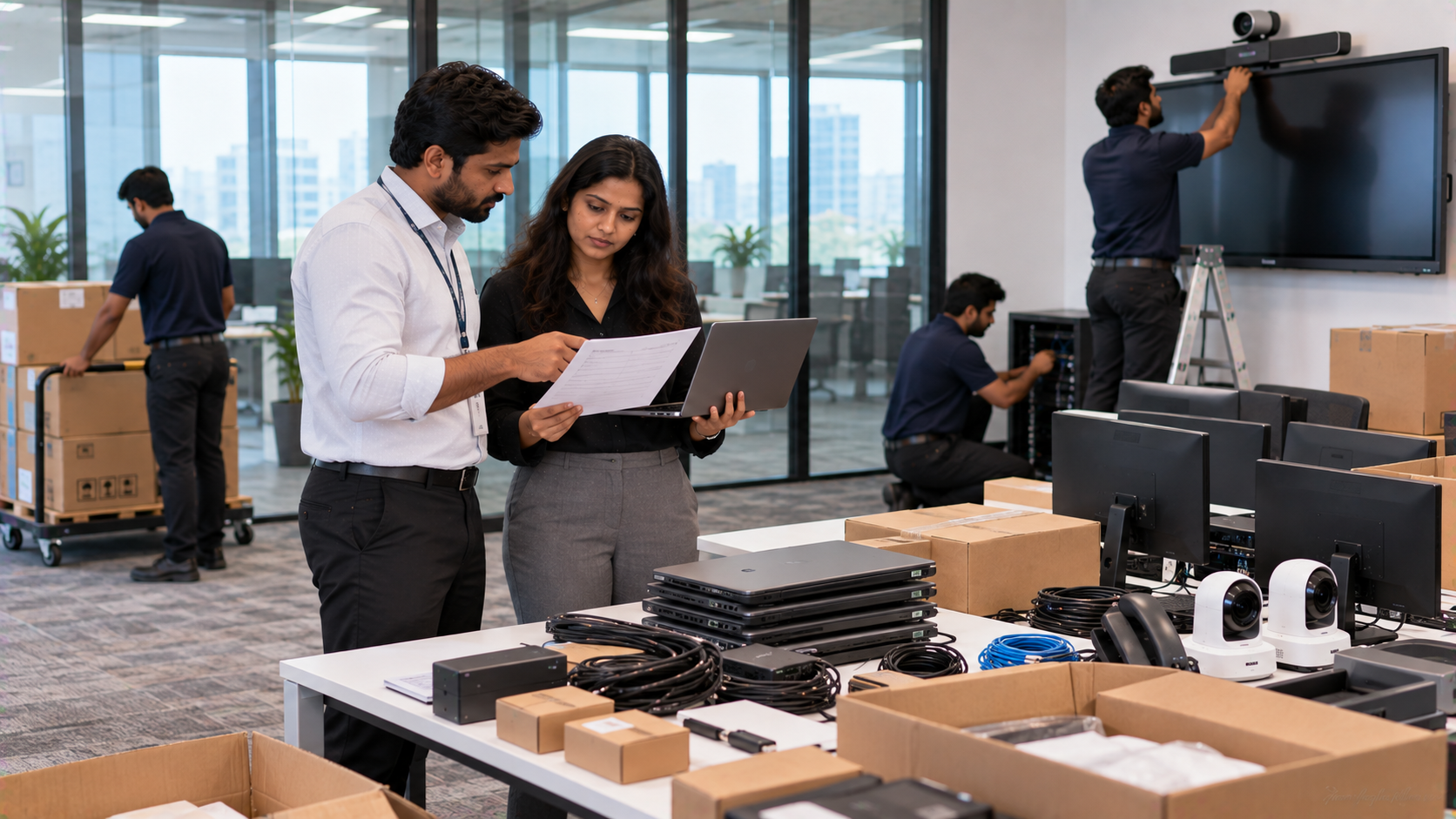
Buying technology for a school, corporate office, coaching centre or training room is not the end of the process. The real work begins after the purchase order is raised. A successful technology deployment requires coordination across product selection, order confirmation, delivery, site readiness, installation, configuration, testing and user training. Whether you are purchasing an Evota Smart Board, Evota Interactive Panel, MAXHUB Smart Board, Newline Interactive Panel, LG Interactive Digital Board or an Evota 4K PTZ Camera, every component needs to work as part of the complete environment. At GoLive eTechnologies India Private Limited, the approach goes beyond product supply. The focus is on selection → supply → installation → deployment → training → support, helping customers reduce technology headaches and gain confidence that their solution is ready to use.
Why a Technology Deployment Checklist Matters
A technology purchase can face avoidable delays when product specifications, site requirements, connectivity, mounting or installation responsibilities are not confirmed early.
A deployment checklist helps schools and businesses verify:
The right product and configuration
Correct quantity and accessories
Delivery schedule and site readiness
Power, network and connectivity requirements
Mounting and installation requirements
Software and device configuration
Testing and user training
Warranty and post-installation support
This is particularly important for smart classroom setup, hybrid classrooms, conference rooms, online teaching studios and corporate training environments.
Step 1: Finalise the Purchase Order and Product Specifications
Before placing the purchase order, verify the exact product name, model, size, quantity and included accessories.
For example, when comparing Evota digital board price, MAXHUB digital board price, Newline digital board price or LG interactive digital board price India, do not compare price alone.
Check:
|
Checkpoint |
What to Confirm |
|---|---|
|
Product |
Exact brand and model |
|
Display |
Screen size and resolution |
|
Accessories |
Pen, remote, cables and mounting hardware |
|
Camera |
Resolution, zoom and connectivity |
|
Computer |
OPS/PC compatibility |
|
Warranty |
Coverage and service terms |
|
Installation |
Included, optional or separate |
For larger projects, confirm whether the quoted amount covers only hardware or also includes installation, configuration, training and other deployment requirements.
Step 2: Confirm the Site Before Delivery
Technology should arrive at a location that is ready for installation.
For an interactive flat panel display, check wall strength, mounting height, power sockets, earthing, cable routing and viewing distance. For a PTZ camera, confirm mounting position, camera coverage and connectivity.
For a smart classroom or corporate meeting room, also review:
Power availability
LAN/Wi-Fi requirements
HDMI and USB connectivity
Wall or ceiling mounting
Speaker and microphone positions
Camera angle
Laptop/PC/OPS placement
Cable management
GoLive's installation guidance similarly highlights room dimensions, mounting, power, connectivity, camera positioning and supporting equipment as important pre-installation considerations.
Step 3: Plan Delivery and Inventory Verification
Once the order is ready, establish a simple delivery checklist.
When the equipment reaches the site, verify:
Product received → Model confirmed → Quantity checked → Accessories checked → Physical condition inspected → Delivery documented
This is especially useful when deploying technology across multiple classrooms, offices or branches.
For buyers searching for digital board price in India, Evota Smart Board 75 inch price, Newline Interactive Panel price in India, LG Interactive Panel 75 inch price or MAXHUB Smart Board price in India, the final project cost should also take logistics, mounting and deployment requirements into account.
GoLive provides technology solutions for customers across India, while its local service proposition is particularly relevant to Delhi NCR, Noida, Ghaziabad and Gurugram buyers.
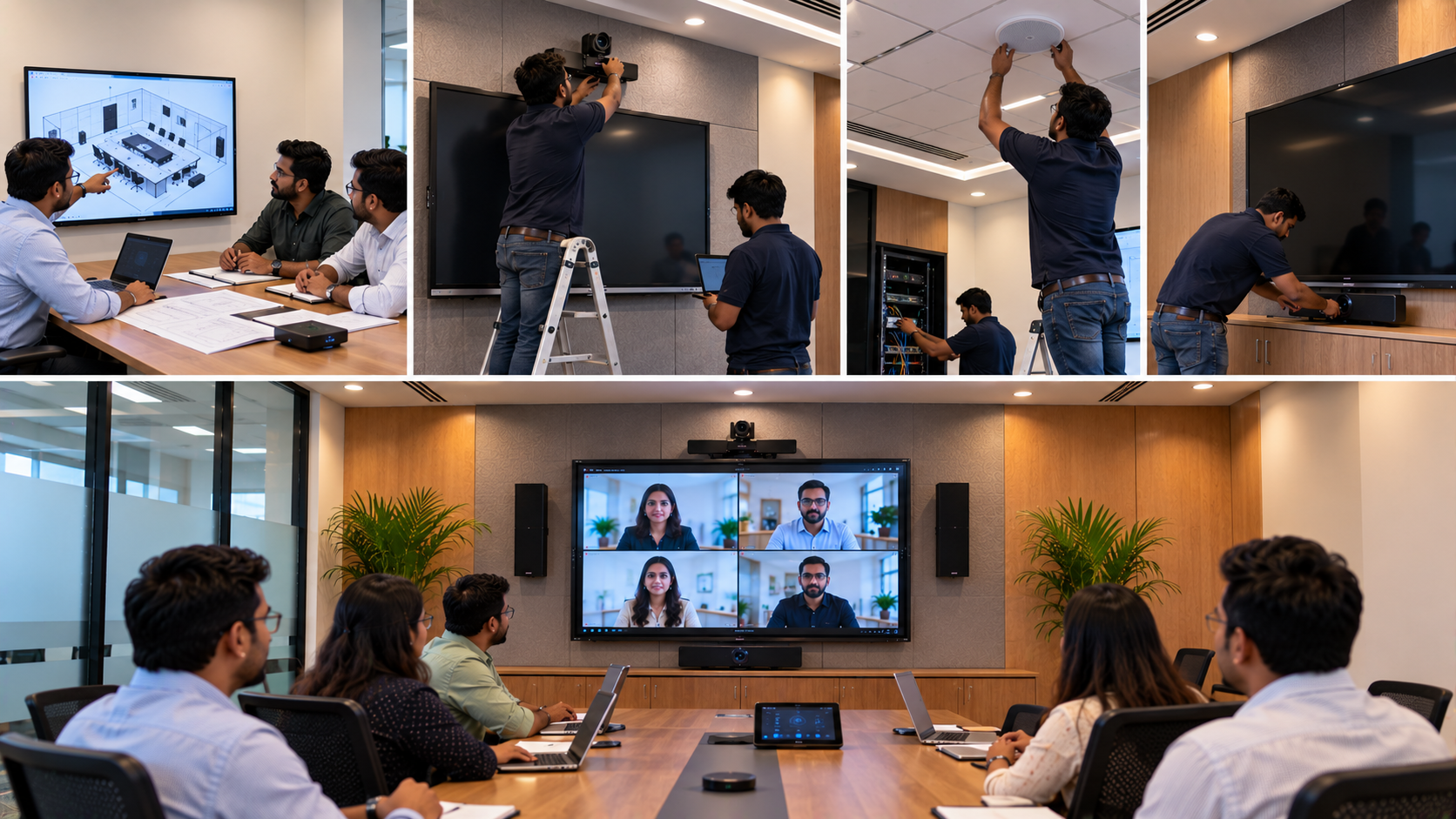
Step 4: Professional Installation and Mounting
Correct installation directly affects usability.
For an interactive board or digital panel board, the installation process can include:
Wall mounting or stand installation
Display alignment
Power connection
HDMI and USB connectivity
Network connection
Touch functionality testing
Cable management
For PTZ cameras, positioning is equally important. A camera such as an Evota 4K PTZ Camera, Evota 10x HD PTZ Camera or suitable Logitech PTZ camera should be positioned according to the room layout and intended use.
GoLive's installation solutions cover interactive displays and PTZ cameras, including configuration and testing as part of the wider deployment process.
Step 5: Configure Software, Connectivity and Devices
Hardware installation is only one part of deployment.
A classroom or meeting room may require configuration for:
Display settings
Touch calibration
Camera software
Screen sharing
HDMI video capture
Audio and microphone settings
Streaming or recording software
Drivers and connected PCs/OPS systems
For an online class studio setup, a PTZ camera, microphone, interactive panel and video capture device should be tested together rather than individually.
This creates a more dependable digital classroom setup and reduces compatibility issues before users start working.
Step 6: Test the Complete System
Do not consider deployment complete simply because every device powers on.
Use a final acceptance checklist:
|
Equipment |
Final Test |
|---|---|
|
Interactive Panel |
Touch, display, USB, HDMI and annotation |
|
PTZ Camera |
Pan, tilt, zoom, framing and video |
|
Microphone |
Voice pickup and connectivity |
|
Speakers |
Volume and clarity |
|
PC/OPS |
Boot, software and network |
|
Capture Device |
Video input and recording |
|
Network |
Stable connectivity |
|
Accessories |
Pens, cables and remotes |
For hybrid classrooms, the complete workflow should be tested from the teacher side as well as the remote participant's side.
Step 7: Train Users Before Handover
A powerful technology solution is more valuable when users know how to operate it.
Teacher or employee training can cover:
How to use the interactive display
Writing and annotation
Screen sharing
Camera controls
Basic troubleshooting
Switching input sources
Starting online sessions
Using connected accessories
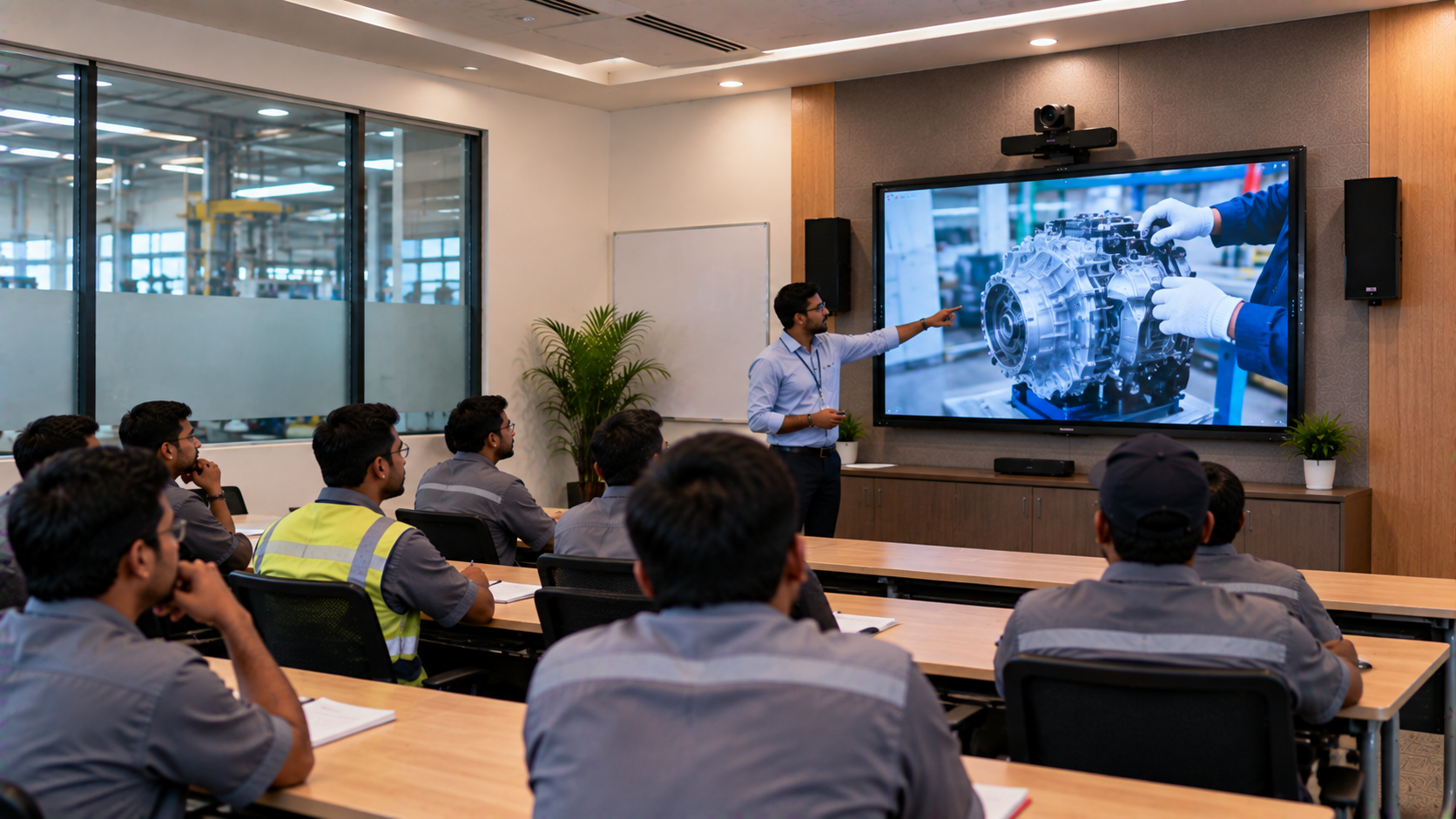
GoLive offers demo and training support for select solutions, alongside installation and post-purchase assistance.
Step 8: Complete Documentation and Support Handover
Before closing the deployment, collect:
Invoice + serial numbers + warranty information + installation report + configuration details + training confirmation + support contact
This makes future troubleshooting easier.
GoLive's service proposition is built around technology that works, backed by people who help, with its customer proposition focused on the right solution, fast deployment, installation, training and ongoing assistance. Its published customer-feedback messaging also highlights service, support, fast delivery, installation, training and assistance.
Purchase Alone vs End-to-End Technology Deployment
|
Traditional Purchase |
GoLive End-to-End Approach |
|---|---|
|
Focus on product price |
Focus on complete solution |
|
Customer coordinates vendors |
One technology partner |
|
Installation may be separate |
Installation support available |
|
Configuration handled independently |
Deployment assistance |
|
User training may be overlooked |
Training support available |
|
Troubleshooting can involve multiple parties |
Post-sale support |
A lower digital board price does not necessarily mean a lower total deployment cost when compatibility, installation and support are considered.
Build Your Technology Setup with GoLive eTechnologies
From an Evota Smart Board 75 inch or Evota Interactive Flat Panel to a MAXHUB Digital Board, Newline Interactive Panel, LG Interactive Digital Board or Evota 4K PTZ Camera, the right choice depends on your room, application and budget.
GoLive eTechnologies can help customers move from selection to supply, installation, deployment, training and support across smart classrooms, corporate meeting rooms, coaching centres, hybrid classrooms and online teaching environments.
Whether you are planning a classroom upgrade in Noida, a corporate room in Gurugram, a coaching centre in Delhi NCR or a technology rollout anywhere in India, the objective remains the same:
Right solution + fast deployment + installation + support = less technology headache and more peace of mind.
Final CTA
Ready to move from purchase order to a fully working technology setup? Explore interactive panels, digital boards, PTZ cameras and AV solutions at GoLive eTechnologies—or contact the team for product selection, installation and deployment support.
Your email address will not be published. Required fields are marked *

By Inhype • September 12, 2026
A smart classroom is only as effective as the technology supporting it. Interactive panels, smart boards, PTZ cameras, microphones, speakers, PCs and
Read More
By Inhype • September 12, 2026
Higher education is rapidly moving beyond traditional chalkboards and projectors. Today, colleges and universities need technology that supports inter
Read More
By Inhype • September 12, 2026
A smart classroom for CBSE schools is no longer simply a classroom with a digital board. Modern schools are building connected learning environments t
Read More
By Inhype • September 12, 2026
Planning a smart classroom project for 10, 20 or even 50 classrooms requires more than simply purchasing digital boards. Schools, colleges, universiti
Read More
By Inhype • September 12, 2026
A smart classroom can transform the way teachers explain concepts, students interact with lessons, and institutions deliver digital education. From in
Read More




Golive eTechnologies India Private Limited (CIN - U31909UP2021PTC148242) is one of India's leading providers of smart classrooms, interactive boards, video conferencing solutions, and display technologies for the education, healthcare, corporate, and government sectors.

















No comments yet. Be the first to comment!