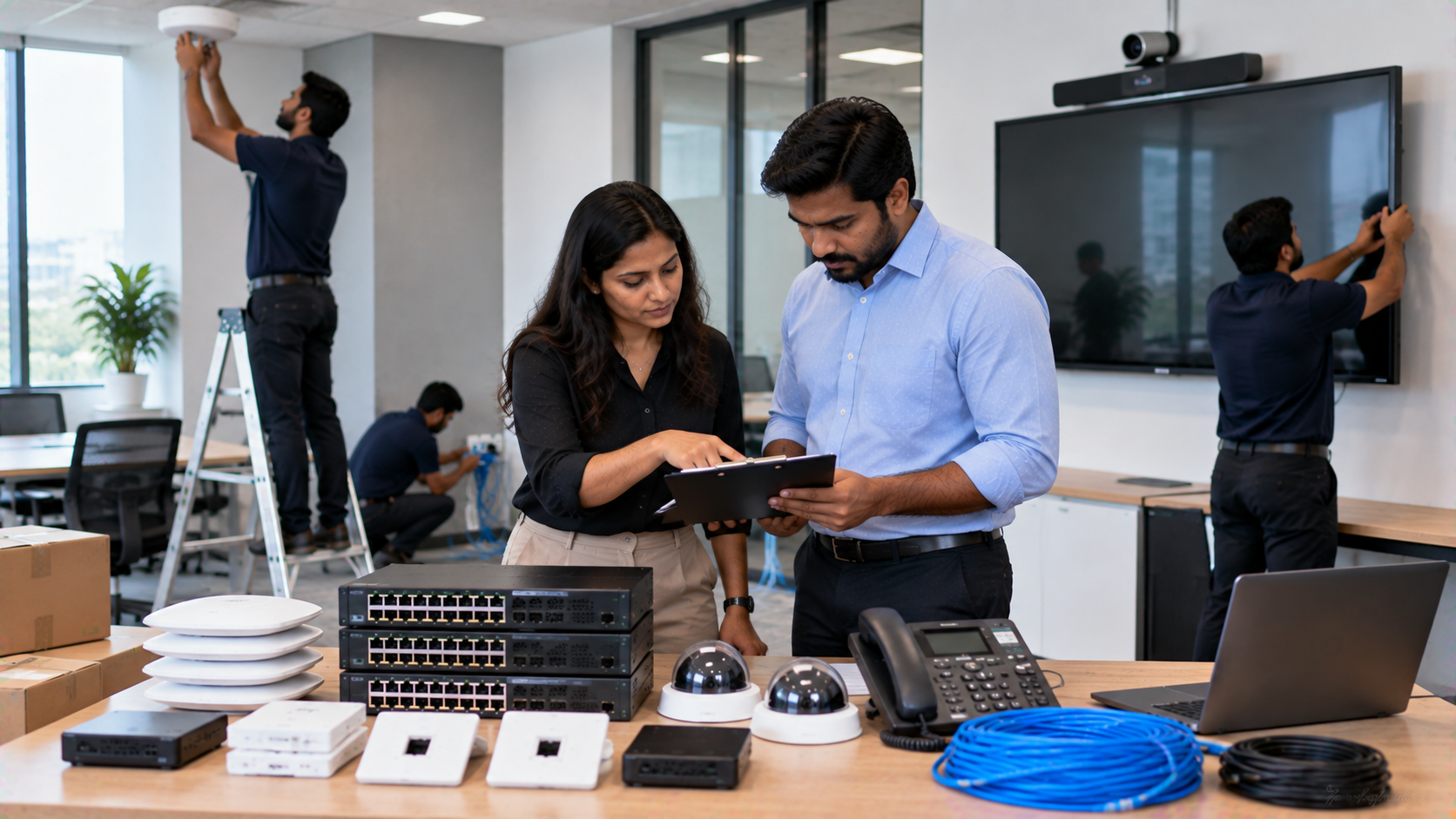
Buying an interactive display, PTZ camera or smart classroom equipment is only the beginning. The real value of technology comes from correct installation, configuration, integration, testing and after-sales support. Whether you are setting up a smart classroom, coaching centre, corporate meeting room, hybrid classroom, training room or online teaching studio, your technology vendor should ideally take responsibility beyond simply delivering a box. At GoLive eTechnologies India Private Limited, the approach is built around one principle: the right solution + fast deployment + installation + support = less technology headache and more confidence that everything will work. GoLive's current AV solutions include Evota interactive panels and PTZ cameras, MAXHUB digital boards, Newline interactive panels, LG interactive digital boards, audio equipment, capture devices and complete AV installation solutions.
1. Site Assessment Before Technology Installation
A professional vendor should begin by understanding the space—not by immediately recommending a product.
Before installing an Evota Smart Board, Newline Interactive Panel, MAXHUB Digital Board or LG Interactive Digital Board, the vendor should assess:
Room dimensions and seating capacity
Viewing distance
Wall structure and mounting requirements
Electrical points
Internet and network connectivity
Lighting conditions
Camera positioning
Speaker placement
Teacher/presenter position
Existing AV equipment
Cable routing requirements
For example, a 75-inch interactive panel may work well for many medium-sized classrooms, while larger rooms may require an 86-inch or larger display.
GoLive's installation approach similarly begins with understanding the room, viewing distance, electrical infrastructure, network, camera angles and mounting requirements.
2. Display Mounting and Interactive Panel Installation
The vendor should ensure that the digital board or interactive flat panel is installed securely and at an appropriate height.
Depending on your requirement, this may include:
Wall mounting
Mobile stand installation
Mounting hardware
Display alignment
Power connection
HDMI and USB connectivity
Network connection
Touch functionality testing
GoLive eTechnologies provides access to multiple interactive display categories, including:
Evota Interactive Panel
Evota Interactive Flat Panel
MAXHUB Smart Board
MAXHUB Digital Board
Newline Interactive Panel
Newline Smart Board
LG Interactive Panel
LG Interactive Digital Board
This makes it easier for institutions to compare technology according to room size, application, functionality and budget, rather than selecting a display based only on brand or advertised price.
3. PTZ Camera Installation and Positioning
A camera installation should involve much more than placing a camera on a table.
For hybrid classrooms, online teaching studios, conference rooms and lecture recording environments, the vendor should handle:
Camera mounting
Camera angle
Pan, tilt and zoom configuration
USB/HDMI connectivity
Network configuration where applicable
Preset positions
Presenter framing
Software compatibility
Recording and streaming tests
GoLive offers camera solutions including the Evota 4K PTZ Camera, Evota 10X HD PTZ Camera, Evota PTZ cameras and Logitech PTZ solutions.
A properly positioned PTZ camera can help maintain the presenter in frame while supporting online classes, hybrid meetings and lecture recording.
4. Audio, Microphone and Speaker Setup
One of the most commonly overlooked parts of technology installation is audio.
A smart classroom may have an excellent digital board and camera, but poor microphone positioning or speaker placement can still affect the experience.
The installation vendor should consider:
Microphone location
Speaker coverage
Amplifier requirements
Mixer configuration
Echo and feedback
Audio levels
Cable management
Audio testing
Depending on the application, GoLive can support solutions involving wireless microphones, teacher microphones, conference microphones, Ahuja speakers, amplifiers, mixers and audio interfaces.
For online teaching, the objective should not simply be louder sound—it should be clear, consistent and intelligible audio.
5. Connectivity and Cable Management
A technology installation is incomplete if devices are not properly connected.
The vendor should verify:
HDMI connections
USB connections
LAN/network connectivity
Wi-Fi where required
Power connections
Display-to-PC connectivity
Camera-to-computer connectivity
Capture card connections
Cable routing and labelling
For an online class studio, for example, the technology chain may involve:
Interactive Panel → PTZ Camera → Microphone → Capture Device → Computer → Streaming Platform
Every connection should be tested before handover.
GoLive also supports HDMI video capture workflows, OBS-compatible setups, video capture cards and hybrid teaching environments.
6. Software and Device Configuration
Hardware installation alone does not guarantee a working system.
Your vendor should help configure the technology required for the intended application, including:
Display settings
Touch calibration
Camera software
Screen-sharing tools
Audio settings
Capture-device configuration
Streaming workflow
Required drivers
User accounts or device settings where applicable
This is particularly important for smart classroom setup, digital classroom setup, hybrid classroom solutions and online class studio setup.
A properly integrated solution reduces the chances of individual devices working separately but failing to work together.
7. Testing the Complete Technology Ecosystem
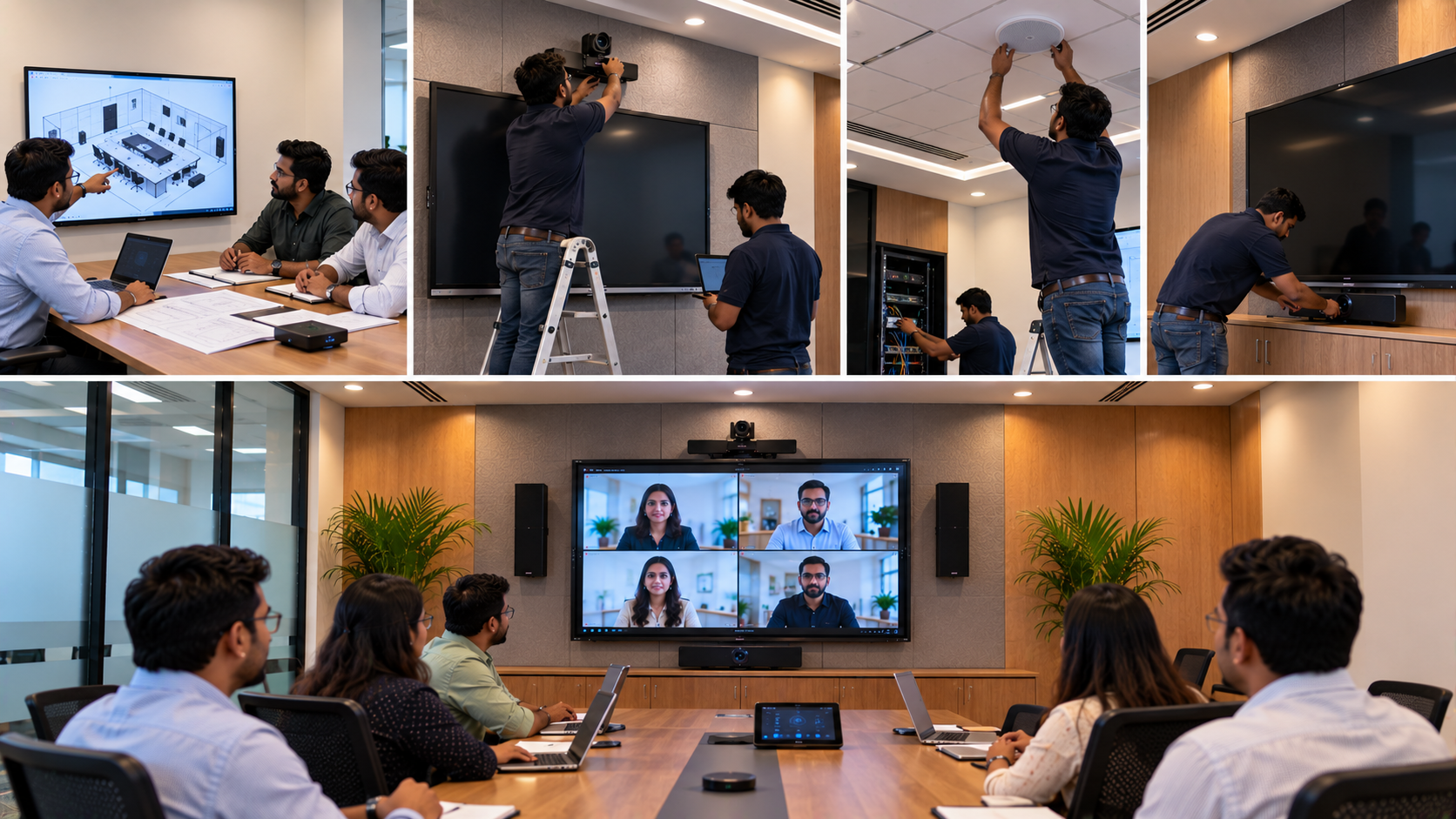
Before the installation is considered complete, ask the vendor to conduct a full demonstration.
A useful installation checklist includes:
|
Installation Area |
What Vendor Should Test |
|---|---|
|
Interactive Panel |
Touch, display, HDMI, USB and annotation |
|
PTZ Camera |
Pan, tilt, zoom, framing and software |
|
Microphone |
Voice clarity, levels and connectivity |
|
Speakers |
Coverage, volume and feedback |
|
Network |
Internet and device connectivity |
|
Capture Device |
Video input and computer recognition |
|
Software |
Drivers and required applications |
|
Hybrid Setup |
Camera + audio + display + meeting platform |
|
User Experience |
Basic operation and controls |
GoLive's installation methodology focuses on the complete workflow rather than treating every device as an isolated purchase.
8. User Training Should Be Part of the Handover
A good installation should leave users confident—not dependent on the installer for every small task.
The vendor should ideally explain:
How to switch inputs
How to use the interactive board
How to annotate
How to connect a laptop
How to operate the PTZ camera
How to use microphones
How to start a hybrid meeting
How to use basic troubleshooting steps
How to contact technical support
GoLive positions training and technical assistance as part of its broader deployment and support approach.
9. What About Pricing?
When comparing Evota Smart Board price, Newline Smart Board price, MAXHUB Smart Board price in India or LG Interactive Digital Board price in India, avoid looking only at the hardware price.
The actual project investment can depend on:
Display size
Camera specifications
Mounting requirements
Audio equipment
Cabling
Installation complexity
Software
Accessories
Network requirements
Training and support
For example, searches such as Evota digital board price, Evota 4K PTZ camera price, Newline interactive panel price in India, MAXHUB digital board price in India or LG interactive panel price are useful starting points, but the final quotation should reflect the complete solution.
There is no one-size-fits-all installation price. Ask for a configuration based on your room, application and requirements.
10. Final Technology Installation Checklist
Before signing off on an installation, confirm that your vendor has covered:
Site assessment
Product selection
Mounting and installation
Electrical and connectivity requirements
Cable management
Display configuration
PTZ camera setup
Audio and microphone setup
Software configuration
Integration testing
User training
Documentation
Warranty/support information
Post-installation assistance
Why Choose GoLive eTechnologies?
Technology should make work easier—not create another operational headache.
GoLive eTechnologies provides an end-to-end technology approach covering selection, installation, deployment, training and support across interactive displays, PTZ cameras, digital boards, classroom technology and AV solutions.
From an Evota Smart Board or Evota Interactive Panel to a MAXHUB Digital Board, Newline Interactive Panel, LG Interactive Digital Board or Evota 4K PTZ Camera, GoLive helps customers build solutions around their actual requirements.
Whether you are setting up a smart classroom in Delhi NCR, a coaching centre in Noida, a corporate training room in Gurgaon, or an online teaching studio anywhere in India, the objective remains the same:
Right solution + fast deployment + installation + support.
Ready to Install Technology That Works?
Explore GoLive eTechnologies for interactive panels, digital boards, PTZ cameras, classroom solutions and complete AV installation support.
Technology that works, backed by people who help.
Your email address will not be published. Required fields are marked *

By Inhype • September 12, 2026
A smart classroom is only as effective as the technology supporting it. Interactive panels, smart boards, PTZ cameras, microphones, speakers, PCs and
Read More
By Inhype • September 12, 2026
Higher education is rapidly moving beyond traditional chalkboards and projectors. Today, colleges and universities need technology that supports inter
Read More
By Inhype • September 12, 2026
A smart classroom for CBSE schools is no longer simply a classroom with a digital board. Modern schools are building connected learning environments t
Read More
By Inhype • September 12, 2026
Planning a smart classroom project for 10, 20 or even 50 classrooms requires more than simply purchasing digital boards. Schools, colleges, universiti
Read More
By Inhype • September 12, 2026
A smart classroom can transform the way teachers explain concepts, students interact with lessons, and institutions deliver digital education. From in
Read More




Golive eTechnologies India Private Limited (CIN - U31909UP2021PTC148242) is one of India's leading providers of smart classrooms, interactive boards, video conferencing solutions, and display technologies for the education, healthcare, corporate, and government sectors.

















No comments yet. Be the first to comment!