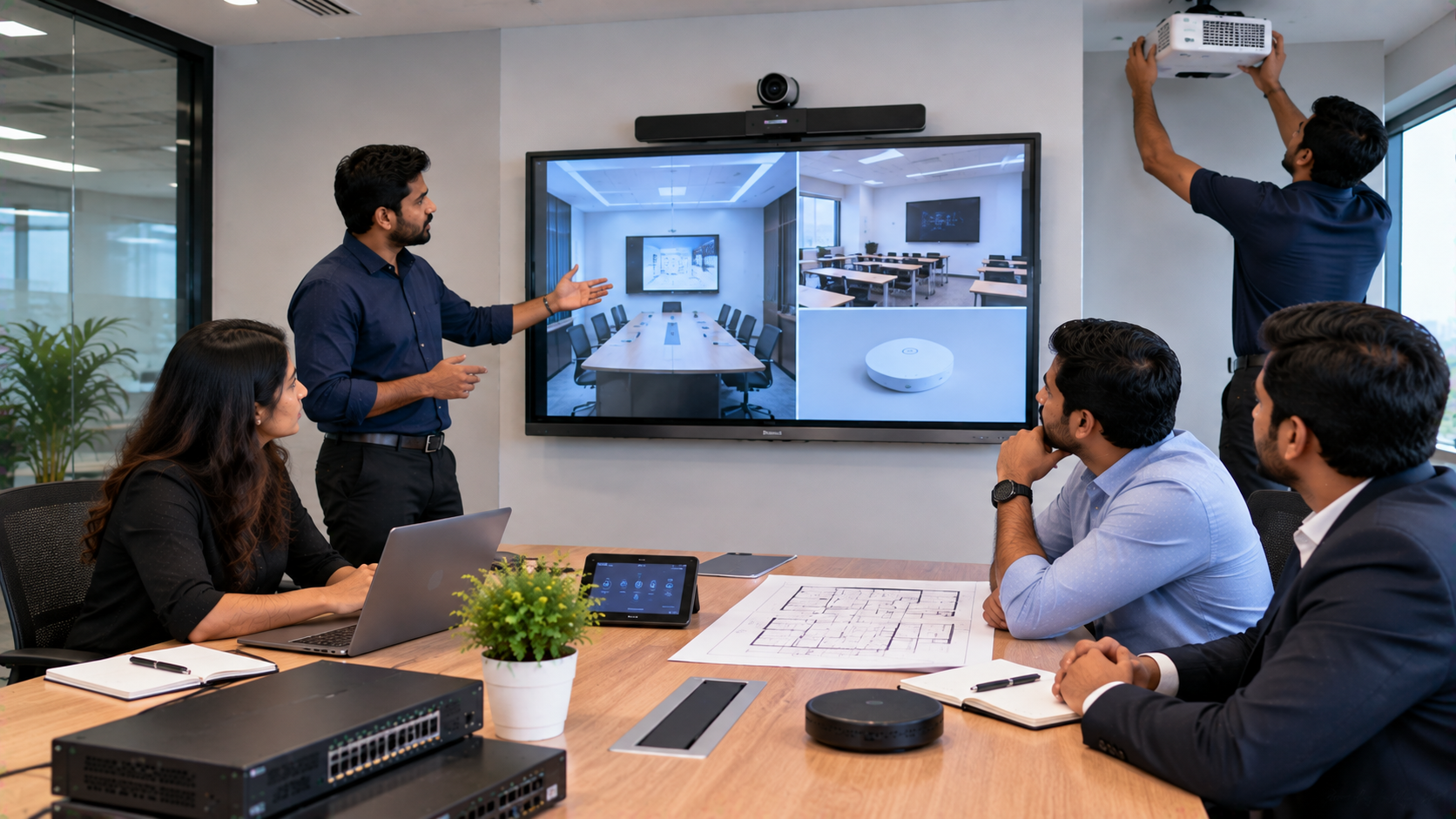
Buying an interactive display, PTZ camera, smart classroom solution or corporate AV system is only one part of a successful technology project. The bigger question is: who makes sure all those components work together after the purchase? A true technology integration partner should help you move from product selection to a dependable, ready-to-use environment. For schools, colleges, coaching centres and corporate offices across India, that means selecting compatible equipment, planning the room, completing installation, configuring the system, training users and providing support after deployment. At GoLive eTechnologies, the promise is simple: Technology that works, backed by people who help.
Expect Need-Based Technology Selection
A technology integration partner should first understand your use case, room size, number of users, connectivity, content workflow and budget.
A school may need an Evota Smart Board or Evota Interactive Panel for digital teaching, while a corporate training room may require an interactive flat panel display with a PTZ camera, microphone, speakers and an OPS PC. A coaching centre may need a digital board for teaching, a writing pad for PC use and an online teaching setup for recording and hybrid classes.
The goal is not to sell the most expensive device. It is to recommend the right solution for the environment.
GoLive eTechnologies works across interactive displays and AV categories, including Evota, MAXHUB, Newline and LG options, together with PTZ cameras, OPS Mini PCs, microphones, speakers and accessories.
Expect Complete Technology Compatibility
Individual devices may work separately but still fail to perform smoothly as a system. Before purchase, your integration partner should check:
Display and OPS/PC compatibility
HDMI, USB, LAN and wireless connectivity
Camera, microphone and speaker integration
Video capture and software requirements
Cable routing, power and network readiness
For a hybrid classroom, for example, an Evota Smart Board can be paired with an Evota 4K PTZ Camera, audio equipment, computing and appropriate connectivity rather than treating every component as a separate purchase.
Expect Professional Installation and Configuration
Installation is more than mounting a screen on a wall.
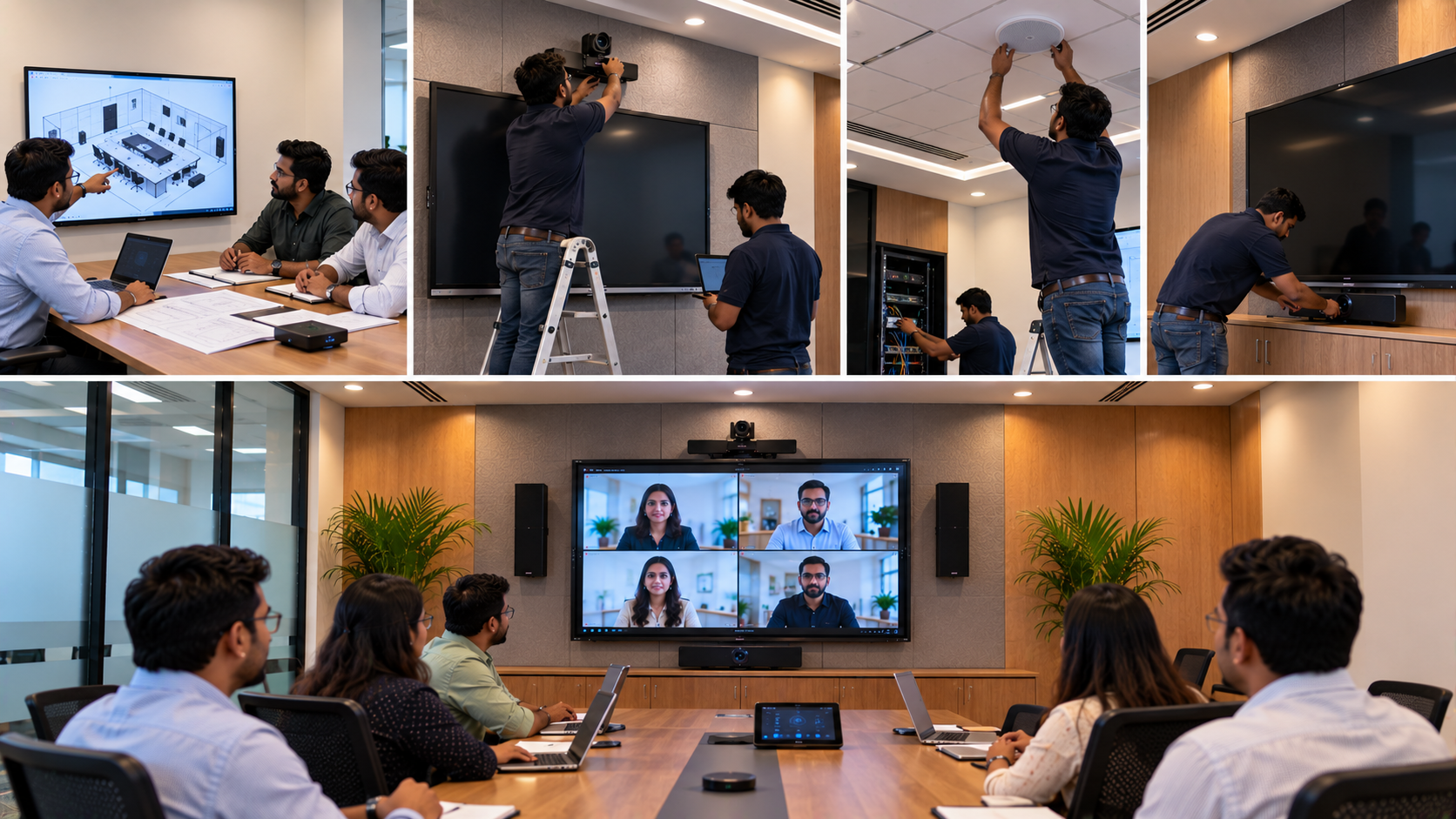
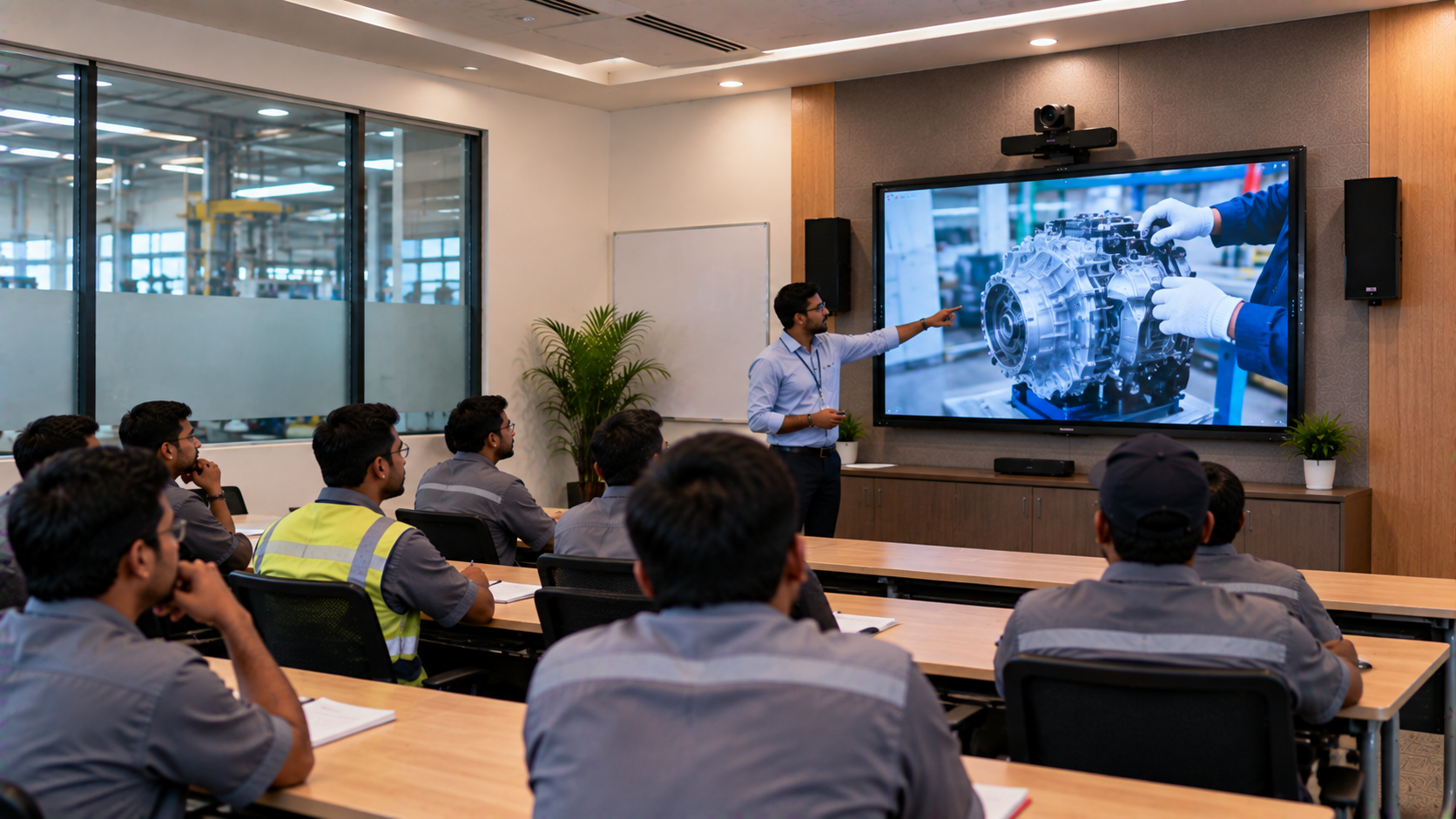
A technology integration partner should consider viewing height, camera field of view, microphone and speaker placement, cable management, network connectivity, display settings and system configuration. GoLive’s published installation approach covers installation, configuration, testing, training and post-installation assistance.
This is especially important for smart classrooms, boardrooms, training rooms and hybrid classrooms where technical problems can interrupt teaching, meetings and presentations.
Expect Testing Before Handover
A project should not be considered complete just because the equipment powers on.
Before handover, test:
Touch, annotation and writing
Display and resolution
Camera framing, PTZ controls and video output
Microphone pickup and speaker coverage
HDMI, USB and wireless sharing
Online meeting or recording workflow
Basic user controls and troubleshooting
GoLive’s current catalogue includes the Evota EP75 75-inch 4K interactive display, Evota C12HULT 4K UHD PTZ camera, and OPS Mini PC options, supporting integrated classroom and meeting-room configurations.
Expect Training and a Proper Handover
Technology creates value only when teachers, employees and administrators can use it confidently.
A good integration partner should explain how to operate the digital board, annotate, share screens, connect a laptop, control the PTZ camera, use microphones and speakers, start online sessions and perform basic troubleshooting.
GoLive positions training and assistance as part of its broader deployment and support approach.
For schools, this reduces the learning curve for teachers. For corporates, it helps teams use meeting and training spaces without depending on a technician for every basic task.
Expect Support Beyond the Sale
A technology partner should remain useful after the invoice is generated.
Ask what happens when a display loses connectivity, a PTZ camera needs troubleshooting, an accessory stops responding, or a setup requires a change.
GoLive provides a service-request channel and publishes service/support contact details, reflecting an ongoing support pathway.
This matters because technology cost is not only the purchase price. Installation, configuration, training, troubleshooting and coordination also affect the total ownership experience.
Technology Vendor vs Technology Integration Partner
|
Product-Only Purchase |
Integration Partner Approach |
|---|---|
|
Focuses mainly on device price |
Looks at the complete solution |
|
Customer coordinates separate vendors |
One partner coordinates the workflow |
|
Compatibility can become a customer problem |
Compatibility is checked before deployment |
|
Training may be overlooked |
Handover and user training are planned |
|
Support can involve multiple contacts |
Clearer post-sale support pathway |
Expect Pricing That Reflects the Complete Solution
When comparing digital board price in India, Evota Smart Board price, Newline Interactive Panel price in India, MAXHUB Smart Board price in India or LG Interactive Digital Board price, do not compare the display alone.
Consider:
Product + size + computing + camera + audio + mounting + installation + support
A 75-inch interactive panel may suit one training room, while an 86-inch display may be more appropriate for a larger classroom. A corporate room may also require a PTZ camera and conference audio.
GoLive publishes live prices for selected products, while larger or customized deployments can be evaluated around intended use and configuration.
Expect One Accountable Partner
The biggest advantage of an integration partner is coordination. Instead of separately sourcing an interactive panel, PTZ camera, microphone, speakers, OPS computer, HDMI capture device and accessories, the environment can be planned around how people will actually use it.
GoLive eTechnologies supports education and corporate use cases including smart classrooms, training rooms, meeting spaces and online teaching environments, with products across interactive displays, cameras, computing and AV equipment.
Whether you are upgrading a school in Delhi NCR, setting up a coaching centre in Noida, building a corporate training room in Gurugram or deploying technology elsewhere in India, the expectation should remain the same:
Right solution + fast deployment + installation + support.
Why GoLive eTechnologies?
From an Evota Smart Board, Evota Interactive Panel or MAXHUB Digital Board to a Newline Interactive Panel, LG Interactive Digital Board, Evota 4K PTZ Camera, OPS PC and AV accessories, GoLive helps customers build technology environments around their requirements.
GoLive eTechnologies India Private Limited presents its service experience around care, consultation and delivery, while its published customer-feedback messaging highlights service, support, fast delivery, installation, training and assistance.
The result is more than a product delivery. It is a supported technology experience built around less technology headache and more confidence that everything will work.
Final Takeaway
A technology integration partner should provide consultation, compatibility planning, installation, configuration, testing, training and ongoing assistance.
That is the difference between buying technology and deploying technology successfully.
Technology that works, backed by people who help.
Ready to plan your next smart classroom, corporate AV or interactive display setup? Explore GoLive eTechnologies products and solutions or speak with the team about selection, installation and support.a
Your email address will not be published. Required fields are marked *

By Inhype • September 12, 2026
A smart classroom is only as effective as the technology supporting it. Interactive panels, smart boards, PTZ cameras, microphones, speakers, PCs and
Read More
By Inhype • September 12, 2026
Higher education is rapidly moving beyond traditional chalkboards and projectors. Today, colleges and universities need technology that supports inter
Read More
By Inhype • September 12, 2026
A smart classroom for CBSE schools is no longer simply a classroom with a digital board. Modern schools are building connected learning environments t
Read More
By Inhype • September 12, 2026
Planning a smart classroom project for 10, 20 or even 50 classrooms requires more than simply purchasing digital boards. Schools, colleges, universiti
Read More
By Inhype • September 12, 2026
A smart classroom can transform the way teachers explain concepts, students interact with lessons, and institutions deliver digital education. From in
Read More




Golive eTechnologies India Private Limited (CIN - U31909UP2021PTC148242) is one of India's leading providers of smart classrooms, interactive boards, video conferencing solutions, and display technologies for the education, healthcare, corporate, and government sectors.

















No comments yet. Be the first to comment!