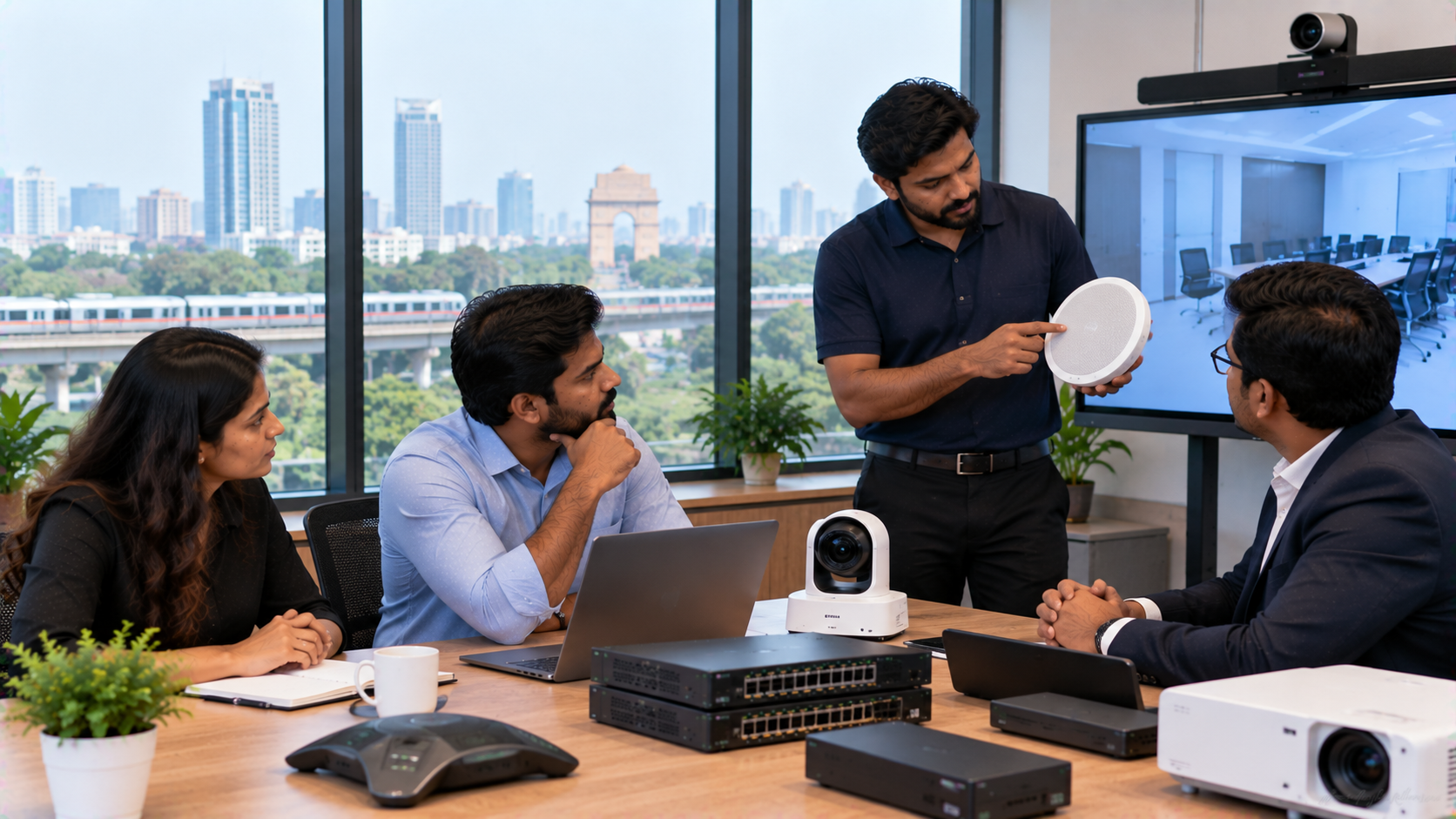
Choosing technology for a school, coaching centre, office, boardroom or training facility is only one part of the project. The bigger decision is selecting a technology solutions provider who can help you choose the right equipment, deploy it correctly, train users and support the system after installation. In Delhi NCR, where schools, universities, corporates, government offices and growing businesses are investing in interactive displays, video conferencing and smart classroom technology, the right provider should be more than a product seller. You need a partner who understands your space, use case, budget and day-to-day operational needs.
1. Choose a Technology Provider Based on Your Use Case
Start with the problem you want technology to solve. A school may need interactive panels for teaching and PTZ cameras for lecture recording. A corporate team may need a complete meeting room setup, including a display, camera, microphone and speakers.
A capable provider should map requirements before recommending models.
For example:
Classrooms: interactive flat panels, OPS PCs and teaching accessories
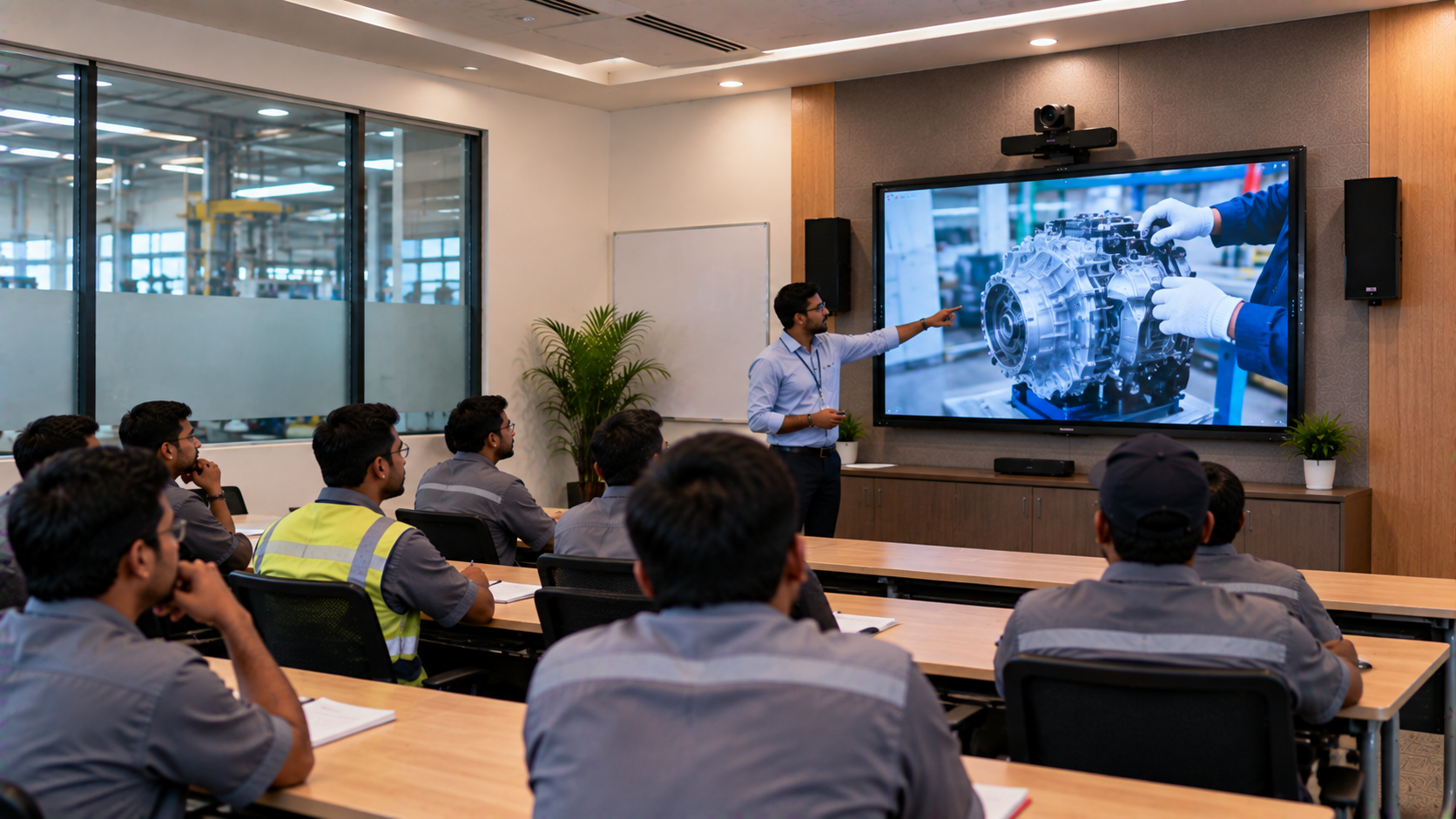
Training rooms: interactive panel, PTZ camera and wireless microphone
Boardrooms: large display, PTZ camera, conference audio and connectivity
Online teaching studios: board, camera, microphone, lighting and capture equipment
This helps prevent purchases that do not fit the room or workflow.
2. Look for a Wide Range of Interactive Panels and AV Products
A technology solutions provider should give you access to multiple categories and brands instead of forcing one product into every application.
GoLive eTechnologies offers a technology ecosystem covering interactive flat panels, digital boards, PTZ cameras, microphones, commercial displays, OPS Mini PCs, speakers and presentation equipment. This makes it easier to build a complete solution instead of sourcing unrelated components from several vendors.
For schools and coaching centres, an Evota interactive panel or Evota smart board can support teaching and collaboration. Organisations can also compare MAXHUB smart board and LG interactive panel options by room size, software ecosystem and budget.
3. Compare Features, Not Just Digital Board Price
Searching for “digital board price in India” is a useful starting point, but price alone does not tell you whether a product is suitable.
When comparing an Evota smart board 75 inch price, MAXHUB smart board price, LG interactive digital board price in India, or another interactive panel price, consider:
|
Factor |
What to check |
|---|---|
|
Display size |
65, 75 or 86 inch based on viewing distance |
|
Resolution |
4K for detailed teaching and presentations |
|
Touch experience |
Smooth writing, annotation and multi-touch |
|
Operating system |
App support and long-term usability |
|
Connectivity |
HDMI, USB, wireless casting and networking |
|
PC integration |
OPS compatibility for Windows workflows |
|
Service |
Installation, training and post-sale assistance |
A lower purchase price can become expensive when setup or support problems cause disruption. Searches for a Newline interactive panel price in India or similar models should still be treated as a starting point, not the sole buying criterion.
4. Evaluate Installation, Integration and Training
This is one of the most important selection criteria. Interactive displays, PTZ cameras and conference systems are not plug-and-play in every environment.
Ask whether the provider will support:
Site and room assessment
Mounting and installation
Wiring and connectivity planning
Camera positioning and configuration
OPS Mini PC integration
User training
Testing and handover
Post-installation troubleshooting
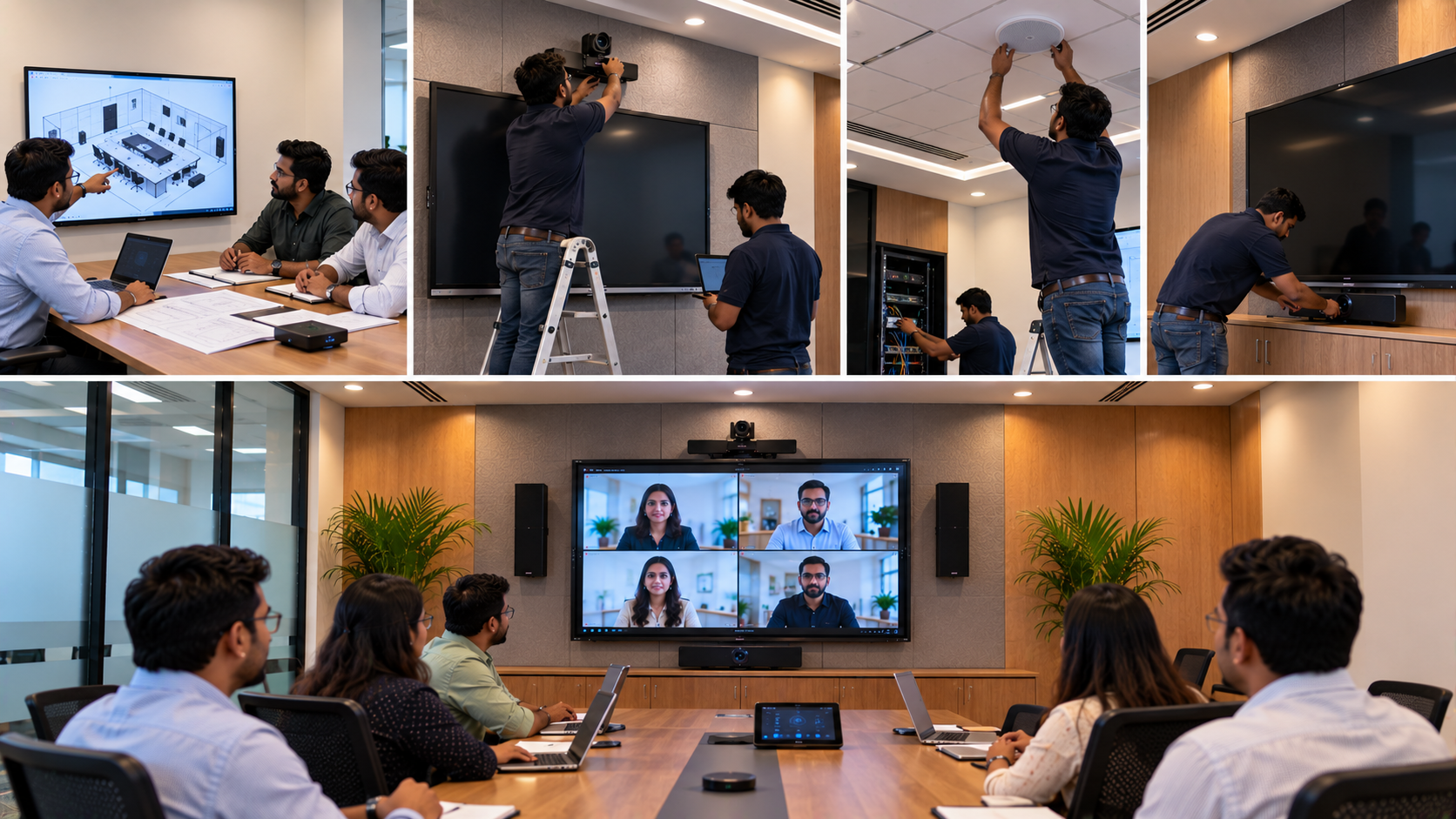
GoLive eTechnologies follows an end-to-end approach covering solution selection, room planning, installation, training and ongoing support. For a school in Noida or Ghaziabad, or an office in Gurugram or Delhi, one coordinated team can simplify deployment.
5. Check After-Sales Support Before You Buy
A technology provider should be judged not only by what happens before the sale, but also by what happens when something stops working.
Ask practical questions:
Who do I contact for a service request?
Is phone or remote assistance available?
Is user training included?
How are installation issues handled?
What support is available after deployment?
Can the same provider support additional rooms later?
GoLive eTechnologies India Private Limited builds its offering around service, installation, training, feedback and ongoing assistance. A dedicated service-request process also gives customers a structured route when support is required.
The goal is simple: Technology that works, backed by people who help.
6. Check Local Reach Across Delhi NCR and India
Local support matters when an installation involves physical equipment. A Delhi NCR buyer may need coordination across Delhi, Noida, Gurugram, Ghaziabad or Faridabad, while multi-location organisations may need consistent procurement and deployment across India.
Before placing an order, confirm:
Delivery coverage to your location
Installation availability
Expected deployment timeline
Service contact details
Warranty and return terms
Availability of replacement accessories or add-ons
Local deployment plus wider India support is useful for schools, coaching networks, offices and multi-site institutions.
7. Select Solutions That Can Scale With You
Technology purchases should not be designed only for today's requirement. Consider how the room may be used two or three years from now.
For example, a classroom that starts with an interactive panel may later need lecture recording, hybrid teaching or remote guest sessions. A corporate training room may later require video conferencing, better audio or a larger display.
This is where a technology provider adds value: recommending a right-sized solution that can expand without requiring a complete replacement.
Why Consider GoLive eTechnologies for Delhi NCR Technology Solutions?
GoLive eTechnologies focuses on the complete technology journey—not only the product. Its solution portfolio includes interactive panels, digital boards, PTZ cameras, commercial displays, OPS Mini PCs, microphones, speakers and studio/presentation equipment.
The customer benefit is straightforward: less technology headache and more confidence that everything will work.
For businesses and educational institutions, that can mean:
Right solution for the room and use case
Fast deployment and professional installation
Training and setup assistance
Choices across major technology categories
Ongoing support after installation
Whether you are comparing an Evota digital board, an Evota 4K PTZ camera, a MAXHUB digital board, an LG interactive panel or a complete online teaching setup, the right provider should help you make the decision based on fit, not just on a search result.
Final Checklist Before Choosing a Technology Solutions Provider
Before placing your order, ask five questions:
Does the provider understand my use case?
Can they supply and integrate the components I need?
Do they provide installation, testing and training?
Is pricing clear for the full configuration?
Is there a support channel after deployment?
When these questions are addressed clearly, you are looking beyond a transaction and choosing a technology partner.
Get the Right Technology Solution in Delhi NCR
GoLive eTechnologies helps schools, corporates, institutions and other organisations move from product selection to deployment with a complete, people-backed approach.
Explore interactive panels, digital boards, PTZ cameras, OPS PCs, microphones and AV solutions at GoLive eTechnologies and choose the right technology for your space, budget and application.
Your email address will not be published. Required fields are marked *

By Inhype • September 12, 2026
A smart classroom is only as effective as the technology supporting it. Interactive panels, smart boards, PTZ cameras, microphones, speakers, PCs and
Read More
By Inhype • September 12, 2026
Higher education is rapidly moving beyond traditional chalkboards and projectors. Today, colleges and universities need technology that supports inter
Read More
By Inhype • September 12, 2026
A smart classroom for CBSE schools is no longer simply a classroom with a digital board. Modern schools are building connected learning environments t
Read More
By Inhype • September 12, 2026
Planning a smart classroom project for 10, 20 or even 50 classrooms requires more than simply purchasing digital boards. Schools, colleges, universiti
Read More
By Inhype • September 12, 2026
A smart classroom can transform the way teachers explain concepts, students interact with lessons, and institutions deliver digital education. From in
Read More




Golive eTechnologies India Private Limited (CIN - U31909UP2021PTC148242) is one of India's leading providers of smart classrooms, interactive boards, video conferencing solutions, and display technologies for the education, healthcare, corporate, and government sectors.

















No comments yet. Be the first to comment!