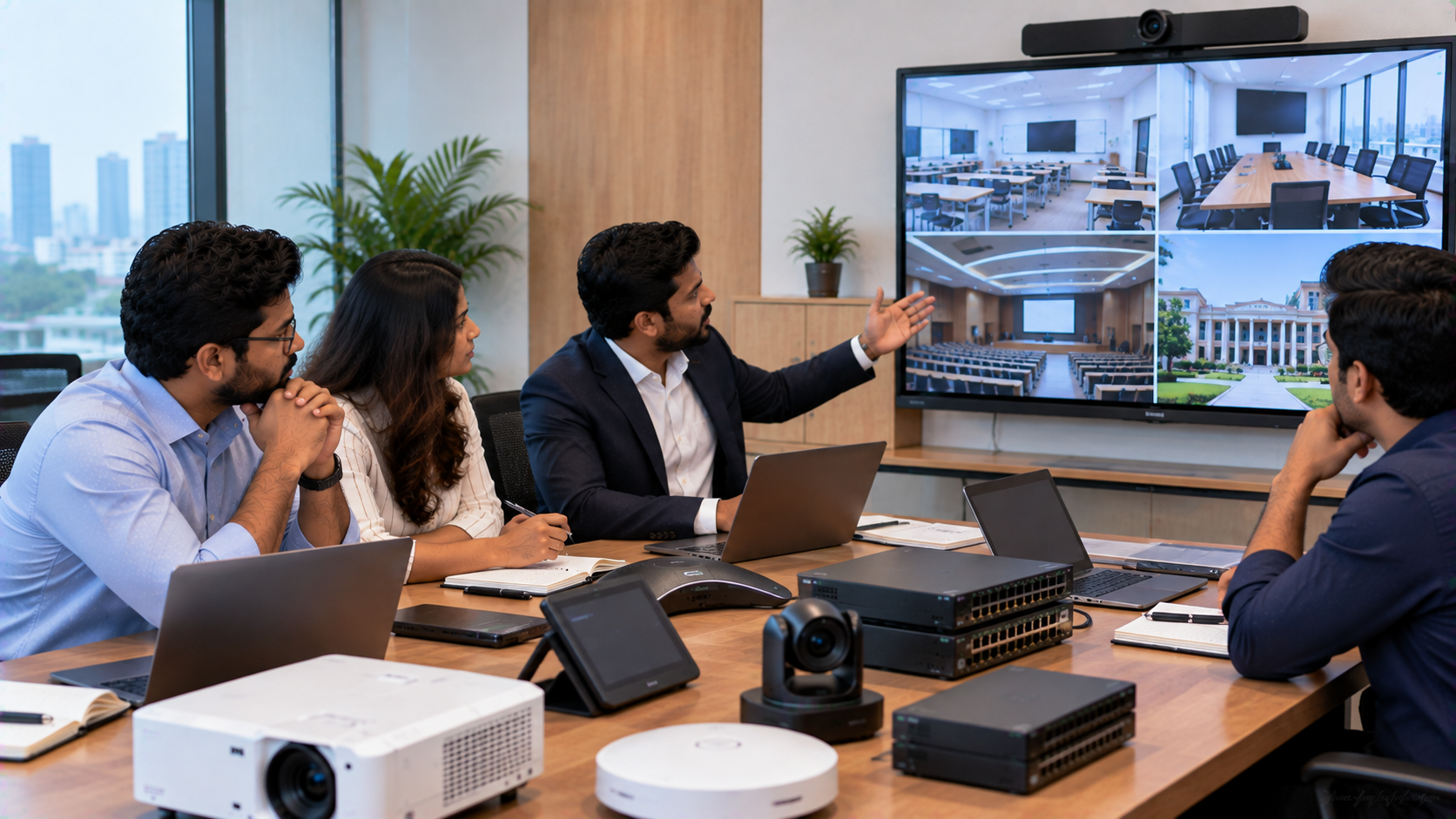
Choosing technology for a school, corporate office, training centre, government organisation or new facility is rarely just about buying a product. A successful project depends on selecting the right equipment, ensuring compatibility, managing installation, completing configuration and having reliable support after deployment. That is why choosing the right technology solutions provider in India is as important as choosing the right technology. From an Evota Smart Board and interactive flat panel to a 4K PTZ camera, OPS PC, microphone or complete AV setup, your technology partner should understand the complete application—not simply quote individual products. GoLive eTechnologies follows an end-to-end approach covering selection, supply, installation, deployment, training and support, helping customers reduce technology headaches and have greater confidence in their setup.
What Does a Technology Solutions Provider in India Do?
A technology solutions provider connects your business or institution's requirements with the appropriate hardware, software, AV equipment and deployment services.
Instead of asking only, “What is the digital board price?”, an experienced technology partner should help answer:
Which screen size is appropriate for the room?
Do you need an interactive panel or a conventional display?
Is an OPS PC required?
How should the camera, microphone and speakers integrate?
What installation and mounting requirements exist?
What training will users need?
What support is available after installation?
What is the total project cost rather than just the hardware cost?
This project-oriented approach is particularly useful for smart classrooms, hybrid classrooms, boardrooms, conference rooms, online teaching setups and corporate training spaces.
8-Point Checklist for Choosing the Right Technology Partner
1. Start With Your Project Requirement
The right provider should first understand the use case.
For a school, the requirement may be a digital board for teaching, interactive panel, teacher microphone, camera and classroom speakers. A corporate customer may need an interactive display, PTZ camera, conference microphone, speakers and a dedicated computing solution.
Ask the provider to recommend equipment based on:
Room size + viewing distance + number of users + application + connectivity + budget + future expansion
This prevents overbuying and helps create a practical technology environment.
2. Check the Product Portfolio
A capable partner should offer multiple categories rather than forcing one product for every requirement.
GoLive eTechnologies currently lists interactive flat panels, digital boards, microphones, commercial displays, PC/OPS Mini PCs, PTZ cameras, AV accessories, ceiling speakers and studio/presentation lighting.
Depending on the application, buyers can evaluate solutions such as:
|
Requirement |
Example GoLive Solution |
|---|---|
|
Smart classroom |
Evota Interactive Panel / interactive display |
|
Digital teaching |
Evota Smart Board |
|
Hybrid teaching |
Evota 4K PTZ Camera |
|
Corporate video conferencing |
MAXHUB PTZ camera |
|
Dedicated computing |
Intel Core i5 OPS Mini PC |
|
Teaching/recording |
PTZ camera + microphone + display + lighting |
The objective should be solution fit, not simply selecting the most expensive device.
3. Evaluate Compatibility and Integration
Individual products may work correctly on their own but still create problems when connected as a complete system.
Before purchasing, confirm compatibility between:
Interactive panel and OPS/PC
HDMI, USB, LAN and wireless connectivity
PTZ camera and conferencing software
Microphone and speaker system
Video capture hardware and software
Display, mounting hardware and room infrastructure
GoLive's own technology-integration guidance highlights display, camera, audio, computing, connectivity and software compatibility as key parts of a successful setup.
4. Ask About Installation and Deployment
Installation is often where the real difference between a product seller and a technology partner becomes visible.
A professional deployment can involve:
Site assessment → mounting → cabling → configuration → testing → commissioning → user training
For example, an interactive panel may require proper wall strength, mounting height, power points, cable routing and viewing-distance planning. A PTZ camera also requires correct mounting position, coverage and connectivity.
GoLive offers installation support for applicable IFP and video-conferencing solutions, with demo and training support available for selected solutions.
5. Compare Total Cost, Not Just Product Price
Searches such as Evota digital board price, Newline smart board price, MAXHUB smart board price, LG interactive digital board price India and interactive panel price can help buyers research the market.
However, the lowest headline price does not always represent the lowest project cost.
Compare:
|
Cost Area |
What to Check |
|---|---|
|
Hardware |
Exact model, size and specification |
|
Accessories |
Pens, mounts, cables and adapters |
|
Computing |
Built-in system or OPS/PC requirement |
|
Installation |
Included or separately quoted |
|
Configuration |
Setup and testing responsibility |
|
Training |
Included, optional or unavailable |
|
Support |
Remote, on-site or manufacturer support |
|
Warranty |
Coverage and applicable conditions |
GoLive's current catalogue, for example, lists the Evota EP75 75-inch 4K UHD panel at ₹92,700, the Evota C12HULT 4K PTZ camera at ₹51,000, the MAXHUB UC P25 4K PTZ camera at ₹58,200, and an Intel Core i5 12th Gen OPS PC at ₹27,000 at the time of verification. Prices and availability can change, so the product page or quotation should be treated as the final commercial reference.
6. Check Delivery and Availability
For projects involving multiple classrooms, offices or branches, delivery coordination can affect the deployment schedule.
Before ordering, confirm:
Stock availability
Expected dispatch time
Delivery location
Installation schedule
Quantity availability for larger projects
Tracking and documentation
GoLive currently states that it provides standard shipping within India, with delivery estimates varying according to location.
For buyers in Delhi NCR, Noida, Ghaziabad and Gurugram, local project coordination and installation support can be particularly useful when a technology rollout requires site visits or commissioning.
7. Look Beyond the Purchase
A technology project does not end when the product reaches your premises.
Ask what happens after installation.
A good technology partner should provide clear information about:
Training + troubleshooting + service escalation + warranty process + documentation + ongoing assistance
GoLive's published service proposition focuses on technology that works, backed by people who help, with support extending beyond selection and purchase.
8. Review Experience, Feedback and Transparency
Before choosing a provider, examine:
Customer reviews and product ratings
Product specifications
Installation terms
Warranty conditions
Return policy
Shipping information
Contact details
Availability of technical assistance
GoLive's website states that reviews and ratings are available on individual product pages, while its published customer-feedback messaging highlights areas including service, support, fast delivery, installation, training and assistance.
Why an End-to-End Technology Partner Matters
A conventional purchase focuses mainly on the product.
An end-to-end technology partner considers the complete project.
|
Product-Focused Purchase |
Solution-Focused Approach |
|---|---|
|
Product selection |
Requirement analysis |
|
Hardware price |
Total project value |
|
Delivery |
Delivery + deployment planning |
|
Installation may be separate |
Installation coordination |
|
User figures out operation |
Training and handover |
|
Multiple support contacts |
Defined support pathway |
This approach is especially valuable when several components need to function together.
For example, a smart classroom might combine an Evota Smart Board, Evota Interactive Panel, OPS PC, writing pad for PC, PTZ camera, microphone and speakers. A corporate room may combine an interactive display, MAXHUB Smart Board, PTZ camera, conferencing audio and dedicated computing.
Build Your Technology Project With GoLive eTechnologies
Golive eTechnologies India Private Limited serves education, corporate and other organisational technology requirements with a portfolio spanning smart classrooms, interactive boards, video conferencing and display technologies.
The GoLive approach is built around a simple promise:
Technology that works, backed by people who help.
From choosing the right Evota digital board or Evota 75 inch interactive panel to evaluating PTZ cameras, OPS PCs, microphones, speakers and accessories, customers can build a complete solution around their actual environment.
The result is more than a technology purchase:
Right solution + fast deployment + installation + support = less technology headache and more peace of mind.
Whether you are upgrading a school in Delhi NCR, setting up a corporate meeting room in Gurugram, modernising a coaching centre in Noida or planning a technology rollout anywhere in India, choose a partner that stays involved from selection to deployment and beyond.
Final CTA
Ready to choose the right technology solution for your project? Explore interactive panels, digital boards, PTZ cameras, OPS PCs and AV solutions at GoLive eTechnologies, or contact the team for product selection, installation and deployment assistance.
Your email address will not be published. Required fields are marked *

By Inhype • September 12, 2026
A smart classroom is only as effective as the technology supporting it. Interactive panels, smart boards, PTZ cameras, microphones, speakers, PCs and
Read More
By Inhype • September 12, 2026
Higher education is rapidly moving beyond traditional chalkboards and projectors. Today, colleges and universities need technology that supports inter
Read More
By Inhype • September 12, 2026
A smart classroom for CBSE schools is no longer simply a classroom with a digital board. Modern schools are building connected learning environments t
Read More
By Inhype • September 12, 2026
Planning a smart classroom project for 10, 20 or even 50 classrooms requires more than simply purchasing digital boards. Schools, colleges, universiti
Read More
By Inhype • September 12, 2026
A smart classroom can transform the way teachers explain concepts, students interact with lessons, and institutions deliver digital education. From in
Read More




Golive eTechnologies India Private Limited (CIN - U31909UP2021PTC148242) is one of India's leading providers of smart classrooms, interactive boards, video conferencing solutions, and display technologies for the education, healthcare, corporate, and government sectors.





















No comments yet. Be the first to comment!