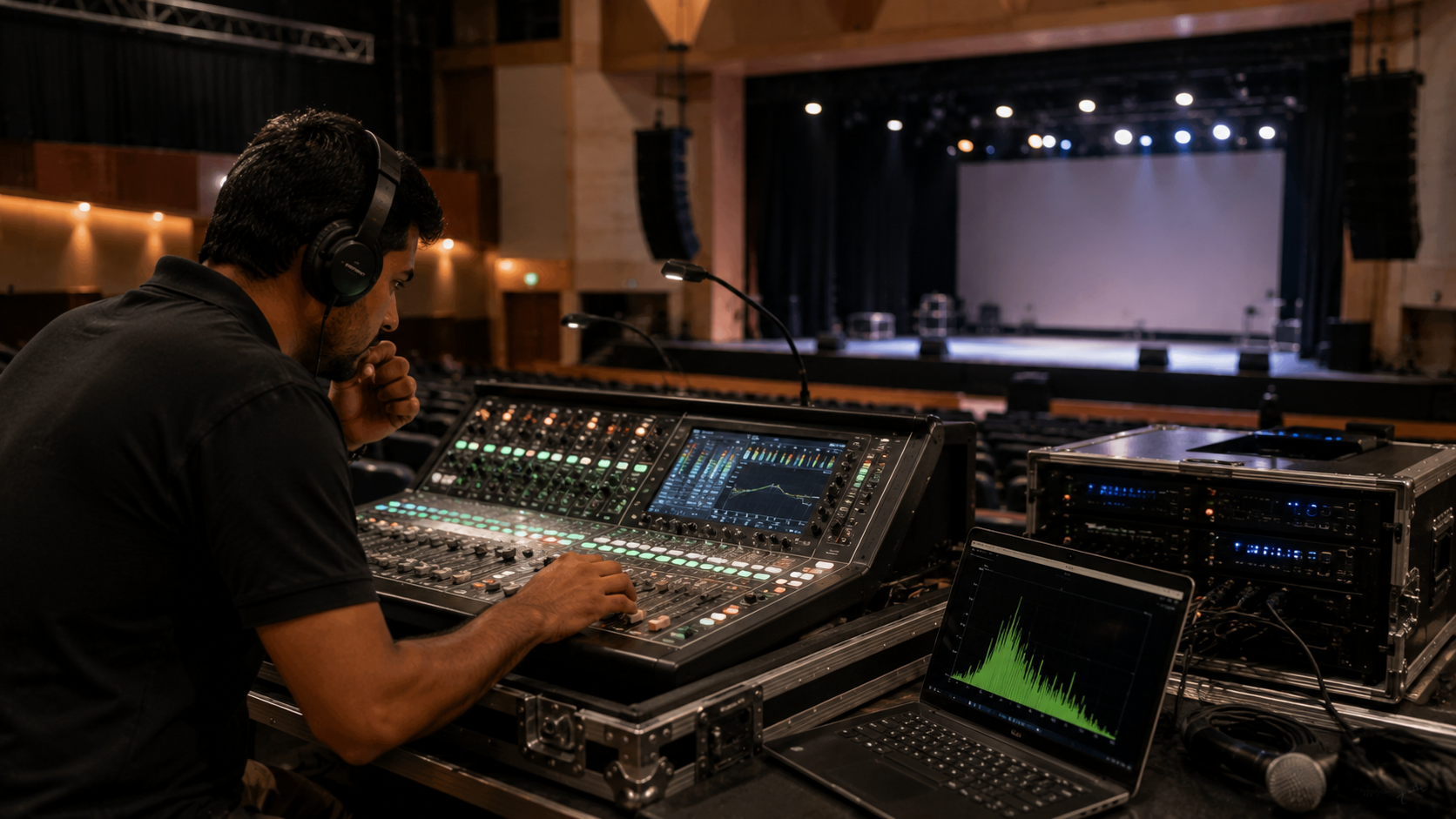
A successful conference, seminar, college event, corporate presentation, hybrid class, webinar, or live-streamed programme depends on more than good visuals. Clear, consistent audio is essential for keeping an audience engaged. Microphone feedback, low volume, distorted sound, unwanted noise, echo, and connectivity problems can quickly turn a professional event into a frustrating experience. Whether you are setting up a conference room speaker and microphone, wireless microphone system, PTZ camera, mixer, amplifier, or complete event setup, testing your audio equipment before the audience arrives can prevent most common problems. This troubleshooting guide explains how to identify and fix common audio issues before a big venue event—and how the right equipment from GoLive eTechnologies can help create a reliable AV setup.
Why Audio Testing Matters Before a Venue Event
Large venues create unique audio challenges. High ceilings, hard walls, large seating areas, multiple microphones, speakers positioned at different distances, and wireless equipment can all affect sound quality.
Before the event, test:
Microphone clarity and volume
Speaker output
Mixer and amplifier settings
Wireless microphone connectivity
HDMI and AV connections
Camera and audio synchronization
Echo and room reflections
Background and electrical noise
Audio levels for recording or live streaming
For schools, colleges, coaching centres, hotels, auditoriums, offices, and corporate venues, a structured sound check is one of the easiest ways to reduce last-minute technical problems.
Common Audio Problems and How to Fix Them
1. Microphone Feedback or Screeching Sound
The high-pitched squeal commonly known as microphone feedback occurs when sound from a speaker is picked up again by the microphone.
Quick fixes:
Move the microphone away from the speaker.
Keep speakers in front of the microphone pickup area.
Reduce microphone gain.
Lower excessive mixer or amplifier levels.
Avoid pointing microphones directly towards speakers.
Check EQ settings for problematic frequencies.
For conferences, classrooms and large events, selecting the right wired microphone, wireless microphone, or conference microphone with speaker can significantly improve reliability.
2. Low Microphone Volume
If speakers cannot hear the presenter clearly, check the complete signal path rather than immediately increasing the master volume.
Check:
Microphone battery or power
Microphone connection
Mixer channel volume
Gain/input level
Amplifier level
Speaker connections
Mute settings
A quality microphone for teaching online, conference microphone, or professional wireless microphone should provide consistent audio when correctly configured.
3. Distorted or Clipping Audio
Distortion generally occurs when an audio signal is too strong for the system to handle.
Look for:
Red or peak indicators on the mixer
Excessive microphone gain
Extremely high amplifier input
Incorrect mixer settings
Poor-quality cables
Reduce the input gain first and then adjust the master output. Avoid solving every volume problem by simply increasing the amplifier level.
4. Background Noise and Humming
Buzzing, humming, fan noise, electrical interference and unwanted background sounds can reduce recording quality.
Try these steps:
Disconnect unnecessary audio devices.
Check cables and connectors.
Keep audio cables away from power cables where possible.
Test another power outlet.
Check for faulty adapters.
Use suitable audio interfaces or mixers.
Position microphones closer to the speaker.
For recorded lectures, podcasts and online classes, good microphone placement can make as much difference as the microphone itself.
5. Echo in Large Venues
Echo is particularly common in auditoriums, classrooms, halls and conference rooms with hard surfaces.
Possible solutions include:
Reduce microphone distance from the speaker.
Avoid excessive microphone gain.
Adjust speaker placement.
Use appropriate acoustic treatment.
Reduce unnecessary open microphones.
Use suitable digital mixing or audio-processing equipment.
If your venue is also being used for recording or streaming, test the sound both inside the venue and through the actual recording/streaming system.
6. Wireless Microphone Keeps Dropping
Wireless microphones can experience interruptions because of low battery, interference, distance or unsuitable positioning.
Before the event:
Install fresh or fully charged batteries.
Test the complete operating range.
Check transmitter and receiver connections.
Keep the receiver positioned appropriately.
Avoid unnecessary wireless devices near the receiver.
Conduct a complete rehearsal using the actual microphone.
For professional events, keeping a backup microphone ready is also recommended.
7. Audio and Video Are Out of Sync
If the presenter's voice does not match the video, check the complete video chain.
The issue can occur because of:
Camera processing delay
Video capture device latency
Computer processing
Streaming software settings
Mixer or audio-interface processing
Incorrect OBS settings
If you are using a PTZ camera for live streaming, lecture recording camera, capture card or HDMI video capture device, conduct a complete audio-video test before going live.
8. Audio Is Missing During Live Streaming
If your local speakers work but the online audience cannot hear anything, the issue may be in the computer or streaming setup.
Check:
Correct microphone input
Streaming software audio source
Mixer output
USB connection
Capture device settings
OBS audio meters
Browser/application permissions
Always conduct a private test stream before the actual event.
Quick Pre-Event Audio Checklist
|
Check |
What to Test |
|---|---|
|
Microphones |
Volume, clarity, batteries and connectivity |
|
Speakers |
Output, placement and distortion |
|
Mixer |
Gain, channel levels and EQ |
|
Amplifier |
Input/output levels |
|
Cables |
HDMI, USB, XLR and power connections |
|
Streaming |
OBS/audio input and monitoring |
|
Cameras |
Audio-video synchronization |
|
Backup |
Spare microphone, cables and batteries |
Recommended AV Equipment for Events
A professional venue setup may include:
Microphones
Choose wired, wireless, collar, headset or conference microphones according to the application.
For classrooms and presentations, a wireless mic for teachers or suitable headset microphone can provide presenter mobility. Corporate events may require multiple wireless microphones or a conference microphone system.
Speakers and Amplifiers
Large venues require appropriate speaker coverage rather than simply choosing the loudest speaker. Consider audience size, venue dimensions, speaker placement and amplifier compatibility.
Brands and products searched by Indian buyers include Ahuja speakers, Ahuja amplifiers and professional microphone systems.
Mixers and Audio Interfaces
An audio mixer allows you to control multiple microphones and audio sources. It can be particularly useful for conferences, panel discussions, live streaming and educational events.
PTZ Cameras
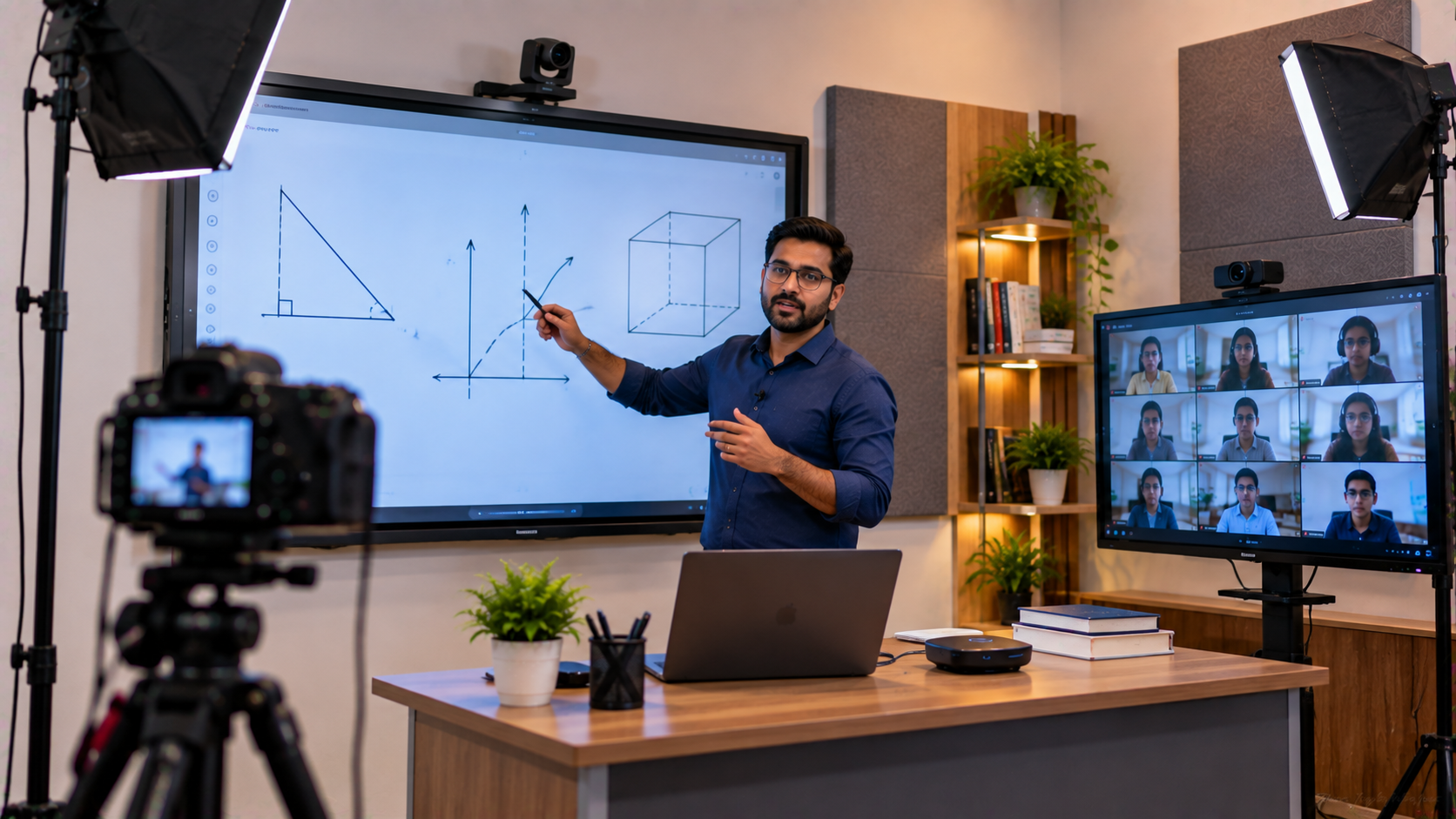
For hybrid events, a PTZ camera can combine professional video capture with remote pan, tilt and zoom functionality.
GoLive eTechnologies offers AV and education technology solutions that can be considered alongside products such as EVOTA 4K PTZ cameras, EVOTA 10X HD PTZ cameras, Logitech PTZ solutions and other professional camera equipment, depending on your application and current catalogue availability.
Interactive Displays and Digital Boards
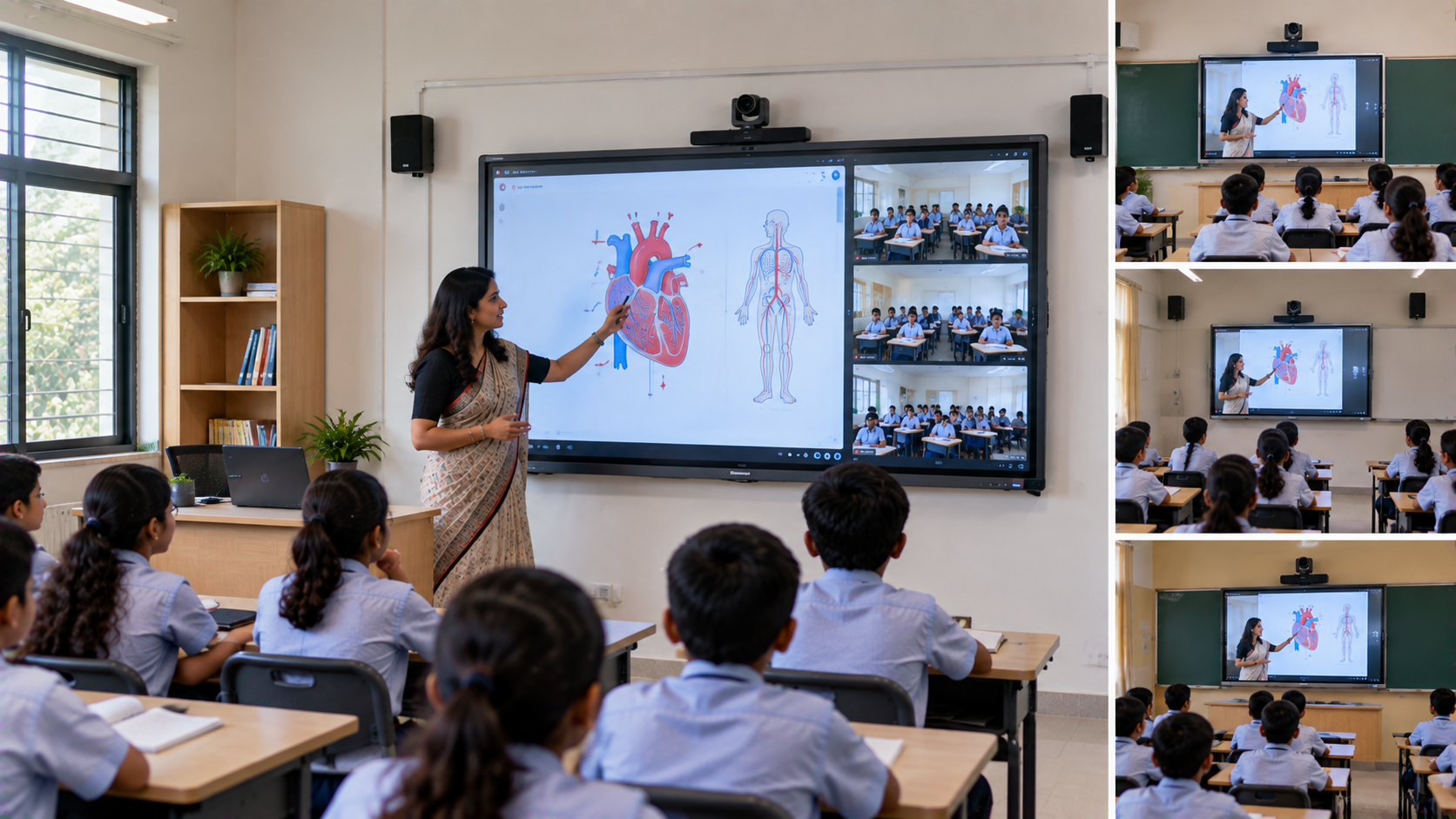
If your event is educational or presentation-focused, audio equipment can be integrated with an interactive panel, digital board or smart classroom system.
GoLive eTechnologies solutions can support applications involving EVOTA interactive panels, Newline interactive panels, MAXHUB digital boards, LG interactive displays and other professional display technologies, subject to current availability.
How GoLive eTechnologies Can Help
GoLive eTechnologies India Private Limited provides technology products and solutions for education, corporate communication, conferencing, live streaming and smart-classroom applications.
Instead of purchasing individual equipment without considering compatibility, customers can evaluate their complete setup based on:
Venue size
Number of speakers and microphones
Recording requirements
Live-streaming requirements
Camera requirements
Interactive display requirements
Installation and connectivity
Budget and current product pricing
Whether you are searching for an online teaching setup, conference room AV system, smart classroom setup, teaching studio setup, podcast equipment or professional event setup, choosing compatible equipment is essential.
Audio Equipment Buying Guide: Price vs Performance
Searching for terms such as Ahuja mike price, Sennheiser wireless microphone price in India, PTZ camera price, capture card price, conference speaker price, or smart board price in India can help you compare options.
However, the lowest-priced product is not always the best choice.
Before purchasing, consider:
Budget → Compatibility → Venue → Usage → Warranty/Support → Scalability
For example, a small classroom may need a simple microphone and speaker arrangement, while a corporate auditorium may require multiple microphones, mixer, amplifier, PTZ cameras, capture devices and streaming equipment.
Final Pre-Event Sound Check
At least 30–60 minutes before the event, perform a complete rehearsal.
Have the actual presenter speak into every microphone while another team member listens from different locations in the venue.
Check:
Front-row audio
Middle-row audio
Back-row audio
Microphone switching
Presentation audio
Video recording
Streaming audio
Audience questions
Backup equipment
This simple process can identify problems before the audience does.
Get Your Event AV Setup from GoLive eTechnologies
From microphones and speakers to PTZ cameras, interactive displays, capture devices and complete smart classroom or teaching studio solutions, GoLive eTechnologies can help you evaluate the right technology for your application.
Check the latest product availability and pricing on the GoLive eTechnologies website before purchasing. Whether you are setting up a school auditorium, college seminar hall, conference room, coaching centre, online teaching studio or hybrid classroom, plan your audio first—and test it before the event.
Ready to upgrade your venue AV setup? Explore GoLive eTechnologies products and enquire about the right audio, video and smart-classroom solution for your requirements.
Your email address will not be published. Required fields are marked *

By Inhype • September 12, 2026
A smart classroom is only as effective as the technology supporting it. Interactive panels, smart boards, PTZ cameras, microphones, speakers, PCs and
Read More
By Inhype • September 12, 2026
Higher education is rapidly moving beyond traditional chalkboards and projectors. Today, colleges and universities need technology that supports inter
Read More
By Inhype • September 12, 2026
A smart classroom for CBSE schools is no longer simply a classroom with a digital board. Modern schools are building connected learning environments t
Read More
By Inhype • September 12, 2026
Planning a smart classroom project for 10, 20 or even 50 classrooms requires more than simply purchasing digital boards. Schools, colleges, universiti
Read More
By Inhype • September 12, 2026
A smart classroom can transform the way teachers explain concepts, students interact with lessons, and institutions deliver digital education. From in
Read More




Golive eTechnologies India Private Limited (CIN - U31909UP2021PTC148242) is one of India's leading providers of smart classrooms, interactive boards, video conferencing solutions, and display technologies for the education, healthcare, corporate, and government sectors.












No comments yet. Be the first to comment!