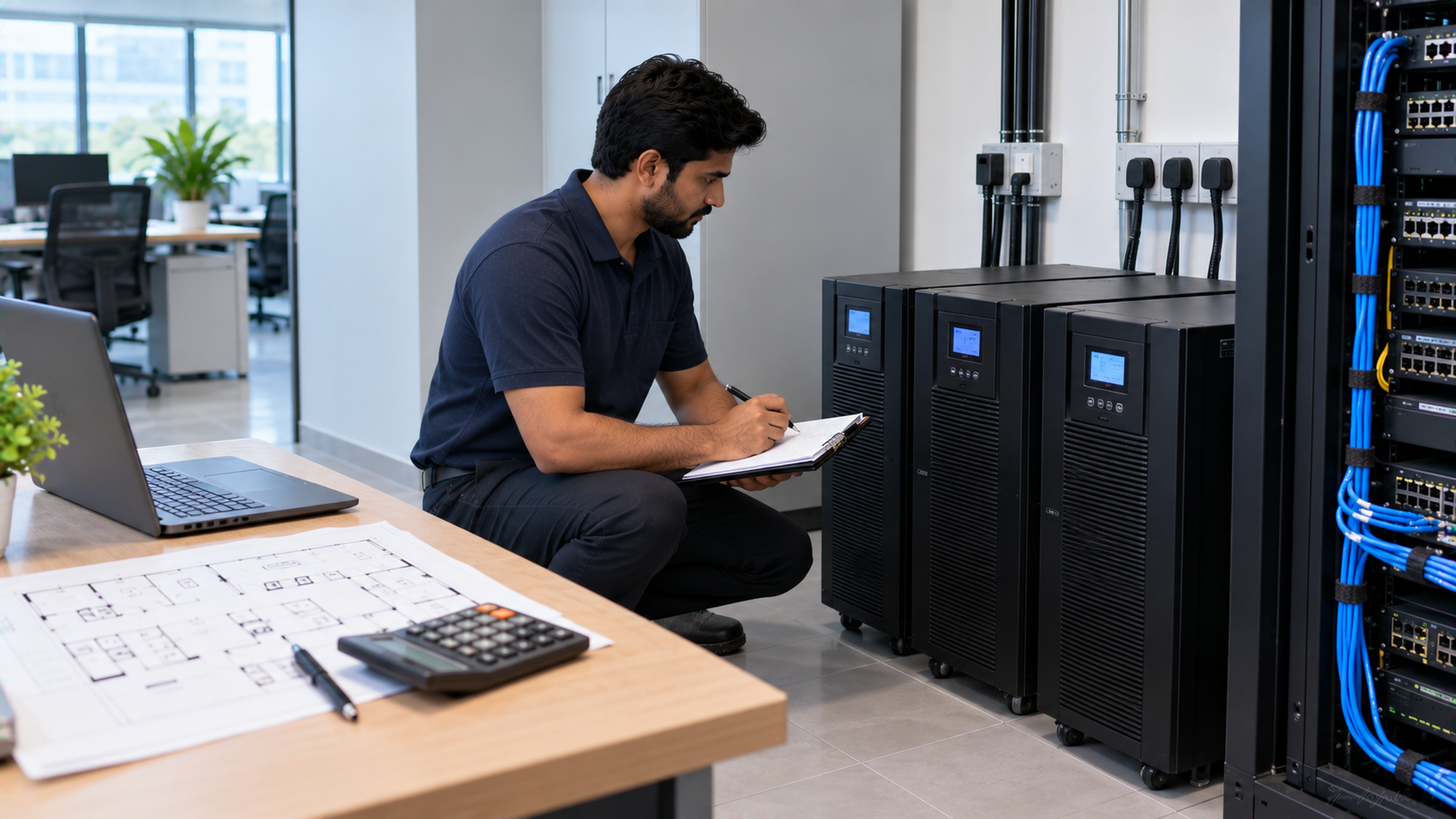
Modern offices depend on computers, monitors, networking equipment, interactive displays, PTZ cameras, conference systems and other digital devices to keep work moving. A sudden power cut or voltage fluctuation can interrupt meetings, cause data loss and affect sensitive electronics. Choosing the right UPS for office IT equipment helps provide backup power while giving employees enough time to save work, shut down systems safely or continue critical operations until power is restored. But how do you calculate the required UPS capacity? The answer starts with understanding your equipment's power consumption, total load and required backup time.
What Is a UPS and Why Does Your Office Need One?
A UPS, or Uninterruptible Power Supply, provides temporary backup power when the main electricity supply fails. Depending on the UPS type and configuration, it can also help protect connected equipment from power disturbances.
For an office environment, a UPS may support:
Desktop computers and monitors
Servers and storage devices
Routers, switches and networking equipment
Interactive flat panels
Digital boards and smart boards
PTZ cameras and conference cameras
Audio equipment
OPS PCs
Video capture and presentation equipment
For businesses investing in an Evota interactive panel, MAXHUB digital board, LG interactive panel or Newline interactive panel, power protection should be considered as part of the overall technology setup—not as an afterthought.
GoLive eTechnologies provides technology solutions across interactive panels, cameras, PCs/OPS systems, commercial displays, microphones and other office technology categories.
How to Calculate UPS Capacity for Office Equipment
The simplest approach is to calculate the total wattage of all equipment that needs backup.
Step 1: Make a List of Connected Devices
Start by listing every device that you want the UPS to support.
For example:
|
Office Equipment |
Approx. Load |
|---|---|
|
Desktop PC |
250 W |
|
Monitor |
40 W |
|
Router + Switch |
50 W |
|
Interactive Panel |
250 W |
|
PTZ Camera |
20 W |
|
Audio Equipment |
50 W |
|
Estimated Total |
660 W |
These are illustrative values. Always check the actual power rating or manufacturer specification of your equipment before final UPS selection.
Step 2: Calculate Total Load
Add the wattage of all devices:
Total Load = PC + Monitor + Network + Display + Camera + Other Equipment
Using the example above:
250 + 40 + 50 + 250 + 20 + 50 = 660 W
Your UPS therefore needs to support at least this connected load.
Step 3: Add a Safety Margin
It is generally better not to operate a UPS continuously at its maximum capacity.
A practical planning margin can account for:
Future equipment additions
Temporary load increases
Startup requirements
Additional peripherals
Changes in office configuration
For example, if your calculated load is 660 W, adding approximately 20–30% planning headroom gives a target of roughly 792–858 W.
The final UPS selection should still be based on the manufacturer's specified watt and VA ratings.
VA vs Watts: What Size UPS Do You Actually Need?
One of the most common mistakes when buying a UPS is looking only at VA.
UPS capacity is commonly expressed in VA (Volt-Amperes), while equipment consumption is often expressed in watts (W).
The relationship is affected by the equipment's power factor:
Watts = VA × Power Factor
Therefore:
Required VA = Required Watts ÷ Power Factor
For example, if your connected equipment requires 800 W and the applicable power factor is 0.8:
800 ÷ 0.8 = 1,000 VA
This means a 1,000 VA UPS may meet the calculated requirement under those assumptions. However, the manufacturer's specifications, actual load and desired operating margin should always be checked before purchase.
For offices with multiple computers, servers or AV devices, professional UPS sizing is preferable to selecting a model solely from a generic UPS price in India search.
How Much UPS Capacity Does an Office Need?
There is no single UPS size that works for every office.
Your requirement depends on:
Number of devices + total wattage + power factor + desired backup time + future expansion
For example:
Small Office Setup
A small office with a few computers, monitors, router and networking equipment may require a comparatively smaller UPS.
Meeting Room Setup
A conference room could include:
Interactive display
OPS PC
PTZ camera
Conference microphone
Speakers
Laptop
Network equipment
In this case, the UPS should be sized around the combined load of the equipment that actually needs backup.
Smart Classroom or Training Room
A smart classroom may combine an Evota smart board, OPS PC, PTZ camera, speakers and networking equipment. GoLive's technology ecosystem includes interactive panels, PTZ cameras, OPS PCs and supporting AV equipment that can be planned as an integrated solution.
Server or Critical IT Setup
Servers, storage systems and networking equipment often require more carefully engineered UPS systems and longer backup requirements. In such cases, professional load assessment is recommended.
UPS Backup Time: Capacity Isn't the Same as Runtime
A larger UPS does not automatically mean longer backup time.
UPS capacity determines how much load the UPS can support.
Battery capacity and connected load influence how long it can provide backup.
For example, an office may need:
5–10 minutes to save work and shut down
15–30 minutes for short operational continuity
Longer backup when the UPS is integrated with additional battery banks or a generator strategy
The required runtime should therefore be decided before finalising the UPS.
Online UPS vs Other UPS Options for Office IT Equipment
For sensitive IT and AV equipment, the UPS type also matters.
|
UPS consideration |
Suitable application |
|---|---|
|
Basic backup UPS |
PCs and standard office peripherals |
|
Line-interactive UPS |
Offices requiring improved power conditioning |
|
Online UPS |
Sensitive IT, AV and critical equipment |
|
UPS + generator |
Larger facilities requiring extended backup |
An online UPS can be particularly relevant where equipment is sensitive to power quality and uninterrupted operation is important.
GoLive has also published guidance around UPS solutions for smart classrooms and studio environments, highlighting the importance of matching UPS sizing to connected equipment and the required application.
Why UPS Protection Matters for Interactive Panels and PTZ Cameras
Modern office technology can represent a significant investment.
For example, GoLive's current catalogue includes Evota interactive panels, MAXHUB interactive panels, LG CreateBoard displays, PTZ cameras and OPS PCs. Current listed prices vary considerably by model and configuration, making appropriate power protection relevant to the overall technology investment.
A UPS can help businesses:
Maintain continuity during short outages
Give users time to save work
Reduce disruption during meetings
Support controlled shutdowns
Protect connected technology from certain power disturbances
Improve reliability of technology-intensive rooms
The goal isn't simply to buy the biggest UPS. It is to select the right UPS for the actual load and application.
UPS Buying Checklist for Indian Offices
Before purchasing, check:
Total connected wattage
Required VA rating
Power factor
Required backup time
UPS type
Battery capacity
Number of output sockets
Equipment compatibility
Warranty and service
Installation requirements
Future expansion
Total cost of ownership
Don't compare only the headline UPS price in India. Consider installation, support, battery replacement, warranty and long-term operating requirements.
Why Choose GoLive eTechnologies for Office Technology Solutions?
Choosing the right equipment is only one part of building a reliable office technology environment.
GoLive eTechnologies follows an end-to-end approach covering selection, deployment, installation, training and support. Its current portfolio includes interactive flat panels, commercial displays, PC/OPS systems, cameras, microphones, speakers and related technology solutions.
Whether you're setting up a corporate meeting room, training centre, smart classroom, hybrid workplace or online teaching studio, the objective is simple:
Right solution + fast deployment + installation + support = greater peace of mind.
GoLive also supports India-wide deployments, with a service presence in Delhi NCR.
Final Takeaway
Calculating UPS capacity doesn't have to be complicated.
Start by calculating your total equipment wattage, convert the requirement into an appropriate VA capacity, add sensible headroom and determine the backup time you actually need.
For offices using interactive displays, cameras, PCs and AV equipment, UPS planning should be part of the complete technology deployment.
Technology that works, backed by people who help.
Explore office technology solutions from GoLive eTechnologies and get support in selecting the right combination of equipment, installation and ongoing assistance.
Your email address will not be published. Required fields are marked *

By Inhype • September 12, 2026
A smart classroom is only as effective as the technology supporting it. Interactive panels, smart boards, PTZ cameras, microphones, speakers, PCs and
Read More
By Inhype • September 12, 2026
Higher education is rapidly moving beyond traditional chalkboards and projectors. Today, colleges and universities need technology that supports inter
Read More
By Inhype • September 12, 2026
A smart classroom for CBSE schools is no longer simply a classroom with a digital board. Modern schools are building connected learning environments t
Read More
By Inhype • September 12, 2026
Planning a smart classroom project for 10, 20 or even 50 classrooms requires more than simply purchasing digital boards. Schools, colleges, universiti
Read More
By Inhype • September 12, 2026
A smart classroom can transform the way teachers explain concepts, students interact with lessons, and institutions deliver digital education. From in
Read More




Golive eTechnologies India Private Limited (CIN - U31909UP2021PTC148242) is one of India's leading providers of smart classrooms, interactive boards, video conferencing solutions, and display technologies for the education, healthcare, corporate, and government sectors.





















No comments yet. Be the first to comment!