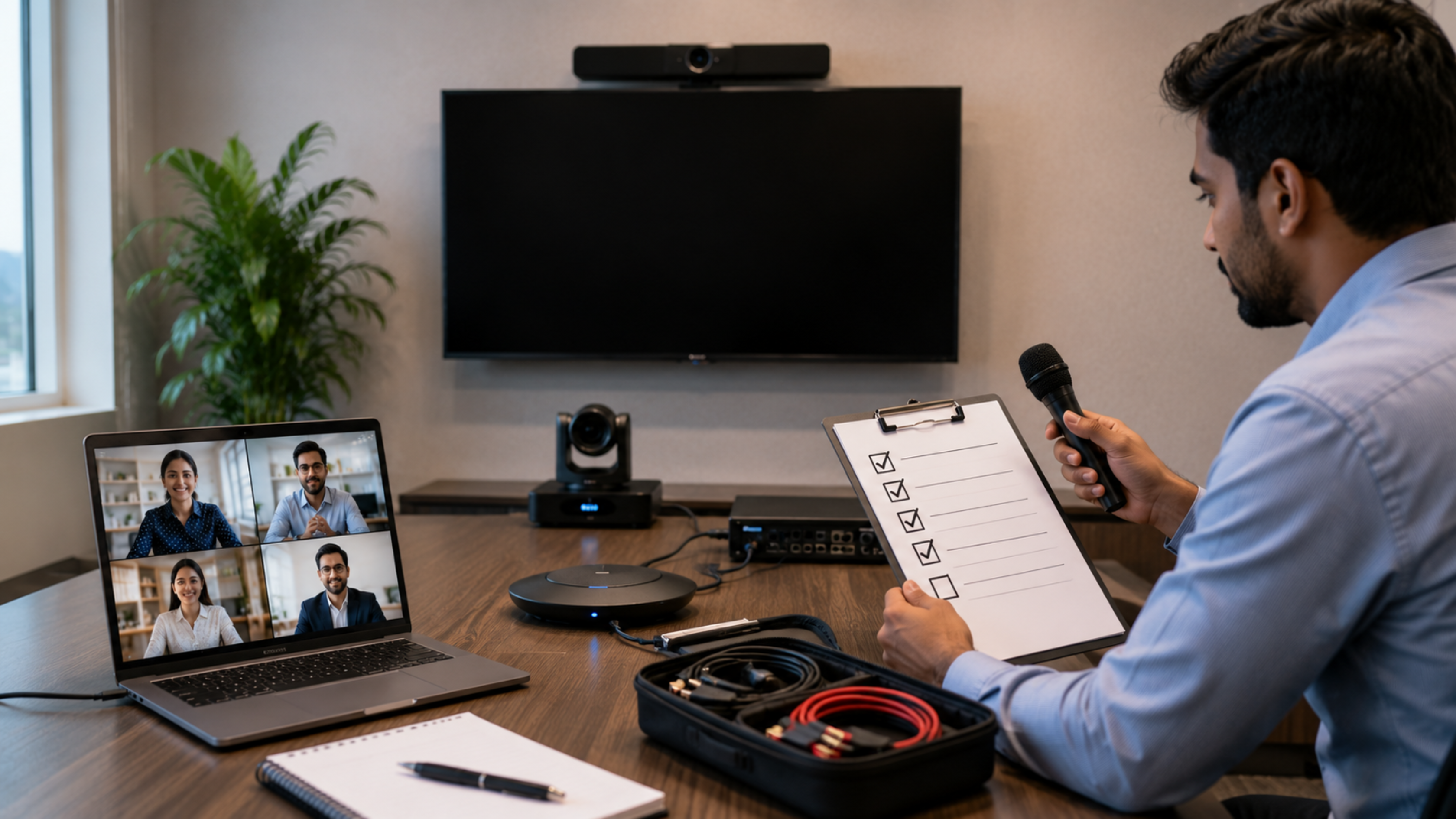
In today's hybrid workplace, online classrooms, boardrooms, and virtual collaboration spaces, clear audio is more important than high-quality video. Even the best cameras cannot compensate for poor sound quality. Whether you're hosting client meetings, conducting webinars, teaching online, or collaborating across multiple locations, investing in the right conference audio setup significantly improves communication and productivity. At GoLive eTechnologies India Private Limited, businesses, educational institutions, government organizations, and enterprises can find professional audio-visual solutions that deliver exceptional conferencing experiences. From EVOTA 4K PTZ Camera, conference room speakers, interactive flat panel displays, and wireless microphones to complete smart meeting room solutions, GoLive eTechnologies helps organizations build reliable conferencing environments across India.
Why Audio Quality Matters More Than Video
Research consistently shows that participants are more likely to tolerate lower video quality than distorted or interrupted audio. Poor sound leads to:
Miscommunication during meetings
Reduced participant engagement
Meeting fatigue
Repeated conversations
Lower productivity
Poor client experience
A professional conference room should deliver natural, echo-free, and uninterrupted communication regardless of room size.
Your Complete Video Conferencing Audio Setup Checklist
1. Choose the Right Conference Microphone
The microphone forms the foundation of every conferencing setup.
Depending on your meeting room, choose:
Ceiling microphones
Wireless microphones
Boundary microphones
Conference speakerphones
USB conference microphones
For teachers, trainers, and presenters, wireless microphones offer greater mobility while maintaining consistent audio quality.
GoLive eTechnologies offers enterprise-grade conferencing accessories suitable for classrooms, corporate boardrooms, hybrid offices, and training centres.
2. Position Microphones Correctly
Even premium microphones perform poorly if placed incorrectly.
Best practices include:
Keep microphones close to speakers.
Avoid placing microphones near speakers.
Reduce table vibrations.
Minimize background noise.
Keep microphones away from AC vents.
Proper placement significantly reduces echo and unwanted noise.
3. Select Professional Conference Speakers
Using ordinary desktop speakers often creates feedback and uneven sound.
Professional conference room speakers provide:
Uniform sound coverage
Clear voice reproduction
Better speech intelligibility
Reduced distortion
Consistent volume across the room
GoLive eTechnologies offers integrated conferencing solutions designed for meeting rooms of various sizes.
4. Invest in a High-Quality PTZ Camera
Although this guide focuses on audio, video equipment complements the overall conferencing experience.
The EVOTA 4K PTZ Camera combines:
Ultra HD 4K resolution
Smooth pan, tilt, and zoom functionality
AI-based tracking
Wide-angle coverage
Professional meeting integration
The EVOTA 10X HD PTZ Camera is another excellent choice for medium-sized conference rooms, lecture halls, and training centres.
5. Reduce Echo Inside the Room
Room acoustics have a major impact on meeting quality.
Simple improvements include:
Carpets
Curtains
Acoustic panels
Soft furnishings
Fabric wall panels
Avoid large empty rooms with reflective surfaces that create echo.
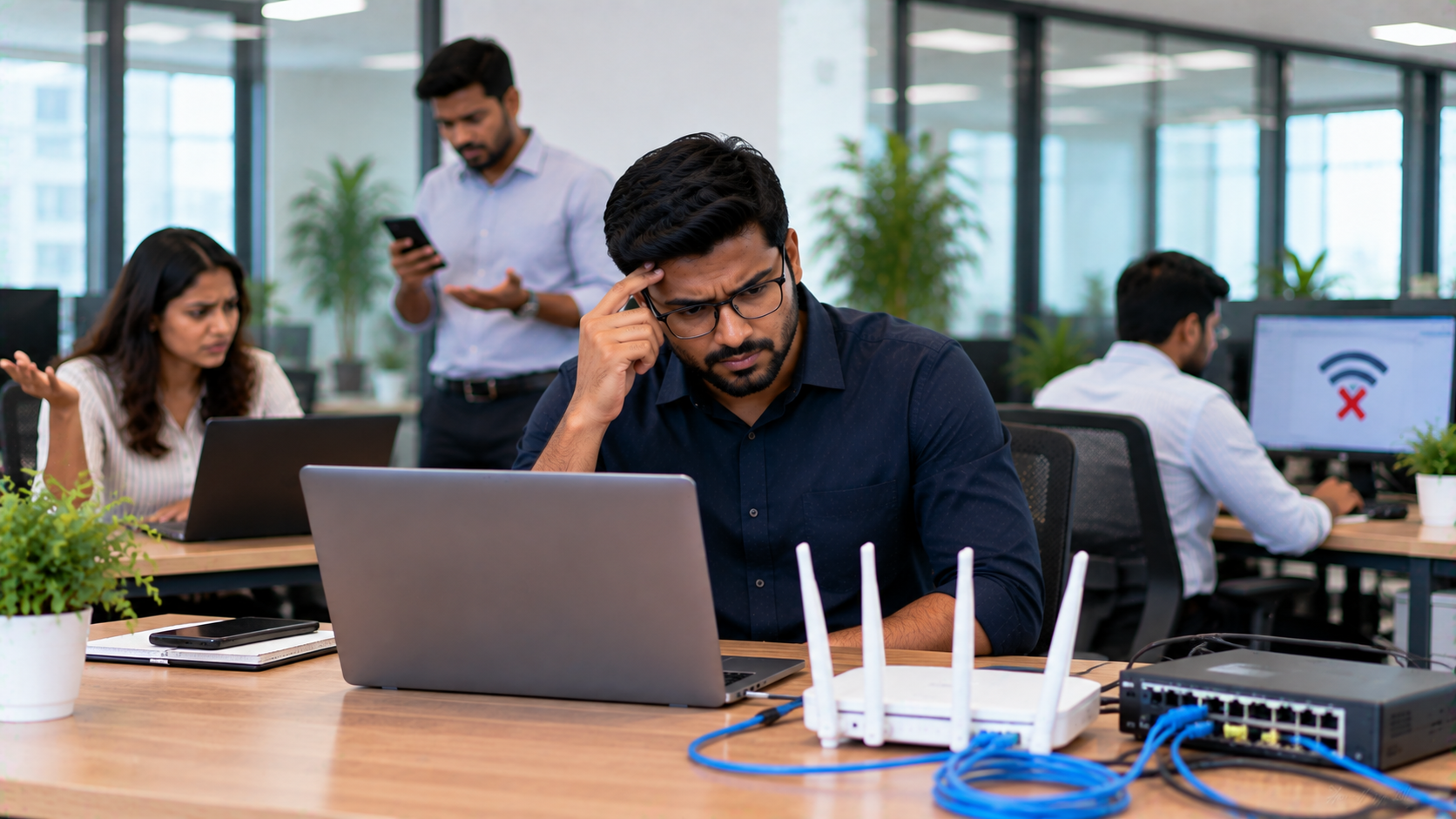
6. Ensure Stable Internet Connectivity
Audio dropouts are often caused by unstable internet rather than faulty equipment.
Recommended practices:
Use wired Ethernet whenever possible.
Maintain adequate upload bandwidth.
Prioritize conferencing traffic on your network.
Keep firmware updated.
Stable connectivity ensures uninterrupted communication.
7. Use Professional Interactive Displays
Modern conference rooms increasingly rely on interactive flat panel displays instead of traditional projectors.
Solutions such as:
EVOTA Interactive Panel
MAXHUB Smart Board
LG Interactive Digital Board
Newline Interactive Panel
allow teams to collaborate, annotate, present, and conduct hybrid meetings more efficiently.
These digital boards integrate seamlessly with conferencing platforms while improving participant engagement.
8. Test Your Audio Before Every Meeting
A two-minute pre-meeting check can prevent major disruptions.
Verify:
Microphone levels
Speaker output
Camera positioning
Internet speed
Background noise
Screen sharing
Software updates
Regular testing ensures professional meeting experiences.
9. Choose Compatible AV Equipment
Your conferencing devices should work seamlessly with commonly used collaboration platforms.
GoLive eTechnologies provides integrated AV solutions compatible with leading video conferencing ecosystems, making deployment and management simpler for organizations.
10. Build a Future-Ready Meeting Room
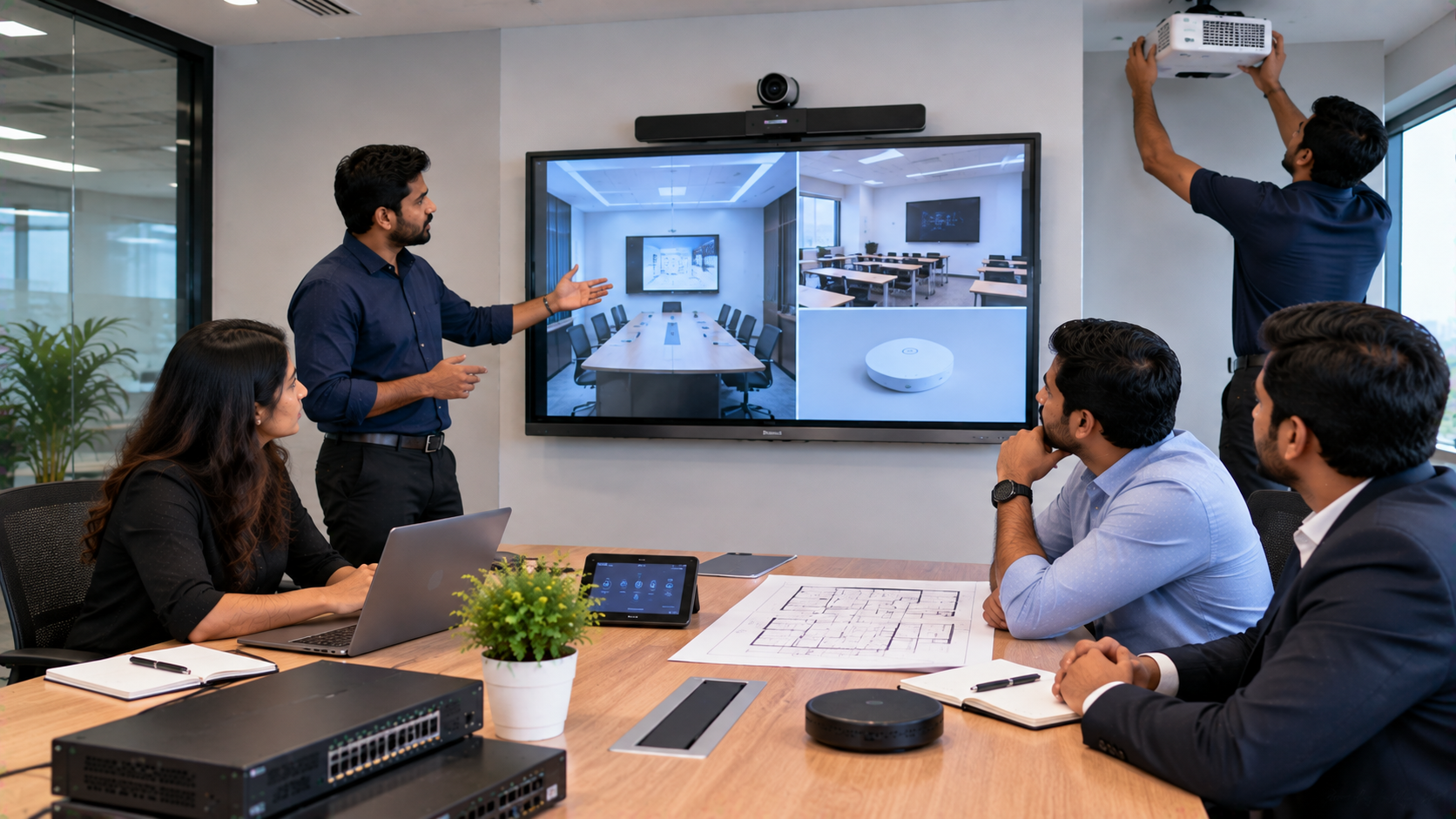
Instead of purchasing individual products separately, consider a complete conference room ecosystem.
A professional setup may include:
EVOTA Interactive Flat Panel
EVOTA 4K Camera
Conference microphone
Conference room speakers
Wireless presentation system
Digital writing solutions
Smart classroom accessories
HDMI connectivity accessories
This integrated approach reduces compatibility issues while improving productivity.
Why Choose GoLive eTechnologies?
GoLive eTechnologies is a trusted provider of professional AV and collaboration solutions across India.
Their portfolio includes:
EVOTA Interactive Panels
EVOTA Smart Boards
EVOTA PTZ Cameras
MAXHUB Interactive Displays
LG Interactive Digital Boards
Newline Interactive Panels
Logitech Conference Cameras
Digital Board Solutions
Smart Classroom Equipment
Online Teaching Studio Setup Solutions
Conference Room Audio Systems
Whether you're setting up a classroom, training room, boardroom, or hybrid office, GoLive eTechnologies offers solutions tailored to your needs, with products available in multiple sizes and configurations. Pricing varies based on screen size, camera specifications, room requirements, and installation scope.
Final Thoughts
A flawless video conferencing experience begins with excellent audio. By choosing quality microphones, professional speakers, reliable PTZ cameras, and interactive displays, organizations can create meeting spaces that enhance communication and collaboration.
If you're planning a conference room, smart classroom, or hybrid workspace, GoLive eTechnologies offers complete AV solutions designed for performance, scalability, and long-term value.
Your email address will not be published. Required fields are marked *

By Inhype • September 12, 2026
A smart classroom is only as effective as the technology supporting it. Interactive panels, smart boards, PTZ cameras, microphones, speakers, PCs and
Read More
By Inhype • September 12, 2026
Higher education is rapidly moving beyond traditional chalkboards and projectors. Today, colleges and universities need technology that supports inter
Read More
By Inhype • September 12, 2026
A smart classroom for CBSE schools is no longer simply a classroom with a digital board. Modern schools are building connected learning environments t
Read More
By Inhype • September 12, 2026
Planning a smart classroom project for 10, 20 or even 50 classrooms requires more than simply purchasing digital boards. Schools, colleges, universiti
Read More
By Inhype • September 12, 2026
A smart classroom can transform the way teachers explain concepts, students interact with lessons, and institutions deliver digital education. From in
Read More




Golive eTechnologies India Private Limited (CIN - U31909UP2021PTC148242) is one of India's leading providers of smart classrooms, interactive boards, video conferencing solutions, and display technologies for the education, healthcare, corporate, and government sectors.

No comments yet. Be the first to comment!