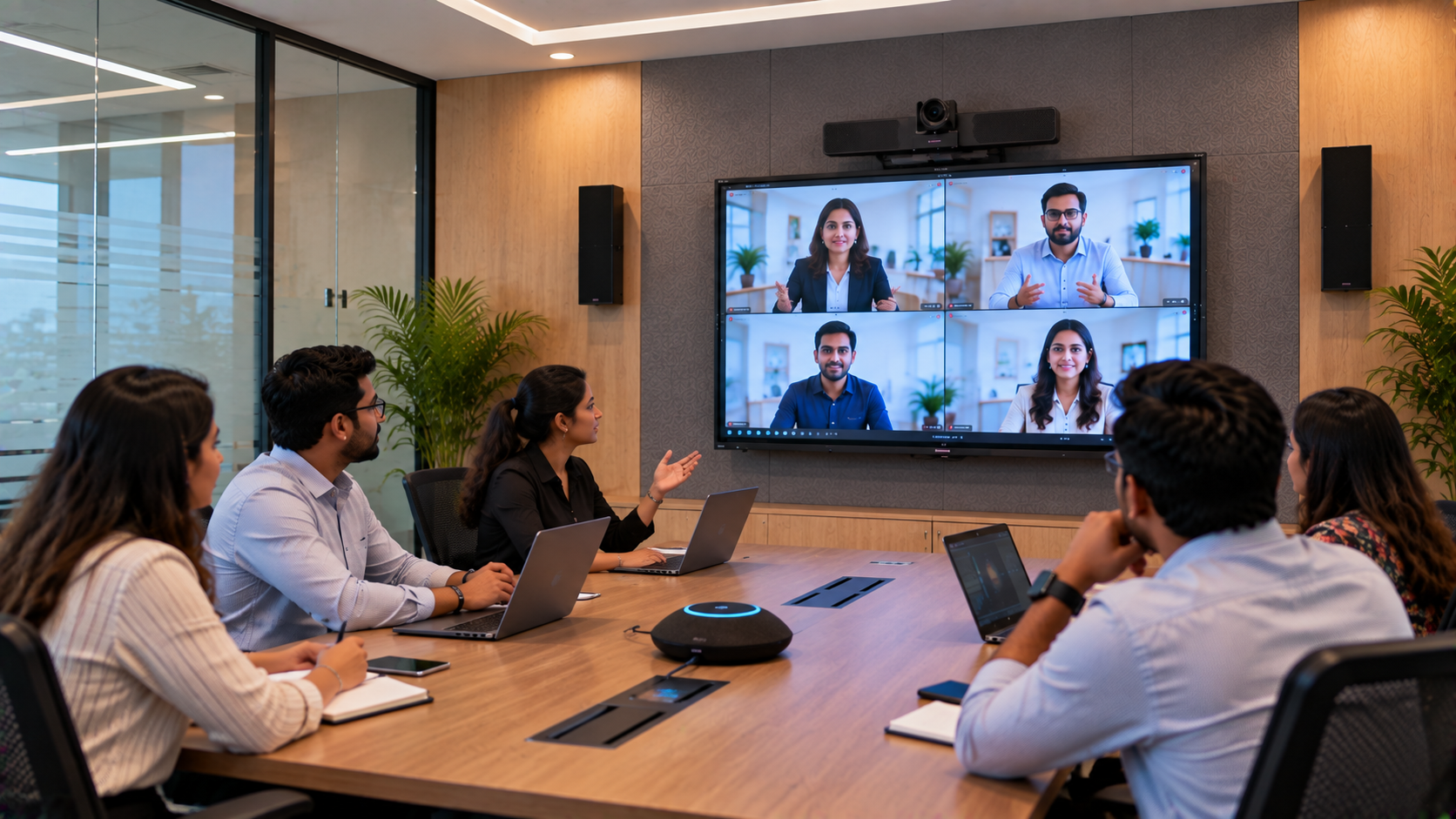
In a modern workplace, a conference room is more than a table, chairs and a display. It is where teams discuss projects, meet clients, train employees and connect with colleagues working remotely. But when voices sound distant, microphones pick up background noise or remote participants struggle to hear the conversation, even a well-equipped meeting room can become frustrating. For businesses looking for a conference room audio system in Lucknow, the solution starts with understanding the room, choosing compatible equipment and configuring everything to work together. GoLive eTechnologies helps businesses explore audio-visual solutions that can include conference room speakers, microphones, amplifiers, mixers and video-conferencing equipment. Its broader AV approach covers product selection, installation, configuration, training and post-sales assistance. Explore GoLive’s corporate meeting room AV guide. This solution guide explains how a company in Lucknow can plan a practical conference room audio upgrade—with less technology headache and more confidence in the final setup.
Why Conference Room Audio Problems Affect Business Meetings
Poor audio is not simply an equipment issue. It can affect how effectively people communicate and make decisions.
Common problems include:
Low microphone pickup: Participants sitting farther away are difficult to hear.
Echo and reverberation: Hard walls, glass partitions and empty spaces make voices sound unclear.
Background noise: Air conditioning, keyboards and nearby conversations interfere with speech.
Uneven speaker coverage: Some participants hear clearly while others struggle.
Hybrid meeting difficulties: In-room participants may hear one another, but remote attendees miss important details.
Complex controls: Employees waste time reconnecting devices or adjusting settings before meetings.
The right upgrade should address these problems rather than simply adding a louder speaker or buying the most expensive microphone.
Step 1: Assess the Room Before Choosing Equipment
The first step is to identify how the conference room is used. A small room for four to six people may need a compact USB speakerphone, while a larger boardroom may require dedicated microphones, multiple speakers, an amplifier or a mixer.
Before purchasing equipment, consider:
Room dimensions and seating arrangement
Number of people attending meetings
Whether participants join through video-conferencing platforms
Existing laptops, displays, cameras and connectivity
Microphone pickup requirements and speaker placement
Acoustic issues, cabling and power availability
Installation, training and ongoing support requirements
This assessment helps businesses avoid buying incompatible products or equipment that does not suit the room.
Step 2: Select the Right Conference Room Microphones and Speakers
A good conference room audio setup balances clear voice pickup with even sound distribution. GoLive eTechnologies lists conference microphones, wireless and wired microphones, conference room speakers, Ahuja audio equipment, amplifiers, mixers and related AV components among the solutions businesses can explore. See GoLive’s conference room speaker guide.
Equipment options for different meeting spaces
Small meeting rooms: A USB conference speakerphone with an integrated microphone and speaker may be sufficient for a compact team meeting.
Medium-sized conference rooms: A dedicated conference microphone and appropriately placed speakers may provide better coverage when several people sit around a table.
Large boardrooms and training rooms: Multiple microphones, professional speakers, an amplifier or mixer and carefully planned placement may be needed. The final configuration depends on room acoustics and the number of participants.
Hybrid meeting rooms: Microphones and speakers should be compatible with the computer and conferencing platform. Echo control, connectivity and remote-participant audio need to be tested during setup.
For larger or more demanding installations, businesses can evaluate suitable Ahuja audio solutions, microphone systems and other compatible professional equipment. Product choice should be based on actual requirements, not brand name alone.
Step 3: Integrate Audio with the Existing AV Setup
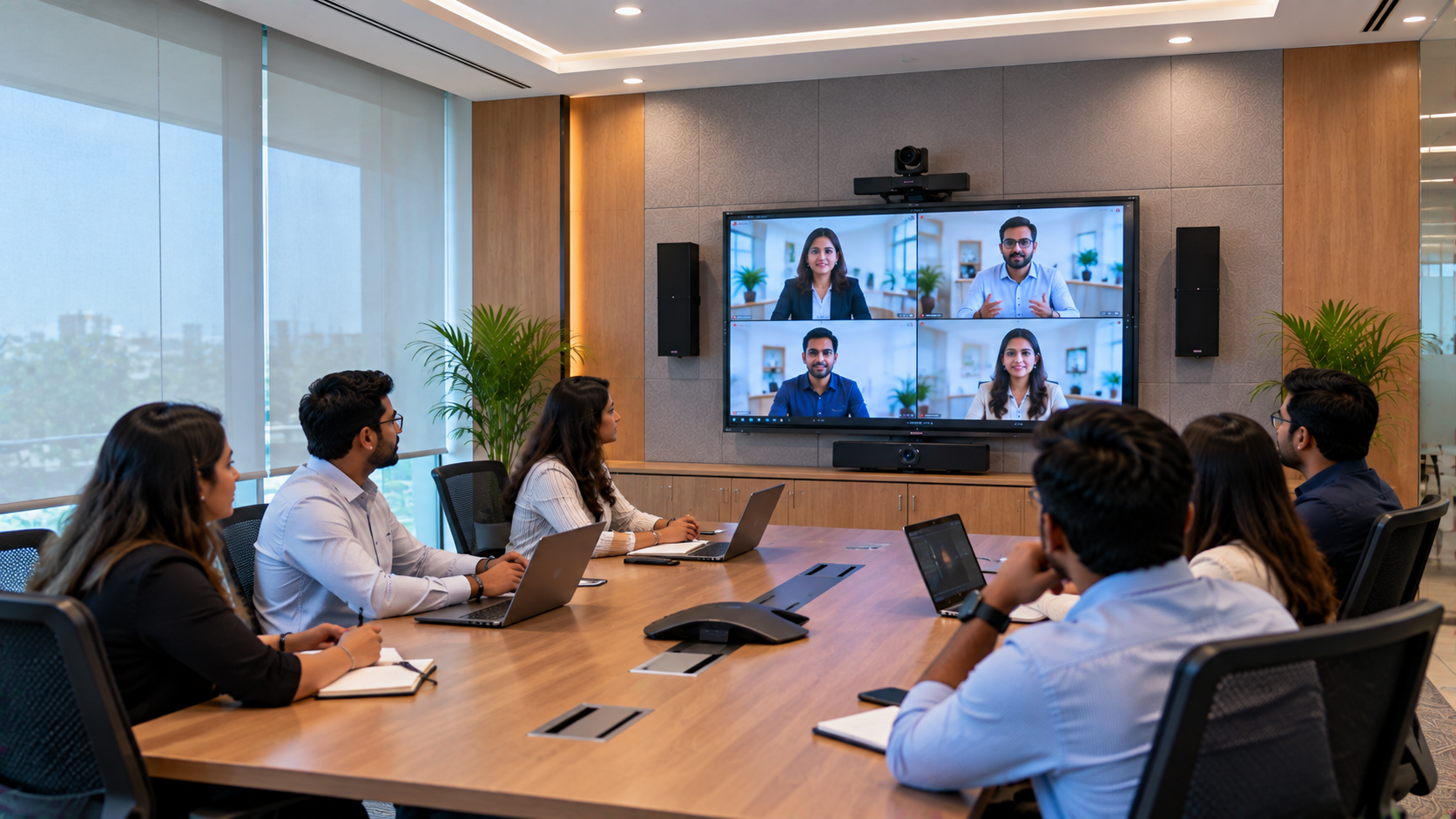
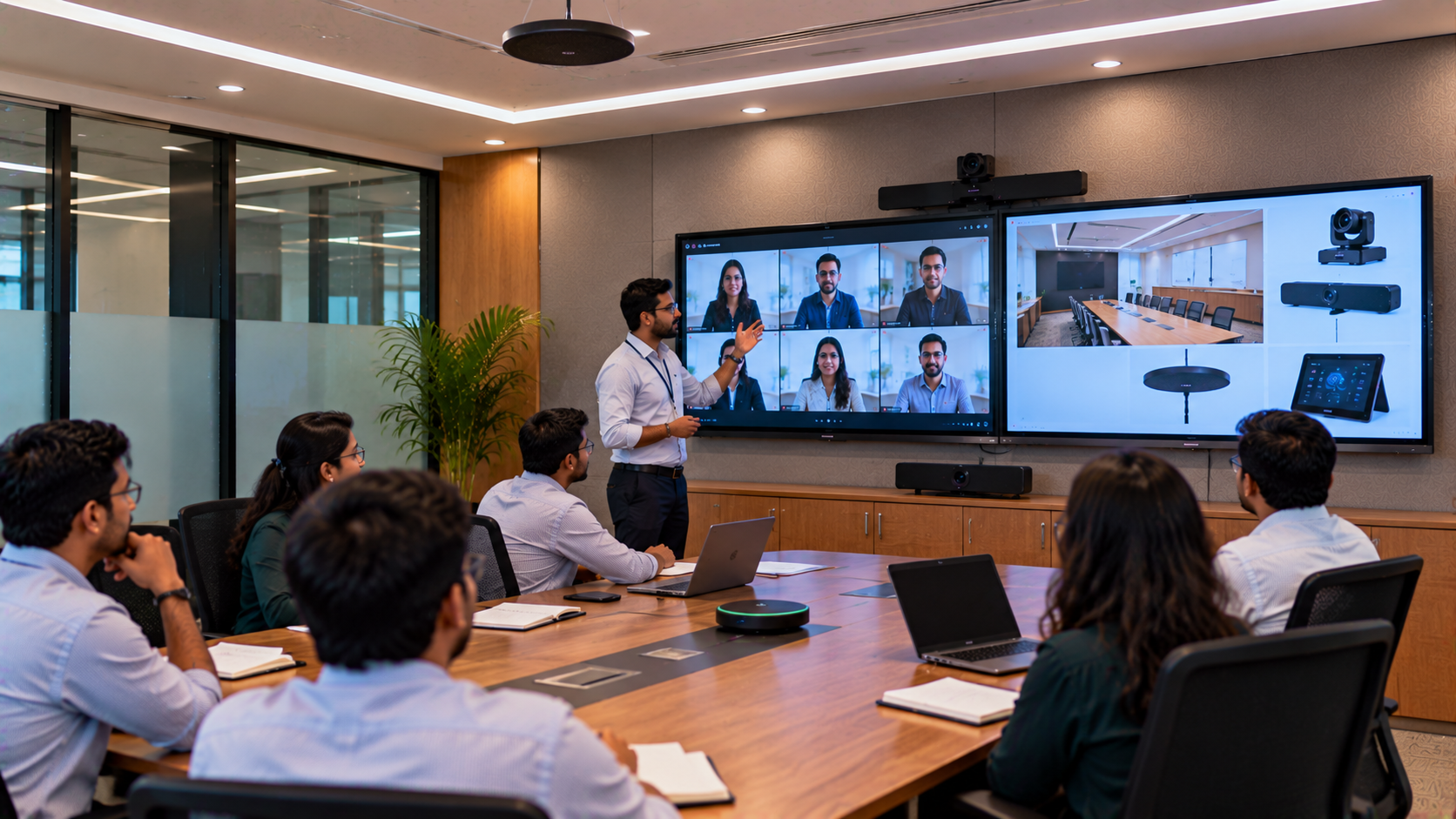
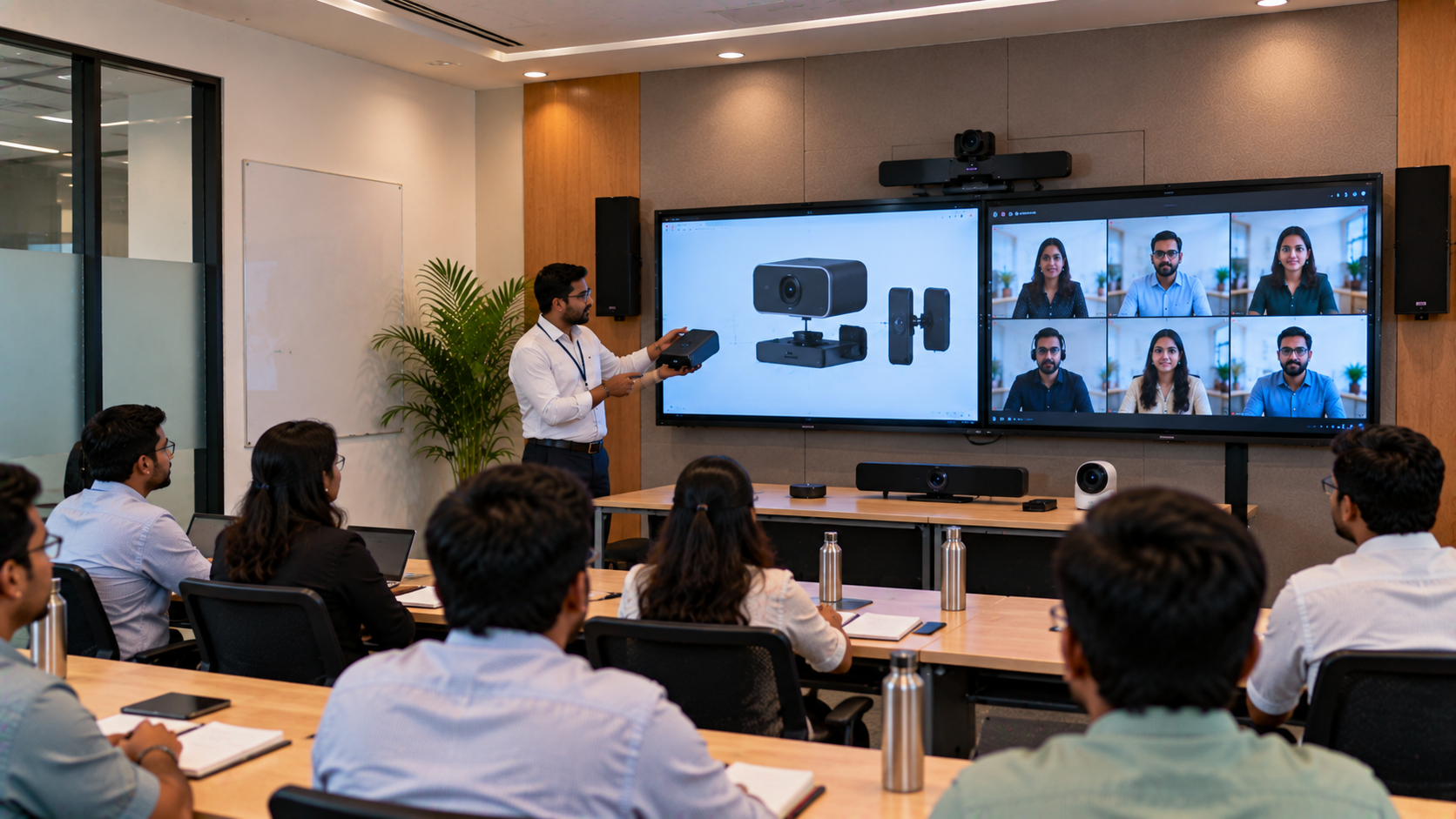
Audio is only one part of a productive meeting room. A company may also use a display, interactive panel, webcam or PTZ camera for presentations and hybrid meetings.
Depending on the requirement, GoLive eTechnologies can help businesses explore a wider setup involving:
Conference room speakers and microphones for clear communication
Ahuja amplifiers and mixers where the room needs additional amplification or audio control
EVOTA PTZ cameras or compatible Logitech PTZ cameras for video conferencing and room coverage
EVOTA interactive panels, MAXHUB smart boards, LG interactive panels or Newline interactive panels for presentations and collaboration
Suitable HDMI, USB and other connectivity accessories to connect compatible devices
These products serve different purposes and are not all required for every room. An interactive panel or PTZ camera can complement a conference room, but neither replaces a properly designed microphone and speaker system.
GoLive’s conference room AV guidance highlights the importance of selecting compatible displays, cameras, microphones, speakers and connectivity as parts of a coordinated system. Read the conference room AV installation checklist.
Step 4: Install, Configure and Test the Complete System
Even good equipment can underperform when installed or configured incorrectly. A well-planned deployment should include:
Equipment selection: Match the microphone, speakers and accessories to the room.
Placement planning: Position microphones for useful voice pickup and speakers for consistent coverage.
Connectivity checks: Confirm that the devices connect correctly to computers, displays and conferencing equipment.
Audio configuration: Adjust input levels, output volume and available echo or noise-control settings.
Real-meeting testing: Test from different seats and include a remote participant where possible.
User training: Show employees how to start meetings, select the correct audio device and handle basic troubleshooting.
After-sales assistance: Provide a clear route for product or technical support.
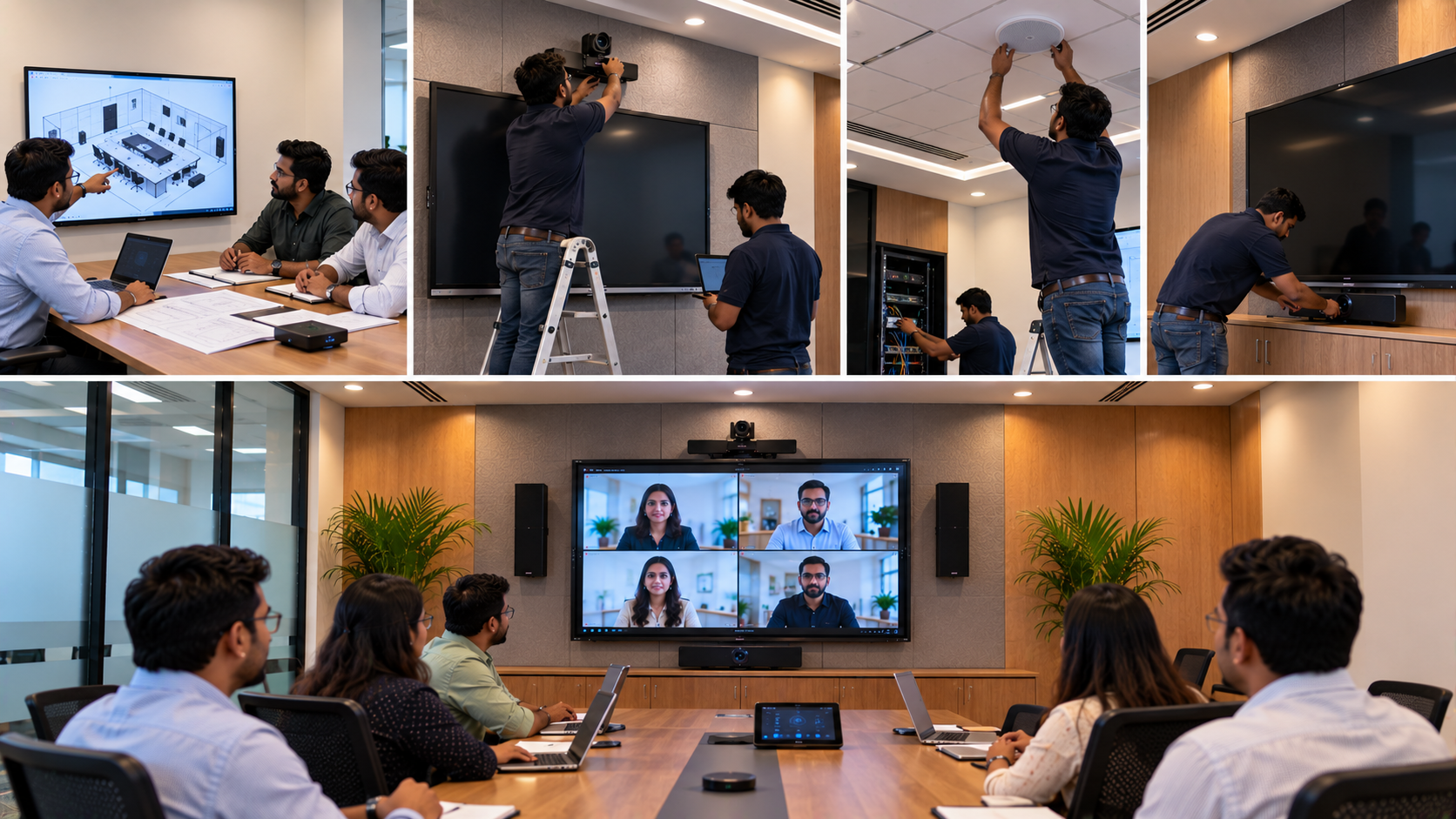
GoLive eTechnologies’ published AV installation guidance covers room planning, device configuration, connectivity, integration testing and user training. Explore its AV installation approach.
Before and After: What a Better Audio Plan Can Change
|
Basic or unplanned setup |
Properly planned audio solution |
|---|---|
|
Laptop microphone used for every meeting |
Microphone selected for room size and seating |
|
Sound is uneven around the room |
Speaker placement planned for more consistent coverage |
|
Echo and background noise go unchecked |
Acoustic and configuration issues are assessed |
|
Employees troubleshoot devices themselves |
Setup is tested and users receive guidance |
|
Equipment is purchased separately |
Compatibility is considered before installation |
These are expected benefits of a suitable design, not measured results from a verified Lucknow customer project. Actual performance depends on the room, equipment and installation.
Why Choose GoLive eTechnologies for Conference Room Audio in Lucknow?
GoLive eTechnologies India Private Limited supports customers exploring audio-visual, conferencing, display and collaboration technologies. For businesses in Lucknow and other Indian cities, the value of a solution-led approach is that equipment selection and implementation can be considered together rather than as separate tasks. Contact GoLive eTechnologies.
The brand promise is simple: Technology that works, backed by people who help.
That means focusing on:
The right solution: Equipment selected around your room and meeting needs.
Fast deployment: A planned approach to equipment, connectivity and implementation.
Installation and configuration: Help integrating compatible devices into the room.
Training and assistance: Guidance so employees can use the setup confidently.
Support beyond purchase: A point of contact for product and technical queries.
Customer feedback and GoLive eTechnologies reviews can also help prospective buyers evaluate the service experience. Review statements should be checked on the relevant published review platform before specific quotations or performance claims are used in marketing.
How Much Does a Conference Room Audio System Cost in India?
The conference room speaker and microphone price depends on the type of system, room size, microphone count, speaker requirements, amplification, connectivity, installation and any integration with existing AV equipment.
A compact conference speakerphone will generally have different requirements from a large boardroom system. For an accurate quotation, share your room size, participant count, meeting format, existing equipment and preferred budget with GoLive eTechnologies. Ask for a productised quotation that clearly identifies equipment, compatible accessories, installation scope and applicable taxes or other charges.
Prices, stock and delivery timelines should be confirmed for the selected products and delivery location rather than assumed from generic online search terms.
Plan Your Conference Room Audio Upgrade with GoLive eTechnologies
If your Lucknow office is experiencing unclear voices, uneven sound or frustrating hybrid meetings, start with a room assessment and a compatible equipment plan. GoLive eTechnologies can help you explore conference microphones, speakers, Ahuja audio solutions and supporting AV products based on your requirements.
Technology that works, backed by people who help. Contact GoLive eTechnologies to discuss your conference room audio requirements, request a quotation and check delivery and installation options for Lucknow or your location in India.
Next step: Visit GoLive eTechnologies or contact the team through the official contact page.
Your email address will not be published. Required fields are marked *

By Inhype • September 12, 2026
A smart classroom is only as effective as the technology supporting it. Interactive panels, smart boards, PTZ cameras, microphones, speakers, PCs and
Read More
By Inhype • September 12, 2026
Higher education is rapidly moving beyond traditional chalkboards and projectors. Today, colleges and universities need technology that supports inter
Read More
By Inhype • September 12, 2026
A smart classroom for CBSE schools is no longer simply a classroom with a digital board. Modern schools are building connected learning environments t
Read More
By Inhype • September 12, 2026
Planning a smart classroom project for 10, 20 or even 50 classrooms requires more than simply purchasing digital boards. Schools, colleges, universiti
Read More
By Inhype • September 12, 2026
A smart classroom can transform the way teachers explain concepts, students interact with lessons, and institutions deliver digital education. From in
Read More




Golive eTechnologies India Private Limited (CIN - U31909UP2021PTC148242) is one of India's leading providers of smart classrooms, interactive boards, video conferencing solutions, and display technologies for the education, healthcare, corporate, and government sectors.







No comments yet. Be the first to comment!